# Reseller Documentation (EN)

General Info, Tools, APIs

# General Information

# What is an "OT+E" System?

<article id="bkmrk--3"></article><article id="bkmrk--4"></article><article id="bkmrk--5"></article><article id="bkmrk--6"></article><article id="bkmrk--7"></article><article id="bkmrk--8"></article><article id="bkmrk-www.ote.joker.com-%28s">OT&amp;E stands for Operational Test &amp; Evaluation, which is a type of testing and evaluation system that is designed to avoid any impact on real data or assets such as registered domains or contacts.

At Joker.com, we have an OT&amp;E system that is essentially a duplicate of our main system, with special "fake" registries that are used for testing and evaluation purposes. This allows our resellers to test their scripts and methods using the Joker.com API and tools, without having to worry about making changes to real data.

With our OT&amp;E system, resellers can perform domain orders and object manipulations in a simulated environment, allowing them to test their systems and make any necessary changes before going live with their services. This helps to ensure a smooth and error-free experience for our resellers and their customers.

Our OT&amp;E system mainly consists of:

- <span style="font-size: small;">[www.ote.joker.com](https://www.ote.joker.com) (standard web frontend)  
    </span>
- <span style="font-size: small;">[ote.rpanel.io](https://ote.rpanel.io) (RPanel reseller frontend and code example)  
    </span>
- <span style="font-size: small;"> dmapi.ote.joker.com (Joker.com API)  
    </span>
- <span style="font-size: small;">whois.ote.joker.com (Whois)  
    </span>

In case you are interested in using these systems, please consider becoming a reseller of Joker.com.

<p class="callout info">Our resellers benefit from **discounts of up to 40%** on all prices.</p>

</article>

# Why would I register as a Reseller?

<div align="justify" id="bkmrk-"></div>Without a doubt, there are plenty of compelling reasons to join our reseller program. Let's explore the exciting advantages you can enjoy:

- **Discounts:** As a Joker.com reseller, you'll receive discounts on all domain transactions. You'll start with a **20%** discount, which can increase up to **40%** based on your activities. Saving money while expanding your business is a win-win situation!

- **User-Friendly Interface:** Gain access to the Reseller Control Panel ([rpanel.io](https://joker.com/faq/rpanel.io)), an alternative web interface designed specifically for resellers. This powerful tool simplifies domain management, allowing you to effortlessly handle even large volumes of domains and contacts. Real-time data presentation eliminates the need for time-consuming form submissions.

- **Test and Tryout System:** Explore Joker.com's registration and domain manipulation methods without affecting real data. [The OT&amp;E system](https://joker.com/faq/books/reseller-documentation-en/page/what-is-an-ote-system "What is an "OT+E" System?") provides virtual domains and registries, enabling resellers to experiment and test various functionalities. You can experiment fearlessly, honing your skills and gaining confidence.

- **Seamless Integration:** Our HTTP-based API makes scripting and integration into your existing solutions a breeze. Automate processes and streamline your workflow with ease.

- **Convenient API and Email Gateway:** Register domains effortlessly by sending commands via email using PGP-signed emails. Our user-friendly API and email gateway simplify the domain registration process, ensuring a hassle-free experience.

- **Integration Modules for Hosting Solutions:** If your business utilizes hosting solutions like **[WHMCS](https://joker.com/faq/books/reseller-documentation-en/page/jokercom-whmcs-plugin "Joker.com WHMCS Plugin"), [Clientexec](https://joker.com/faq/books/reseller-documentation-en/page/clientexec-registrar-plugin "Clientexec Registrar Plugin"), or [Hostbill](https://joker.com/faq/books/reseller-documentation-en/page/hostbill-registrar-plugin "Hostbill Registrar Plugin")**, consider automating your domain needs with our integration modules. These modules facilitate domain registration, renewal, billing, and maintenance, seamlessly integrating them into your existing business solution. Installation requires only a few simple steps, if necessary at all.

# How to register as Joker.com Reseller?

Please click [here](https://joker.com/goto/resreg) for more information on how to register as a Joker.com reseller.

# Who could become a Reseller?

Whether you're an **individual or a company**, you are eligible to become a Joker.com reseller. If you have five domains or more, it's definitely worth considering the reseller opportunity.

# Is there a fee for becoming a Reseller?

<div align="justify" id="bkmrk-no%2C-becoming-a-joker"><span style="font-family: Arial,Helvetica;">No, becoming a Joker.com reseller is **free**. </span></div><div align="justify" id="bkmrk-however%2C-resellers-h"><span style="font-family: Arial,Helvetica;">However, resellers have to fund their account with Joker.com in advance (pre-payment). </span></div><div align="justify" id="bkmrk-you-are-free-to-deci"><span style="font-family: Arial,Helvetica;">You are free to decide to what extend to fund your account.  
</span></div><div align="justify" id="bkmrk-%C2%A0"><span style="font-family: Arial,Helvetica;"> </span></div><div align="justify" id="bkmrk-every-time-you-place"><span style="font-family: Arial,Helvetica;">Every time you place an order, the amount for this order will be deducted from your account. This is especially useful to guarantee reliable auto-renewals, in case you chose to make use of this feature.  
</span></div>

# How to update my Reseller data?

To modify your personal data, your standards for registration, whois templates and more, please login to Joker.com using your reseller credentials.

Then in the dashboard, click on '[Reseller Area](https://joker.com/goto/resprefs)'. under "Quick Access" section, and then choose '[Update Reseller Data](https://joker.com/goto/resprefs)', or use the menu 'Resellers', followed by '[Reseller's Profile](https://joker.com/goto/resprefs)'

You will find more settings like 'language for system emails' or 'auto renewal' in '[Your Account](https://joker.com/goto/myjoker)', or also in the menu 'My Joker' followed by '[My Profile](https://joker.com/goto/myjoker)'.

# How to add existing domains to my portfolio?

### Transition to a reseller account

If you decide to let your Joker.com login account migrate to a **Joker.com Reseller account**, all your domains will be added automatically to this Reseller account.

###  

### Moving a domain from Joker.com User A to User B (cooperative)

If you own the existing domain, using another Joker.com account, please visit "**My Domains**" from the "**Domains**" menu.

Click on the "menu" icon ("hamburger" icon on the right) of the domain you want to move, and choose "**Grants**".

Choose "Assignement" (= "Internal transfer") as "Role", enter the email address of the account holder to whom the domain should be transferred to, add a comment/description if you which, and press "**add**".

You may then add more domains; please press "**save**" when you are done.

After this, a transfer-link is sent to the email address you entered. You will also find this as a "pending" record in the "Grants" dialogue mentioned above. The "transfer link" will be valid for 7 days.

The recipient of the transfer-link imports the domain simply by clicking on this link.

As an alternative, this email also contains an "internal transfer key", which can be used using "Domain Transfer" on Joker.com ("internal transfer").

###  

### Moving a domain from Joker.com User A to User B (claim)

If you want to "move" or claim domains from one Joker.com account (regular or reseller) to another Joker.com account (e.g. your new reseller account), please choose "**Change Ownership or Permissions of a Domain**" from the "**Domains**" menu.

Enter your domain, and "proceed" - depending on the Whois data and current ownership of the domain, you might have to send in a document.

### Procedure with Email Gateway

If you want to 'move' domains owned by other Joker.com login accounts, you can do this easily using the Roles &amp; Grants system to perform an Internal Transfer to the account of choice.

# What is the 'admin' email address for?

A Joker.com reseller usually has two registered email addresses with Joker.com, one for the 'robot' emails, and another for administrative tasks.

Reseller **news and monthly invoices** will be sent to the **administrative address**. The '**robot**' address corresponds to the standard address associated to the Joker.com login.

All **notifications resulting from domain orders, renewals and modifications** will be sent to this address.

This **address for notifications** can be changed easily in '[My Profile](https://joker.com/goto/myjoker)'.

# What is the so called 'Additional Whois Signature' for?

<span style="font-family: Arial,Helvetica;">The "Additional Whois Signature" is part of the data asked during the registration as a Joker.com reseller.</span>

<span style="font-family: Arial,Helvetica;">Those input fields are optional, but if you provide them, they will be **used to publish your strings in global whois** for your domains.  
</span>

<span style="font-family: Arial,Helvetica;">This way your customers can **identify you as their domain provider**.  
</span>

<span style="font-family: Arial,Helvetica;"> The strings you provide will be shown as "Sponsoring Reseller".   
  
</span>

<p class="callout info"><span style="font-family: Arial,Helvetica;">**Please note:** You can provide or modify this data at any time in the [Reseller's Area](https://joker.com/goto/resprefs).</span></p>

# What is the Joker.com PGP/GPG-Key?

This is Joker.com's public GPG/PGP key - you may **use it to verify signed mails sent from Joker.com**:

```
-----BEGIN PGP PUBLIC KEY BLOCK-----
Version: GnuPG v1.0.7 (GNU/Linux)
mIsEPOorJQEEAJauWOOvusxn9GFEPjZnQ3x/48OfaPwSN4cIF5ezpUT6FycZQa+q
eUnNlS+bj80ULXnyyigmkUGwEtW/Qoyd55RM983pr4KtuHSMSU9gCN1syuHlDOAm
71u6irfv5RaHbJXauMCAgUKn+dBNZVZyUTm9aW2pudcwY45apF2tieTZAAYptClq
b2tlci5jb20gc2lnbmVyIHNlcnZpY2UgPGluZm9Aam9rZXIuY29tPoiyBBMBAgAc
BQI8/NifAhsDBAsHAwIDFQIDAxYCAQIeAQIXgAAKCRAm3eE0EUTiIx9RA/9HGDrD
cVM6PjZHr5jpT4svpv7xrjVRn2OIR+s80RuBAnLyAWOflqJ9342SYD8C7BMAqYm4
wXvC3/yvbQEAqsmJ5Bbq2NV+KDepahTtL8SUQ6TkOSUd9NDOvLoQWVI6o1Dz/3MG
HLJfNtx6067Sq8pP8PuYyscPyZ7/uiUilyOrqg==
=O/7Q
-----END PGP PUBLIC KEY BLOCK-----
```

# If I want to leave Joker.com one day, do I have to expect problems transferring my domains?

<span style="font-family: Arial,Helvetica;">Joker.com respects its customers and provides outgoing transfers as normal operations. </span>

<span style="font-family: Arial,Helvetica;">There are no additional of hidden fees associated with a outgoing transfer.  
</span>

# What is the minimum amount I have to pay in advance to become a reseller?

<span style="font-family: Arial,Helvetica;">Currently, there is no minimum funding requirement for your reseller account. Your discount will be based on the revenue you generated in the past, allowing you the flexibility to grow at your own pace.</span><span style="font-family: Arial,Helvetica;"> </span>

<span style="font-family: Arial,Helvetica;">For more information, please also see [Joker.com Reseller Subscription](https://joker.com/goto/resreg).</span>

# Do I have to pay VAT?

<span style="font-family: Arial,Helvetica;">**No VAT is charged** for:</span>

- <span style="font-family: Arial,Helvetica;"> all resellers and other business customers from EU countries apart from Germany having provided a **valid VAT-ID**</span>
- <span style="font-family: Arial,Helvetica;">Swiss customers</span>
- <span style="font-family: Arial,Helvetica;">customers from **outside** the EU</span>

**VAT is charged** for

- customers from the EU who don't have a valid VAT-ID
- resellers and business customers from Germany, independent from VAT-ID (German customers with VAT-ID usually are eligible for regular VAT/tax refund)

Swiss and Liechtenstein customers are free from paying VAT until December 31st 2017. Legislation will change there on Jan 1st 2018, which means we have to charge the VAT rate there as well - **unless you provide us with a UID**.

# What is the difference between a reseller and a retail customer?

As a reseller, you benefit from several additional options:

- better and competitive prices; the more revenue you generate, the higher the discount you get
- notification mails about **renewals** or inquiries are sent only to you
- ICANN **WDPR** mails are sent in your name (we are using [your address](https://joker.com/goto/resprefs) as sender)
- you are managing all your customer's domains within your portfolio; however, if needed or if you want to, you may let your customers - or only some of them - manage their domains on their own
- several tools are available free of charge ([**WHMCS**](https://joker.com/faq/books/reseller-documentation-en/page/jokercom-whmcs-plugin "Joker.com WHMCS Plugin"), HTTP API, [rpanel.io](https://joker.com/faq/rpanel.io), web frontend, email gateway, [OT&amp;E test platforms](https://joker.com/faq/books/reseller-documentation-en/page/what-is-an-ote-system "What is an "OT+E" System?"))

# Should I use PGP?

PGP or GPG is only needed in case you want to make use of the **email gateway** to order, renew or manage domains. If you want to use the API, RPanel or the Website, **PGP is not needed**.

# May I use several methods in parallel to access my domains?

Yes, this is possible. However, you should make sure that you don't issue the same orders on the same object twice, i.e. if you you send a renewal request through the mail interface, and do the same using dmapi, the domain will be **renewed twice.**

# How to renew a domain without having funds in my account?

Please **logoff** from Joker.com, and then visit "[Renew your Domains](https://joker.com/goto/renew12)" from the "Domains" menu.

You will then see a "**[Simple Renewal](https://joker.com/domain/renew/simple)**", where you can renew any domain with **any payment method**.

You may also use another Joker.com account, or create a new one for this. Only if you are logged in using your regular reseller account, the system always uses the reseller funds for payments.

As an alternative, you also may put only some small funds into your reseller account, just to allow for regular renewal.

<p class="callout info">Using **PayPal** instantly adds funds to your account.</p>

# Sending Mails on Behalf of the Reseller - "White Label"

### Email Handling with DKIM for Resellers

For certain ICANN-mandated procedures such as **COR, IRTP, ERRP**, and others, Joker.com sends emails on behalf of resellers. This can be configured directly in the reseller’s profile.

However, many receiving mail servers no longer accept messages that appear to come from external sender addresses. To address this, Joker.com now supports sending these emails using **DKIM (DomainKeys Identified Mail)**. With DKIM, emails are cryptographically signed using a key that is automatically connected to your domain, greatly improving deliverability.


#### What Has Changed?

Previously, enabling DKIM required manual configuration with the help of our support team. Now, we’ve introduced an **automated procedure**. All you need to do is add a few DNS records to your domain.


### Setup Instructions

Add the following CNAME records to the DNS zone of the email domain you’ve provided:

<p class="callout info">joker1.\_domainkey.example.com CNAME joker1.\_domainkey.joker.com  
joker2.\_domainkey.example.com CNAME joker2.\_domainkey.joker.com</p>

**Please replace "example.com" with your domain!**


#### Important Notes

- Only **one reseller domain** can be used for DKIM.
    
    
    - ✅ Allowed: `transfer@reseller-domain.com`, `wdrp@reseller-domain.com`
    - ❌ Not allowed: `info@another-reseller-domain.net` if you use `info@reseller-domain.com`


### SPF Record Adjustment

If your domain already uses **SPF records**, you should also **include Joker.com’s mail servers.**  
Simply add the following include directive to your SPF record:

<p class="callout info">include:\_spf.joker.com</p>

# Reseller Control Panel

# The Reseller Control Panel

RPanel *Next* is the next generation of our [Reseller Control Panel](https://rpanel.io "Reseller Control Panel").

It has been created from scratch, focussed to provide you with the ultimate tool to handle all needs of a domain's business.

The application is pretty self-explanatory, but here is a short list of what's important to know about this tool. But you definitely should [give it a try](https://rpanel.io "Reseller Control Panel")!

 ![](https://joker.com/faq/uploads/images/gallery/FAQ_media/Reseller%20docs/rpanel_1.jpg)

- **Login**   
      
    Click [this link](https://rpanel.io/login) or type https://rpanel.io/ into the address bar of your browser. Use your known login credentials to login. (In case you aren't a reseller yet you can become one [here](https://joker.com/reseller/registration/steps "become a reseller of joker.com") in 3 easy steps).
    
    Once logged in, you'll see an overview of your account, your current balance, your ID and information about the number of domains you have. Additionally, current news and promo activities are providded, and a history your activities from the last 30 days is available.
    
    Filtering/searching is always possible using the header input fields on top of the table columns.
- **<span style="font-size: 13px;">Domains </span>**  
      
    ![](https://joker.com/faq/uploads/images/gallery/FAQ_media/Reseller%20docs/rpanel_2.jpg)  
      
    <span style="font-size: 13px;">Click on "domains" in the top menu and select "overview". In this view you see all your domains in a table from which you can modify every aspect of the domains. With a click on "register" in the top right corner you are able to register new domains. All these actions can be done from this overview table but you can also select the respective menu item from the domains menu on the top.</span>
    
    <span style="font-size: 13px;"> </span>
    
    <span style="font-size: 13px;">![](https://joker.com/faq/uploads/images/gallery/FAQ_media/Reseller%20docs/rpanel_3.jpg)</span>
    
    <span style="font-size: 13px;"> </span>
- <span style="font-size: 13px;">**Contacts** </span>  
      
    <span style="font-size: 13px;">Click on "contacts" in the top menu to get an overview of all existing contacts. If you click on the contact handle you see all details about this specific contact. Clicking "modify" or "delete" on the right site lets you modify contact info or delete a contact alltogether. Deleting a contact has to be confirmed in the next step. The create button in the top right corner lets you create a new contact.</span>
    
    <span style="font-size: 13px;"> </span>
- **Nameservers**  
      
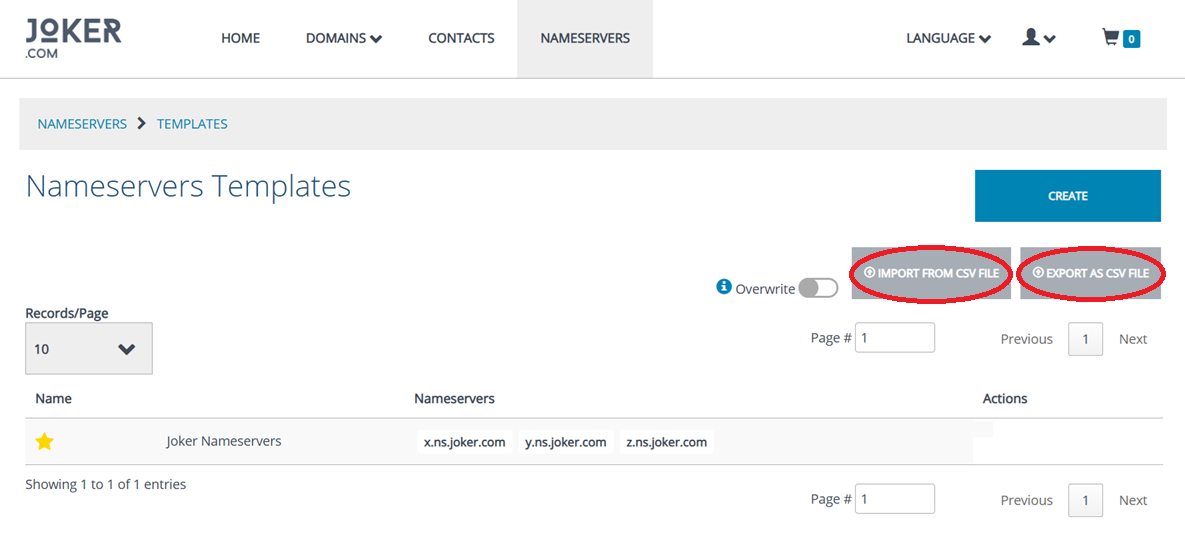
    If you like to add new nameservers you can do this under the menu item "Nameservers". Create new ones or create a template for nameservers which you can use afterwards.
- **Language**  
      
    Lets you switch between German and English. Those changes are not persistend. To change the default language, click on the user icon next to "language" and select "settings".
- **Settings**  
      
    This is found under the profile icon. From this menu item you can edit your default language, your preferred date/time format, if and when you want to get notified when your balance runs low and if you want to activate or deactive domain autorenew globally.
- **Execute Request**  
      
    This is found under the profile icon. Here you can enter and execute DMAPI requests. Please check the DMAPI area in this FAQ for more information on that.
- **Feedback**  
      
    This is found under the profile icon. Please provide us with feedback to further improve our new RPanel. Every kind of constructive feedback will be greatly appreciated.
- **Logout**  
      
    This is found under the profile icon. You are logged out automatically after a certain time of inactivity. If you are working on a shared computer or want to switch accounts you can log out here.
- **Cart**  
      
    If you registered any domains you have to check out your cart. Here you can add whois privacy to your domains if possible, change the registration period, auto renew status and configure the domain(s) (add contact information or nameservers).<a name="sub1"></a>

# The Joker.com PHP Client

<span style="font-size: small;">Joker.com provides this tool as an fully working example of how to make use of the Joker.com API (DMAPI).  
</span>

<span style="font-size: small;">The **Joker PHP Client** is a lightweight web interface, demonstrating how to implement a full-featured domain handling. </span>

<div align="justify" id="bkmrk-the-source-code-of-t"><span style="font-size: small;">The source code of this web interface is freely available for download on [Github](https://github.com/joker-registrar/rcp-reseller-api-demo/), so that our resellers could run it on their own site! The API used in this tool is called DMAPI and it is a Joker.com domain registration system offered as Web service (**API**).  
</span></div><div align="justify" id="bkmrk-%C2%A0"><span style="font-size: small;"> </span></div><div align="justify" id="bkmrk-the-joker-php-client-1"><span style="font-size: small;">The Joker PHP Client is also provided as a hosted service by Joker.com, and can be reached as [rcp.joker.com](https://rcp.joker.com/).  
</span></div><div align="justify" id="bkmrk-please-try-it-out.-l"><span style="font-size: small;">  
Please [try it out](https://rcp.joker.com/). Log in with your Joker.com reseller account, and operate carefully with it as it is completely functional. Your feedback as a reseller will be greatly appreciated and will help us to improve this application. </span></div><div align="justify" id="bkmrk-%C2%A0-1"><span style="font-size: small;"> </span></div><div align="justify" id="bkmrk-requirements%3A%C2%A0%C2%A0%C2%A0-web"><span style="font-size: small;"> **Requirements:**  
 Web server  
 PHP 7.x   
 Web browser  
  
**Summary:**  
 Reseller Control Panel is destined to handle any domain operations  
 which are offered by the domain registrar Joker.com.  
 Currently it can:  
</span>- <span style="font-size: small;">show WHOIS of a domain</span>
- <span style="font-size: small;">register domains</span>
- <span style="font-size: small;">modify domains</span>
- <span style="font-size: small;">transfer domains</span>
- <span style="font-size: small;"> renew domains</span>
- <span style="font-size: small;"> delete domains</span>
- <span style="font-size: small;"> lock/unlock domains (transfer related)</span>
- <span style="font-size: small;"> initiate redemption procedure</span>
- <span style="font-size: small;"> create, modify and delete contacts</span>
- <span style="font-size: small;"> create, modify and delete nameservers</span>
- <span style="font-size: small;"> zone operations</span>
- <span style="font-size: small;"> <abbr class="glossary" title="Internationalized Domain Names">IDN</abbr> support</span>
- <span style="font-size: small;"> show reseller information</span>
- <span style="font-size: small;"> show sumamry of actions executed through the interface </span>

</div><div align="justify" id="bkmrk-%C2%A0-2"><span style="font-size: small;"> </span></div><div align="justify" id="bkmrk-download%3A%C2%A0%C2%A0%C2%A0-you-can"><span style="font-size: small;"> **Download:**  
 You can get the newest version at [https://github.com/joker-registrar/rcp-reseller-api-demo/](https://github.com/joker-registrar/rcp-reseller-api-demo/).  
  
**Installation:**  
 Please see Installation of Joker PHP Client, and there is also an INSTALL file in the distribution package.  
  
**Support:**  
 You can contact us through our support area.</span></div>

# Installation of Joker.com PHP Client

<span style="font-size: small;">To successfully install this client application, you need a basic knowledge of Web servers, PHP and file systems.  
  
In principle the installation is only a copy and run. The first thing to do is to ensure, that your Web server runs PHP files, and if not to configure it appropriately.  
  
Quick installation: </span>

<span style="font-size: small;"> 1. Untar or unzip the distribution (be sure to unzip the subdirectories):  
  
tar -xzvf package\_name\_x.x.x.tar.gz  
  
in your webserver's document root. If you don't have direct access to your document root, put the files in a directory on your local machine, and transfer the directory on your web server using, for example, ftp. </span>

<span style="font-size: small;"> 2. Ensure that all the scripts have the appropriate owner (if PHP is running in safe mode, having some scripts with an owner different from the owner of other scripts will be a problem). Be sure that the application can write log files, temp files and sessions. This means that the folders specified in config.php should be made writeable for the application. </span>

<span style="font-size: small;"> 3. This application needs cURL to communicate with DMAPI. You have to have the cURL PHP module enabled. If you run Windows it is provided with every instance of PHP and has to be uncommented in php.ini. Do not forget to restart your webserver after enabling the module. If you run Linux then this module has to be compiled and included. If you wonder how to do this, please read the PHP manual dealing with cURL (http://php.net/curl).   
  
Problems were reported when "zend.ze1\_compatibility\_mode" is set to "on" in PHP 5.2.5. In lower versions this setting caused no problems. </span>

<span style="font-size: small;"> 4. It is recommended that you protect the directory in which you installed the client (unless it's on a closed intranet), for example with HTTP-AUTH (in a .htaccess file). </span>

<span style="font-size: small;"> 5. Open the file &lt;www.your-host.com&gt;/&lt;your-install-dir&gt;/index.php in your browser. The Joker.com PHP client should now display a welcome screen with a login dialog.  
</span>

<span style="font-size: small;"> Have fun and don't forget to send feedback! </span>

# Usability Hints

Some notes:

- The default **session duration** of DMAPI (the service behind this interface) is 1 hour. This means that after 1 hour of inactivity, you will be logged out of both DMAPI and Reseller Control Panel, and asked again for your username and password.
- For support issues, please send us your inquiry through our [support area](https://joker.com/goto/support/).

# DMAPI

# Basics

<article id="bkmrk-%C2%A0dmapi-server-url-th">## Commonalities for all requests

<span style="font-family: arial,helvetica,sans-serif; font-size: small;"> </span><span style="font-family: arial,helvetica,sans-serif; font-size: small;">DMAPI-Server <abbr class="glossary" title="Universal Resource Locator ('Link')">URL</abbr></span>

<span style="font-family: arial,helvetica,sans-serif; font-size: small;"> This is the service address which has to be used for all requests:  
</span>

`<span style="font-family: arial,helvetica,sans-serif; font-size: small;"><strong>https://dmapi.joker.com</strong></span>`

This is how a request looks like:

`<span style="font-size: small; font-family: courier new,courier;">https://dmapi.joker.com/request/<name-of-request>?<name-of-parameter-1>=<value-of-parameter-1></span>`

`<span style="font-size: small; font-family: courier new,courier;">&<name-of-parameter-2>=<value-of-parameter-2>&auth-sid=<your-session-id></span>`

<span style="font-family: arial,helvetica,sans-serif; font-size: small;">Header fields which are returned by most requests</span><span style="font-family: arial,helvetica,sans-serif; font-size: small;">  
</span>

<table border="1" style="width: 689px; height: 227px;"><tbody><tr><td style="width: 40px;"><span style="font-family: arial,helvetica,sans-serif; font-size: small; width: 150px;">Tracking Id</span></td><td style="width: 40px;"><span style="font-family: arial,helvetica,sans-serif; font-size: small;">Unique server-assigned tracking id, assigned to almost all requests </span></td></tr><tr><td style="width: 40px;"><span style="font-family: arial,helvetica,sans-serif; font-size: small;">Status-Code</span></td><td style="width: 40px;"><span style="font-family: arial,helvetica,sans-serif; font-size: small;">0 or 1000-1999 if no error occured, all other values indicate some sort of error.  
</span></td></tr><tr><td style="width: 40px;"><span style="font-family: arial,helvetica,sans-serif; font-size: small;">Status-Text</span></td><td style="width: 40px;"><span style="font-family: arial,helvetica,sans-serif; font-size: small;">Human readable error description</span></td></tr><tr><td style="width: 40px;"><span style="font-family: arial,helvetica,sans-serif; font-size: small;">Result</span></td><td style="width: 40px;"><span style="font-family: arial,helvetica,sans-serif; font-size: small;">ACK or NACK (= "Acknowlegded" or "Not Acknowledged") </span></td></tr><tr><td style="width: 40px;"><span style="font-family: arial,helvetica,sans-serif; font-size: small;">Error</span></td><td style="width: 40px;"><span style="font-family: arial,helvetica,sans-serif; font-size: small;">May be returned if (and only if) the request was rejected, in this case reason(s) will be provided. Presence of this line in headers is indicative for that processing didn't take place.</span></td></tr><tr><td style="width: 40px;"><span style="font-family: arial,helvetica,sans-serif; font-size: small;">Warning</span></td><td style="width: 40px;"><span style="font-family: arial,helvetica,sans-serif; font-size: small;">Indicative of non-fatal processing or validation problems</span></td></tr><tr><td style="width: 40px;"><span style="font-family: arial,helvetica,sans-serif; font-size: small;">Proc-Id</span></td><td style="width: 40px;"><span style="font-family: arial,helvetica,sans-serif; font-size: small;">Joker.com processing ID </span></td></tr><tr><td style="width: 40px;"><span style="font-family: arial,helvetica,sans-serif; font-size: small;">HTTP error codes</span></td><td style="width: 40px;"><span style="font-family: arial,helvetica,sans-serif; font-size: small;">200 if everything is OK (request was accepted and processed or queued for processing), otherwise the reason will be provided in Error header lines (or, if this is absent, HTTP error code should be used).   
</span></td></tr></tbody></table>

<span style="font-family: arial,helvetica,sans-serif; font-size: small;"> </span>

<span style="font-family: arial,helvetica,sans-serif; font-size: small;"><span style="color: #ff0000;">**IMPORTANT**:</span> Every request (except "login") **<span style="text-decoration: underline;">requires</span>** the presence of the **Auth-Sid** variable ("**Session ID**"), which is returned by the "login" request (login). An active session will expire after some inactivity period (default: 1 hour).</span>

<span style="font-family: arial,helvetica,sans-serif; font-size: small;"> </span><span style="font-family: arial,helvetica,sans-serif; font-size: small;">In case you are using a browser to access this service, the session id will be set as a cookie, hence need not to be specified as Auth-Sid (unless cookies are not supported or turned off). In any case, Auth-Sid has precedence, if provided. </span>

<span style="font-family: arial,helvetica,sans-serif; font-size: small;"> Requests consist of these parts:</span>

- <span style="font-family: arial,helvetica,sans-serif; font-size: small;">**"Requires":** Defines variables (sometimes referred to as 'fields') that **MUST** be present </span>
- <span style="font-family: arial,helvetica,sans-serif; font-size: small;">**"Accepts":** Defines variables that **MAY** be present (but not required) </span>
- <span style="font-family: arial,helvetica,sans-serif; font-size: small;">**"Returns":** Describes the request's output - header fields and extra data (if any). If "Returns" is omitted, then a standard reply should be expected (Status-Code, Status-Text, Proc-ID etc)</span>

</article><article id="bkmrk-whois-privacy-servic">## Whois Privacy Services

**Privacy services are available for most generic top level domain names.** The availablitiy of privacy services is indicated in Joker.com's [price list](https://joker.com/goto/prices) and [domain search](https://joker.com/goto/order).

 For requests "**domain-register**" and "**domain-transfer-in-reseller**", there exists an **additional parameter** "privacy":

- privacy=**basic** (owner contact name and/or organisation left intact, address &amp; emails are masked)
- privacy=**pro** (everything is masked)
- privacy=**none** (same as "no privacy parameter provided")

For "**domain-renew**", the additional parameter privacy works similar:

- privacy=**basic** (owner contact name and/or organisation left intact, address &amp; emails are masked)
- privacy=**pro** (everything is masked)
- privacy=**none** (explicitly do a renew without privacy services, even if currently privacy is enabled)
- privacy=**keep** (renew with the same level of privacy service which is currently active for the domain) - this now is also **default**; for domains without an existing privacy service subscription, "keep" means "none", so there will be no privacy service ordered. If there is an existing privacy service subscription active, and this privacy service is **not** set to "off", "keep" will also renew this privacy service subscription, together with the domain.

To **order privacy services for existing domains**, the new request "**domain-privacy-order**"can be used:

```
    domain=example.com
    period=12 (in months, as usual)
    expyear=2016 (privacy expiration year, similar to domain renewal request)
    privacy=basic|pro 

    <strong>If neither period nor expyear is provided, then privacy is ordered for
    remaining domain lifetime, whatever it is.</strong><br></br><br></br>    Example:<br></br>    https://dmapi.joker.com/request/domain-privacy-order?domain=example.com&privacy=basic&auth-sid=<your-current-session-id> <br></br>
```

The request "**domain-set-property"** allows to **manage privacy services** for domains which already do have a valid privacy service subscription:

- privacy=basic (activate "basic" privacy service)
- privacy=pro (activate "pro" privacy service)
- privacy=off (deactivate privacy service - **Whois data will be disclosed**)

**Samples:**

Ordering domain with privacy:

`https://dmapi.joker.com/request/domain-register?domain=example.com&period=12&owner-c=CCOM-1&billing-c=CCOM-1&admin-c=CCOM-1&tech-c=CCOM-1&ns-list=a.ns.joker.com:b.ns.joker.com&privacy=pro&auth-sid=<your-current-session-id>`

Renew domain and order privacy:

`https://dmapi.joker.com/request/domain-register?domain=example.com&period=12&privacy=basic&auth-sid=<your-current-session-id>`

Request incoming transfer and enable privacy:

`https://dmapi.joker.com/request/domain-transfer-in-reseller?domain=example.com&transfer-auth-id=zigzag&billing-c=CCOM-1&admin-c=CCOM-1&tech-c=CCOM-1&privacy=pro&auth-sid=<your-current-session-id>`

Temporarily disable privacy (assuming that it is active):

`https://dmapi.joker.com/request/domain-set-property?domain=example.com&privacy=off&auth-sid=<your-current-session-id>`

Fetch real contact data from privacy protected domain:

`https://dmapi.joker.com/request/query-whois?domain=example.com&internal=1&auth-sid=<your-current-session-id>`

**NOTE**: Not retrieved replies will be kept on the server for a period of 30 days, after this time, only the status of specific request will be available (success or failure).  
  
**IMPORTANT**: Please also note that the registration/renewal period is in **MONTHS, NOT YEARS**!

</article>

# Account and Handling

## login

### Login with Username &amp; Password

<span style="font-family: arial,helvetica,sans-serif; font-size: small;"> </span>

<span style="font-family: arial,helvetica,sans-serif; font-size: small;">**Requires (mandatory):**</span>

<table border="1" id="bkmrk-username-joker.com-u" style="width: 80%;"><tbody><tr><td>*<span style="font-family: arial,helvetica,sans-serif; font-size: small;">username</span>*</td><td><span style="font-family: arial,helvetica,sans-serif; font-size: small;"> Joker.com username (email address)</span></td></tr><tr><td>*<span style="font-family: arial,helvetica,sans-serif; font-size: small;">password</span>*</td><td><span style="font-family: arial,helvetica,sans-serif; font-size: small;">Joker.com password</span></td></tr></tbody></table>

<span style="font-family: arial,helvetica,sans-serif; font-size: small;"> **Returns:**</span>

<table border="1" id="bkmrk-auth-sid-authenticat" style="width: 80%;"><tbody><tr><td>*<span style="font-family: arial,helvetica,sans-serif; font-size: small;">Auth-SID</span>*</td><td><span style="font-family: arial,helvetica,sans-serif; font-size: small;">Authenticated Session ID, must be provided with any other request (parameter *auth-sid*)  
</span></td></tr><tr><td>*<span style="font-family: arial,helvetica,sans-serif; font-size: small;">List of TLDs</span>*</td><td><span style="font-family: arial,helvetica,sans-serif; font-size: small;">List of domain TLDs which are available to the reseller.</span></td></tr></tbody></table>

<span style="font-family: arial,helvetica,sans-serif; font-size: small;"> To be able to use the entire API, you must have a reseller account with Joker.com (and use this account to log in). </span>

<span style="font-family: arial,helvetica,sans-serif; font-size: small;"> </span><span style="font-family: arial,helvetica,sans-serif; font-size: small;">**Example:**</span>

`<span style="font-size: small; font-family: courier new,courier;">  https://dmapi.joker.com/request/login?username=johndoe&password=mypass</span>`

### Login with API Keys

Instead of using your user- and password credentials, you may also use so called '**API keys**' for login. This way, you can create several DMAPI access facilities, which has several advantages:

- you do not need to expose username and password in your scripts
- API keys **can be restricted** to be "read only" (no modifications possible), or to allow 'modifications only' (can not produce costs)
- you may hand API keys to your staff to enable them to do specific things with Joker.com

Create your API keys in '[**My Profile**](https://joker.com/goto/myjoker)' in section '**Manage Joker.com API access keys**'

Example usage:

```
https://dmapi.joker.com/request/login?api-key=Key_created_in_your_Profile_at_Joker.com
```

The result is the same as for "login"-request, you have to use the provided auth-sid for the subsequent actions.

## logout

<span style="font-family: arial,helvetica,sans-serif; font-size: small;">**Returns: Nothing** </span>

<span style="font-family: arial,helvetica,sans-serif; font-size: small;">Used to forcibly close (terminate) a session. The session identified by Auth-SID may not be used anymore to send requests. Normally not required as session will timeout anyway (default: 1 hour).</span>

## result-list

<span style="font-family: arial,helvetica,sans-serif; font-size: small;">**Accepts:** </span>

<table border="0" id="bkmrk-pending%C2%A0%C2%A0%C2%A0%C2%A0%C2%A0-get-res" style="width: 643px; height: 271px;"><tbody><tr><td>*pending* </td><td>get results of requests still in progress

</td></tr><tr><td>*showall*</td><td>get all results incl. deletes using result-delete</td></tr><tr><td>*period*</td><td>get results for specifed period of days (default: 90)

</td></tr><tr><td>*date*</td><td>get results received on (or before) specified date. When date is specified, parameter "period" will be applied to this date (instead of today) and defaults to 1</td></tr><tr><td>*offset*</td><td>start dispalying results from specified position

</td></tr><tr><td>*limit*</td><td>only get number of results specified by limit</td></tr><tr><td>*status*</td><td>get results having specified status (ack/nack/?)

</td></tr><tr><td>*count-only* </td><td>when set to 1, only count number of records and return single line in format "Records: N"

</td></tr><tr><th colspan="2">All following filters may use patterns ("\*" and "?")

</th></tr><tr><td>*rtype*

</td><td>get results for requests of specified type (domain-register/etc)</td></tr><tr><td>*objid*</td><td>get results for specified object ids (domain names, contacts, hosts)

</td></tr><tr><td>*procid*</td><td>get results for specified proc-id</td></tr><tr><td>*svtrid*</td><td>get results for specifued SvTrId</td></tr><tr><td>*cltrid*</td><td>get results for specified ClTrId</td></tr></tbody></table>

<span style="font-family: arial,helvetica,sans-serif; font-size: small;"> </span><span style="font-family: arial,helvetica,sans-serif; font-size: small;">**Returns:**</span>

List of answers from joker.com (one per line):<span style="font-family: arial,helvetica,sans-serif; font-size: small;">  
</span>

```
TimeStamp SvTrId Proc-ID request-type status ClTrId
```

<span style="font-family: arial,helvetica,sans-serif; font-size: small;">**Where:**</span>

```
TimeStamp: The time when request was made, YYYYMMDDHHMMSS
SvTrID: Tracking-Id associated with this request.
Proc-ID: Proc-Id associated with this request.
request-type: The type of the request.
request-object: The object name (host, domain or contact handle)
status: ack, nack or ?, where ack means that request was completed successfully.
ClTrId: User specified transaction ID, or "-" if nothing was provided by the user
```

<span style="font-family: arial,helvetica,sans-serif; font-size: small;"> </span>**Example:**

```
https://dmapi.joker.com/request/result-list
```

## result-retrieve

<span style="font-family: arial,helvetica,sans-serif; font-size: small;">**Accepts:**</span>

<table border="1" id="bkmrk-proc-id-one-of-these" style="width: 80%;"><tbody><tr><td>*<span style="font-family: arial,helvetica,sans-serif; font-size: small;">Proc-ID</span>*</td><td rowspan="2"><span style="font-family: arial,helvetica,sans-serif; font-size: small;">One of these must be specified. If both are specified, SvTrId has precedence.</span></td></tr><tr><td>*<span style="font-family: arial,helvetica,sans-serif; font-size: small;">SvTrID</span>*</td></tr></tbody></table>

<span style="font-family: arial,helvetica,sans-serif; font-size: small;">**Returns:**</span>

<table border="1" id="bkmrk-answer-%28processing-r" style="width: 80%;"><tbody><tr><td><span style="font-family: arial,helvetica,sans-serif; font-size: small;">Answer (processing result) associated with specified Tracking/Processing ID. </span>

<span style="font-family: arial,helvetica,sans-serif; font-size: small;">If detailed information (content) is not available, only status will be returned</span>

</td></tr></tbody></table>

<span style="font-family: arial,helvetica,sans-serif; font-size: small;">**Please note:** </span>

<span style="font-family: arial,helvetica,sans-serif; font-size: small;">Since there is no requirement of uniqueness for user-specified transaction ids, it is not possible to use them to retrieve specific results. </span>

<span style="font-family: arial,helvetica,sans-serif; font-size: small;">**Example:**</span>

`<span style="font-size: small; font-family: courier new,courier;">  https://dmapi.joker.com/request/result-retrieve?proc-id=8181810&auth-sid=<your-current-session-id></span>`

## result-delete<span style="font-family: arial,helvetica,sans-serif; font-size: small;">   
</span>

<span style="font-family: arial,helvetica,sans-serif; font-size: small;">**Accepts:**</span>

<table border="1" id="bkmrk-proc-id-one-of-these-1" style="width: 80%;"><tbody><tr><td>*<span style="font-family: arial,helvetica,sans-serif; font-size: small;">Proc-ID</span>*

</td><td rowspan="2"><span style="font-family: arial,helvetica,sans-serif; font-size: small;">One of these must be specified. If both are specified, SvTrId has precedence</span>

</td></tr><tr><td>*<span style="font-family: arial,helvetica,sans-serif; font-size: small;">SvTrID</span>*

</td></tr></tbody></table>

<span style="font-family: arial,helvetica,sans-serif; font-size: small;">**Returns:**</span>

<span style="font-family: arial,helvetica,sans-serif; font-size: small;"> A descriptive message (confirmation) in case of success.  
  
This request will delete the content (not the status) of a reply to an asynchronous request. Deleted results will not be listed anymore when using *result-list*.</span>

## query-profile <span style="font-family: arial,helvetica,sans-serif; font-size: small;">  
</span>

<span style="font-family: arial,helvetica,sans-serif; font-size: small;">**Returns:**</span>

<span style="font-family: arial,helvetica,sans-serif; font-size: small;"> Returns reseller profile data in format "key: value". May be used to query account balance</span>

<span style="font-family: arial,helvetica,sans-serif; font-size: small;"> </span>Example:

```
https://dmapi.joker.com/request/query-profile
```

## query-account-balance

**Returns:**

Returns actual account balance - available, pending and total.

Example:

```
https://dmapi.joker.com/request/query-account-balance
```

You will get a response like this:

```
Status-Code: 1000
Status-Text: OK
Columns: available,pending,total,currency
Separator: TAB

975.00	25.00	1000.00	USD
```

The columns are:

<table border="1" id="bkmrk-available-amount-ava" style="border-collapse: collapse; width: 100%;"><colgroup><col style="width: 16.4692%;"></col><col style="width: 83.6297%;"></col></colgroup><tbody><tr><td>available  
</td><td>amount available for orders

</td></tr><tr><td>pending  
</td><td>amount reserved for pending operations (renewals, transfers etc)  
</td></tr><tr><td>total  
</td><td>the sum of available and pending, i.e. the effective balance  
</td></tr><tr><td>currency  
</td><td>currency of your account</td></tr></tbody></table>

## query-order-list

##### Parameters

<table border="1" id="bkmrk-show-all-show-all-or" style="border-collapse: collapse; width: 100%;"><colgroup><col style="width: 18.6191%;"></col><col style="width: 81.4762%;"></col></colgroup><tbody><tr><td>show-all</td><td>Show all orders including those which did not incur any charges.</td></tr><tr><td>after</td><td>Show only orders after specified date (inclusive). Date must be in ISO format: YYYY-MM-DD

</td></tr><tr><td>before</td><td>Show only orders before specified data (inclusive).

<p class="callout info">If neither "after" or "before" is specified, the default is a list of orders within last 30 days.</p>

</td></tr><tr><td>type</td><td>Show only orders of specified type. Types are:

<table border="1" style="border-collapse: collapse; width: 100.169%; height: 296px;"><colgroup><col style="width: 18.1627%;"></col><col style="width: 81.7059%;"></col></colgroup><tbody><tr style="height: 29.6px;"><td style="height: 29.6px;">create</td><td style="height: 29.6px;">create domain</td></tr><tr style="height: 29.6px;"><td style="height: 29.6px;">renew</td><td style="height: 29.6px;">renew domain</td></tr><tr style="height: 29.6px;"><td style="height: 29.6px;">transfer</td><td style="height: 29.6px;">transfer domain</td></tr><tr><td>restore</td><td>restore domain from RGP</td></tr><tr style="height: 29.6px;"><td style="height: 29.6px;">delete\_domain</td><td style="height: 29.6px;">delete domain</td></tr><tr><td>cor</td><td>COR (Change Of Registrant aka Domain Owner Change)</td></tr><tr style="height: 29.6px;"><td style="height: 29.6px;">create-contact</td><td style="height: 29.6px;">create contact</td></tr><tr style="height: 29.6px;"><td style="height: 29.6px;">autons</td><td style="height: 29.6px;">modify DNS zone</td></tr><tr style="height: 29.6px;"><td style="height: 29.6px;">lock</td><td style="height: 29.6px;">lock domain</td></tr><tr style="height: 29.6px;"><td style="height: 29.6px;">unlock</td><td style="height: 29.6px;">unlock domain</td></tr><tr style="height: 29.6px;"><td style="height: 29.6px;">privacy\_pp1</td><td style="height: 29.6px;">Privacy Basic</td></tr><tr style="height: 29.6px;"><td style="height: 29.6px;">privacy\_pp2</td><td style="height: 29.6px;">Privacy Pro</td></tr><tr><td>credit-increase</td><td>account top-up</td></tr><tr><td>payment\_fee</td><td>payment fee, amount deducted from account top-up</td></tr></tbody></table>

</td></tr><tr><td>status</td><td>Show only orders with specified completion status.

Possible values are: ok, error, pending

</td></tr><tr><td>tld</td><td>Filter by TLD. By default all TLDs are included.</td></tr><tr><td>fqdn</td><td>Filter by FQDN (domain name). By default all domains (and other objects) are included.</td></tr><tr><td>fqdn-like  
</td><td>Filter by FQDN with wilcards. Wildcards are "\*" (any number of any characters) and "?" (exactly one any character).

*Example*: "\*.com" will list orders involving any .com domains.

</td></tr><tr><td>order-id  
</td><td>Only show order with specified id.  
</td></tr><tr><td>order-id-after  
</td><td>Show orders with ids greater or equal than specified.</td></tr><tr><td>order-id-before  
</td><td>Show orders with ids less or equal than than specified.</td></tr><tr><td>proc-id</td><td>Only show order with specified processing id.</td></tr><tr><td>proc-id-after  
</td><td>Show orders with processing ids greater or equal than specified.  
</td></tr><tr><td>proc-id-before  
</td><td>Show orders with processing ids less or equal than than specified.  
</td></tr><tr><td>limit  
</td><td>Limit the number of returned rows. Used only when above described id ranges are specified. Ignored when parameters `after` or `before` are used.

The default (and the maximum) is 1000.

</td></tr><tr><td>asc</td><td>If true, sort ascending - recent orders come last. The default is false - recent orders come first.</td></tr><tr><td>separator</td><td>Use specified separator in table output. Default is "tab". Possible values:

<table border="1" style="border-collapse: collapse; width: 62.2089%;"><colgroup><col style="width: 50.0376%;"></col><col style="width: 50.0376%;"></col></colgroup><tbody><tr><td>tab</td><td>\\t</td></tr><tr><td>comma</td><td>,</td></tr><tr><td>semicolon</td><td>;</td></tr><tr><td>pipe</td><td>|</td></tr></tbody></table>

  
</td></tr><tr><td>num-comma</td><td>If true, use comma (",") as decimal separator in numbers. Default is false, i.e. use dot (".")

<p class="callout info">Please note that "comma" separator cannot be used when "num-comma" is set to "true".</p>

</td></tr><tr><td>csv</td><td>If true, return result as a downloadable CSV file, without DMAPI headers.

</td></tr><tr><td>per-page</td><td>Number of rows returned per single request when using paging. Must be at least 10.

</td></tr><tr><td>page</td><td>Page number when `per_page` is set. Pages are numbered starting with 1.

</td></tr><tr><td>count-only</td><td>Only count number of rows that would be returned given specified parameters.

</td></tr></tbody></table>

##### Returns

A CSV-like list following the usual DMAPI header:

```
Status-Code: 1000
Status-Text: OK
Row-Count: 6
Columns: order_id,proc_id,created_at,status,type,amount_brutto,amount_netto,currency,identifier

85671266	917263183	2024-03-17T07:58:14Z	ok	renew	10.19	10.19	USD	example.org
85671265	917263182	2024-03-17T07:58:12Z	ok	renew	10.19	10.19	USD	example.com
85671256	917263173	2024-03-17T07:57:06Z	ok	renew	29.40	29.40	USD	example.net
85671255	917263172	2024-03-17T07:57:05Z	ok	create	2.00	2.00	USD	example.zone
85671227	917263144	2024-03-17T07:54:07Z	ok	service_request	0	0		example.com
85671226	917263143	2024-03-17T07:54:07Z	ok	create-contact	0	0		CCOM-91167381

```

##### Output columns description

<table border="1" id="bkmrk-order_id-order-id-pr" style="border-collapse: collapse; width: 100%; height: 265.125px;"><colgroup><col style="width: 22.1826%;"></col><col style="width: 77.8969%;"></col></colgroup><tbody><tr style="height: 29.4583px;"><td style="height: 29.4583px;">order\_id</td><td style="height: 29.4583px;">Order ID</td></tr><tr style="height: 29.4583px;"><td style="height: 29.4583px;">proc\_id</td><td style="height: 29.4583px;">Processing ID</td></tr><tr style="height: 29.4583px;"><td style="height: 29.4583px;">created\_at</td><td style="height: 29.4583px;">Order creation time (UTC)</td></tr><tr style="height: 29.4583px;"><td style="height: 29.4583px;">status</td><td style="height: 29.4583px;">Order status: ok, error, pending</td></tr><tr style="height: 29.4583px;"><td style="height: 29.4583px;">type</td><td style="height: 29.4583px;">Order type</td></tr><tr style="height: 29.4583px;"><td style="height: 29.4583px;">amount\_brutto</td><td style="height: 29.4583px;">Amount charged including VAT. If VAT is not deducted then it has same value as amount\_netto.</td></tr><tr style="height: 29.4583px;"><td style="height: 29.4583px;">amount\_netto</td><td style="height: 29.4583px;">Amount charged excluding VAT.</td></tr><tr style="height: 29.4583px;"><td style="height: 29.4583px;">currency</td><td style="height: 29.4583px;">Currency if amount is non-zero; empty if amount is zero.</td></tr><tr style="height: 29.4583px;"><td style="height: 29.4583px;">identifier</td><td style="height: 29.4583px;">Domain or other object name that is affected by the order</td></tr></tbody></table>

<p class="callout info">Positive amounts are amounts ***paid***, i.e. ***deducted*** from your balance.  
  
Negative amounts are amounts ***received***, i.e. ***added*** to your balance. This usually happens if you get a refund.  
  
If `status` is not `ok`, then the amount is neither added or deducted - it is just a reference to the cost of the order.</p>

<p class="callout info">If `show-all=false` (the default) then only orders processed within last 3 years are visible.  
  
If `show-all=true` then only orders from last 90 days are visible.  
  
Period covered by `after`/`before` parameters may not be longer than 90 days. The period is enforced *silently*, you will get no warning - just orders within 90 days, so if there are none you will see empty response.  
  
Empty (no rows) output means that there are no orders matching specified parameters are visible.</p>

<p class="callout info">If you use ranged search by `order-id` or `proc-id` and do not limit search period using `after` and/or `before`, the maximum number of rows returned is 1000 (and is the default). It could be lowered by using `limit` parameter, but 1000 is the maximum anyway.  
  
However, if you do use `after` and/or `before` parameters, they will be applied `independently` - this means that if specified id range does not fit into specified time range, you will get no results.  
</p>

<p class="callout info">Parameters `fqdn` and `fqdn-like` actually could be used not only for domain names but for other object identifies, like contact handles - it depends on operation.</p>

<p class="callout warning">**Please note that all returned data, including amounts charged, is for informational purposes only!**  
  
The sum of amounts may not exactly match the issued invoices due to possible adjustments related to discounts, manual processing, and other corrections that cannot be properly reflected in this list.  
</p>

# Domains

## query-domain-list

**Accepts (optional)**

<table border="1" id="bkmrk-pattern-pattern-to-m" style="width: 80%;"><tbody><tr><td>*<span style="font-family: arial,helvetica,sans-serif; font-size: small;">pattern</span>*</td><td><span style="font-family: arial,helvetica,sans-serif; font-size: small;">Pattern to match (globbing, like "dom\*")</span></td></tr><tr><td>*<span style="font-size: small;">from</span>*

</td><td><span style="font-size: small;">Start from this item in list</span>

</td></tr><tr><td>*<span style="font-size: small;">to</span>*

</td><td><span style="font-size: small;">End by this item</span>

</td></tr><tr><td><span style="font-size: small;">*showstatus*    
</span>

</td><td><span style="font-size: small;">Returns additional column, showing domain status; may be 0 or 1  
</span>

</td></tr><tr><td>*<span style="font-size: small;">showgrants</span>*

</td><td><span style="font-size: small;">Returns additional column, showing domain grants; may be 0 or 1  
</span>

</td></tr><tr><td>*<span style="font-size: small;">showprivacy </span>*

</td><td><span style="font-size: small;">Returns additional columns, showing privacy status; may be 0 or 1  
</span>

<span style="font-size: small;">The following columns will be added:  
</span>

<span style="font-size: small;">privacy-status - shows the currently active privacy status  
privacy-origin - shows the privacy status, which was bought  
privacy-expiration - shows the expiration date of privacy</span>

</td></tr></tbody></table>

**Returns**

<span style="font-size: small;">List of registered domains and their expiration dates (one per line, separated by whitespace). If "showstatus" is present, the the list will be with three columns, the last one showing domain status (like "lock,autorenew" etc - comma separated). </span>

<span style="font-family: arial,helvetica,sans-serif; font-size: small;">**Example:**</span>

`<span style="font-size: small; font-family: courier new,courier;">https://dmapi.joker.com/request/query-domain-list?pattern=a*&showstatus=1&auth-sid=<your-current-session-id></span>`

## domain-register

**Requires (mandatory)**

<table border="1" id="bkmrk-domain%C2%A0%C2%A0%C2%A0%C2%A0%C2%A0-domain-n" style="width: 546px; height: 128px;"><tbody><tr><td>*domain* </td><td>Domain name to register</td></tr><tr><td>*period*</td><td>Registration period in **months** (not in years!)</td></tr><tr><td>*status*</td><td>Set domain status (only "production" is accepted so far)</td></tr><tr><td>*owner-c*</td><td>Owner contact handle</td></tr><tr><td>*billing-c*</td><td>Billing contact handle</td></tr><tr><td>*admin-c*</td><td>Administrative contact handle</td></tr><tr><td>*tech-c*</td><td>Technical contact handle</td></tr><tr><td>*ns-list*</td><td>List of name servers, delimited by colon</td></tr></tbody></table>

**Accepts (optional)**

<table border="1" id="bkmrk-autorenew-if-set-to-" style="width: 600px; height: 64px;"><tbody><tr><td>*autorenew*</td><td>if set to "1", domain will be autorenewed upon expiration</td></tr><tr><td>*language*</td><td>3 letter language code for <abbr class="glossary" title="Internationalized Domain Names">IDN</abbr> domains

</td></tr><tr><td>*registrar-tag* </td><td>Registrar tag, also known as "Membership token", currently only needed for .**XXX** domains

</td></tr><tr><td>*privacy*</td><td>basic|pro|none - adds whois privacy subscription to domain order, see also Whois Privacy Services

</td></tr><tr><td>*max-price*</td><td>maximum price user is willing to pay for a domain registration, renewal or transfer. If provided, it must be a number (fractions allowed) above 0.

If not provided and domain has non-standard pricing, or if *max-price* is lower than actual domain price at the moment of registration, the request will fail.   
If *max-price* is higher than the actual domain price, then only the actual price will be deducted

</td></tr></tbody></table>

<span style="font-family: arial,helvetica,sans-serif; font-size: small;"> </span><span style="font-family: arial,helvetica,sans-serif; font-size: small;">This request allows to **register** a domain.   
</span>

<span style="font-family: arial,helvetica,sans-serif; font-size: small;">You must have **registered contacts** (handles) to be able to register a domain.(=&gt; contact-create, query-contact-list)  
</span>

<span style="font-family: arial,helvetica,sans-serif; font-size: small;">**Important:** Please note that the registration period is in **months, not years**. In most cases, this number is a **multiple of 12**.  
</span>

<span style="font-family: arial,helvetica,sans-serif; font-size: small;">**Example:**</span>

<span style="font-family: arial,helvetica,sans-serif; font-size: small;">`<span style="font-size: small; font-family: courier new,courier;">https://dmapi.joker.com/request/domain-register?domain=example.com&period=12&status=production&owner-c=COCO-4711&billing-c=COCO-4712&admin-c=COCO-4712&tech-c=COCO-4712&ns-list=a.ns.joker.com,b.ns.joker.com,c.ns.joker.com&auth-sid=<your-current-session-id></span>`</span>

## domain-renew

**Requires (mandatory)**

<table border="1" id="bkmrk-domain-domain-name-t" style="width: 80%;"><tbody><tr><td>*domain*</td><td>domain name to renew</td></tr><tr><td>*period*</td><td>renewal period in **months** (not in years!)</td></tr><tr><td>*expyear*

</td><td>the wanted expiration year (e.g. '2014')</td></tr></tbody></table>

**Accepts (optional)**

<table border="0" id="bkmrk-privacy-%C2%A0-%C2%A0-%C2%A0-%C2%A0%C2%A0-bas" style="width: 667px; height: 105px;"><tbody><tr><td>*privacy*  </td><td>basic|pro|none|keep - adds whois privacy subscription to domain renewal</td></tr><tr><td> </td><td>none: explicitly do a renew without privacy services, even if currently privacy is enabled

keep: renew with the same level of privacy service which is currently active for the domain

see also Whois Privacy Services

</td></tr><tr><td>*max-price*</td><td><table border="1"><tbody><tr><td> </td><td>maximum price user is willing to pay for a domain registration, renewal or transfer. If provided, it must be a number (fractions allowed) above 0.

If not provided and domain has non-standard pricing, or if *max-price* is lower than actual domain price at the moment of registration, the request will fail.   
If *max-price* is higher than the actual domain price, then only the actual price will be deducted

</td></tr></tbody></table>

</td></tr></tbody></table>

<span style="font-family: arial,helvetica,sans-serif; font-size: small;"> With this request you can renew the domain. Please be aware that all renewals are not refundable. </span>

"**expyear**" is a safety option which can be used **instead of "period"** to renew domain till specified year (not longer). If you use "period", and by mistake send the request more than once, domain will be renewed again, while with "expyear", it will not be renewed if it's expiration year is greater or equals to specified.

**Only one of "period" or "expyear" may be used, but not both.**

<span style="font-family: arial,helvetica,sans-serif; font-size: small;"> </span><span style="font-family: arial,helvetica,sans-serif; font-size: small;">**Please note:** </span>

- <span style="font-family: arial,helvetica,sans-serif; font-size: small;">registration period is in **months, not years**! In most cases, this number is a **multiple of 12**.  
    </span>
- <span style="font-family: arial,helvetica,sans-serif; font-size: small;">to prevent from unintended/errorneous multiple renewals, **a specific domain name can only be renewed once per 6 hours.** This means, if you want to renew a domain for 2 years, you should use a period of "24" - in case you want to renew using two requests with a period of "12", the 2nd request must not be sent before 6 hours after the 1st one.  
    </span>

<span style="font-family: arial,helvetica,sans-serif; font-size: small;">**Example:**</span>

<span style="font-family: arial,helvetica,sans-serif; font-size: small;">`<span style="font-size: small; font-family: courier new,courier;">  https://dmapi.joker.com/request/domain-renew?domain=example.com&period=12&auth-sid=<your-current-session-id</span>`<span style="font-size: small; font-family: courier new,courier;"> </span></span>

## domain-modify

**Requires (mandatory)**

<table border="1" id="bkmrk-domain-domain-name-t-1" style="width: 294px; height: 18px;"><tbody><tr><td>*domain*</td><td style="text-align: left;">domain name to modify</td></tr></tbody></table>

**Accepts (optional)**

<table border="1" id="bkmrk-billing-c-domain-con"><tbody><tr><td>*<span style="font-family: arial,helvetica,sans-serif; font-size: small;"> billing-c</span>*</td><td rowspan="3"><span style="font-family: arial,helvetica,sans-serif; font-size: small;">domain contact data to modify </span></td></tr><tr><td>*<span style="font-family: arial,helvetica,sans-serif; font-size: small;"> admin-c</span>*</td></tr><tr><td>*<span style="font-family: arial,helvetica,sans-serif; font-size: small;"> tech-c</span>*</td></tr><tr><td>*<span style="font-family: arial,helvetica,sans-serif; font-size: small;"> ns-list </span>*</td><td><span style="font-family: arial,helvetica,sans-serif; font-size: small;">list of new nameservers delimited by colon ":" (it will **<span class="moz-txt-underscore">replace</span>** existing nameservers!)</span></td></tr><tr><td><span style="font-family: arial,helvetica,sans-serif; font-size: small;">*registrar-tag*  </span></td><td>Registrar tag, also known as "Membership token", currently used for **.XXX** domains

</td></tr><tr><td>*<span style="font-family: arial,helvetica,sans-serif; font-size: small;">dnssec</span>*</td><td>i<span style="font-family: arial,helvetica,sans-serif; font-size: small;">f specified, allows setting or removal of DNSSEC keys for domain. If not specified, DNSSEC records will not be changed. Value of "0" will remove DNSSEC, value of "1" will add DNSSEC (and ds-N parameters must be provided)</span>

<span style="font-family: arial,helvetica,sans-serif; font-size: small;"> ds-1 list of DNSSEC parameter sets (min. 2, max. 6) for DNSSEC enabled domains   
 ds-2 for com/net/org/tv/cc each entry has format:   
 ds-3 tag:alg:digest-type:digest   
 ds-4 for de:   
 ds-5 protocol:alg:flags:pubkey-base64   
 ds-6   
</span>

</td></tr></tbody></table>

<span style="font-family: arial,helvetica,sans-serif; font-size: small;">  
With this request you can modify </span>

- <span style="font-family: arial,helvetica,sans-serif; font-size: small;">contact handles</span>
- <span style="font-family: arial,helvetica,sans-serif; font-size: small;">nameservers </span>
- <span style="font-family: arial,helvetica,sans-serif; font-size: small;">DNSSEC </span><span style="font-family: arial,helvetica,sans-serif; font-size: small;">parameters (for DNSSEC capable nameservers and TLDs supporting DNSSEC) </span>

<span style="font-size: small;"> </span><span style="font-size: small;">Please only specify contact handles which you want to modify, all unspecified handles will be left as is.</span>

<span style="font-size: small;"> </span><span style="font-family: arial,helvetica,sans-serif; font-size: small;">For DNSSEC, you will find more information [here](http://en.wikipedia.org/wiki/Domain_Name_System_Security_Extensions) .</span>

**Example:**

<div id="bkmrk-1-%C2%A0%C2%A0https%3A%2F%2Fdmapi.jo"><div class="syntaxhighlighter  plain" id="bkmrk-1-%C2%A0%C2%A0https%3A%2F%2Fdmapi.jo-1"><table border="0" cellpadding="0" cellspacing="0"><tbody><tr><td class="gutter"><div class="line number1 index0 alt2">1</div></td><td class="code"><div class="container"><div class="line number1 index0 alt2">`<a href="https://dmapi.joker.com/request/domain-modify?ns-list=a.my-own-ns.com:b.my-own-ns.com&auth-sid=<your-current-session-id">https://dmapi.joker.com/request/domain-modify?ns-list=a.my-own-ns.com:b.my-own-ns.com&auth-sid=<your-current-session-id</a>>`</div></div></td></tr></tbody></table>

</div></div>**<span style="font-family: arial,helvetica,sans-serif; font-size: small;"> </span>Example for adding a key** (and enabling DNSSEC):

<div id="bkmrk-1-http%3A%2F%2Fdmapi.joker"><div class="syntaxhighlighter  plain" id="bkmrk-1-http%3A%2F%2Fdmapi.joker-1"><table border="0" cellpadding="0" cellspacing="0"><tbody><tr><td class="gutter"><div class="line number1 index0 alt2">1</div></td><td class="code"><div class="container"><div class="line number1 index0 alt2">`<a href="http://dmapi.joker.com/request/domain-modify?domain=example.de&dnssec=1&ds-1=256:3:5:AwEAAd4TaRzEn0zJfw9w2qkazHTqOX97XwNzoDHMKgClJbX/jr9YGdCYKpTfcKQbVmpI4EVBJOjNWawOJEgpVivw53yHbtEFLOCSYyjwHuXaWiEv0sESNAoPCXQurp4tbHSlnRpyxyzV3dsh9/qUIkJEXxcEuFPaLG3bz1z0Ude6gMXr">http://dmapi.joker.com/request/domain-modify?domain=example.de&dnssec=1&ds-1=256:3:5:AwEAAd4TaRzEn0zJfw9w2qkazHTqOX97XwNzoDHMKgClJbX/jr9YGdCYKpTfcKQbVmpI4EVBJOjNWawOJEgpVivw53yHbtEFLOCSYyjwHuXaWiEv0sESNAoPCXQurp4tbHSlnRpyxyzV3dsh9/qUIkJEXxcEuFPaLG3bz1z0Ude6gMXr</a>`</div></div></td></tr></tbody></table>

</div></div><div id="bkmrk-1-http%3A%2F%2Fdmapi.joker-2"><div class="syntaxhighlighter  plain" id="bkmrk-1-http%3A%2F%2Fdmapi.joker-3"><table border="0" cellpadding="0" cellspacing="0"><tbody><tr><td class="gutter"><div class="line number1 index0 alt2">1</div></td><td class="code"><div class="container"><div class="line number1 index0 alt2">`<a href="http://dmapi.joker.com/request/domain-modify?domain=example.com&dnssec=1&ds-1=38698:5:1:AFE249392848D0458B3967BA1EE9BDEA6C3ECB43">http://dmapi.joker.com/request/domain-modify?domain=example.com&dnssec=1&ds-1=38698:5:1:AFE249392848D0458B3967BA1EE9BDEA6C3ECB43</a>`</div></div></td></tr></tbody></table>

</div></div>**Example for removing DNSSEC information:**

<div id="bkmrk-1-https%3A%2F%2Fdmapi.joke"><div class="syntaxhighlighter  plain" id="bkmrk-1-https%3A%2F%2Fdmapi.joke-1"><table border="0" cellpadding="0" cellspacing="0"><tbody><tr><td class="gutter"><div class="line number1 index0 alt2">1</div></td><td class="code"><div class="container"><div class="line number1 index0 alt2">`<a href="https://dmapi.joker.com/request/domain-modify?domain=example.com&dnssec=0">https://dmapi.joker.com/request/domain-modify?domain=example.com&dnssec=0</a>`</div></div></td></tr></tbody></table>

</div></div>## domain-delete

**Requires (mandatory)**

<table border="1" id="bkmrk-domain%C2%A0%C2%A0%C2%A0-domain-nam"><tbody><tr><td>*<span style="font-family: arial,helvetica,sans-serif; font-size: small;">domain   
</span>*</td><td><span style="font-family: arial,helvetica,sans-serif; font-size: small;">domain name to delete</span></td></tr></tbody></table>

**Accepts (optional)**

<table border="1" id="bkmrk-force-%C2%A0-%C2%A0-%C2%A0-if-prese" style="width: 80%;"><tbody><tr><td><span style="font-family: arial,helvetica,sans-serif; font-size: small;">*force*    
</span></td><td align="left"><span style="font-family: arial,helvetica,sans-serif; font-size: small;">if present and set to '1', 'Y' or 'Yes', the domain will be deleted even if older than 72 hours.</span></td></tr></tbody></table>

<span style="font-family: arial,helvetica,sans-serif; font-size: small;">  
With this request you can delete a domain. </span>

<span style="font-family: arial,helvetica,sans-serif; font-size: small;"> If you delete a domain (**gTLDs only**) within the **first 72 hours** after the registration, **the registration-fee will be refunded** to your account. </span>

<span style="font-family: arial,helvetica,sans-serif; font-size: small;"> To delete a domain which is registered for more than 72 hours, you must specify "force=1", otherwise the request will be rejected.  
Please note: The number of refundable deletions of domains per month is limited, and depends on the number of domains in a portfolio, and the related TLD registry.</span>

<span style="font-family: arial,helvetica,sans-serif; font-size: small;">**Example:**</span>

<div id="bkmrk-https%3A%2F%2Fdmapi.joker.-2"><div class="syntaxhighlighter  plain" id="bkmrk-https%3A%2F%2Fdmapi.joker.-3">`<a href="https://dmapi.joker.com/request/domain-delete?domain=example.com&force=1&auth-sid=<your-current-session-id">https://dmapi.joker.com/request/domain-delete?domain=example.com&force=1&auth-sid=<your-current-session-id</a>>`</div></div>## domain-owner-change

**Requires**

<table border="1" id="bkmrk-domain-domain-name-t-2" style="width: 80%;"><tbody><tr><td>*<span style="font-family: arial,helvetica,sans-serif; font-size: small;">domain</span>*</td><td><span style="font-family: arial,helvetica,sans-serif; font-size: small;">domain name to change the owner of</span></td></tr><tr><td>*<span style="font-family: arial,helvetica,sans-serif; font-size: small;">name</span>*</td><td><span style="font-family: arial,helvetica,sans-serif; font-size: small;">(optional) full name (if empty, fname + lname will be used)</span></td></tr><tr><td>*<span style="font-family: arial,helvetica,sans-serif; font-size: small;">fname</span>*</td><td><span style="font-family: arial,helvetica,sans-serif; font-size: small;">first name</span></td></tr><tr><td>*<span style="font-family: arial,helvetica,sans-serif; font-size: small;">lname</span>*</td><td><span style="font-family: arial,helvetica,sans-serif; font-size: small;">last name</span></td></tr><tr><td>*<span style="font-family: arial,helvetica,sans-serif; font-size: small;">title</span>*</td><td><span style="font-family: arial,helvetica,sans-serif; font-size: small;">(optional)</span></td></tr><tr><td>*<span style="font-family: arial,helvetica,sans-serif; font-size: small;">individual</span>*</td><td><span style="font-family: arial,helvetica,sans-serif; font-size: small;">(optional) Y, Yes, N, No</span></td></tr><tr><td>*<span style="font-family: arial,helvetica,sans-serif; font-size: small;">organization </span>*</td><td><span style="font-family: arial,helvetica,sans-serif; font-size: small;">(optional if individual)</span></td></tr><tr><td>*<span style="font-family: arial,helvetica,sans-serif; font-size: small;">email</span>*</td><td><span style="font-family: arial,helvetica,sans-serif; font-size: small;">mailaddress of the contact</span></td></tr><tr><td>*<span style="font-family: arial,helvetica,sans-serif; font-size: small;">address-1</span>*</td><td><span style="font-family: arial,helvetica,sans-serif; font-size: small;">street address</span></td></tr><tr><td>*<span style="font-family: arial,helvetica,sans-serif; font-size: small;">address-2</span>*</td><td><span style="font-family: arial,helvetica,sans-serif; font-size: small;">(optional)</span></td></tr><tr><td>*<span style="font-family: arial,helvetica,sans-serif; font-size: small;">address-3</span>*</td><td><span style="font-family: arial,helvetica,sans-serif; font-size: small;">(optional)</span></td></tr><tr><td>*<span style="font-family: arial,helvetica,sans-serif; font-size: small;">city</span>*</td><td><span style="font-family: arial,helvetica,sans-serif; font-size: small;">  
</span></td></tr><tr><td>*<span style="font-family: arial,helvetica,sans-serif; font-size: small;">state</span>*</td><td><span style="font-family: arial,helvetica,sans-serif; font-size: small;">(optional)</span></td></tr><tr><td>*<span style="font-family: arial,helvetica,sans-serif; font-size: small;">postal-code</span>*</td><td><span style="font-family: arial,helvetica,sans-serif; font-size: small;">  
</span></td></tr><tr><td>*<span style="font-family: arial,helvetica,sans-serif; font-size: small;">country</span>*</td><td><span style="font-family: arial,helvetica,sans-serif; font-size: small;">ISO country code (2 letters)</span></td></tr><tr><td>*<span style="font-family: arial,helvetica,sans-serif; font-size: small;">phone</span>*</td><td><span style="font-family: arial,helvetica,sans-serif; font-size: small;">  
</span></td></tr><tr><td>*<span style="font-family: arial,helvetica,sans-serif; font-size: small;">extension</span>*</td><td><span style="font-family: arial,helvetica,sans-serif; font-size: small;">(optional)</span></td></tr><tr><td>*<span style="font-family: arial,helvetica,sans-serif; font-size: small;">fax</span>*</td><td><span style="font-family: arial,helvetica,sans-serif; font-size: small;">(optional)</span></td></tr><tr><td> </td><td> </td></tr><tr><td>*<span style="font-family: arial,helvetica,sans-serif; font-size: small;">lock-opt-out</span>*</td><td><span style="font-family: arial,helvetica,sans-serif; font-size: small;">(optional) yes, no **(new IRTP-C: do not apply a 60 days transfer lock to the domain)**</span></td></tr></tbody></table>

<span style="font-family: arial,helvetica,sans-serif; font-size: small;">  
With this request you can change the visible **WHOIS owner** of a domain. </span>

<span style="font-family: arial,helvetica,sans-serif; font-size: small;"> Either "name" or "lname" and "fname" must be provided. Fields **not** marked as optional are mandatory, and must not be empty. </span>

<span style="font-family: arial,helvetica,sans-serif; font-size: small;">For the revised ICANN IRTP-C (change of registrar) policy, please also visit our [documentation](https://joker.com/goto/resdocs).  
</span>

<span style="font-family: arial,helvetica,sans-serif; font-size: small;">**Example:**</span>

<div id="bkmrk-1-https%3A%2F%2Fdmapi.joke-2"><div class="syntaxhighlighter  plain"><table border="0" cellpadding="0" cellspacing="0"><tbody><tr><td class="gutter"><div class="line number1 index0 alt2">1</div></td><td class="code"><div class="container"><div class="line number1 index0 alt2">`<a href="https://dmapi.joker.com/request/domain-owner-change?domain=example.com&fname=John&lname=Doe&email=johnd@someisp.com&address-1=Smartroad">https://dmapi.joker.com/request/domain-owner-change?domain=example.com&fname=John&lname=Doe&email=johnd@someisp.com&address-1=Smartroad</a>1&city=Smalltown&postal-code=40122&country=US&phone=+1.422.8001&auth-sid=<your-current-session-id>`</div></div></td></tr></tbody></table>

</div></div>## domain-lock

**Requires (mandatory)**

<table border="1" id="bkmrk-domain-domain-name-t-3" style="width: 80%;"><tbody><tr><td>*<span style="font-family: arial,helvetica,sans-serif; font-size: small;">domain</span>*</td><td><span style="font-family: arial,helvetica,sans-serif; font-size: small;">domain name to lock</span></td></tr></tbody></table>

<span style="font-family: arial,helvetica,sans-serif; font-size: small;">  
With this request you can **lock a domain** to **prevent from fraudulent transfer attempts**. </span>

<span style="font-family: arial,helvetica,sans-serif; font-size: small;">If a domain is locked, each transfer-request from a foreign registrar will be declined. </span>

<span style="font-family: arial,helvetica,sans-serif; font-size: small;"> </span><span style="font-family: arial,helvetica,sans-serif; font-size: small;">**Example:**</span>

<span style="font-family: arial,helvetica,sans-serif; font-size: small;">`<span style="font-size: small; font-family: courier new,courier;">https://dmapi.joker.com/request/domain-lock?domain=example.com&auth-sid=<your-current-session-id></span>`</span>

## domain-unlock

**Requires (mandatory)**

<table border="1" id="bkmrk-domain-domain-name-t-4" style="width: 80%;"><tbody><tr><td>*<span style="font-family: arial,helvetica,sans-serif; font-size: small;">domain</span>*</td><td><span style="font-family: arial,helvetica,sans-serif; font-size: small;">domain name to unlock</span></td></tr></tbody></table>

<span style="font-family: arial,helvetica,sans-serif; font-size: small;">  
With this request you can **unlock a domain**. </span>

<span style="font-family: arial,helvetica,sans-serif; font-size: small;">If you want to transfer a domain to a foreign registrar, it has to be unlocked.</span>

<span style="font-family: arial,helvetica,sans-serif; font-size: small;"> </span><span style="font-family: arial,helvetica,sans-serif; font-size: small;">**Example:**</span>

<span style="font-family: arial,helvetica,sans-serif; font-size: small;">`<span style="font-size: small; font-family: courier new,courier;">https://dmapi.joker.com/request/domain-unlock?domain=example.com&auth-sid=<your-current-session-id></span>`</span>

## domain-transfer-in-reseller

**Requires (mandatory)**

<table border="1" id="bkmrk-domain-full-qualifie" style="width: 589px; height: 286px;"><tbody><tr><td>*domain*</td><td>full qualified domain name to transfer to Joker.com</td></tr><tr><td>*transfer-auth-id*</td><td>AUTH-ID required for all domains except .eu</td></tr><tr><td>*owner-c*</td><td>new owner contact handle to be used for transferred domain</td></tr><tr><td colspan="2">Accepts (optional)

</td></tr><tr><td>*admin-c*</td><td>new admin contact handle

</td></tr><tr><td>*tech-c*</td><td>new tech contact handle</td></tr><tr><td>*billing-c*</td><td>new billing contact handle</td></tr><tr><td>*<span style="font-family: arial,helvetica,sans-serif; font-size: small;">status</span>*</td><td>new domain status to be set after transfer (lock, production)

</td></tr><tr><td>*<span style="font-family: arial,helvetica,sans-serif; font-size: small;">period</span>*</td><td>renewal period in months, **not** in years! \[not in use, please leave empty\]

</td></tr><tr><td>*<span style="font-family: arial,helvetica,sans-serif; font-size: small;">autorenew</span>*</td><td>Autorenew flag for the domain (0 or 1); if not set explicitly, defaults to 1

</td></tr><tr><td>*ns-list* </td><td>list of colon-separated nameservers

</td></tr><tr><td>*privacy*</td><td>basic|pro|none - adds whois privacy subscription to domain transfer, see also Whois Privacy Services</td></tr><tr><td>*max-price*</td><td>maximum price user is willing to pay for a domain registration, renewal or transfer. If provided, it must be a number (fractions allowed) above 0.

If not provided and domain has non-standard pricing, or if *max-price* is lower than the actual domain price at the moment of registration, the request will fail.   
If *max-price* is higher than the actual domain price, then only the actual price will be deducted

 </td></tr></tbody></table>

<span style="font-family: arial,helvetica,sans-serif; font-size: small;"> With this request you can initiate a transfer of the domain from another registrar to Joker.com.</span>

<span style="font-family: arial,helvetica,sans-serif; font-size: small;">You have to provide a valid **AUTH-ID** (you have to request this from the **current** provider of the domain). </span>

**Please note:**

- please make sure, that there is no so-called 'registry lock' active for the domain to be transferred. Please verify, that the current registrar does not block the domain, resp. deactivates the blocking
- the domain to be transferred must have been active for at least 60 days at the current registrar, otherwise the transfer may fail
- the domain to be transferred must not be object of an active ICANN UDRP dispute procedure
- the domain should have a remaining term of least 7 days, to ensure that the transfer succeeds within the time limits (a maximum of 5 days is granted to confirm or object a transfer). In case the domain has less than 7 days of remaining term, a successful transfer cannot be warranted.
- this procedure will trigger email notifications to the owner and the admin contact of the domain to be transferred (this is following mandatory ICANN transfer provisions)

<span style="font-family: arial,helvetica,sans-serif; font-size: small;">**Example:**</span>

<div id="bkmrk-https%3A%2F%2Fdmapi.joker.-6"><div class="syntaxhighlighter  plain" id="bkmrk-https%3A%2F%2Fdmapi.joker.-7">`<a href="https://dmapi.joker.com/request/domain-transfer-in-reseller?domain=example.com&transfer-auth-id=abc123xyz&owner-c=COCO-4711&admin-c=COCO-4712&tech-c=COCO-4712&billing-c=COCO-4712&auth-sid=<your-current-session-id">https://dmapi.joker.com/request/domain-transfer-in-reseller?domain=example.com&transfer-auth-id=abc123xyz&owner-c=COCO-4711&admin-c=COCO-4712&tech-c=COCO-4712&billing-c=COCO-4712&auth-sid=<your-current-session-id</a>>`</div></div><div id="bkmrk-">  
</div>## domain-set-property

**Requires (mandatory)**

<div id="bkmrk-domain-domain-name-o"><table border="1" style="width: 80%;"><tbody><tr><td>*<span style="font-family: arial,helvetica,sans-serif; font-size: small;">domain</span>*</td><td><span style="font-family: arial,helvetica,sans-serif; font-size: small;">domain name or pattern</span></td></tr><tr><td>*<span style="font-family: arial,helvetica,sans-serif; font-size: small;">pname</span>*</td><td><span style="font-family: arial,helvetica,sans-serif; font-size: small;">property name </span></td></tr><tr><td>*<span style="font-size: small;"><span style="font-family: arial,helvetica,sans-serif;">pvalue</span></span>*</td><td><span style="font-family: arial,helvetica,sans-serif; font-size: small;">property value (may be empty)  
</span></td></tr></tbody></table>

</div><span style="font-family: arial,helvetica,sans-serif; font-size: small;"> </span>With this request you can set a property (flag) for a domain or a set of domains, selected by wildcard pattern.

List of available properties and their effects:

<div id="bkmrk-autorenew-0-or-1-if-"><table border="0" style="width: 609px; height: 115px;"><tbody><tr><td>*autorenew*</td><td>0 or 1

If set to 1, the domain will be automatically renewed on expiration (if you have enough funds in your account)

</td></tr><tr><td>*whois-opt-out*</td><td> 0 or 1

currently only used for .tel domains; if set to 1, owner information will not be shown in whois

</td></tr><tr><td>*privacy*</td><td>off or basic or pro (if available)

</td></tr><tr><td>*gdpr-opt-in* </td><td>0 or 1

opt-in to display contact data which is normally redacted by GDPR

</td></tr></tbody></table>

</div>If an empty value is provided, then the property will be cleared, i.e. the default will be used.

<span style="font-family: arial,helvetica,sans-serif; font-size: small;">**Example:**</span>

<div id="bkmrk-https%3A%2F%2Fdmapi.joker.-8"><div><div class="syntaxhighlighter  plain" id="bkmrk-https%3A%2F%2Fdmapi.joker.-9">`<a href="https://dmapi.joker.com/request/domain-set-property?domain=example.com&pname=autorenew&pvalue=1&auth-sid=<your-current-session-id">https://dmapi.joker.com/request/domain-set-property?domain=example.com&pname=autorenew&pvalue=1&auth-sid=<your-current-session-id</a>>`</div></div></div><div id="bkmrk--1">  
</div>## domain-get-property

<div id="bkmrk--2">  
</div>**Requires**

<div id="bkmrk-domain-domain-name-p"><table border="1" style="width: 80%;"><tbody><tr><td>*<span style="font-family: arial,helvetica,sans-serif; font-size: small;">domain</span>*</td><td><span style="font-family: arial,helvetica,sans-serif; font-size: small;">domain name</span></td></tr><tr><td>*<span style="font-family: arial,helvetica,sans-serif; font-size: small;">pname</span>*</td><td><span style="font-family: arial,helvetica,sans-serif; font-size: small;">property name (same as in domain-set-property)</span></td></tr></tbody></table>

</div><span style="font-family: arial,helvetica,sans-serif; font-size: small;">With this request you can query the value of a specific property set for a domain. </span>

<span style="font-family: arial,helvetica,sans-serif; font-size: small;">It returns a single line, which looks like: </span>

<div id="bkmrk-1-autorenew%3A-0"><div><div class="syntaxhighlighter  plain" id="bkmrk-1-autorenew%3A-0-1"><table border="0" cellpadding="0" cellspacing="0"><tbody><tr><td class="gutter"><div class="line number1 index0 alt2">1</div></td><td class="code"><div class="container"><div class="line number1 index0 alt2">`autorenew: 0`</div></div></td></tr></tbody></table>

</div></div></div><span style="font-family: arial,helvetica,sans-serif; font-size: small;">**Example:**</span>

<div id="bkmrk-1-https%3A%2F%2Fdmapi.joke-3"><div><div class="syntaxhighlighter  plain"><table border="0" cellpadding="0" cellspacing="0"><tbody><tr><td class="gutter"><div class="line number1 index0 alt2">1</div></td><td class="code"><div class="container"><div class="line number1 index0 alt2">`<a href="https://dmapi.joker.com/request/domain-get-property?domain=example.com&pname=autorenew&auth-sid=<your-current-session-id">https://dmapi.joker.com/request/domain-get-property?domain=example.com&pname=autorenew&auth-sid=<your-current-session-id</a>>`</div></div></td></tr></tbody></table>

</div></div></div>## domain-transfer-get-auth-id

**Requires**

<table border="1" id="bkmrk-domain-domain-name-t-5" style="width: 411px; height: 16px;"><tbody><tr><td>*<span style="font-family: arial,helvetica,sans-serif; font-size: small;">domain</span>*</td><td><span style="font-family: arial,helvetica,sans-serif; font-size: small;">domain name to get AUTH-ID for</span></td></tr></tbody></table>

<span style="font-family: arial,helvetica,sans-serif; font-size: small;"> </span><span style="font-family: arial,helvetica,sans-serif; font-size: small;">Retrieves domain's **Auth-ID**, which is required when transfering domains to another registrar. </span>

<span style="font-family: arial,helvetica,sans-serif; font-size: small;"> This request is not real-time, i.e. you have to check detailed reply (use "result-retrieve") to get the Auth-ID. </span>

<span style="font-family: arial,helvetica,sans-serif; font-size: small;"> </span><span style="font-family: arial,helvetica,sans-serif; font-size: small;">**Please note**: </span>

<span style="font-family: arial,helvetica,sans-serif; font-size: small;">**Every request will generate a new Auth-ID**, thus rendering any previously requested Auth-ID invalid. </span>

<span style="font-family: arial,helvetica,sans-serif; font-size: small;"> </span><span style="font-family: arial,helvetica,sans-serif; font-size: small;">**Example:**</span>

<div id="bkmrk-1-https%3A%2F%2Fdmapi.joke-4"><div class="syntaxhighlighter  plain"><table border="0" cellpadding="0" cellspacing="0"><tbody><tr><td class="gutter"><div class="line number1 index0 alt2">1</div></td><td class="code"><div class="container"><div class="line number1 index0 alt2">`<a href="https://dmapi.joker.com/request/domain-transfer-get-auth-id?domain=example.com&auth-sid=<your-current-session-id">https://dmapi.joker.com/request/domain-transfer-get-auth-id?domain=example.com&auth-sid=<your-current-session-id</a>>`</div></div></td></tr></tbody></table>

</div></div>## domain-transfer-control

This request allows to retrieve status information for all pending transfers. Additionally, transfers can be cancelled, or the FOA email can be re-sent.

**Parameters:**

```
        action                  One of: <em>list, show, resend-foa, cancel</em>
        domain                  Domain name to control transfer of (ignored when action=<em>list</em>)
 
```

**action=*list***

When action=list, this request returns a list (columns are separated by tabs) of all currently pending transfers:

```
        <domain> <state> <owner-email> <admin-email>
```

where &lt;state&gt; is one of (listed in "natural" transition order):

```
                IN_DB
                PAYMENT_PREPARED
                PAYMENT_ACQUIRED

                PENDING_FOA_SENDING

                        Joker.com could not parse the recipient of the FOA.
                        Manual action from Joker.com is required and happens
                        during office hours, thus in worst case it may take
                        few days (during weekend or holidays).

                FOA_BEEN_SENT
                
                        FOA is sent and Joker.com is waiting for owner's
                        reaction. Owner has 5 days to react, thus the state
                        may last up to 5 days.
                        
                FOA_NACK                FOA is rejected
                FOA_ACK                 FOA is accepted

                REGISTRY_REQUEST_SENT

                REGISTRY_REQUEST_RECEIVED_NOW_WAITING
                
                        FOA had been accepted, transfer request is sent
                        and the losing registrar has to release the domain.
                        This state may take up to 5 days, we could do nothing
                        to speed it up.
                        While in this state, transfer may be cancelled
                        by using "action=cancel".

                REGISTRY_CANCELATION_PENDING
                
                        The user has requested cancel of domain transfer
                        by using "action=cancel".

                DOMAIN_WITH_JOKER_PENDING_COMPLETE
                
                        The domain is actually with Joker.com, but either
                        we haven’t noticed yet (batch pending) or manual
                        work is necessary.
                        Please contact Joker.com if this state lasts longer
                        than 1 hour.

                PAYMENT_COMMITTED

                TRANSFER_PROCESSED_SUCCESSFULLY

```

**action=*show***

When action=*show*, the status of a specified domain is returned like:

```
        domain: example.com
        status: FOA_BEEN_SENT
        owner_email: <a class="moz-txt-link-abbreviated" href="mailto:owner@example.com">owner@example.com</a>
        admin_email: <a class="moz-txt-link-abbreviated" href="mailto:admin@example.com">admin@example.com</a>
        transfer-id: 123456
```

**action=*resend-foa***

When action=resend-foa, FOA will be resent (only possible in state FOA\_BEEN\_SENT).

**action=*cancel***

When action=cancel, the (pending) transfer will be cancelled.

**Returns**

Status code is 1000 for successful request, or &gt;= 2000 otherwise.

**Example**

```
https://dmapi.joker.com/request/domain-transfer-control?domain=example.com&action=resend-foa
```

## domain-check

**Requires (mandatory)**

<table border="1" id="bkmrk-domain-domain-name-t-6" style="width: 80%;"><tbody><tr><td>*domain*</td><td>domain name to check</td></tr></tbody></table>

**Accepts (optional)**

<table border="1" id="bkmrk-check-price-if-provi" style="width: 527px; height: 64px;"><tbody><tr><td>*check-price*</td><td>If provided, specifically check the price for: **create**, **renew**, **transfer**, **restore**</td></tr><tr><td>*period* </td><td>If provided, price will be calculated based on specified period. Period may be specified in years (values from 1 to 10) or in traditional for DMAPI months (&gt;= 12, must be a multiple of 12).

</td></tr><tr><td>*language* </td><td>Relevant only for IDN domains, specifies language as 2 letter (ISO 639.1) or 3 letter (ISO 639.2) code:

[https://www.loc.gov/standards/iso639-2/php/code\_list.php](https://www.loc.gov/standards/iso639-2/php/code_list.php)

</td></tr><tr><td> </td><td> </td></tr></tbody></table>

<span style="font-family: arial,helvetica,sans-serif; font-size: small;">With this request you can **check if a domain is available for registration, and what type of domain pricing will be applied for different types of orders.**</span>

**Returns** one or more lines with key-value pairs as follows:

**domain-status:** &lt;status&gt;   
  
&lt;status&gt; can be one of:

<table border="0" id="bkmrk-available%C2%A0%C2%A0%C2%A0%C2%A0-regula"><tbody><tr><td>**available** </td><td>regular domain (non-premium) available for registration</td></tr><tr><td>**premium**</td><td>premium domain available for registration</td></tr><tr><td>**unavailable** </td><td>domain is not available for registration</td></tr></tbody></table>

  
If &lt;status&gt; is "unavailable", then domain-register request will fail, though domain-transfer-\* and domain-renew (if domain is with Joker.com) are possible, of course.   
  
**domain-status-reason:** &lt;status-reason&gt;   
  
Provides human-readable description why domain is unavailable for registration, like *blocked*, *reserved*, *registered* etc.   
May be absent if registry does not provide specific reason. Should not be parsed as value is registry dependent and could be virtually anything.   
  
**domain-class:** &lt;class&gt;   
  
Specifies price-class. Anything but "standard" is considered "premium", though some registries use "tier-1", "premium", "BBB" etc.   
Mostly a hint, values except "standard" should not be interpreted as they have no useful meaning and vary among registries.   
  
**domain-price-&lt;type&gt;:** &lt;price&gt; &lt;currency&gt; &lt;period&gt;y   
  
Reports domain price, where &lt;type&gt; will be value provided in check-price parameter, i.e. create, renew, transfer, restore.

- &lt;price&gt; is the final price, i.e. amount that will be deducted from the user's account, considering all discounts, promos etc.
- &lt;currency&gt; is a 3-letter currency code, serves only as information.
- &lt;period&gt; is reported in years and suffixed by "y", like "5y", and it may be different from "period" parameter value (depends on registry), for instance when requested period is not available, too low or too high.   
    The price reported is valid only for specified period, i.e. if price is 100 for 2 years it does not necessarily mean that price for 1 year is 50, thus it only makes sense to check price for the period which will be used verbatim in subsequent request of specified &lt;type&gt;.

**domain-price-promo:** &lt;start&gt; &lt;end&gt;   
  
&lt;start&gt; and &lt;end&gt; are ISO timestamps in format like *2019-07-01T00:00:00.000Z*

For domains that have promotional pricing, this provides start and end timestamps of promotional period. Usually its mere presence means that promo-pricing is in effect, but to be sure values have to be checked explicitly.   
**If "domain-status" returned "premium" or "domain-class" returned anything but "standard", then the parameter *max-price* must be present in register/transfer/renew requests.**   
  
Full response example (web.blog):

```
    domain-status: unavailable <br></br>    domain-status-reason: blocked <br></br>    domain-class: standard <br></br>    domain-price-create: 8.21 USD 1y <br></br>    domain-price-promo: 2019-09-01T00:00:00.000Z 2019-12-31T23:59:59.000Z 
```

<span style="font-family: arial,helvetica,sans-serif; font-size: small;">**Example:**</span>

<span style="font-family: arial,helvetica,sans-serif; font-size: small;">`<span style="font-size: small; font-family: courier new,courier;">https://dmapi.joker.com/request/domain-check?domain=example.com&auth-sid=<your-current-session-id></span>`</span>

<div id="bkmrk--3"><div class="syntaxhighlighter  plain" id="bkmrk--4"></div></div><div id="bkmrk--5"><div><div class="syntaxhighlighter  plain" id="bkmrk--6"></div></div></div><div id="bkmrk--7"><div class="syntaxhighlighter  plain" id="bkmrk--8"></div></div>

# Contacts

<p class="callout info">For a complete list of contact handle prefixes used across all TLDs, please refer to the [**Contact Prefix Reference Table**](https://joker.com/faq/books/reseller-documentation-en/page/tld-list-and-assosiated-contact-prefixes)</p>

### query-contact-list

<span style="font-family: arial,helvetica,sans-serif; font-size: small;">**Accepts:**</span>

<table border="1" id="bkmrk-pattern-pattern-to-m" style="width: 635px;"><tbody><tr><td>*<span style="font-family: arial,helvetica,sans-serif; font-size: small;">pattern</span>*</td><td><span style="font-family: arial,helvetica,sans-serif; font-size: small;"> pattern to match (against handle)</span></td></tr><tr><td>*<span style="font-size: small;">from</span>*</td><td><span style="font-size: small;">start from this item in list</span></td></tr><tr><td>*<span style="font-size: small;">to</span>*</td><td><span style="font-size: small;">end by this item in list</span></td></tr><tr><td>*<span style="font-family: arial,helvetica,sans-serif; font-size: small;"><abbr class="glossary" title="Top Level Domain">tld</abbr></span>*</td><td><span style="font-family: arial,helvetica,sans-serif; font-size: small;">limits output to contact handles which may be used with specified toplevel domain (<abbr class="glossary" title="Top Level Domain">tld</abbr>), like "com".</span></td></tr><tr><td>*<span style="font-size: small;">extended-format</span>*</td><td><span style="font-size: small;">provides additional information for every contact listed: name &amp; organization. May be "1" or "0", defaults to "0"</span></td></tr></tbody></table>

<span style="font-family: arial,helvetica,sans-serif; font-size: small;">**Returns:**</span>

<span style="font-family: arial,helvetica,sans-serif; font-size: small;"> List of registered contacts (handles), one per line. </span>

<span style="font-size: small;">When "extended-format" is requested, output columns are separated by tabs ("\\t"), and "Columns" header provides column names. </span>

<span style="font-size: small;"> </span><span style="font-family: arial,helvetica,sans-serif; font-size: small;">**Example:**</span>

`<span style="font-size: small; font-family: courier new,courier;">https://dmapi.joker.com/request/query-contact-list?pattern=coco-47*&<abbr class="glossary" title="Top Level Domain">tld</abbr>=com&auth-sid=<your-current-session-id></span>`

## contact-create

<span style="font-family: arial,helvetica,sans-serif; font-size: small;">**Requires:**</span>

<table border="1" id="bkmrk-tld-target-tld-where" style="width: 80%;"><tbody><tr><td>*<span style="font-family: arial,helvetica,sans-serif; font-size: small;"><abbr class="glossary" title="Top Level Domain">tld</abbr></span>*</td><td><span style="font-family: arial,helvetica,sans-serif; font-size: small;">target <abbr class="glossary" title="Top Level Domain">TLD</abbr> where this contact is intended to be used.</span></td></tr><tr><td>*<span style="font-family: arial,helvetica,sans-serif; font-size: small;">name</span>*</td><td><span style="font-family: arial,helvetica,sans-serif; font-size: small;">full name (if empty, fname + lname will be used)</span></td></tr><tr><td>*<span style="font-family: arial,helvetica,sans-serif; font-size: small;">fname</span>*</td><td><span style="font-family: arial,helvetica,sans-serif; font-size: small;">first name (required for .FI contacts)  
</span></td></tr><tr><td>*<span style="font-family: arial,helvetica,sans-serif; font-size: small;">lname</span>*</td><td><span style="font-family: arial,helvetica,sans-serif; font-size: small;">last name (required for .FI contacts)</span></td></tr><tr><td>*<span style="font-family: arial,helvetica,sans-serif; font-size: small;">title</span>*</td><td><span style="font-family: arial,helvetica,sans-serif; font-size: small;">(optional)</span></td></tr><tr><td>*<span style="font-family: arial,helvetica,sans-serif; font-size: small;">individual</span>*</td><td><span style="font-family: arial,helvetica,sans-serif; font-size: small;">(optional) Y, Yes, N, No</span></td></tr><tr><td>*<span style="font-family: arial,helvetica,sans-serif; font-size: small;">organization</span>*</td><td><span style="font-family: arial,helvetica,sans-serif; font-size: small;">(optional if individual)</span></td></tr><tr><td>*<span style="font-family: arial,helvetica,sans-serif; font-size: small;">email</span>*</td><td><span style="font-family: arial,helvetica,sans-serif; font-size: small;">email address of the contact</span></td></tr><tr><td>*<span style="font-family: arial,helvetica,sans-serif; font-size: small;">address-1</span>*</td><td><span style="font-family: arial,helvetica,sans-serif; font-size: small;">street address</span></td></tr><tr><td>*<span style="font-family: arial,helvetica,sans-serif; font-size: small;">address-2</span>*</td><td><span style="font-family: arial,helvetica,sans-serif; font-size: small;">(optional)</span></td></tr><tr><td>*<span style="font-family: arial,helvetica,sans-serif; font-size: small;">city</span>*</td><td><span style="font-family: arial,helvetica,sans-serif; font-size: small;">  
</span></td></tr><tr><td>*<span style="font-family: arial,helvetica,sans-serif; font-size: small;">state</span>*</td><td><span style="font-family: arial,helvetica,sans-serif; font-size: small;">(optional)</span></td></tr><tr><td>*<span style="font-family: arial,helvetica,sans-serif; font-size: small;">postal-code</span>*</td><td><span style="font-family: arial,helvetica,sans-serif; font-size: small;">  
</span></td></tr><tr><td>*<span style="font-family: arial,helvetica,sans-serif; font-size: small;">country</span>*</td><td><span style="font-family: arial,helvetica,sans-serif; font-size: small;">ISO country code (2 letters)</span></td></tr><tr><td>*<span style="font-family: arial,helvetica,sans-serif; font-size: small;">phone</span>*</td><td><span style="font-family: arial,helvetica,sans-serif; font-size: small;">  
</span></td></tr><tr><td>*<span style="font-family: arial,helvetica,sans-serif; font-size: small;">fax</span>*</td><td><span style="font-family: arial,helvetica,sans-serif; font-size: small;">(optional)</span></td></tr><tr><td>*<span style="font-family: arial,helvetica,sans-serif; font-size: small;">lang</span>*</td><td><span style="font-family: arial,helvetica,sans-serif; font-size: small;">language to use for .EU contacts</span></td></tr><tr><td>*app-purpose*

</td><td>required for .US contacts</td></tr><tr><td>*nexus-category*

</td><td>required for .US contacts</td></tr><tr><td>*nexus-category-country*</td><td>required for .US contacts</td></tr><tr><td>*account-type*</td><td>required for .UK contacts, if used as owner contact</td></tr><tr><td>*company-number*</td><td>required for .UK contacts with specific account types

</td></tr><tr><td>*orgid*</td><td>required for .SE/.NU contacts

</td></tr><tr><td>*vatid*</td><td>(optional) for .SE/.NU contacts

</td></tr><tr><td>*x-ficora-type*</td><td>required for .FI contacts

</td></tr><tr><td>*x-ficora-is-finnish*</td><td>(yes/no) required for .FI contacts</td></tr><tr><td>*x-ficora-registernumber* </td><td>required for .FI contacts, if ficora-type is company</td></tr><tr><td>*x-ficora-identity*</td><td>required for .FI contacts, if type is person and finnish</td></tr><tr><td>*x-ficora-birthdate*</td><td>required for .FI contacts, if type is persion and not finnish</td></tr><tr><td>*x-ficora-legalemail*</td><td>(optional) for .FI contacts</td></tr></tbody></table>

<span style="font-family: arial,helvetica,sans-serif; font-size: small;">Either "name" or "lname" and "fname" must be provided. </span>

<span style="font-family: arial,helvetica,sans-serif; font-size: small;">Fields **not** marked '(optional)' are mandatory (and must not be empty). </span>

Parameters "lname" and "fname", if provided, will be converted to "name" (simple concatenation of "fname" and "lname"), because registries support only "name" format. In general, use of "fname" and "lname" is deprecated, and support for these fields will be removed in version 1.2.

"**orgid**" represents Swedish personal or organisational number and is required for .SE/.NU contacts.

It starts with ISO 3166 Alpha-2 country code in square brackets. If the country code for Sweden is given \[SE\] a valid Swedish personal or organisational number must be given (6 digits, dash, 4 digits), otherwise 1 to 123 characters can follow.

If organization is empty and the country code for Sweden \[SE\] is given, orgid must be a personal number, not an organisational number.

"**vatid**" is optional for .SE/.NU contacts. It starts with a two letter country code (uppercase), followed by an optional space, followed by a country specific string containing digits 0-9, and letters a-z and A-Z, maximum 64 Chars.

**For .fi contacts:**

**"x-ficora-type"** is required for .fi contacts. The following values are accepted: privateperson, company, corporation, institution, politicalparty, township, government, publiccommunity

**"x-ficora-registernumber"** is required if x-ficora-type is set to "company".

**"x-ficora-is-finnish"** is always required for .fi contacts: yes = finnish company or person, no = not a finnish person or company

**"x-ficora-identity"** is required for .fi contacts, if x-ficora-type is set to 'privateperson' and x-ficora-is-finnish is set to 'yes'

**"x-ficora-birthdate"** is required for .fi contacts, if x-ficora-type is set to 'privateperson' and x-ficora-is-finnish is set to 'no' in the following date format "YYYY-MM-DD".

**For .uk contacts:**

**"account-type"** is a required for all .UK contacts which will be used as domain owner contacts. Possible values are:

<table border="1" id="bkmrk-value%C2%A0-meaning-ltd-u" style="border-collapse: collapse; width: 80%; border-width: 1px;"><colgroup><col style="width: 36.9063%;"></col><col style="width: 63.0616%;"></col></colgroup><thead><tr><td class="align-center">**Value** </td><td class="align-center">**Meaning**</td></tr></thead><tbody><tr><td align="left" height="21">LTD</td><td align="left">UK Limited Company</td></tr><tr><td align="left" height="21">PLC</td><td align="left">UK Public Limited Company</td></tr><tr><td align="left" height="21">PTNR</td><td align="left">UK Partnership</td></tr><tr><td align="left" height="21">STRA</td><td align="left">UK Sole Trader</td></tr><tr><td align="left" height="21">LLP</td><td align="left">UK Limited Liability Partnership</td></tr><tr><td align="left" height="21">IP</td><td align="left">UK Industrial/Provident Registered Company</td></tr><tr><td align="left" height="21">IND</td><td align="left">UK Individual (representing self)</td></tr><tr><td align="left" height="21">SCH</td><td align="left">UK School</td></tr><tr><td align="left" height="21">RCHAR</td><td align="left">UK Registered Charity</td></tr><tr><td align="left" height="21">GOV</td><td align="left">UK Government Body</td></tr><tr><td align="left" height="21">CRC</td><td align="left">UK Corporation by Royal Charter</td></tr><tr><td align="left" height="21">STAT</td><td align="left">UK Statutory Body</td></tr><tr><td align="left" height="21">OTHER</td><td align="left">UK Entity that does not fit into any of the above (e.g. clubs, associations, many universities)</td></tr><tr><td align="left" height="21">FIND</td><td align="left">Non-UK Individual (representing self)</td></tr><tr><td align="left" height="21">FCORP</td><td align="left">Non-UK Corporation</td></tr><tr><td align="left" height="21">FOTHER</td><td align="left">Non-UK Entity</td></tr></tbody></table>

By default, if **"account-type"** is not provided, value **"FIND"** or **"IND"** will be used  
 (dependent **"country"** value - for GB and UK it will be **"IND"**, for everything else **"FIND"**).  
   
**"company-number"** is required when "account-type" is one of: SCH, RCHAR, LTD, PLC, LLP, IP

#### Known extensions, grouped by TLD

**.be**

<table border="1" id="bkmrk-extension-value-mean" style="width: 80%; border-collapse: collapse; border-style: solid; border-width: 1px;"><thead><tr><th style="width: 12.7551%;">Extension</th><th style="width: 36.5115%;">Value</th><th style="width: 50.7015%;">Meaning</th></tr></thead><tbody><tr><td style="width: 12.7551%;">x-be-lang</td><td style="width: 36.5115%;">(en|fr|nl)</td><td style="width: 50.7015%;">Language for emails from the registry to contact.</td></tr><tr><td style="width: 12.7551%;">x-be-type</td><td style="width: 36.5115%;">(owner|admin|tech|licensee|onsite)</td><td style="width: 50.7015%;">type for the contact</td></tr><tr><td style="width: 12.7551%;">x-be-vatid</td><td style="width: 36.5115%;">  
</td><td style="width: 50.7015%;">Vatid of the company</td></tr></tbody></table>

**.ca**

<table border="1" id="bkmrk-extension-value-x-ca" style="width: 80%; border-collapse: collapse; border-style: solid; height: 59.2px; border-width: 1px;"><thead><tr style="height: 29.6px;"><th style="width: 16.7377%; height: 29.6px;">Extension</th><th style="width: 83.2319%; height: 29.6px;">Value</th></tr></thead><tbody><tr style="height: 29.6px;"><td style="width: 16.7377%; height: 29.6px;">x-ca-legal-type</td><td style="width: 83.2319%; height: 29.6px;">(ABO|ASS|CCO|CCT|EDU|GOV|HOP|INB|LAM|LGR|MAJ|OMK|PLT|PRT|RES|TDM|TRD|TRS)</td></tr></tbody></table>

**.cn**

<table border="1" id="bkmrk-extension-value-mean-1" style="width: 80%; height: 269.6px; border-collapse: collapse; border-style: solid; border-width: 1px;"><thead><tr style="height: 29.6px;"><th style="width: 20.4957%; height: 29.6px;">Extension</th><th style="width: 27.6454%; height: 29.6px;">Value</th><th style="width: 51.8351%; height: 29.6px;">Meaning</th></tr></thead><tbody><tr style="height: 46.4px;"><td style="width: 20.4957%; height: 46.4px;">x-cn-owner-id-number</td><td style="width: 27.6454%; height: 46.4px;">\[\\x20-\\xff\]{1,30}</td><td style="width: 51.8351%; height: 46.4px;">Passport ID or company ID from official docs</td></tr><tr style="height: 164px;"><td style="width: 20.4957%; height: 164px;">x-cn-owner-id-type</td><td style="width: 27.6454%; height: 164px;">(SFZ|HZ|GAJMTX|TWJMTX|WJLSFZ|GAJZZ|TWJZZ|JGZ|QT|ORG|QT|YYZZ|TYDM|BDDM|JDDWFW|SYDWFR|WGCZJG|SHTTFR|ZJCS|MBFQY|JJHFR|LSZY|WGZHWH|WLCZJG|SFJD|JWJG|SHFWJG|MBXXBX|YLJGZY|GZJGZY|BJWSXX|QTTYDM)</td><td style="width: 51.8351%; height: 164px;">for I only (SFZ, HZ, GAJMTX, TWJMTX, WJLSFZ, GAJZZ, TWJZZ, JGZ, QT) allowed!</td></tr><tr style="height: 29.6px;"><td style="width: 20.4957%; height: 29.6px;">x-cn-owner-type</td><td style="width: 27.6454%; height: 29.6px;">(E|I)</td><td style="width: 51.8351%; height: 29.6px;">E=Enterprise, I=Individual</td></tr></tbody></table>

**at, co.at, or.at**

<table border="1" id="bkmrk-extension-value-mean-2" style="width: 80%; border-collapse: collapse; border-style: solid; border-width: 1px;"><thead><tr><th style="width: 20.3488%;">Extension</th><th style="width: 48.7478%;">Value</th><th style="width: 30.8587%;">Meaning</th></tr></thead><tbody><tr><td style="width: 20.3488%;">x-atnic-type</td><td style="width: 48.7478%;">(privateperson|role|organisation)</td><td style="width: 30.8587%;">type for the contact</td></tr></tbody></table>

**.uk, .co.uk, .me.uk, .net.uk, .plc.uk, .org.uk, .ltd.uk**

<table border="1" id="bkmrk-extension-value-mean-3" style="width: 80%; border-collapse: collapse; border-style: solid; border-width: 1px;"><thead><tr><th style="width: 17.6684%;">Extension</th><th style="width: 41.8212%;">Value</th><th style="width: 40.4803%;">Meaning</th></tr></thead><tbody><tr><td style="width: 17.6684%;">x-nominet-trading-name</td><td style="width: 41.8212%;">\[\\x20-\\xff\]{1,50}</td><td style="width: 40.4803%;">The trading name of the organization</td></tr><tr><td style="width: 17.6684%;">x-nominet-company-no</td><td style="width: 41.8212%;">\[\\x20-\\xff\]{1,30}</td><td style="width: 40.4803%;">The registered company number</td></tr><tr><td style="width: 17.6684%;">x-nominet-type</td><td style="width: 41.8212%;">(LTD|PLC|PTNR|STRA|LLP|IP|IND|SCH|RCHAR|GOV|CRC|STAT|OTHER|FIND|FCORP|FOTHER)</td><td style="width: 40.4803%;">account type</td></tr></tbody></table>

**.de**

<table border="1" id="bkmrk-extension-value-mean-4" style="width: 80%; border-collapse: collapse; border-style: solid; height: 59.2px; border-width: 1px;"><thead><tr style="height: 29.6px;"><th style="width: 23.2005%; height: 29.6px;">Extension</th><th style="width: 35.693%; height: 29.6px;">Value</th><th style="width: 41.3444%; height: 29.6px;">Meaning</th></tr></thead><tbody><tr style="height: 29.6px;"><td style="width: 23.2005%; height: 29.6px;">x-de-type</td><td style="width: 35.693%; height: 29.6px;">(person|role|org)</td><td style="width: 41.3444%; height: 29.6px;">type for the contact</td></tr></tbody></table>

**.dk**

<table border="1" id="bkmrk-extension-value-mean-5" style="width: 80%; border-collapse: collapse; border-style: solid; border-width: 1px;"><thead><tr><th style="width: 23.9336%;">Extension</th><th style="width: 47.7043%;">Value</th><th style="width: 28.3295%;">Meaning</th></tr></thead><tbody><tr><td style="width: 23.9336%;">x-dk-user-id-number</td><td style="width: 47.7043%;">.\*</td><td style="width: 28.3295%;">user id for .dk domains</td></tr><tr><td style="width: 23.9336%;">x-dk-user-type</td><td style="width: 47.7043%;">(COMPANY|PERSON|PUBORG|ASSOCIATION)</td><td style="width: 28.3295%;">user type for .dk domains</td></tr></tbody></table>

**.eu, .xn--e1a4c, .xn--qxa6a**

<table border="1" id="bkmrk-extension-value-mean-6" style="width: 80%; border-collapse: collapse; border-style: solid; border-width: 1px;"><thead><tr><th style="width: 18.5891%;">Extension</th><th style="width: 39.7998%;">Value</th><th style="width: 41.5872%;">Meaning</th></tr></thead><tbody><tr><td style="width: 18.5891%;">x-eu-natural-person</td><td style="width: 39.7998%;">(true|false)</td><td style="width: 41.5872%;">if set it is used</td></tr><tr><td style="width: 18.5891%;">x-eu-country-of-citizenship</td><td style="width: 39.7998%;">\[A-Z\]{2,2}</td><td style="width: 41.5872%;">country code</td></tr><tr><td style="width: 18.5891%;">x-eu-lang</td><td style="width: 39.7998%;">(bg|cs|da|de|el|en|es|et|fi|fr|ga|hr|hu|it|lt|lv|mt|nl|pl|pt|ro|sk|sl|sv)</td><td style="width: 41.5872%;">Sets the domain owners language displayed in the EURid WHOIS.</td></tr><tr><td style="width: 18.5891%;">x-eu-type</td><td style="width: 39.7998%;">(owner|admin|onsite)</td><td style="width: 41.5872%;">type for the contact</td></tr></tbody></table>

**.fi**

<table border="1" id="bkmrk-extension-value-mean-7" style="width: 80%; border-collapse: collapse; border-style: solid; border-width: 1px;"><thead><tr><th style="width: 25.8878%;">Extension</th><th style="width: 36.2922%;">Value</th><th style="width: 37.7898%;">Meaning</th></tr></thead><tbody><tr><td style="width: 25.8878%;">x-ficora-birthdate</td><td style="width: 36.2922%;">\\d{4}-\\d{2}-\\d{2}</td><td style="width: 37.7898%;">birthdate for owner contact</td></tr><tr><td style="width: 25.8878%;">x-ficora-identity</td><td style="width: 36.2922%;">(\[\\w\\-\]{5,20})</td><td style="width: 37.7898%;">identity number of private individuals</td></tr><tr><td style="width: 25.8878%;">x-ficora-is-finnish</td><td style="width: 36.2922%;">(yes|no)</td><td style="width: 37.7898%;">Is it a Finnish person or company?</td></tr><tr><td style="width: 25.8878%;">x-ficora-legalemail</td><td style="width: 36.2922%;">!@email</td><td style="width: 37.7898%;">if type=company, it must be present</td></tr><tr><td style="width: 25.8878%;">x-ficora-registernumber</td><td style="width: 36.2922%;">.{3,30}</td><td style="width: 37.7898%;">registration number for companies</td></tr><tr><td style="width: 25.8878%;">x-ficora-role</td><td style="width: 36.2922%;">(billing|admin|tech|owner)</td><td style="width: 37.7898%;">role of contact</td></tr><tr><td style="width: 25.8878%;">x-ficora-type</td><td style="width: 36.2922%;">(association|privateperson|company|corporation|institution|politicalparty|township|government|publiccommunity|municipality)</td><td style="width: 37.7898%;">type of contact</td></tr></tbody></table>

**.fr**

<table border="1" id="bkmrk-extension-value-mean-8" style="width: 80%; height: 507.2px; border-collapse: collapse; border-style: solid; border-width: 1px;"><thead><tr style="height: 29.6px;"><th style="width: 27.9856%; height: 29.6px;">Extension</th><th style="width: 23.647%; height: 29.6px;">Value</th><th style="width: 48.3374%; height: 29.6px;">Meaning</th></tr></thead><tbody><tr style="height: 46.4px;"><td style="width: 27.9856%; height: 46.4px;">x-fr-announce</td><td style="width: 23.647%; height: 46.4px;">\\d+</td><td style="width: 48.3374%; height: 46.4px;">"The ""announce"" attribute shows the number of the announcement(e.g. 5). Only digits allowed"</td></tr><tr style="height: 29.6px;"><td style="width: 27.9856%; height: 29.6px;">x-fr-birthcity</td><td style="width: 23.647%; height: 29.6px;">\[\\x20-\\xff\]{1,30}</td><td style="width: 48.3374%; height: 29.6px;">Only for natural persons born in France...</td></tr><tr style="height: 29.6px;"><td style="width: 27.9856%; height: 29.6px;">x-fr-birthdate</td><td style="width: 23.647%; height: 29.6px;">\\d{4}-\\d{2}\\-d{2}</td><td style="width: 48.3374%; height: 29.6px;">The registrant's birthdate</td></tr><tr style="height: 29.6px;"><td style="width: 27.9856%; height: 29.6px;">x-fr-birthpc</td><td style="width: 23.647%; height: 29.6px;">\[\\x20-\\xff\]{1,30}</td><td style="width: 48.3374%; height: 29.6px;">postcode of the place of birth</td></tr><tr style="height: 29.6px;"><td style="width: 27.9856%; height: 29.6px;">x-fr-birthplace</td><td style="width: 23.647%; height: 29.6px;">\[A-Z\]{2}</td><td style="width: 48.3374%; height: 29.6px;">birthplace country code</td></tr><tr style="height: 29.6px;"><td style="width: 27.9856%; height: 29.6px;">x-fr-date-association</td><td style="width: 23.647%; height: 29.6px;">\\d{4}-\\d{2}\\-d{2}</td><td style="width: 48.3374%; height: 29.6px;">date of association</td></tr><tr style="height: 29.6px;"><td style="width: 27.9856%; height: 29.6px;">x-fr-date-publication-jo</td><td style="width: 23.647%; height: 29.6px;">\\d{4}-\\d{2}\\-d{2}</td><td style="width: 48.3374%; height: 29.6px;">date of publication JO</td></tr><tr style="height: 29.6px;"><td style="width: 27.9856%; height: 29.6px;">x-fr-duns</td><td style="width: 23.647%; height: 29.6px;">\[\\x20-\\xff\]{1,30}</td><td style="width: 48.3374%; height: 29.6px;">Company DUNS</td></tr><tr style="height: 29.6px;"><td style="width: 27.9856%; height: 29.6px;">x-fr-local</td><td style="width: 23.647%; height: 29.6px;">\[\\x20-\\xff\]{1,30}</td><td style="width: 48.3374%; height: 29.6px;">Company Local</td></tr><tr style="height: 46.4px;"><td style="width: 27.9856%; height: 46.4px;">x-fr-numero-de-page-announce-jo</td><td style="width: 23.647%; height: 46.4px;">\\d+</td><td style="width: 48.3374%; height: 46.4px;">page number of announcement</td></tr><tr style="height: 29.6px;"><td style="width: 27.9856%; height: 29.6px;">x-fr-restrict-pub</td><td style="width: 23.647%; height: 29.6px;">\\d{1}</td><td style="width: 48.3374%; height: 29.6px;">0=show, 1=do not show</td></tr><tr style="height: 29.6px;"><td style="width: 27.9856%; height: 29.6px;">x-fr-siren-or-siret</td><td style="width: 23.647%; height: 29.6px;">\[\\x20-\\xff\]{1,30}</td><td style="width: 48.3374%; height: 29.6px;">SIREN/SIRET number</td></tr><tr style="height: 29.6px;"><td style="width: 27.9856%; height: 29.6px;">x-fr-trademark</td><td style="width: 23.647%; height: 29.6px;">\[\\x20-\\xff\]{1,30}</td><td style="width: 48.3374%; height: 29.6px;">Trademark number</td></tr><tr style="height: 29.6px;"><td style="width: 27.9856%; height: 29.6px;">x-fr-vatid</td><td style="width: 23.647%; height: 29.6px;">\[\\x20-\\xff\]{1,30}</td><td style="width: 48.3374%; height: 29.6px;">Company VAT ID</td></tr><tr style="height: 29.6px;"><td style="width: 27.9856%; height: 29.6px;">x-fr-waldec</td><td style="width: 23.647%; height: 29.6px;">\\d+</td><td style="width: 48.3374%; height: 29.6px;">Waldec ID</td></tr></tbody></table>

**.ie**

<table border="1" id="bkmrk-extension-value-mean-9" style="width: 80%; border-collapse: collapse; border-style: solid; border-width: 1px;"><thead><tr><th style="width: 15.6436%;">Extension</th><th style="width: 52.2944%;">Value</th><th style="width: 32.0322%;">Meaning</th></tr></thead><tbody><tr><td style="width: 15.6436%;">x-ie-applicant</td><td style="width: 52.2944%;">.\*</td><td style="width: 32.0322%;">Name of applicant</td></tr><tr><td style="width: 15.6436%;">x-ie-applicant-class</td><td style="width: 52.2944%;">(Company|Business Owner|Club/Band/Local Group| School/College|State Agency|Blogger/Other)</td><td style="width: 32.0322%;"> </td></tr></tbody></table>

**.it**

<table border="1" id="bkmrk-extension-value-x-it" style="width: 80%; border-collapse: collapse; border-style: solid; border-width: 1px;"><thead><tr><th style="width: 72.9074%;">Extension</th><th style="width: 27.063%;">Value</th></tr></thead><tbody><tr><td style="width: 72.9074%;">x-it-consentforpublishing</td><td style="width: 27.063%;">\[0|1\]</td></tr><tr><td style="width: 72.9074%;">x-it-entity-type</td><td style="width: 27.063%;">\[1|2|3|4|5|6|7\]</td></tr><tr><td style="width: 72.9074%;">x-it-pin</td><td style="width: 27.063%;">(.\*)</td></tr><tr><td style="width: 72.9074%;">x-it-sect3-liability</td><td style="width: 27.063%;">\[0|1\]</td></tr><tr><td style="width: 72.9074%;">x-it-sect5-personal-data-for-registration</td><td style="width: 27.063%;">\[0|1\]</td></tr><tr><td style="width: 72.9074%;">x-it-sect6-personal-data-for-diffusion</td><td style="width: 27.063%;">\[0|1\]</td></tr><tr><td style="width: 72.9074%;">x-it-sect7-explicit-acceptance</td><td style="width: 27.063%;">\[0|1\]</td></tr></tbody></table>

**.nl**

<table border="1" id="bkmrk-extension-value-mean-10" style="width: 80%; border-collapse: collapse; border-style: solid; height: 156px; border-width: 1px;"><thead><tr style="height: 29.6px;"><th style="width: 20.5257%; height: 29.6px;">Extension</th><th style="width: 40.3193%; height: 29.6px;">Value</th><th style="width: 39.1253%; height: 29.6px;">Meaning</th></tr></thead><tbody><tr style="height: 80px;"><td style="width: 20.5257%; height: 80px;">x-nl-legal-form</td><td style="width: 40.3193%; height: 80px;">(ANDERS|BGG|BRO|BV|BVI/O|COOP|CV|EENMANSZAAK|EESV|KERK|MAATSCHAP|NV|OWM|PERSOON|REDR|STICHTING|VERENIGING|VOF)</td><td style="width: 39.1253%; height: 80px;">legal form of the contact</td></tr><tr style="height: 46.4px;"><td style="width: 20.5257%; height: 46.4px;">x-nl-legal-form-registration-no</td><td style="width: 40.3193%; height: 46.4px;">\[\\x20-\\xff\]{1,30}</td><td style="width: 39.1253%; height: 46.4px;">registration number of the company.</td></tr></tbody></table>

**.nu**

<table border="1" id="bkmrk-extension-value-mean-11" style="width: 80%; border-collapse: collapse; border-style: solid; border-width: 1px;"><thead><tr><th style="width: 22.1566%;">Extension</th><th style="width: 27.5726%;">Value</th><th style="width: 50.2216%;">Meaning</th></tr></thead><tbody><tr><td style="width: 22.1566%;">x-iinu-orgid</td><td style="width: 27.5726%;">\[\\x20-\\xff\]{1,30}</td><td style="width: 50.2216%;">organisation id for the contact</td></tr><tr><td style="width: 22.1566%;">x-iinu-vatid</td><td style="width: 27.5726%;">\[\\x20-\\xff\]{1,30}</td><td style="width: 50.2216%;">vatid for the contact</td></tr></tbody></table>

**.se, .pp.se**

<table border="1" id="bkmrk-extension-value-mean-12" style="width: 80%; border-collapse: collapse; border-style: solid; border-width: 1px;"><thead><tr><th style="width: 21.5774%;">Extension</th><th style="width: 27.7778%;">Value</th><th style="width: 50.5952%;">Meaning</th></tr></thead><tbody><tr><td style="width: 21.5774%;">x-iise-vatid</td><td style="width: 27.7778%;">\[\\x20-\\xff\]{1,30}</td><td style="width: 50.5952%;">vatid for the contact</td></tr><tr><td style="width: 21.5774%;">x-iise-orgid</td><td style="width: 27.7778%;">\[\\x20-\\xff\]{1,30}</td><td style="width: 50.5952%;">organisation id for the contact</td></tr></tbody></table>

**.sk**

<table border="1" id="bkmrk-extension-value-mean-13" style="width: 80%; height: 105.6px; border-collapse: collapse; border-style: solid; border-width: 1px;"><thead><tr style="height: 29.6px;"><th style="width: 30.1545%; height: 29.6px;">Extension</th><th style="width: 17.2311%; height: 29.6px;">Value</th><th style="width: 52.5847%; height: 29.6px;">Meaning</th></tr></thead><tbody><tr style="height: 46.4px;"><td style="width: 30.1545%; height: 46.4px;">x-sk-contact-ident-number</td><td style="width: 17.2311%; height: 46.4px;">.\*</td><td style="width: 52.5847%; height: 46.4px;">commercial registration number for companies; personal ID for natural persons</td></tr><tr style="height: 29.6px;"><td style="width: 30.1545%; height: 29.6px;">x-sk-contact-legal-form</td><td style="width: 17.2311%; height: 29.6px;">(CORP|PERS)</td><td style="width: 52.5847%; height: 29.6px;">CORP=Company/org; PERS=natural person</td></tr></tbody></table>

**.us**

<table border="1" id="bkmrk-extension-value-mean-14" style="width: 80%; border-collapse: collapse; border-style: solid; border-width: 1px;"><thead><tr><th style="width: 37.4618%;">Extension</th><th style="width: 27.9052%;">Value</th><th style="width: 34.5948%;">Meaning</th></tr></thead><tbody><tr><td style="width: 37.4618%;">x-us-app-purpose</td><td style="width: 27.9052%;">\[Pp\]\[12345\]</td><td style="width: 34.5948%;">.us purpose of contact</td></tr><tr><td style="width: 37.4618%;">x-us-nexus-category</td><td style="width: 27.9052%;">(\[Cc\])(11|12|21|31|32)</td><td style="width: 34.5948%;">.us nexus category</td></tr><tr><td style="width: 37.4618%;">x-us-nexus-category-country</td><td style="width: 27.9052%;">!@country</td><td style="width: 34.5948%;">.us nexus category country</td></tr></tbody></table>

**.xxx**

<table border="1" id="bkmrk-extension-value-mean-15" style="width: 80%; border-collapse: collapse; border-style: solid; border-width: 1px;"><thead><tr><th style="width: 37.6185%;">Extension</th><th style="width: 24.4372%;">Value</th><th style="width: 37.9147%;">Meaning</th></tr></thead><tbody><tr><td style="width: 37.6185%;">x-xxx-membership-token</td><td style="width: 24.4372%;">\[\\x20-\\xff\]{1,30}</td><td style="width: 37.9147%;">Registrar tag for domains</td></tr></tbody></table>

**Please note:**

- Parameters listed here (except "<abbr class="glossary" title="Top Level Domain">tld</abbr>") may be used (or are required) in other requests, this is indicated by referring to "Contact fields".
- "lang" must contain two-letter ISO country (language) code, and is only required when creating .EU contacts. The purpose is to specify language to be used in notifications emails, sent from EURid. Please note - this field cannot be modified later, and the default is 'EN' (English)!
- "app-purpose", "nexus-category" and "nexus-category-contry" are required only when creating .US contacts, and cannot be modified later.

<span style="font-family: arial,helvetica,sans-serif; font-size: small;"> </span><span style="font-family: arial,helvetica,sans-serif; font-size: small;">**Example:**</span>

<span style="font-family: arial,helvetica,sans-serif; font-size: small;">`<span style="font-size: small; font-family: courier new,courier;">https://dmapi.joker.com/request/contact-create?<abbr class="glossary" title="Top Level Domain">tld</abbr>=com&name=John Doe&email=johnd@someisp.com&address-1=Smartroad 1&city=Smalltown&postal-code=40122&country=US&phone=+1.422.8001&auth-sid=<your-current-session-id</span>`</span>

## contact-modify

<span style="font-family: arial,helvetica,sans-serif; font-size: small;">**Requires:**</span>

<table border="1" id="bkmrk-handle-contact-handl" style="width: 80%;"><tbody><tr><td>*<span style="font-family: arial,helvetica,sans-serif; font-size: small;">handle</span>*</td><td><span style="font-family: arial,helvetica,sans-serif; font-size: small;">contact handle to modify.</span></td></tr></tbody></table>

<span style="font-family: arial,helvetica,sans-serif; font-size: small;">**Accepts:**</span>

<span style="font-family: arial,helvetica,sans-serif; font-size: small;"> Field names exactly like in contact-create request, except that omitted fields won't be modified. That is, if you specify a field, it will be used as a new value, if you omit it, the old value will remain. </span>

<span style="font-family: arial,helvetica,sans-serif; font-size: small;">The field "<abbr class="glossary" title="Top Level Domain">tld</abbr>" is not relevant for this request and will be ignored if present. </span>

## contact-delete

<span style="font-family: arial,helvetica,sans-serif; font-size: small;">**Requires:**</span>

<table border="1" id="bkmrk-handle-contact-handl-1" style="width: 80%;"><tbody><tr><td>*<span style="font-family: arial,helvetica,sans-serif; font-size: small;"> handle </span>*</td><td><span style="font-family: arial,helvetica,sans-serif; font-size: small;"> contact handle to delete </span></td></tr></tbody></table>

<span style="font-family: arial,helvetica,sans-serif; font-size: small;">With this request you can delete previously registered contacts </span>

<span style="font-family: arial,helvetica,sans-serif; font-size: small;">**Example:**</span>

`<span style="font-size: small; font-family: courier new,courier;">https://dmapi.joker.com/request/contact-delete?handle=coco-4711&auth-sid=<your-current-session-id></span>`

# Nameservers

## query-ns-list

<span style="font-family: arial,helvetica,sans-serif; font-size: small;">**Accepts:**</span>

<table border="1" id="bkmrk-pattern-pattern-to-m" style="width: 80%;"><tbody><tr><td>*<span style="font-family: arial,helvetica,sans-serif; font-size: small;">pattern</span>*</td><td><span style="font-family: arial,helvetica,sans-serif; font-size: small;">pattern to match (against host name, like "ns.dom\*")</span></td></tr><tr><td>*<span style="font-size: small;">full</span>*

</td><td><span style="font-size: small;">include IPs if non-zero (0 or 1)</span>

</td></tr></tbody></table>

**<span style="font-size: small;"> </span><span style="font-size: small;">Returns:</span>**

<span style="font-size: small;">List of registered name servers, one per line.</span>

<span style="font-size: small;"> If "full" is non-zero, then the list will include IP addresses, IPv4 (2nd column) and IPv6 (3rd column).</span>

<span style="font-size: small;">Columns will be separated by tab ("\\t") character. If specific IP is not present (say, there is only IPv4 or IPv6), it will be listed as "-". </span>

<span style="font-size: small;"> </span><span style="font-size: small;">Example of list with IPs: </span>

<div id="bkmrk-1-2-ns.example.com-1"><div class="syntaxhighlighter  plain" id="bkmrk-1-2-ns.example.com-1-1"><table border="0" cellpadding="0" cellspacing="0"><tbody><tr><td class="gutter"><div class="line number1 index0 alt2">1</div><div class="line number2 index1 alt1">2</div></td><td class="code"><div class="container"><div class="line number1 index0 alt2">`ns.example.com 1.2.3.4 - `</div><div class="line number2 index1 alt1">`ns6.example.com - FE80:0000:0000:0000:0202:B3FF:FE1E:8329`</div></div></td></tr></tbody></table>

</div></div><span style="font-family: arial,helvetica,sans-serif; font-size: small;">**Example:**</span>

<span style="font-family: arial,helvetica,sans-serif; font-size: small;">`<span style="font-size: small; font-family: courier new,courier;">  https://dmapi.joker.com/request/query-ns-list?pattern=*my-own-ns*&full=1&auth-sid=<your-current-session-id></span>`</span>

## ns-create

<span style="font-family: arial,helvetica,sans-serif; font-size: small;">**Requires:**</span>

<table border="1" id="bkmrk-host-full-qualified-" style="width: 80%;"><tbody><tr><td style="width: 50.2084%;">*<span style="font-family: arial,helvetica,sans-serif; font-size: small;">host</span>*</td><td style="width: 49.9108%;"><span style="font-family: arial,helvetica,sans-serif; font-size: small;">Full qualified host name</span></td></tr><tr><td style="width: 50.2084%;">*<span style="font-size: small;"><span style="font-family: arial,helvetica,sans-serif;">ip</span></span>*</td><td style="width: 49.9108%;"><span style="font-family: arial,helvetica,sans-serif; font-size: small;">IPv4 address (must not be from IANA's reserved range)</span>

</td></tr><tr><td style="width: 50.2084%;">*<span style="font-family: arial,helvetica,sans-serif; font-size: small;">ipv6</span>*</td><td style="width: 49.9108%;"><span style="font-family: arial,helvetica,sans-serif; font-size: small;">IPv6 address (short notation like fec0::17 is accepted)</span></td></tr></tbody></table>

  
<span style="font-family: arial,helvetica,sans-serif; font-size: small;">With this request a new nameserver can be registered with the registry. This is needed to use a nameserver with glue records.</span>

<span style="font-family: arial,helvetica,sans-serif; font-size: small;">Either an IPv4 or IPv6 address is required.</span>

<span style="font-family: arial,helvetica,sans-serif; font-size: small;">Multiple IPs could be specified using "," (comma) as a separator, like "ip=1.2.3.4,4.5.6.7"</span>

## ns-modify or host-modify

<span style="font-family: arial,helvetica,sans-serif; font-size: small;">**Requires:**</span>

<table border="1" id="bkmrk-host-full-qualified--1" style="width: 80%;"><tbody><tr><td>*<span style="font-family: arial,helvetica,sans-serif; font-size: small;">host</span>*</td><td><span style="font-family: arial,helvetica,sans-serif; font-size: small;">full qualified host name</span></td></tr><tr><td>*<span style="font-family: arial,helvetica,sans-serif; font-size: small;">ip</span>*</td><td><span style="font-family: arial,helvetica,sans-serif; font-size: small;">IPv4 address (must not be from IANA's reserved range)</span>

</td></tr><tr><td>*<span style="font-family: arial,helvetica,sans-serif; font-size: small;">ipv6</span>*</td><td><span style="font-family: arial,helvetica,sans-serif;"><span style="font-size: small;">IPv6 address (short notation </span></span><span style="font-family: arial,helvetica,sans-serif; font-size: small;">like 'fec0::17' </span><span style="font-family: arial,helvetica,sans-serif;"><span style="font-size: small;">is accepted)</span></span></td></tr></tbody></table>

<span style="font-family: arial,helvetica,sans-serif; font-size: small;">With this request you can modify the IP address of a registered nameserver. </span>

<span style="font-family: arial,helvetica,sans-serif; font-size: small;">Multiple IPs could be specified using "," (comma) as a separator, like "ip=1.2.3.4,4.5.6.7"</span>

## ns-delete or host-delete

<span style="font-family: arial,helvetica,sans-serif; font-size: small;">**Requires:**</span>

<table border="1" id="bkmrk-host-full-qualified--2" style="width: 80%;"><tbody><tr><td>*<span style="font-family: arial,helvetica,sans-serif; font-size: small;">host </span>*</td><td><span style="font-family: arial,helvetica,sans-serif; font-size: small;"> Full qualified host name </span></td></tr></tbody></table>

<span style="font-family: arial,helvetica,sans-serif; font-size: small;">With this request you can delete a registered nameserver.</span>

# Modify Zonedata

## dns-zone-list

<span style="font-family: arial,helvetica,sans-serif; font-size: small;">**Accepts:**  
</span>

<table border="1" id="bkmrk-pattern-pattern-to-m" style="width: 387px;"><tbody><tr><td>*<span style="font-family: arial,helvetica,sans-serif; font-size: small;"> pattern</span>*</td><td><span style="font-family: arial,helvetica,sans-serif; font-size: small;">Pattern to match (globbing, like "dom\*")</span></td></tr></tbody></table>

**<span style="font-family: arial,helvetica,sans-serif; font-size: small;">Returns:</span>**

<span style="font-family: arial,helvetica,sans-serif; font-size: small;">List zones (domains) which are managed and served by Joker.com name  
servers. Zones are listed one per line.</span>

## dns-zone-get

<span style="font-family: arial,helvetica,sans-serif; font-size: small;">**Requires:**</span>

<table align="left" border="1" cellpadding="2" cellspacing="0" id="bkmrk-domain-zone-%28domain%29" style="width: 80%;"><tbody><tr align="left" valign="middle"><td>*<span style="font-family: arial,helvetica,sans-serif; font-size: small;">domain</span>*</td><td align="left" valign="middle"><span style="font-family: arial,helvetica,sans-serif; font-size: small;">Zone (domain) name to fetch data from</span></td></tr></tbody></table>

**Accepts:**

<table border="1" id="bkmrk-include-defaults-if-" style="border-collapse: collapse; width: 100%;"><colgroup><col style="width: 50%;"></col><col style="width: 50%;"></col></colgroup><tbody><tr><td>include-defaults</td><td>If specified with value "1", the zone will always include default values (which are omitted otherwise)</td></tr></tbody></table>

<span style="font-family: arial,helvetica,sans-serif; font-size: small;">**Returns:**</span>

<span style="font-family: arial,helvetica,sans-serif; font-size: small;">Returns list of zone records. </span>

The format of zone is as follows (one record per line):

```
<label> <type> <pri> <target> <ttl> <valid-from> <valid-to> <parameters(s)> 
```

Where:<span style="font-family: arial,helvetica,sans-serif; font-size: small;">  
</span>

<table border="1" cellpadding="2" cellspacing="0" id="bkmrk-label-subdomain%2Fredi" style="height: 181px; width: 542px;"><tbody><tr><td>*<span style="font-family: arial,helvetica,sans-serif; font-size: small;">label</span>*

</td><td><span style="font-family: arial,helvetica,sans-serif; font-size: small;">subdomain/redirection label, relative to current zone, or '@' (which means current zone name)</span>

</td></tr><tr><td>*<span style="font-family: arial,helvetica,sans-serif; font-size: small;"> type</span>*

</td><td><span style="font-family: arial,helvetica,sans-serif; font-size: small;">record type (A, AAAA, MX, CNAME, URL, MAILFW, TXT, NAPTR, DYNA, DYNAAAA, SRV, CAA)</span>

</td></tr><tr><td>*<span style="font-family: arial,helvetica,sans-serif; font-size: small;"> pri</span>*

</td><td><span style="font-family: arial,helvetica,sans-serif; font-size: small;">numeric value, meaningful only for types MX, NAPTR and SRV, must be 0 for all other types</span>

</td></tr><tr><td>*<span style="font-family: arial,helvetica,sans-serif; font-size: small;"> target</span>*

</td><td><span style="font-family: arial,helvetica,sans-serif; font-size: small;">record target/value. Must be quoted if contains spaces</span>

</td></tr><tr><td>*<span style="font-family: arial,helvetica,sans-serif; font-size: small;"> ttl</span>*

</td><td><span style="font-family: arial,helvetica,sans-serif; font-size: small;">record TTL (time to live) in seconds</span>

<span style="font-family: arial,helvetica,sans-serif; font-size: small;">if empty, the default is 86400 (1 day)</span>

</td></tr><tr><td>*<span style="font-family: arial,helvetica,sans-serif; font-size: small;"> valid-from</span>*

</td><td><span style="font-family: arial,helvetica,sans-serif; font-size: small;">record is not valid before this time (UNIX timestamp) or 0</span>

</td></tr><tr><td>*<span style="font-family: arial,helvetica,sans-serif; font-size: small;"> valid-to</span>*

</td><td><span style="font-family: arial,helvetica,sans-serif; font-size: small;">record is not valid after this time (UNIX timestamp) or 0</span>

</td></tr><tr><td><span style="font-family: arial,helvetica,sans-serif; font-size: small;"> *parameters*    
</span>

</td><td><span style="font-family: arial,helvetica,sans-serif; font-size: small;">record-specific parameter(s)</span>

</td></tr></tbody></table>

<span style="font-family: arial,helvetica,sans-serif; font-size: small;">All values from "name" to "ttl" are mandatory for every record.  
  
&lt;valid-to&gt; and &lt;valid-from&gt; are not implemented yet, so usually are 0, and may be omitted if there are no other parameters required.  
  
&lt;parameters(s)&gt; are record dependent, used in NAPTR, MAILFW, FRAME and URL records.  
  
&lt;ttl&gt; must be at least 60 for all records except NAPTR and SVC, where it can be 0 (meaning: no caching). For MAILFW/URL/FRAME &lt;ttl&gt; is irrelevant and assumed to be 60 seconds (i.e., any change will be  
in effect within 60 seconds from zone change).  
  
&lt;pri&gt; preference value for MX records, priority/weight for SRV records and order/preference for NAPTR records. For any other record, the value must be 0.  
  
</span> Examples of zone records:<span style="font-family: arial,helvetica,sans-serif; font-size: small;">  
</span>

<span style="font-family: arial,helvetica,sans-serif; font-size: small;"> </span><span style="font-family: arial,helvetica,sans-serif; font-size: small;"><span style="font-family: courier new,courier;">www A 0 127.0.0.1 86400  
www AAAA 0 fec0::17 86400  
</span>  
<span style="font-family: courier new,courier;"> @ MX 10 mail.example.com. 86400  
  
redirect URL 0 [http://joker.com](https://joker.com//) 86400  
</span></span>

Sets redirection from redirect.joker.com to [http://joker.com](https://joker.com//) (assuming that current zone is "joker.com").  
<span style="font-family: arial,helvetica,sans-serif; font-size: small;">  
<span style="font-family: courier new,courier;"> frame FRAME 0 [http://joker.com](https://joker.com//) 86400 0 0 "Header: Frame-Forward" "head" "title" "body"  
</span>  
Sets frame-based redirection similar to URL redirection.  
  
For FRAME record, extra parameters are as follows:  
  
</span>

- <span style="font-family: arial,helvetica,sans-serif; font-size: small;"> Extra HTTP headers. (newlines may be escaped as \\n)</span>
- <span style="font-family: arial,helvetica,sans-serif; font-size: small;"> Extra text placed in &lt;head&gt;&lt;/head&gt; section of generated HTML.</span>
- <span style="font-family: arial,helvetica,sans-serif; font-size: small;"> Title text (&lt;title&gt;&lt;/title&gt;) of generated HTML.</span>
- <span style="font-family: arial,helvetica,sans-serif; font-size: small;"> Body text (used for &lt;noframes&gt; section)</span>

<span style="font-family: arial,helvetica,sans-serif; font-size: small;">  
<span style="font-family: courier new,courier;"> username MAILFW 0 <redirected@example.com> 86400 0 0 1  
</span>  
This MAILFW records makes redirection of mail sent to <username@joker.com> (assuming that current zone name is "joker.com") to <redirected@example.com>, extra parameter ("1") specifies that spam-filtering should be used.  
  
<span style="font-family: courier new,courier;"> naptr NAPTR 10/100 replacement 86400 0 0 "flags" "service" "regex"</span>  
  
This NAPTR record has order 10 and preference 100. Only one of "replacement" or "regex" may be  
specified, if "regex" is specified, "replacement" must be "." (without quotes), if "replacement"  
is specified, "regex" must be empty string. Quotes are mandatory for all extra parameters.  
For details please consult RFC 2915, or look here: [http://de.wikipedia.org/wiki/NAPTR](http://de.wikipedia.org/wiki/NAPTR)  
  
<span style="font-family: courier new,courier;"> \_ldap.\_tcp SRV 10/100 ldap.example.com:389 60</span>  
  
This SRV record has priority 10, weight 100, target "ldap.example.com" and port "389" with TTL 60 seconds. Please consult RFC 2782 for details.  
  
<span style="font-family: courier new,courier;"> txt TXT 0 "key=value" 86400</span>  
  
Quoting of values for TXT records is mandatory.  
  
</span>

<span style="font-family: 'courier new', courier; font-size: small;">caa CAA 0 issue "letsencrypt.org" 86400  
caa CAA 0 issuewild "letsencrypt.org" 86400  
</span>

<span style="font-family: 'courier new', courier; font-size: small;">caa CAA 0 iodef "mailto:certissues@example.com" 86400</span>

<span style="font-family: arial, helvetica, sans-serif; font-size: small;">For more information about CAA records please check [Wikipedia](https://en.wikipedia.org/wiki/DNS_Certification_Authority_Authorization "CAA record").</span><span style="font-size: 13px;"> </span>

<span style="font-family: arial,helvetica,sans-serif; font-size: small;"><span style="font-family: courier new,courier;">www CNAME 0 example.com. 86400</span>  
  
Two special record types, DYNA and DYNAAAA, are used in case if DynDNS is active.  
They have same meaning as corresponding "A" and "AAAA" records, except that their targets may be updated using Joker DynDNS service.  
  
To enable/disable DynDNS service, and to define username/password used to access it, the record format is as follows:  
  
<span style="font-family: courier new,courier;"> $dyndns=yes:username:password</span>  
  
username/password may not contain spaces or colon (":") characters. If "no" is specified instead of "yes", DynDNS will be turned off (i.e. DYN\* entries will have no effect).  
  
In case if there are any errors, zone modification will not be accepted. All errors will be reported for every erroneous line, so if there are more than one, you will be able to see all detected errors.</span>

## dns-zone-put

<span style="font-family: arial,helvetica,sans-serif; font-size: small;">**Requires:**</span>

<table align="left" border="1" cellpadding="2" cellspacing="0" id="bkmrk-domain-zone-%28domain%29-1" style="width: 80%;"><tbody><tr><td>*<span style="font-family: arial,helvetica,sans-serif; font-size: small;">domain</span>*

</td><td><span style="font-family: arial,helvetica,sans-serif; font-size: small;">Zone (domain) name to store data to</span>

</td></tr><tr><td>*<span style="font-family: arial,helvetica,sans-serif; font-size: small;">zone</span>*

</td><td align="left" valign="middle"><span style="font-family: arial,helvetica,sans-serif; font-size: small;">URL encoded zone data</span>

</td></tr></tbody></table>

<span style="font-family: arial,helvetica,sans-serif; font-size: small;">**Returns:**</span>

<span style="font-family: arial,helvetica,sans-serif; font-size: small;">Replace current zone for provided domain with specified value.</span>

<span style="font-family: arial,helvetica,sans-serif; font-size: small;"> Field "zone" will be parsed as multiline text (so usual line erminators are expected).</span>

<span style="font-family: arial,helvetica,sans-serif; font-size: small;">**Warning: This request will overwrite current zone, i.e. all current ecords will be replaced by new records.**  
</span>

<span style="font-family: arial,helvetica,sans-serif; font-size: small;">The format of zone is as follows (one record per line):  
</span>

```
<label> <type> <pri> <target> <ttl> <valid-from> <valid-to> <parameters(s)><br></br>
```

# Rights and Roles

## grants-list

<span style="font-family: arial,helvetica,sans-serif; font-size: small;">**Requires:**</span>

<table border="1" id="bkmrk-domain-full-qualifie" style="width: 594px;"><tbody><tr><td>*<span style="font-family: arial,helvetica,sans-serif; font-size: small;">domain</span>*

</td><td><span style="font-family: arial,helvetica,sans-serif; font-size: small;">Full qualified domain name</span>

</td></tr></tbody></table>

**<span style="font-size: small;">Accepts:</span>**

<table border="1" id="bkmrk-showkey-show-invitat" style="width: 594px;"><tbody><tr><td>*<span style="font-size: small;">showkey</span>*</td><td><span style="font-size: small;">Show invitation access key</span></td></tr></tbody></table>

<span style="font-family: arial,helvetica,sans-serif; font-size: small;">Get a list of active and pending grants. </span>

<span style="font-family: arial,helvetica,sans-serif; font-size: small;">Returns lines in the following format (space-separated): </span>

```
invitation <nr> <scope> <key> domain <domain-name> <role> - - - <invitee-email> <nick-name> grant <nr> <scope> domain <domain-name> <role> <inviter-username> <invitee-username> <invitee-userid> <invitee-email> <nick-name> 
```

<span style="font-family: arial,helvetica,sans-serif; font-size: small;"> </span><span style="font-family: arial,helvetica,sans-serif; font-size: small;">**Where**: </span>

<table border="1" id="bkmrk-%3Cnr%3E-record-number-%3C" style="width: 623px; height: 176px;"><tbody><tr><td>&lt;nr&gt;</td><td>record number</td></tr><tr><td>&lt;scope&gt; </td><td>Grant/Invite id (used to uniquely identify records for revocation)</td></tr><tr><td>&lt;key&gt;</td><td>Invitation access key, present only when "showkey" is non-zero; it has meaning only for pending invitations, and always is "-" for grants</td></tr><tr><td>&lt;domain-name&gt;</td><td>domain name (identical to domain in request)</td></tr><tr><td>&lt;role&gt;</td><td>one of @admin/@billing/@tech/@creator</td></tr><tr><td><span style="font-family: arial,helvetica,sans-serif; font-size: small;">&lt;inviter-username&gt;</span></td><td>y<span style="font-family: arial,helvetica,sans-serif; font-size: small;">our username</span> (owner of the domain)</td></tr><tr><td><span style="font-family: arial,helvetica,sans-serif; font-size: small;">&lt;invitee-username&gt;</span></td><td>u<span style="font-family: arial,helvetica,sans-serif; font-size: small;">sername of invited user</span></td></tr><tr><td><span style="font-family: arial,helvetica,sans-serif; font-size: small;">&lt;invitee-userid&gt;   
</span></td><td>\[leave empty\] u<span style="font-family: arial,helvetica,sans-serif; font-size: small;">ser-ID of invited user </span> </td></tr><tr><td><span style="font-family: arial,helvetica,sans-serif; font-size: small;">&lt;nick-name&gt;</span></td><td><span style="font-family: arial,helvetica,sans-serif; font-size: small;">name or comment you want to assign to this role</span></td></tr></tbody></table>

## grants-invite

<span style="font-family: arial,helvetica,sans-serif; font-size: small;">**Request parameters:**</span>

<table border="1" id="bkmrk-name-value-mandatory" style="width: 549px; height: 128px;"><tbody><tr><th scope="col" style="text-align: left;"><span style="font-family: arial,helvetica,sans-serif; font-size: small;">name</span></th><th scope="col" style="text-align: left;"><span style="font-family: arial,helvetica,sans-serif; font-size: small;">value</span></th><th scope="col"><span style="font-family: arial,helvetica,sans-serif; font-size: small;">mandatory</span>

</th></tr><tr><td>*<span style="font-family: arial,helvetica,sans-serif; font-size: small;">domain</span>*</td><td><span style="font-family: arial,helvetica,sans-serif; font-size: small;">Full qualified domain name</span></td><td><span style="font-family: arial,helvetica,sans-serif; font-size: small;"> yes</span>

</td></tr><tr><td><span style="font-family: arial,helvetica,sans-serif; font-size: small;">*email*  
</span></td><td><span style="font-family: arial,helvetica,sans-serif; font-size: small;">Email of user to be invited to accept a role for 'domain'  
</span>

</td><td><span style="font-family: arial,helvetica,sans-serif; font-size: small;"> yes</span>

</td></tr><tr><td>*<span style="font-size: small;"><span style="font-family: arial,helvetica,sans-serif;">role</span></span>*</td><td><span style="font-family: arial,helvetica,sans-serif; font-size: small;">Role offered (@admin/@billing/@tech/@creator)</span>

</td><td><span style="font-family: arial,helvetica,sans-serif; font-size: small;"> yes</span>

</td></tr><tr><td>*<span style="font-family: arial,helvetica,sans-serif; font-size: small;">client-uid </span>*

</td><td><span style="font-family: arial,helvetica,sans-serif; font-size: small;">receiving Joker.com user id as shown on Joker.com - also conforms to reseller-id </span>

</td><td> <span style="font-family: arial,helvetica,sans-serif; font-size: small;">no</span>

</td></tr><tr><td><span style="font-size: small;"><span style="font-family: arial,helvetica,sans-serif;">*nick-name*</span></span></td><td><span style="font-family: arial,helvetica,sans-serif; font-size: small;">Name or comment for this role/grant for later identification (defaults to email)</span>

</td><td><span style="font-family: arial,helvetica,sans-serif; font-size: small;"> no</span>

</td></tr></tbody></table>

<span style="font-family: arial,helvetica,sans-serif; font-size: small;">With this request you can assign 'Roles' (permissions) of domains to other Joker.com users. The special role "creator" is an equivalent to an **internal transfer** of that domain to another Joker.com user. In this case, the domain is **assigned** to the receiving account's portfolio, including all rights and permissions on this domain.</span>

<span style="font-family: arial,helvetica,sans-serif; font-size: small;">There are two variants to use this functionality: If the **client-uid** (**Joker.com user account id**) is given, and the client-uid **matches** the **associated user's email address** in our system, the role is **applied immediately** - there will be no request for confirmation on the receiver's side. In case the client-uid is not given, but only the email address, the transaction has to be acknowledged by the receiving user. For this, he will get an email ('invitation'), containing a link and a key. Either the link has to be clicked, or the key has to be applied using Joker.com (=&gt; Transfer). This can also be used for **users which do not yet have a Joker.com account**.</span>

<span style="font-family: arial,helvetica,sans-serif; font-size: small;">Returns status only (ok or not). Email is sent if request was succesfull.</span>

## grants-revoke

<span style="font-family: arial,helvetica,sans-serif; font-size: small;">**Requires:**</span>

<table border="1" id="bkmrk-domain-full-qualifie-1" style="width: 607px;"><tbody><tr><td>*<span style="font-family: arial,helvetica,sans-serif; font-size: small;">domain</span>*</td><td><span style="font-family: arial,helvetica,sans-serif; font-size: small;">full qualified domain name</span></td></tr><tr><td>*<span style="font-family: arial,helvetica,sans-serif; font-size: small;">role</span>*

</td><td><span style="font-family: arial,helvetica,sans-serif; font-size: small;">Role to be revoked from domain </span><span style="font-family: arial,helvetica,sans-serif; font-size: small;">(@admin/@billing/@tech/@creator)</span>

</td></tr><tr><td>*<span style="font-size: small;"><span style="font-family: arial,helvetica,sans-serif;">scope</span></span>*</td><td><span style="font-family: arial,helvetica,sans-serif; font-size: small;">identifier from 'grants-list' request  
</span>

</td></tr><tr><td>*<span style="font-size: small;"><span style="font-family: arial,helvetica,sans-serif;">type</span></span>*

</td><td><span style="font-family: arial,helvetica,sans-serif; font-size: small;">type of the record to revoke - "grant" or "invitation"</span>

</td></tr></tbody></table>

<span style="font-family: arial,helvetica,sans-serif; font-size: small;">Deletes an issued grant (permission) of a domain, or a pending invitation for a grant.   
</span>

<span style="font-family: arial,helvetica,sans-serif; font-size: small;">Returns status only (ok or not). Email is sent if request was succesfull.</span>

# Other Requests

## query-object

<span style="font-family: arial,helvetica,sans-serif; font-size: small;">**Accepts:**</span>

<table border="1" id="bkmrk-domain%C2%A0%C2%A0-domain-name" style="width: 535px; height: 64px;"><tbody><tr><td>*<span style="font-family: arial,helvetica,sans-serif; font-size: small;">domain   
</span>*</td><td><span style="font-family: arial,helvetica,sans-serif; font-size: small;">Domain name   
</span></td><td rowspan="3"><span style="font-family: arial,helvetica,sans-serif; font-size: small;">Exactly one of those must be specified. Only objects registered with Joker.com may be queried. </span></td></tr><tr><td>*<span style="font-family: arial,helvetica,sans-serif; font-size: small;">contact</span>*</td><td><span style="font-family: arial,helvetica,sans-serif; font-size: small;">Contact handle</span></td></tr><tr><td>*<span style="font-family: arial,helvetica,sans-serif; font-size: small;">host</span>*</td><td><span style="font-family: arial,helvetica,sans-serif; font-size: small;">Nameserver</span></td></tr></tbody></table>

<span style="font-family: arial,helvetica,sans-serif; font-size: small;">**Returns:**</span>

<span style="font-family: arial,helvetica,sans-serif; font-size: small;"> Information about specified object (similar to whois), in format "key: value". </span>

<span style="font-family: arial,helvetica,sans-serif; font-size: small;"> This request is **deprecated** - please use ' query-whois' instead. </span>

## query-whois

<span style="font-family: arial,helvetica,sans-serif; font-size: small;">**Accepts:**</span>

<table border="1" id="bkmrk-domain%C2%A0%C2%A0-domain-name-1" style="width: 541px; height: 64px;"><tbody><tr><td><span style="font-family: arial,helvetica,sans-serif; font-size: small;">*domain*    
</span></td><td><span style="font-family: arial,helvetica,sans-serif; font-size: small;">Domain name</span></td><td rowspan="3"><span style="font-family: arial,helvetica,sans-serif; font-size: small;">Exactly one of those must be specified. Only objects registered with Joker.com may be queried. </span></td></tr><tr><td>*<span style="font-family: arial,helvetica,sans-serif; font-size: small;">contact</span>*</td><td><span style="font-family: arial,helvetica,sans-serif; font-size: small;">Contact handle</span></td></tr><tr><td>*<span style="font-family: arial,helvetica,sans-serif; font-size: small;">host</span>*</td><td><span style="font-family: arial,helvetica,sans-serif; font-size: small;">Nameserver</span></td></tr></tbody></table>

<span style="font-family: arial,helvetica,sans-serif; font-size: small;">**Returns**: </span>

<span style="font-family: arial,helvetica,sans-serif; font-size: small;">Information about specified object (similar to whois), in the format "key: value". </span>

<span style="font-family: arial,helvetica,sans-serif; font-size: small;">The difference to the *query-object* request is, that this request reflects actual (live) data in Joker.com database, while *query-object* may show data which not yet up-to-date. </span>

## wa-email-list

<span style="font-family: arial,helvetica,sans-serif; font-size: small;">Lists all domains and owner emails **of domains from your portfolio** which are **pending** **whois (email) verification**. </span>

<span style="font-family: arial,helvetica,sans-serif; font-size: small;">For Whois validation, the email address of the owner contact of a newly created, transfered or modifed <abbr class="glossary" title="generic Top Level Domain">gTLD</abbr> has to be verified.This verification is done by sending an email to the owner contact, which contains a unique key in a link. When this link is clicked, the related email address is set to "validated".  
</span>

<span style="font-family: arial,helvetica,sans-serif; font-size: small;"> </span><span style="font-family: arial,helvetica,sans-serif; font-size: small;">For full ICANN policy, please see [Whois-Validation](https://joker.com/goto/icann_ra_whois).  
</span>

<span style="font-family: arial,helvetica,sans-serif; font-size: small;">**Requires:**</span> Nothing

<span style="font-family: arial,helvetica,sans-serif; font-size: small;">**Returns**: </span>

`<span style="font-family: courier new,courier;"><span style="font-size: small;">  email-address<TAB>domain-name<TAB>verification-expiration-date</span></span>`

```
  email-address<TAB>domain-name<TAB>verification-expiration-date
```

<span style="font-size: small; font-family: arial,helvetica,sans-serif;"> </span><span style="font-size: small; font-family: arial,helvetica,sans-serif;">**Where**:</span>

<table border="0" cellspacing="6" id="bkmrk-email-address%C2%A0-email"><tbody><tr><td><div><span style="font-size: small; font-family: arial,helvetica,sans-serif;"><span style="font-family: courier new,courier;">email-address</span> </span></div></td><td><span style="font-size: small; font-family: arial,helvetica,sans-serif;">email address of the domain owner which is pending verification</span></td></tr><tr><td><span style="font-size: small; font-family: arial,helvetica,sans-serif;"><span style="font-family: courier new,courier;">domain-name</span></span></td><td><span style="font-size: small; font-family: arial,helvetica,sans-serif;">domain name where email is the owner</span></td></tr><tr><td><span style="font-size: small; font-family: arial,helvetica,sans-serif;"><span style="font-family: courier new,courier;">verification-expiration-date   
</span></span></td><td><span style="font-size: small; font-family: arial,helvetica,sans-serif;"> verification deadline, i.e. if by this date and time (specified in standard ISO format) email is not positively verified, the domain name listed may be deactivated </span></td></tr></tbody></table>

<div id="bkmrk-example%3A"><span style="font-family: arial,helvetica,sans-serif; font-size: small;">**Example:**</span></div><div id="bkmrk-%C2%A0-https%3A%2F%2Fdmapi.joke">`<span style="font-size: small; font-family: courier new,courier;">  https://dmapi.joker.com/request/wa-email-list?auth-sid=<your-current-session-id></span>`</div>## wa-email-details

<span style="font-family: arial,helvetica,sans-serif; font-size: small;">Returns email **verification status** and the **associated domain** for provided verification key (whois verification, email validation).If there is more than one domain using the email address to be verified, output will have one line per domain.</span><span style="font-family: arial,helvetica,sans-serif; font-size: small;"> </span>

<span style="font-family: arial,helvetica,sans-serif; font-size: small;">For full ICANN policy, please see [Whois-Validation](https://joker.com/goto/icann_ra_whois).</span><span style="font-family: arial,helvetica,sans-serif; font-size: small;"> </span>

**<span style="font-family: arial,helvetica,sans-serif; font-size: small;">Requires:</span>**

`<span style="font-family: courier new,courier; font-size: small;">key Verification key sent to owner by verification email</span>`

  
<span style="font-family: arial,helvetica,sans-serif; font-size: small;">**Returns**: </span>

`<span style="font-size: small; font-family: arial,helvetica,sans-serif;"><span style="font-family: courier new,courier;">status<TAB>email<TAB>domain</span> </span>`

<span style="font-size: small; font-family: arial,helvetica,sans-serif;">**Where**:</span>

<table border="0" cellspacing="6" id="bkmrk-status%C2%A0-is-%27verifica"><tbody><tr><td><div><span style="font-size: small; font-family: arial,helvetica,sans-serif;"><span style="font-family: courier new,courier;">status</span>   
</span></div></td><td><span style="font-size: small; font-family: arial,helvetica,sans-serif;">is 'verification', if 'key' is a valid verification key  
</span></td></tr><tr><td><span style="font-size: small; font-family: arial,helvetica,sans-serif;"><span style="font-family: courier new,courier;">email</span></span></td><td><span style="font-size: small; font-family: arial,helvetica,sans-serif;">email address 'key' has been sent to  
</span></td></tr><tr><td><span style="font-size: small; font-family: arial,helvetica,sans-serif;"><span style="font-family: courier new,courier;">domain</span></span></td><td><span style="font-size: small; font-family: arial,helvetica,sans-serif;">related domain</span></td></tr></tbody></table>

<span style="font-family: arial,helvetica,sans-serif; font-size: small;">**Sample:**</span>

<div id="bkmrk-https%3A%2F%2Fdmapi.joker.">`<span style="font-size: small; font-family: courier new,courier;">https://dmapi.joker.com/request/wa-email-details?key=<key-to-query>&auth-sid=<your-current-session-id></span>`</div>## wa-email-validate

<span style="font-family: arial,helvetica,sans-serif; font-size: small;">**Triggers a new email verification**. In case the original verification email got lost or did not succeed otherwise, this request will send a new email. The original key will be **automatically included**.</span>

<span style="font-family: arial,helvetica,sans-serif; font-size: small;">This request returns special response header "Result", which will contain "ACK" if the validation request has been sent successfully, or "NACK" otherwise, e.g. if the email address is not in "verification pending" status, or already verified (whois verification, email validation). </span>

<span style="font-family: arial,helvetica,sans-serif; font-size: small;"> </span><span style="font-family: arial,helvetica,sans-serif; font-size: small;">For full ICANN policy, please see [Whois-Validation](https://joker.com/goto/icann_ra_whois).  
</span>

<span style="font-family: arial,helvetica,sans-serif; font-size: small;">**Requires:**</span>

```
email   Email address to send validation request to. This must be domain owner's email address.
```

 <span style="font-family: arial,helvetica,sans-serif; font-size: small;">**Returns**: </span>

```
Result: ACK    validation request has been sent<br></br>Result: NACK   no validation request has been sent for this email<br></br>
```

<span style="font-size: small; font-family: arial,helvetica,sans-serif;"> </span><span style="font-family: arial,helvetica,sans-serif; font-size: small;">**Sample:**</span>

<div id="bkmrk-https%3A%2F%2Fdmapi.joker.-1"><span style="font-size: small; font-family: courier new,courier;">https://dmapi.joker.com/request/wa-email-validate?email=&lt;email-of-owner&gt;&amp;auth-sid=&lt;your-current-session-id&gt;</span></div>## wa-email-verify

<article id="bkmrk-set-an-email-address"><span style="font-family: arial,helvetica,sans-serif; font-size: small;">**Set an email address to 'validated'** by using the correct key, and voting with 'yes'. </span>

<span style="font-family: arial,helvetica,sans-serif; font-size: small;">This request returns a special response header "Result", which will contain "ACK" if the verification has been accepted or "NACK" otherwise, e.g. in case the key is not correct (whois verification, email validation).  
</span>

<span style="font-family: arial,helvetica,sans-serif; font-size: small;">This is usefull e.g. in case you want to implement your own indivídual landing page for your customers. The URL for this landing page can be set in Joker.com's 'Reseller Settings'.  
</span>

<span style="font-family: arial,helvetica,sans-serif; font-size: small;">For full ICANN policy, please see [Whois-Validation](https://joker.com/goto/icann_ra_whois).  
</span>

<span style="font-family: arial,helvetica,sans-serif; font-size: small;"> </span><span style="font-family: arial,helvetica,sans-serif; font-size: small;">**Requires:**</span>

```
key      Verification key sent to owner by verification email<br></br>answer   Answer to verification request - "yes" or "no"
```

<span style="font-family: arial,helvetica,sans-serif; font-size: small;">If the answer is "yes", the verification status is set to "verified" and email is confirmed as valid, if the answer is "no", then verification status is set to "invalid". If there is no answer before verification deadline (normally 15 days), the status is also set to "invalid". </span>

<span style="font-family: arial,helvetica,sans-serif; font-size: small;">**Returns**: </span>

```
Result: ACK    validation request has been successful<br></br>Result: NACK   validation request has been rejected or failed<br></br>
```

<span style="font-family: arial,helvetica,sans-serif; font-size: small;">**Sample:**</span><div>`<span style="font-size: small; font-family: courier new,courier;">  https://dmapi.joker.com/request/wa-email-verify?key=<key-to-use>&answer=[yes|no]&auth-sid=<your-current-session-id></span>`</div></article>## domain-privacy-order

<span style="font-family: arial,helvetica,sans-serif; font-size: small;">This request adds a subscription to Whois Privacy Services to an existing domain name.   
</span>

<span style="font-family: arial,helvetica,sans-serif; font-size: small;">A summary of all privacy related DMAPI commands is also available at DMAPI Whois Privacy Services.  
</span>

<span style="font-family: arial,helvetica,sans-serif; font-size: small;"> </span><span style="font-family: arial,helvetica,sans-serif; font-size: small;">**Requires (mandatory):**</span>

<table border="1" id="bkmrk-domain-domain-name-t" style="width: 80%;"><tbody><tr><td>*domain*</td><td>domain name to order privacy service for</td></tr><tr><td>*privacy*

</td><td>basic|pro</td></tr></tbody></table>

<span style="font-family: arial,helvetica,sans-serif; font-size: small;">**Accepts (optional):**</span>

<table border="1" id="bkmrk-period-renewal-perio" style="width: 80%;"><tbody><tr><td>*period*</td><td>renewal period in **months** (not in years!)</td></tr><tr><td>*expyear*

</td><td>the wanted expiration year (e.g. '2016')</td></tr></tbody></table>

"**expyear**" is a safety option which can be used **instead of "period"** to order privacy until the specified year (not longer).

If you use "period", and by mistake send the request more than once, the order would be executed again, while with "expyear", it will not be renewed if it's expiration year is greater or equals to the specified one.

**Only one of "period" or "expyear" may be used, but not both.**

 If neither period nor expyear is provided, then privacy is ordered for the remaining domain lifetime, whatever it is.**

<span style="font-family: arial,helvetica,sans-serif; font-size: small;"> </span><span style="font-family: arial,helvetica,sans-serif; font-size: small;">**Important:** Please note that registration period is in **months, not years**! In most cases, this number is a **multiple of 12**.  
</span>

<span style="font-family: arial,helvetica,sans-serif; font-size: small;"> </span><span style="font-family: arial,helvetica,sans-serif; font-size: small;">**Example:**</span>

<span style="font-family: arial,helvetica,sans-serif; font-size: small;">`<span style="font-size: small; font-family: courier new,courier;">  https://dmapi.joker.com/request/domain-privacy-order?domain=example.com&privacy=pro&auth-sid=<your-current-session-id</span>`<span style="font-size: small; font-family: courier new,courier;">   
</span></span>

This would order privacy service "pro" for the same period as the current term of the domain "example.com".

## cor-verify

<span style="font-family: arial,helvetica,sans-serif; font-size: small;">**Authorizes a 'Change of Registrant' (COR)** according to the ICANN IRTP-C policy as of 2016-12-01. </span>

<span style="font-family: arial,helvetica,sans-serif; font-size: small;">Please find the full documentation of the process at Joker.com [here](https://joker.com/goto/resdocs), the original ICANN policy is available [here](https://joker.com/goto/icann_irtp).  
</span>

<span style="font-family: arial,helvetica,sans-serif; font-size: small;"> </span><span style="font-family: arial,helvetica,sans-serif; font-size: small;">This request can be used if you did not setup a verification 'push' URL with our provided module (see link above), or you want to use the standard email procedure.  
</span>

<span style="font-family: arial,helvetica,sans-serif; font-size: small;"> </span><span style="font-family: arial,helvetica,sans-serif; font-size: small;">This request returns special response header "Result", which will contain "ACK" if the authorization request has been sent successfully, or "NACK" otherwise, e.g. if the key sent does not match the transaction. </span>

 <span style="font-family: arial,helvetica,sans-serif; font-size: small;">**Requires:**</span>

```
key     authorization key (provided in COR confirmation request)<br></br>answer  answer to confirm the COR - "yes" or "no"<br></br>
```

If the answer is "yes", the change-of-registrant will be executed, if in case of "no", it will be rejected. Please also note the new flag 'lock-opt-out' in 'domain-owner-change' if you do **not** want to lock the domain after the COR for 60 days.  
<span style="font-family: arial,helvetica,sans-serif; font-size: small;">**Returns**: </span>

```
Result: ACK    authorization key has been accepted<br></br>Result: NACK   authorization key has not been accepted<br></br>
```

<span style="font-size: small; font-family: arial,helvetica,sans-serif;"> </span><span style="font-family: arial,helvetica,sans-serif; font-size: small;">**Sample:**</span>

<div id="bkmrk-https%3A%2F%2Fdmapi.joker.-2"><span style="font-size: small; font-family: courier new,courier;">https://dmapi.joker.com/request/cor-verify?key=&lt;authorization key sent by Joker.com&gt;&amp;answer=yes&amp;auth-sid=&lt;your-current-session-id&gt;</span></div>## query-price-list

**Returns**

<span style="font-size: small;">List of domain prices per action and year (separated by tab) in the currency of the reseller account. The prices already include the reseller discount and also vat if it applies.  
</span>

<span style="font-size: small;"> </span><span style="font-family: arial,helvetica,sans-serif; font-size: small;">**Example:**</span>

`<span style="font-size: small; font-family: courier new,courier;">https://dmapi.joker.com/request/query-price-list?auth-sid=<your-current-session-id></span>`

## query-promos-list

**Parameters:**

<table border="1" id="bkmrk-name-default-type-on" style="border-collapse: collapse; width: 100%; height: 89.6978px;"><colgroup><col style="width: 33.3333%;"></col><col style="width: 33.3333%;"></col><col style="width: 33.3333%;"></col></colgroup><thead><tr><td>Name</td><td>  
</td><td>Default</td></tr></thead><tbody><tr style="height: 30.7812px;"><td style="height: 30.7812px;">type</td><td style="height: 30.7812px;">One of `current`, `upcoming` or `all`</td><td style="height: 30.7812px;">`current`</td></tr><tr style="height: 29.4583px;"><td style="height: 29.4583px;">currency</td><td style="height: 29.4583px;">Currency to list prices in (USD, EUR etc)</td><td style="height: 29.4583px;">Account currency</td></tr><tr style="height: 29.4583px;"><td style="height: 29.4583px;">country</td><td style="height: 29.4583px;">Country id for VAT calculation (DE, US etc)</td><td style="height: 29.4583px;">Account country</td></tr></tbody></table>

**Returns:**

List of promos with prices, current (active), upcoming or both, example response:

```
Status-Code: 1000
Status-Text: OK
SvTrId: 01db520b6683da6ae6a40ad503527bd8
Tracking-Id: 01db520b6683da6ae6a40ad503527bd8
Separator: TAB
Columns: type,operation,tld,currency,vat,price,standard_price,retail_price,min_period,max_period,period_type,valid_from,valid_to

domain	create	art	EUR	0.19	1.9	20.01	33.35	1	1	flex	2024-12-01T00:00:00.000Z	2024-12-31T23:59:59.000Z
domain	create	blog	EUR	0.19	3.72	19.66	32.77	1	1	flex	2024-12-01T00:00:00.000Z	2024-12-31T23:59:59.000Z
domain	create	com	EUR	0.19	12.36	10.16	16.93	1	1	flex	2024-11-01T00:00:00.000Z	2024-12-31T23:59:59.000Z
domain	create	eu	EUR	0.19	3.25	4.46	7.44	1	1	flex	2024-11-01T00:00:00.000Z	2024-12-31T23:59:59.000Z
...
domain	create	fun	EUR	0.19	1.91	25.01	41.68	1	1	exact	2024-07-01T00:00:00.000Z	2024-12-31T23:59:59.000Z
domain	create	fun	EUR	0.19	10.0	50.02	83.36	2	2	exact	2024-07-01T00:00:00.000Z	2024-12-31T23:59:59.000Z
domain	create	fun	EUR	0.19	18.1	75.03	125.05	3	3	exact	2024-07-01T00:00:00.000Z	2024-12-31T23:59:59.000Z
...
```

Values are TAB-separated, columns are:

<table border="1" id="bkmrk-type-object-type-%28us" style="border-collapse: collapse; width: 100%; height: 444.387px;"><colgroup><col style="width: 18.7113%;"></col><col style="width: 81.249%;"></col></colgroup><tbody><tr style="height: 30.9125px;"><td style="height: 30.9125px;">type</td><td style="height: 30.9125px;">Object type (currently `domain` but in the future it might be other kind of service).</td></tr><tr style="height: 30.9125px;"><td style="height: 30.9125px;">operation</td><td style="height: 30.9125px;">The kind of operation that the promo applies to (`create`, `renew`, `transfer`).</td></tr><tr style="height: 29.6px;"><td style="height: 29.6px;">tld</td><td style="height: 29.6px;">The TLD that the promo price applies to.</td></tr><tr style="height: 30.9125px;"><td style="height: 30.9125px;">currency</td><td style="height: 30.9125px;">Price's currency (matches `currency` parameter).</td></tr><tr style="height: 29.6px;"><td style="height: 29.6px;">vat</td><td style="height: 29.6px;">VAT rate (example: 0.19 means 19%); 0 if not applicable.</td></tr><tr style="height: 29.6px;"><td style="height: 29.6px;">price</td><td style="height: 29.6px;">Netto price per year when promo is active.</td></tr><tr style="height: 29.6px;"><td style="height: 29.6px;">standard\_price</td><td style="height: 29.6px;">Netto standard price per year, i.e. the regular price when promo is *not* active.</td></tr><tr style="height: 29.6px;"><td style="height: 29.6px;">retail\_price</td><td style="height: 29.6px;">Netto retail price per year, i.e. the price without reseller's discount when promo is *not* active.</td></tr><tr style="height: 29.6px;"><td style="height: 29.6px;">min\_period</td><td style="height: 29.6px;">Minimum number of years (create/renew/transfer) that the promo price could be applied to.</td></tr><tr style="height: 29.6px;"><td style="height: 29.6px;">max\_period</td><td style="height: 29.6px;">Maximum number of years (create/renew/transfer) that the promo price could be applied to.</td></tr><tr style="height: 85.25px;"><td style="height: 85.25px;">period\_type</td><td style="height: 85.25px;">One of `exact` or `flex`.

`flex` means that the promo price is valid for *any* number of years between `min_period` and `max_period`. In this case the price is *per year*, i.e. will be applied for *every year* of registration.

`exact` means that promo price is valid *exactly* for the period specified by `min_period`, in such cases `max_period` will be equivalent to `min_period`, and the price is for the number of years specified in `min_period`.

</td></tr><tr style="height: 29.6px;"><td style="height: 29.6px;">valid\_from</td><td style="height: 29.6px;">Promo start date &amp; time (ISO format). Promo price is not valid before this date.</td></tr><tr style="height: 29.6px;"><td style="height: 29.6px;">valid\_to</td><td style="height: 29.6px;">Promo end date &amp; time (ISO format) Promo price is not valid after this date.</td></tr></tbody></table>

<p class="callout info">All prices are netto (without VAT).  
  
When `period_type` is `flex`, the price is per year, i.e. when you create/renew/transfer domain for more than one year the named price will be charged for *every* year*.* When `period_type` is `exact`, the price is applied to the number of years specified in `min_period`, i.e. *total price for the whole period*. Please pay attention in such cases, as there may be multiple rows with same TLD for this kind of price - one for specific number of years (check last 3 rows in the example above).</p>

# Code-Examples

## Perl

### List domains of customer

```perl
#!/usr/bin/perl
use LWP::UserAgent;
use Data::Dumper;

my $dmapiURL = "https://dmapi.joker.com/request";

my $ua = LWP::UserAgent-> new;

my $req = HTTP::Request-> new(GET => $dmapiURL.'/login?username='.shift().'&password='.shift());
my $res = $ua-> request($req);

unless ($res-> is_success) {
print "Failed: ", $res-> status_line, "n";
exit -1;
}

my $auth=$res-> as_string;
my $output;

if ($auth =~ /Auth-Sid:s*(w+)/ms) {
$req=HTTP::Request-> new(GET => $dmapiURL.'/query-domain-list?auth-sid='.$1);
$res = $ua-> request($req);
if ($res-> is_success) {
$output=$res-> content;
}

else{
print "Failed: ", $res-> status_line, "n";
exit -2;
}
}

else {
print "Failed: Got no auth-id from DMAPI:n";
print $res-> content;
exit -3;
}


my @lines=split ("n",$output);
my $month=now + ("2M");
my %list;

my $p=0;
for my $line(@lines) {
#Skip first line
next unless $p or $line =~ /^s*$/;
unless ($p) { $p=1; next};
my ($fqdn,$exp)=split ("[ t]+",$line);
$list{$fqdn}=$exp;
}

for (sort keys %list) {
print "$_n";
}
```

### List domains to expire next month  


**Needs:**

Class::Date and Date::Parse from CPAN!

```perl
#!/usr/bin/perl

use LWP::UserAgent;
use Data::Dumper;
use Class::Date qw(:errors date localdate gmdate now -DateParse);

my $dmapiURL = "https://dmapi.joker.com/request";

my $ua = LWP::UserAgent-> new;
my $req = HTTP::Request-> new(GET => $dmapiURL. '/login?username='.shift().'&password='.shift());
my $res = $ua-> request($req);

unless ($res-> is_success) {
print "Failed: ", $res-> status_line, "n";
exit -1;
}

my $auth=$res-> as_string;
my $output;

if ($auth =~ /Auth-Sid:s*(w+)/ms) {
$req=HTTP::Request-> new(GET => $dmapiURL. '/query-domain-list?auth-sid='.$1);
$res = $ua-> request($req);

if ($res-> is_success) {
$output=$res-> content;
}
else {
print "Failed: ", $res-> status_line, "n";
exit -2;
}
}
else {
print "Failed: Got no auth-id from DMAPI:n";
print $res-> content;
exit -3;
}


my @lines=split ("n",$output);
my $month=now + ("2M");
my %list;

my $p=0;
for my $line(@lines) {
#Skip first line
next unless $p or $line =~ /^s*$/;
unless ($p) { $p=1; next};
my ($fqdn,$exp)=split ("[ t]+",$line);
next unless localdate($exp) < $month;
$list{$fqdn}=$exp;
}

for ( map {$_-> [0]}
sort {
$a-> [1] < => $b-> [1]
||
$a-> [2] cmp $b-> [2]
}
map {[$_, localdate $list{$_},$_]}
keys %list ) {
print "$_:".$list{$_}."n";
} 
```

### Replace admin-c in multiple domains

```perl
#
# replace admin-c in multiple domains
#
#!/usr/bin/perl
use LWP::UserAgent;
use Data::Dumper;
my $ua = LWP::UserAgent->new;
my $req = HTTP::Request->new(GET => 'https://dmapi.joker.com/request/login?username='.shift().'&password='.shift());
my $res = $ua->request($req);
#--Admin-C :
my %ADMIN = ( de =>'CODE-12345' , org => 'CORG-12345', com => 'CCOM-12345', 'eu' => 'c12345' );
unless ($res->is_success) {
  print "Failed: ", $res->status_line, "\n";
  exit -1;
}
my $auth=$res->as_string;
my $output;
if ($auth =~ /Auth-Sid:\s*([a-z0-9]+)/m ) {
$auth = $1;
} else {
  print "Failed: Got no auth-id from DMAPI:\n";
  print $res->content;
  exit -3;
}
while ( <DATA> ) {
  chomp;
  my $fqdn = $_;
  ## for 3rd level domains this must be changed!
  my ( $sld, $tld ) = split ( /\./ , $fqdn );
  my $admin = $ADMIN{ $tld };
$req=HTTP::Request->new(GET => 'https://dmapi.joker.com/request/domain-modify?domain='.$fqdn.'&admin-c='.$admin.'&auth-sid='.$auth);
$res = $ua->request($req);
  if ($res->is_success) {
$output=$res->content;
     print $output;
  } else {
     print "Failed: ", $res->status_line, "\n";
     exit -2;
  }
}
__DATA__
domain1.de
domain2.eu
domain3.org
domain4.com
__END__
```

## PHP

### Introduction

<div align="justify" id="bkmrk-please-note-that-the"><span style="font-family: arial,helvetica,sans-serif; font-size: small;">Please note that there is a full DMAPI based interface written in PHP available. It is free to download and modify, and could be [downloaded from Github](https://github.com/joker-registrar/rcp-reseller-api-demo/). </span></div><div align="justify" id="bkmrk-please-read-more-at-"><span style="font-family: arial,helvetica,sans-serif; font-size: small;">Please read more at section [Joker PHP client](https://joker.com/faq/books/reseller-documentation-en/page/the-jokercom-php-client "The Joker PHP Client"). </span></div><div align="justify" id="bkmrk-the-published-exampl"><span style="font-family: arial,helvetica,sans-serif; font-size: small;">The published examples in PHP are parts of this project and are stripped in terms of functionality and error handling. It is strongly recommended to use the complete code base from Sourceforge. </span></div>### List domains of a customer

<div align="justify" id="bkmrk-">  
</div>```php
<?php
 
//sends HTTP request using CURL
 
function query_host($conn_server, $params = "", $get_header = false)
{
 
    $ch = curl_init();
    curl_setopt($ch, CURLOPT_URL, $conn_server.$params);
    if (preg_match("/^https:\/\//i", $conn_server)) {
        curl_setopt($ch, CURLOPT_SSL_VERIFYHOST, 0);
        curl_setopt($ch, CURLOPT_SSL_VERIFYPEER, 0);
    }
 
    curl_setopt($ch, CURLOPT_RETURNTRANSFER, 1);
 
    if ($get_header) {
        curl_setopt($ch, CURLOPT_HEADER, 1);
    }
 
    else {
        curl_setopt($ch, CURLOPT_HEADER, 0);
    }
 
    $result = curl_exec($ch);
 
    if (curl_errno($ch)) {
        print "curl error";
    }
 
    else {
        curl_close($ch);
    }
 
    return $result;
}
 
//builds query, sends request and gets the answer back
 
function execute_request($request, $params, &$sessid)
{
    //build the query
    $http_query = "/request/" . $request . "?" . $params   ."&auth-sid=".$sessid."&client-ip=".$_SERVER["REMOTE_ADDR"];
    //send the request
    $raw_res = query_host("https://dmapi.joker.com", $http_query, true);
    $temp_arr = @explode("\r\n\r\n", $raw_res, 2);
    //split the response for further processing
    if (is_array($temp_arr) && 2 == count($temp_arr)) {
        return $temp_arr[1];
    }
 
    else {
        return false;
    }
}
 
//basic parsing of the DMAPI header
 
function parse_response_header($header)
{
    $raw_arr = explode("\n", trim($header));
    $result = array();
    if (is_array($raw_arr)) {
        foreach ($raw_arr as $key => $value)
        {
            $keyval = array();
            if (preg_match("/^([^\s]+):\s+(.+)\s*$/", $value, $keyval)) {
                $arr[strtolower($keyval[1])] = $keyval[2];
            }
 
            else {
                print "Header line not parseable - pattern does not match\nRaw header:\n$value";
            }
        }
    }
 
    else {
        $arr = "";
        print "Unidentified error\nRaw header:\n$header";
    }
 
    return $arr;
}
 
//parses the reply from DMAPI into a header and body
function parse_response($res)
{
    $raw_arr = explode("\n\n", trim($res));
    $arr_elements = count($raw_arr);
    if ($arr_elements > 0) {
        $temp["response_header"] = parse_response_header($raw_arr["0"]);
        $temp["response_body"] = $raw_arr["1"];
    }
 
    else {
        print "Couldn't split the response into response header and response body\nRaw result:\n$res";
        $temp = "";
    }
 
return $temp;
}
 
$response = "";
$authid = "none";
//first obtaining an Auth-ID
$username = "<your username here>";
$password = "<your password here>";
$fields = "username=".urlencode($username)."&password=".urlencode($password);
$result = execute_request("login", $fields, $authid);
$result = parse_response($result);
$authid = $result["response_header"]["auth-sid"];
if (!$authid) {
    print "no auth-id was obtained - probably due to wrong username or password";
    exit;
}
 
//now asking for the domain list
$pattern = "*";
$fields = "pattern=".urlencode($pattern);
$result = execute_request("query-domain-list", $fields, $authid);
$result = parse_response($result);
 
print_r($result["response_header"]);
print "< br /> ";
print_r($result["response_body"]); 
```

## Python  


### Introduction

Python is easy to use with DMAPI. Our examples are tested with python 3 on Windows and Linux, but should work on all platforms.

Running the Python example will look like:

```
$ ./dmapi-example.py 
Request-URL:  https://dmapi.ote.joker.com/request/login
Login: Status-Code: 0
 
Request-URL:  https://dmapi.ote.joker.com/request/query-domain-list
Domain List: Status-Code: 0
 
 domain: another-privacy-test.com
 expiration_date: 2018-06-30
 
 domain: another-privacy-test.net
 expiration_date: 2020-06-30
 
Request-URL:  https://dmapi.ote.joker.com/request/logout
Logout: Status-Code: 0
```

### Login and list your domains  


```python
#!/usr/bin/env python
import requests
  
dmapiURL = 'https://dmapi.ote.joker.com'
dmapiUser = 'username'
dmapiPassword = 'password'
  
def main():
    loginResponse = login(dmapiUser,dmapiPassword)
    print("Login: Status-Code:", loginResponse.header['Status-Code'])
    if loginResponse.header['Status-Code'] !='0':
        print(loginResponse.header['Status-Text'])
        return
  
    sessionId = loginResponse.header['Auth-Sid'];
    print("")
    domainResponse = domainList(sessionId,1,5)
    print("Domain List: Status-Code:", domainResponse.header['Status-Code'])
    print("")
    domains = domainResponse.resultListWithNames()
    for domain in domains:
        for key, value in domain.items():
            print(" %s: %s" % (key, value))
        print("")
    logoutResponse = logout(sessionId)
    print("Logout: Status-Code:", logoutResponse.header['Status-Code'])
  
  
# implement dmapi commands as functions
def login(username,password):
    parameters = { 'username': username, 'password': password }
    message = sendCommand('login', parameters)
    return message;
  
def logout(sessionId):
    parameters = { 'auth-sid': sessionId }
    message = sendCommand('logout', parameters)
    return message;
  
def domainList(sessionId, list_from=1, list_to=""):
    parameters = { 'auth-sid': sessionId , 'from': list_from, 'to': list_to }
    message = sendCommand('query-domain-list', parameters)
    return message;
  
# general dmapi command call
def sendCommand(command,parameter={}):
    try:
        url = dmapiURL+'/request/'+command
        print("Request-URL: ", url)
        response = requests.get(url, params=parameter)
        # print URL with parameters for debugging purposes
        # print("Request-URL: ", response.url)
        if response.status_code != requests.codes.ok:
            raise CommandError("Command Failed! HTTP Status Code: %s" % response.status_code)
        return DmapiResponse(response.text)
    except requests.ConnectionError as e:
        raise CommandError("Connection Error: %s" % str(e))
    except requests.HTTPError as e:
        raise CommandError("Http Error: %s" % str(e))
    except CommandError as e:
        raise
    except Exception as e:
       raise CommandError("Unexpected Error: %s" % str(e))
  
class DmapiResponse():
    def __init__(self,responseBody):
        parts = responseBody.split("\n\n",1)
        if len(parts)>0:
            self.header = self.__parseKeyValueList(parts[0])
        if len(parts)>1:
            self.body = parts[1]
  
    def __parseKeyValueList(self,text):
        lines = text.split("\n")
        keyValueList = {}
        for line in lines:
            keyValue = line.split(' ',1)
            key = keyValue[0].rstrip(':')
            value = keyValue[1]
            keyValueList[key] = value
        return keyValueList
  
    def __getSeparator(self):
        if self.header.get('Separator') == 'TAB':
            return "\t"
        else:
            return " "
  
    def resultList(self):
        lines = self.body.split("\n")
        resultList = []
        separator = self.__getSeparator()
        for line in lines:
            values = line.split(separator)
            resultList.append(line.split(separator))
        return resultList
  
    def resultListWithNames(self):
        columnNames = self.resultListColumns()
        resultList = []
        if len(columnNames) > 0:
            rawList = self.resultList()
            resultList = []
            for row in rawList:
                columns = {}
                for idx, column in enumerate(row):
                    columns[columnNames[idx]] = column
                resultList.append(columns)
        return resultList
  
    def resultListColumns(self):
        if 'Columns' in self.header:
            columnsText = self.header['Columns']
            columns = columnsText.split(',')
            return columns
        else:
            return []
  
    def resultValues(self):
        return self.__parseKeyValueList(self.body)
  
class CommandError(Exception):
    def __init__(self, value):
        self.value = value
    def __str__(self):
        return repr(self.value)
  
# call main function
try:
    main()
except CommandError as e:
    print("Error:", str(e).strip("'"))
```

### Login and list all A and CNAME records  


```python
#!/usr/bin/env python
import requests
 
dmapiURL = 'https://dmapi.joker.com'
dmapiUser = 'username'
dmapiPassword = 'password'
 
def main():
    loginResponse = login(dmapiUser,dmapiPassword)
    #print("Login: Status-Code:", loginResponse.header['Status-Code'])
    if loginResponse.header['Status-Code'] !='0':
        print(loginResponse.header['Status-Text'])
        return
 
    sessionId = loginResponse.header['Auth-Sid'];
    #print("")
    dnsZoneListResponse = dnsZoneList(sessionId,"")
    #print("DNS Zone List: Status-Code:", dnsZoneListResponse.header['Status-Code'])
    dnslist = dnsZoneListResponse.resultList()
    for row in dnslist:
        domain = row[0]
        expiration = row[1]
        #print(" domain: %s" % (domain))
        #print(" expiration: %s" % (expiration))
        #print("")
        dnsZoneResponse = dnsZoneGet(sessionId, domain)
        #print("DNS Zone GET for %s: Status-Code:" % (domain), dnsZoneResponse.header['Status-Code'])
        zoneEntries = dnsZoneResponse.resultList()
        for entry in zoneEntries:
            #print(' '.join(entry))
            if len(entry)<5:
                continue
            eLabel = entry[0]
            eType = entry[1]
            ePriority = entry[2]
            eTarget = entry[3]
            eTTL = entry[4]
            if eType == 'A' or eType == 'CNAME':
                print(("%s.%s\t%s" % (eLabel,domain,eTarget)).lstrip('@.'))
 
    logoutResponse = logout(sessionId)
    #print "Logout: Status-Code:", logoutResponse.header['Status-Code']
 
 
# implement dmapi commands as functions
def login(username,password):
    parameters = { 'username': username, 'password': password }
    message = sendCommand('login', parameters)
    return message;
 
def logout(sessionId):
    parameters = { 'auth-sid': sessionId }
    message = sendCommand('logout', parameters)
    return message;
 
def domainList(sessionId, pattern="", list_from=1, list_to=""):
    parameters = { 'auth-sid': sessionId , 'from': list_from, 'to': list_to, 'pattern': pattern }
    message = sendCommand('query-domain-list', parameters)
    return message;
 
def dnsZoneList(sessionId, pattern="", list_from=1, list_to=""):
    parameters = { 'auth-sid': sessionId , 'from': list_from, 'to': list_to, 'pattern': pattern }
    message = sendCommand('dns-zone-list', parameters)
    return message;
 
def dnsZoneGet(sessionId, domain):
    parameters = { 'auth-sid': sessionId , 'domain': domain }
    message = sendCommand('dns-zone-get', parameters)
    return message;
 
# general dmapi command call
def sendCommand(command,parameter={}):
    try:
        url = dmapiURL+'/request/'+command
        #print("Request-URL: ", url)
        response = requests.get(url, params=parameter)
        # print URL with parameters for debugging purposes
        # print("Request-URL: ", response.url)
        if response.status_code != requests.codes.ok:
            raise CommandError("Command Failed! HTTP Status Code: %s" % response.status_code)
        return DmapiResponse(response.text)
    except requests.ConnectionError as e:
        raise CommandError("Connection Error: %s" % str(e))
    except requests.HTTPError as e:
        raise CommandError("Http Error: %s" % str(e))
    except CommandError as e:
        raise
    except Exception as e:
       raise CommandError("Unexpected Error: %s" % str(e))
 
class DmapiResponse():
    def __init__(self,responseBody):
        parts = responseBody.split("\n\n",1)
        if len(parts)>0:
            self.header = self.__parseKeyValueList(parts[0])
        if len(parts)>1:
            self.body = parts[1]
 
    def __parseKeyValueList(self,text):
        lines = text.split("\n")
        keyValueList = {}
        for line in lines:
            keyValue = line.split(' ',1)
            key = keyValue[0].rstrip(':')
            value = keyValue[1]
            keyValueList[key] = value
        return keyValueList
 
    def __getSeparator(self):
        if self.header.get('Separator') == 'TAB':
            return "\t"
        else:
            return " "
 
    def resultList(self):
        lines = self.body.split("\n")
        resultList = []
        separator = self.__getSeparator()
        for line in lines:
            values = line.split(separator)
            resultList.append(line.split(separator))
        return resultList
 
    def resultListWithNames(self):
        columnNames = self.resultListColumns()
        resultList = []
        if len(columnNames) > 0:
            rawList = self.resultList()
            resultList = []
            for row in rawList:
                columns = {}
                for idx, column in enumerate(row):
                    columns[columnNames[idx]] = column
                resultList.append(columns)
        return resultList
 
    def resultListColumns(self):
        if 'Columns' in self.header:
            columnsText = self.header['Columns']
            columns = columnsText.split(',')
            return columns
        else:
            return []
 
    def resultValues(self):
        return self.__parseKeyValueList(self.body)
 
class CommandError(Exception):
    def __init__(self, value):
        self.value = value
    def __str__(self):
        return repr(self.value)
 
# call main function
try:
    main()
except CommandError as e:
    print("Error:", str(e).strip("'"))
```

## C#

Applications for domain management with DMAPI are very easy to create using MS Visual Studio. This example code logs into the Joker.com system using DMAPI requests.

It provides a domain listing, whois lookup and "Email verification".

This has been tested using Visual Studio 2008 and 2010, but should work with any version, and also with free Visual Studio Express and .NET versions from 3.5 onwards. Please find the source code as an attachment below.

We also provide this as a windows binary to try without the need of building it before. In case you run Windows 10 with "Smartscreen", you have to click on "more information" to execute this, since this binray of course is not signed by a "manufacturer"...

This is how this will look like:

![C#/.NEt DMAPI Example](https://joker.com/faq/images/Image/C_sharp_DMAPI_Example.png)

# Email Gateway

# Basics

## How does the PGP/GPG-Mailinterface work?

Using the Joker.com email interface, you may send 'commands' to a special address at Joker.com by email. Those commands may consist of registration orders, domain renewals or modifications.

The Joker.com mail interface address is disclosed once you signed up as a reseller.

<div align="justify" id="bkmrk-the-emails-making-up">The emails making up the commands follow a simple format, which is described here in section 'Requests'.  
</div>For security reasons, each request which is sent to the mail gateway has to be signed using PGP or GPG. This means, you need to have a pgp/gpg-installation on your machine. Some tools which can be used for this:

<div align="justify" id="bkmrk-gnu-gpg%C2%A0-enigmail-fo">- [Gnu GPG](http://www.gnupg.org/ "http://www.gnupg.org/")
- [Enigmail for Thunderbird](http://www.enigmail.net/home/ "http://www.enigmail.net/")

</div>Emails which are not signed correctly will not be processed. All requests to the gateway have to be sent as PGP/GPG signed mails to the Joker mail-robot (you will receive the exact address if you have registered yourself as a reseller).  
  
Mails are expected to be sent in the "**traditional**" format (signature is part of the message body), **not** (for example) in MIME encapsulated format!  
  
The actual request (the command to be peroformed) has to be put into the subject of the email. Further details (for example the full qualified domain name) have to be put in the message body.

 **Example:**

 **Subject**: modify domain

\-----BEGIN PGP SIGNED MESSAGE-----

Hash: SHA1

<abbr class="glossary" title="Top Level Domain">tld</abbr>:org

sld:dummy

ns1-handle:ns1.dummy.org

ns2-handle:ns2.dummy.org

\-----BEGIN PGP SIGNATURE-----

Version: GnuPG v1.0.2 (GNU/Linux)

Comment: For info see http://www.gnupg.org

  
iD7DBQE6ZtMfzWqd+drNYRURAuW4AJ4nRewOrNc+yLMmmCouVcMP3v5nWQCdHUlf

tJk/gOuFmDnIs3JS+7eRjnA=

=Fwmc

\-----END PGP SIGNATURE-----

## Where are the replies of the mail-gateway sent?

The replies of the gateway are generally sent to the "reply-to"-address. In order to specify that address, you will have to fill in the reply-to-field within the e-mails you send to the mail-gateway.

## How do I change my robot-email-address?

<article id="bkmrk-the-joker.com-system">The Joker.com system identifies you using your pgp-signature and your email-address, so you have to provide a new pgp-key, if you want to change your robot-email-address. Without changing the pgp-key, our system cannot grant you access to the domains, you have registered at joker.com.

Please, follow the 3 steps below to **change your robot-email-address**.

<div align="justify">1. Create a new contact with your new email-address using the mail-gateway.
2. Change the billing-c of **all** your domains using this new contact, which contains the new robot-email-address. Use the "list domains"-request for a listing of your domains.
3. Go to [https://joker.com/index.joker?mode=resellerpages&amp;stage=step13b](https://joker.com/index.joker?mode=resellerpages&stage=step13b) and provide your new email-address and your new pgp-key and wait for our response mail.

</div>## What is the Joker.com public key?

<article><span style="font-family: arial,helvetica,sans-serif; font-size: small;"> Please verify e-mails from Joker.com using the following public key:</span>

```
-----BEGIN PGP PUBLIC KEY BLOCK-----
Version: GnuPG v1.0.7 (GNU/Linux)
mIsEPOorJQEEAJauWOOvusxn9GFEPjZnQ3x/48OfaPwSN4cIF5ezpUT6FycZQa+q
eUnNlS+bj80ULXnyyigmkUGwEtW/Qoyd55RM983pr4KtuHSMSU9gCN1syuHlDOAm
71u6irfv5RaHbJXauMCAgUKn+dBNZVZyUTm9aW2pudcwY45apF2tieTZAAYptClq
b2tlci5jb20gc2lnbmVyIHNlcnZpY2UgPGluZm9Aam9rZXIuY29tPoiyBBMBAgAc
BQI8/NifAhsDBAsHAwIDFQIDAxYCAQIeAQIXgAAKCRAm3eE0EUTiIx9RA/9HGDrD
cVM6PjZHr5jpT4svpv7xrjVRn2OIR+s80RuBAnLyAWOflqJ9342SYD8C7BMAqYm4
wXvC3/yvbQEAqsmJ5Bbq2NV+KDepahTtL8SUQ6TkOSUd9NDOvLoQWVI6o1Dz/3MG
HLJfNtx6067Sq8pP8PuYyscPyZ7/uiUilyOrqg==
=O/7Q
-----END PGP PUBLIC KEY BLOCK-----
```

## Should I use PGP or GPG?

<article><div align="justify">It does not matter if you use PGP or GPG, the version is not important as well. Just make sure that your program is able to put PGP signatures into your mail in the format described above.   
  
Please have a look at the following web sites to get the newest versions and lots of explanation on the programs.</div><div align="justify"> </div><div align="justify">[http://www.pgpi.org/](http://www.pgpi.org/)  
</div>[http://www.gnupg.org/](http://www.gnupg.org/)

<span style="color: #ff0000;">ATTENTION:</span>

Users of GPG have to use the following flag:   
gpg --clearsign --force-v3-sigs ....  
Otherwise our system will reject your signed mails.

</article></article></article>

# Macros

## E-mail Address

<span style="font-family: arial,helvetica,sans-serif; font-size: small;">**@email**  
  
This means an email address in the following format:  
  
**<span style="color: #008000;">Valid values</span>** (.com/.net only):  
foo@bar.com  
foo@bar.com#1  
foo@bar.com#15  
  
</span> <span style="color: #ff0000; font-family: arial,helvetica,sans-serif; font-size: small;">**Invalid values:**</span><span style="font-family: arial,helvetica,sans-serif; font-size: small;">  
Hans Nase &lt;hans@foo.com&gt;  
hans@foo.com (Hans Nase)  
  
  
**<span style="color: #008000;">Valid values</span>** (.org/.info/.biz/.de/.cn only):  
foo@bar.com  
foo-bar@bar.com  
  
**<span style="color: #ff0000;">Invalid values:</span>**  
Hans Nase &lt;hans@foo.com&gt;  
hans@foo.com (Hans Nase)  
foo@bar.com#15 </span>

## .com Contacts

<span style="font-family: arial,helvetica,sans-serif; font-size: small;">**new-handle** (implicit creation of a new contact) </span>

<div align="justify" id="bkmrk-%C2%A0"> </div><span style="font-family: arial,helvetica,sans-serif; font-size: small;"> This means the definition of a new contact. if a contact with the provided email address exists in the JOKER-DATABASE, a new contact will be created. The reference for the created handle is following the format CCOM-&lt;number&gt;, </span>

<div align="justify" id="bkmrk-%C2%A0-1"> </div><span style="font-family: arial,helvetica,sans-serif; font-size: small;"> e.g. CCOM-176269. </span>

<div align="justify" id="bkmrk-%C2%A0-2"> </div><span style="color: #ff0000; font-family: arial,helvetica,sans-serif; font-size: small;">ATTENTION:</span><span style="font-family: arial,helvetica,sans-serif; font-size: small;">  
  
The name of the request field depends on the context. If you want to create a contact for the owner-contact, you have to replace the ".." at the beginning of the fieldname with "owner-contact".  
  
If you want to create a contact for the admin-contact, you have to replace the ".." at the beginning of the fieldname with "admin-contact".  
  
If you want to create a contact for the tech-contact, you have to replace the ".." at the beginning of the fieldname with "tech-contact".  
  
If you want to create a contact for the billing-contact, you have to replace the ".." at the beginning of the fieldname with "billing-contact".  
  
There is a new request field called **name** within the contact definition. This field is mandatory, if you do not provide the **fnamelname**. You have to provide the request field **name**, if **fname** and **lname** are not found. This is very important for the whois output. Everytime a field **person** is shown. If you are using the request field name, the whois is showing the value for **name**, regardless the content of the request fields **fname** and **lname**. If you do not provide the request field **name** but your are providing the request fields **fname** and **lname**, the whois is showing the concatenation of these fields.  
  
There is also a new request field called **address-3** within the contact definition. This field is not mandatory, it is simply the 3rd line of the address.  
</span><span style="font-family: arial,helvetica,sans-serif;">  
</span>

<table border="1" id="bkmrk-request-field-valid-" style="width: 80%;"><tbody><tr bgcolor="#cccccc"><td><span style="font-family: arial,helvetica,sans-serif; font-size: small;">request-field</span></td><td><span style="font-family: arial,helvetica,sans-serif; font-size: small;">valid values</span></td><td><span style="font-family: arial,helvetica,sans-serif; font-size: small;">required</span></td></tr><tr><td><span style="font-family: arial,helvetica,sans-serif; font-size: small;">".."-individual</span></td><td><span style="font-family: arial,helvetica,sans-serif; font-size: small;">\[YN\]</span></td><td><span style="font-family: arial,helvetica,sans-serif; font-size: small;">yes</span></td></tr><tr><td><span style="font-family: arial,helvetica,sans-serif; font-size: small;">".."-lname</span></td><td><span style="font-family: arial,helvetica,sans-serif; font-size: small;">\[\\x20-\\x7e\]{0,80}</span></td><td><span style="font-family: arial,helvetica,sans-serif; font-size: small;">no, if name is given</span></td></tr><tr><td><span style="font-family: arial,helvetica,sans-serif; font-size: small;">".."-fname</span></td><td><span style="font-family: arial,helvetica,sans-serif; font-size: small;">\[\\x20-\\x7e\]{0,80}</span></td><td><span style="font-family: arial,helvetica,sans-serif; font-size: small;">no, if name is given</span></td></tr><tr><td><span style="font-family: arial,helvetica,sans-serif; font-size: small;">".."-name</span></td><td><span style="font-family: arial,helvetica,sans-serif; font-size: small;">\[\\x20-\\x7e\]{0,80}</span></td><td><span style="font-family: arial,helvetica,sans-serif; font-size: small;">yes, if fname **and/or** lname are not given</span></td></tr><tr><td><span style="font-family: arial,helvetica,sans-serif; font-size: small;">".."-title</span></td><td><span style="font-family: arial,helvetica,sans-serif; font-size: small;">\[\\x20-\\x7e\]{0,80}</span></td><td><span style="font-family: arial,helvetica,sans-serif; font-size: small;">no</span></td></tr><tr><td><span style="font-family: arial,helvetica,sans-serif; font-size: small;">".."-organization</span></td><td><span style="font-family: arial,helvetica,sans-serif; font-size: small;">\[\\x20-\\x7e\]{0,80}</span></td><td><span style="font-family: arial,helvetica,sans-serif; font-size: small;">yes, if individual = N</span></td></tr><tr><td><span style="font-family: arial,helvetica,sans-serif; font-size: small;">".."-address-1</span></td><td><span style="font-family: arial,helvetica,sans-serif; font-size: small;">\[\\x20-\\x7e\]{1,80}</span></td><td><span style="font-family: arial,helvetica,sans-serif; font-size: small;">yes</span></td></tr><tr><td><span style="font-family: arial,helvetica,sans-serif; font-size: small;">".."-address-2</span></td><td><span style="font-family: arial,helvetica,sans-serif; font-size: small;">\[\\x20-\\x7e\]{0,80}</span></td><td><span style="font-family: arial,helvetica,sans-serif; font-size: small;">no</span></td></tr><tr><td><span style="font-family: arial,helvetica,sans-serif; font-size: small;">".."-address-3</span></td><td><span style="font-family: arial,helvetica,sans-serif; font-size: small;">\[\\x20-\\x7e\]{0,80}</span></td><td><span style="font-family: arial,helvetica,sans-serif; font-size: small;">no</span></td></tr><tr><td><span style="font-family: arial,helvetica,sans-serif; font-size: small;">".."-postal-code</span></td><td><span style="font-family: arial,helvetica,sans-serif; font-size: small;">\[\\x20-\\x7e\]{1,50}</span></td><td><span style="font-family: arial,helvetica,sans-serif; font-size: small;">yes</span></td></tr><tr><td><span style="font-family: arial,helvetica,sans-serif; font-size: small;">".."-city</span></td><td><span style="font-family: arial,helvetica,sans-serif; font-size: small;">\[\\x20-\\x7e\]{1,80}</span></td><td><span style="font-family: arial,helvetica,sans-serif; font-size: small;">yes</span></td></tr><tr><td><span style="font-family: arial,helvetica,sans-serif; font-size: small;">".."-state</span></td><td><span style="font-family: arial,helvetica,sans-serif; font-size: small;">\[\\x20-\\x7e\]{0,80}</span></td><td><span style="font-family: arial,helvetica,sans-serif; font-size: small;">no</span></td></tr><tr><td><span style="font-family: arial,helvetica,sans-serif; font-size: small;">".."-country</span></td><td><span style="font-family: arial,helvetica,sans-serif;"><span style="font-size: small;">@country</span> </span></td><td><span style="font-family: arial,helvetica,sans-serif; font-size: small;">yes</span></td></tr><tr><td><span style="font-family: arial,helvetica,sans-serif; font-size: small;">".."-email</span></td><td><span style="font-family: arial,helvetica,sans-serif;"><span style="font-size: small;">@email</span> </span></td><td><span style="font-family: arial,helvetica,sans-serif; font-size: small;">yes</span></td></tr><tr><td><span style="font-family: arial,helvetica,sans-serif; font-size: small;">".."-phone</span></td><td><span style="font-family: arial,helvetica,sans-serif; font-size: small;">\[\[\\x20-\\x7e\]{1,50} </span></td><td><span style="font-family: arial,helvetica,sans-serif; font-size: small;">yes</span></td></tr><tr><td><span style="font-family: arial,helvetica,sans-serif; font-size: small;">".."-fax</span></td><td><span style="font-family: arial,helvetica,sans-serif; font-size: small;">\[\[\\x20-\\x7e\]{0,50}</span></td><td><span style="font-family: arial,helvetica,sans-serif; font-size: small;">no</span></td></tr></tbody></table>

<span style="font-family: arial,helvetica,sans-serif; font-size: small;">   
</span><a name="cont" title="cont"></a><span style="font-family: arial,helvetica,sans-serif; font-size: small;">**An existing contact** (</span><span style="font-family: arial,helvetica,sans-serif; font-size: small;">**@comcont** or **@same-as**</span><span style="font-family: arial,helvetica,sans-serif; font-size: small;">)</span><span style="font-family: arial,helvetica,sans-serif; font-size: small;"> (.com only)</span>

<span style="font-family: arial,helvetica,sans-serif; font-size: small;"> This means an existing contact handle in the JOKER-DATABASE.  
</span>

<span style="color: #800000; font-family: arial,helvetica,sans-serif; font-size: small;">Examples:  
</span><span style="font-family: arial,helvetica,sans-serif; font-size: small;">  
owner-contact-handle:CCOM-176269  
admin-contact-handle:CCOM-176229  
tech-contact-handle:CCOM-176269  
billing-contact-handle:CCOM-176269  
  
In case you have entered a non-existing contact handle, the system will send you an errormail.  
</span>

<div align="justify" id="bkmrk-it-is-also-possible-"><span style="font-family: arial,helvetica,sans-serif; font-size: small;"> It is also possible to set a reference to a contact definition, which has been made earlier within the current request. To do so, please use the following syntax:</span></div><span style="font-family: arial,helvetica,sans-serif; font-size: small;"> admin-contact-handle:same-as-owner-contact  
tech-contact-handle:same-as-admin-contact  
billing-contact-handle:same-as-tech-contact  
  
The **@same-as** makro always replaces the value for the specified contact handle with the email address of the makrotarget. If the referenced contact has to be created with this request, it takes the result handle.  
  
Keep in mind that for .com-requests the contact handles for (.com/.net)-contacts are not allowed. If you are referencing to a shortcut like hans@nose.net#1, you will get an error. </span>

## .net Contacts

<span style="font-family: arial,helvetica,sans-serif; font-size: small;">**new-handle** (implicit creation of a new contact) </span>

<div align="justify" id="bkmrk-%C2%A0-3"> </div><span style="font-family: arial,helvetica,sans-serif; font-size: small;"> This means the definition of a new contact. if a contact with the provided email address exists in the JOKER-DATABASE, a new contact will be created. The reference for the created handle is following the format CNET-&lt;number&gt;, e.g. CNET-176269.</span>

<div align="justify" id="bkmrk-%C2%A0-4"> </div><span style="color: #ff0000; font-family: arial,helvetica,sans-serif; font-size: small;">ATTENTION:</span><span style="font-family: arial,helvetica,sans-serif; font-size: small;">  
  
The name of the request field depends on the context. If you want to create a contact for the owner-contact, you have to replace the ".." at the beginning of the fieldname with "owner-contact".  
  
If you want to create a contact for the admin-contact, you have to replace the ".." at the beginning of the fieldname with "admin-contact".  
  
If you want to create a contact for the tech-contact, you have to replace the ".." at the beginning of the fieldname with "tech-contact".  
  
If you want to create a contact for the billing-contact, you have to replace the ".." at the beginning of the fieldname with "billing-contact".  
  
There is a new request field called **name** within the contact definition. This field is mandatory, if you do not provide the **fnamelname**. You have to provide the request field **name**, if **fname** and **lname** are not found. This is very important for the whois output. Everytime a field **person** is shown. If you are using the request field name, the whois is showing the value for **name**, regardless the content of the request fields **fname** and **lname**. If you do not provide the request field **name** but your are providing the request fields **fname** and **lname**, the whois is showing the concatenation of these fields.  
  
There is also a new request field called **address-3** within the contact definition. This field is not mandatory, it is simply the 3rd line of the address. </span>

<span style="font-family: arial,helvetica,sans-serif; font-size: small;">  
</span>

<table border="1" id="bkmrk-request-field-valid--1" style="height: 310px; width: 80%;"><tbody><tr bgcolor="#cccccc"><td><span style="font-family: arial,helvetica,sans-serif; font-size: small;">request-field</span></td><td><span style="font-family: arial,helvetica,sans-serif; font-size: small;">valid values</span></td><td><span style="font-family: arial,helvetica,sans-serif; font-size: small;">required</span></td></tr><tr><td><span style="font-family: arial,helvetica,sans-serif; font-size: small;">".."-individual</span></td><td><span style="font-family: arial,helvetica,sans-serif; font-size: small;">\[YN\]</span></td><td><span style="font-family: arial,helvetica,sans-serif; font-size: small;">yes</span></td></tr><tr><td><span style="font-family: arial,helvetica,sans-serif; font-size: small;">".."-lname</span></td><td><span style="font-family: arial,helvetica,sans-serif; font-size: small;">\[\\x20-\\x7e\]{0,80}</span></td><td><span style="font-family: arial,helvetica,sans-serif; font-size: small;">no, if name is given</span></td></tr><tr><td><span style="font-family: arial,helvetica,sans-serif; font-size: small;">".."-fname</span></td><td><span style="font-family: arial,helvetica,sans-serif; font-size: small;">\[\\x20-\\x7e\]{0,80}</span></td><td><span style="font-family: arial,helvetica,sans-serif; font-size: small;">no, if name is given</span></td></tr><tr><td><span style="font-family: arial,helvetica,sans-serif; font-size: small;">".."-name</span></td><td><span style="font-family: arial,helvetica,sans-serif; font-size: small;">\[\\x20-\\x7e\]{0,80}</span></td><td><span style="font-family: arial,helvetica,sans-serif; font-size: small;">yes, if fname **and/or** lname are not given</span></td></tr><tr><td><span style="font-family: arial,helvetica,sans-serif; font-size: small;">".."-title</span></td><td><span style="font-family: arial,helvetica,sans-serif; font-size: small;">\[\\x20-\\x7e\]{0,80}</span></td><td><span style="font-family: arial,helvetica,sans-serif; font-size: small;">no</span></td></tr><tr><td><span style="font-family: arial,helvetica,sans-serif; font-size: small;">".."-organization</span></td><td><span style="font-family: arial,helvetica,sans-serif; font-size: small;">\[\\x20-\\x7e\]{0,80}</span></td><td><span style="font-family: arial,helvetica,sans-serif; font-size: small;">yes, if individual = N</span></td></tr><tr><td><span style="font-family: arial,helvetica,sans-serif; font-size: small;">".."-address-1</span></td><td><span style="font-family: arial,helvetica,sans-serif; font-size: small;">\[\\x20-\\x7e\]{1,80}</span></td><td><span style="font-family: arial,helvetica,sans-serif; font-size: small;">yes</span></td></tr><tr><td><span style="font-family: arial,helvetica,sans-serif; font-size: small;">".."-address-2</span></td><td><span style="font-family: arial,helvetica,sans-serif; font-size: small;">\[\\x20-\\x7e\]{0,80}</span></td><td><span style="font-family: arial,helvetica,sans-serif; font-size: small;">no</span></td></tr><tr><td><span style="font-family: arial,helvetica,sans-serif; font-size: small;">".."-address-3</span></td><td><span style="font-family: arial,helvetica,sans-serif; font-size: small;">\[\\x20-\\x7e\]{0,80}</span></td><td><span style="font-family: arial,helvetica,sans-serif; font-size: small;">no</span></td></tr><tr><td><span style="font-family: arial,helvetica,sans-serif; font-size: small;">".."-postal-code</span></td><td><span style="font-family: arial,helvetica,sans-serif; font-size: small;">\[\\x20-\\x7e\]{1,50}</span></td><td><span style="font-family: arial,helvetica,sans-serif; font-size: small;">yes</span></td></tr><tr><td><span style="font-family: arial,helvetica,sans-serif; font-size: small;">".."-city</span></td><td><span style="font-family: arial,helvetica,sans-serif; font-size: small;">\[\\x20-\\x7e\]{1,80}</span></td><td><span style="font-family: arial,helvetica,sans-serif; font-size: small;">yes</span></td></tr><tr><td><span style="font-family: arial,helvetica,sans-serif; font-size: small;">".."-state</span></td><td><span style="font-family: arial,helvetica,sans-serif; font-size: small;">\[\\x20-\\x7e\]{0,80}</span></td><td><span style="font-family: arial,helvetica,sans-serif; font-size: small;">no</span></td></tr><tr><td><span style="font-family: arial,helvetica,sans-serif; font-size: small;">".."-country</span></td><td><span style="font-family: arial,helvetica,sans-serif; font-size: small;">@country </span></td><td><span style="font-family: arial,helvetica,sans-serif; font-size: small;">yes</span></td></tr><tr><td><span style="font-family: arial,helvetica,sans-serif; font-size: small;">".."-email</span></td><td><span style="font-family: arial,helvetica,sans-serif; font-size: small;">@email </span></td><td><span style="font-family: arial,helvetica,sans-serif; font-size: small;">yes</span></td></tr><tr><td><span style="font-family: arial,helvetica,sans-serif; font-size: small;">".."-phone</span></td><td><span style="font-family: arial,helvetica,sans-serif; font-size: small;">\[\[\\x20-\\x7e\]{1,50} </span></td><td><span style="font-family: arial,helvetica,sans-serif; font-size: small;">yes</span></td></tr><tr><td><span style="font-family: arial,helvetica,sans-serif; font-size: small;">".."-fax</span></td><td><span style="font-family: arial,helvetica,sans-serif; font-size: small;">\[\[\\x20-\\x7e\]{0,50}</span></td><td><span style="font-family: arial,helvetica,sans-serif; font-size: small;">no</span></td></tr></tbody></table>

<span style="font-family: arial,helvetica,sans-serif; font-size: small;">  
</span> <a name="cont" title="cont"></a><span style="font-family: arial,helvetica,sans-serif; font-size: small;">**An existing contact** (</span><span style="font-family: arial,helvetica,sans-serif; font-size: small;">**@netcont** or **@same-as**</span><span style="font-family: arial,helvetica,sans-serif; font-size: small;">)</span><span style="font-family: arial,helvetica,sans-serif; font-size: small;"> (.net only)</span>

<span style="font-family: arial,helvetica,sans-serif; font-size: small;"> This means an existing contact handle in the JOKER-DATABASE.  
</span>

<span style="color: #800000; font-family: arial,helvetica,sans-serif; font-size: small;">Examples:  
</span><span style="font-family: arial,helvetica,sans-serif; font-size: small;">  
owner-contact-handle:CNET-176269  
admin-contact-handle:</span><span style="font-family: arial,helvetica,sans-serif; font-size: small;">CNET</span><span style="font-family: arial,helvetica,sans-serif; font-size: small;">-176229  
tech-contact-handle:</span><span style="font-family: arial,helvetica,sans-serif; font-size: small;">CNET</span><span style="font-family: arial,helvetica,sans-serif; font-size: small;">-176269  
billing-contact-handle:</span><span style="font-family: arial,helvetica,sans-serif; font-size: small;">CNET</span><span style="font-family: arial,helvetica,sans-serif; font-size: small;">-176269  
</span>

<span style="font-family: arial,helvetica,sans-serif; font-size: small;">In case you have entered a non-existing contact handle, the system will send you an errormail.  
</span>

<div align="justify" id="bkmrk-%C2%A0-5"> </div><div align="justify" id="bkmrk-it-is-also-possible--1"><span style="font-family: arial,helvetica,sans-serif; font-size: small;"> It is also possible to set a reference to a contact definition, which has been made earlier within the current request. To do so, please use the following syntax:</span></div><div align="justify" id="bkmrk-%C2%A0-6"> </div><span style="font-family: arial,helvetica,sans-serif; font-size: small;"> admin-contact-handle:same-as-owner-contact  
</span> <span style="font-family: arial,helvetica,sans-serif; font-size: small;"> tech-contact-handle:same-as-admin-contact  
</span> <span style="font-family: arial,helvetica,sans-serif; font-size: small;"> billing-contact-handle:same-as-tech-contact  
</span> <span style="font-family: arial,helvetica,sans-serif; font-size: small;">   
</span> <span style="font-family: arial,helvetica,sans-serif; font-size: small;"> The **@same-as** makro always replaces the value for the specified contact handle with the email address of the makrotarget. If the referenced contact has to be created with this request, it takes the result handle.  
</span> <span style="font-family: arial,helvetica,sans-serif; font-size: small;">   
</span> <span style="font-family: arial,helvetica,sans-serif; font-size: small;"> Keep in mind that for .net-requests the contact handles for (.com/.net)-contacts are not allowed. If you are referencing to a shortcut like hans@nose.net#1, you will get an error. </span>

## .org Contacts

<article id="bkmrk-new-handle-%28implicit-2"><span style="font-family: arial,helvetica,sans-serif; font-size: small;">**new-handle** (implicit creation of a new contact) </span>

<div align="justify"> </div><span style="font-family: arial,helvetica,sans-serif; font-size: small;"> This means the definition of a new contact. if a contact with the provided email address exists in the JOKER-DATABASE, a new contact will be created. The reference for the created handle is following the format CORG-&lt;number&gt;, e.g. CORG-176269. </span>

<div align="justify"> </div><span style="color: #ff0000; font-family: arial,helvetica,sans-serif; font-size: small;">ATTENTION:</span><span style="font-family: arial,helvetica,sans-serif; font-size: small;">  
  
The name of the request field depends on the context. If you want to create a contact for the owner-contact, you have to replace the ".." at the beginning of the fieldname with "owner-contact".  
  
If you want to create a contact for the admin-contact, you have to replace the ".." at the beginning of the fieldname with "admin-contact".  
  
If you want to create a contact for the tech-contact, you have to replace the ".." at the beginning of the fieldname with "tech-contact".  
  
If you want to create a contact for the billing-contact, you have to replace the ".." at the beginning of the fieldname with "billing-contact".  
  
There is a new request field called **name** within the contact definition. This field is mandatory, if you do not provide the **fnamelname**. You have to provide the request field **name**, if **fname** and **lname** are not found. This is very important for the whois output. Everytime a field **person** is shown. If you are using the request field name, the whois is showing the value for **name**, regardless the content of the request fields **fname** and **lname**. If you do not provide the request field **name** but your are providing the request fields **fname** and **lname**, the whois is showing the concatenation of these fields.  
  
There is also a new request field called **address-3** within the contact definition. This field is not mandatory, it is simply the 3rd line of the address.</span>

<table border="1" style="width: 80%;"><tbody><tr bgcolor="#cccccc"><td><span style="font-family: arial,helvetica,sans-serif; font-size: small;">request-field</span></td><td><span style="font-family: arial,helvetica,sans-serif; font-size: small;">valid values</span></td><td><span style="font-family: arial,helvetica,sans-serif; font-size: small;">required</span></td></tr><tr><td><span style="font-family: arial,helvetica,sans-serif; font-size: small;">".."-individual</span></td><td><span style="font-family: arial,helvetica,sans-serif; font-size: small;">\[YN\]</span></td><td><span style="font-family: arial,helvetica,sans-serif; font-size: small;">yes</span></td></tr><tr><td><span style="font-family: arial,helvetica,sans-serif; font-size: small;">".."-lname</span></td><td><span style="font-family: arial,helvetica,sans-serif; font-size: small;">\[\\x20-\\x7e\]{0,80}</span></td><td><span style="font-family: arial,helvetica,sans-serif; font-size: small;">no, if name is given</span></td></tr><tr><td><span style="font-family: arial,helvetica,sans-serif; font-size: small;">".."-fname</span></td><td><span style="font-family: arial,helvetica,sans-serif; font-size: small;">\[\\x20-\\x7e\]{0,80}</span></td><td><span style="font-family: arial,helvetica,sans-serif; font-size: small;">no, if name is given</span></td></tr><tr><td><span style="font-family: arial,helvetica,sans-serif; font-size: small;">".."-name</span></td><td><span style="font-family: arial,helvetica,sans-serif; font-size: small;">\[\\x20-\\x7e\]{0,80}</span></td><td><span style="font-family: arial,helvetica,sans-serif; font-size: small;">yes, if fname **and/or** lname are not given</span></td></tr><tr><td><span style="font-family: arial,helvetica,sans-serif; font-size: small;">".."-title</span></td><td><span style="font-family: arial,helvetica,sans-serif; font-size: small;">\[\\x20-\\x7e\]{0,80}</span></td><td><span style="font-family: arial,helvetica,sans-serif; font-size: small;">no</span></td></tr><tr><td><span style="font-family: arial,helvetica,sans-serif; font-size: small;">".."-organization</span></td><td><span style="font-family: arial,helvetica,sans-serif; font-size: small;">\[\\x20-\\x7e\]{0,80}</span></td><td><span style="font-family: arial,helvetica,sans-serif; font-size: small;">yes, if individual = N</span></td></tr><tr><td><span style="font-family: arial,helvetica,sans-serif; font-size: small;">".."-address-1</span></td><td><span style="font-family: arial,helvetica,sans-serif; font-size: small;">\[\\x20-\\x7e\]{1,80}</span></td><td><span style="font-family: arial,helvetica,sans-serif; font-size: small;">yes</span></td></tr><tr><td><span style="font-family: arial,helvetica,sans-serif; font-size: small;">".."-address-2</span></td><td><span style="font-family: arial,helvetica,sans-serif; font-size: small;">\[\\x20-\\x7e\]{0,80}</span></td><td><span style="font-family: arial,helvetica,sans-serif; font-size: small;">no</span></td></tr><tr><td><span style="font-family: arial,helvetica,sans-serif; font-size: small;">".."-address-3</span></td><td><span style="font-family: arial,helvetica,sans-serif; font-size: small;">\[\\x20-\\x7e\]{0,80}</span></td><td><span style="font-family: arial,helvetica,sans-serif; font-size: small;">no</span></td></tr><tr><td><span style="font-family: arial,helvetica,sans-serif; font-size: small;">".."-postal-code</span></td><td><span style="font-family: arial,helvetica,sans-serif; font-size: small;">\[\\x20-\\x7e\]{1,50}</span></td><td><span style="font-family: arial,helvetica,sans-serif; font-size: small;">yes</span></td></tr><tr><td><span style="font-family: arial,helvetica,sans-serif; font-size: small;">".."-city</span></td><td><span style="font-family: arial,helvetica,sans-serif; font-size: small;">\[\\x20-\\x7e\]{1,80}</span></td><td><span style="font-family: arial,helvetica,sans-serif; font-size: small;">yes</span></td></tr><tr><td><span style="font-family: arial,helvetica,sans-serif; font-size: small;">".."-state</span></td><td><span style="font-family: arial,helvetica,sans-serif; font-size: small;">\[\\x20-\\x7e\]{0,80}</span></td><td><span style="font-family: arial,helvetica,sans-serif; font-size: small;">no</span></td></tr><tr><td><span style="font-family: arial,helvetica,sans-serif; font-size: small;">".."-country</span></td><td><span style="font-family: arial,helvetica,sans-serif; font-size: small;">@country </span></td><td><span style="font-family: arial,helvetica,sans-serif; font-size: small;">yes</span></td></tr><tr><td><span style="font-family: arial,helvetica,sans-serif; font-size: small;">".."-email</span></td><td><span style="font-family: arial,helvetica,sans-serif; font-size: small;">@email </span></td><td><span style="font-family: arial,helvetica,sans-serif; font-size: small;">yes</span></td></tr><tr><td><span style="font-family: arial,helvetica,sans-serif; font-size: small;">".."-phone</span></td><td><span style="font-family: arial,helvetica,sans-serif; font-size: small;">\[\[\\x20-\\x7e\]{1,50} </span></td><td><span style="font-family: arial,helvetica,sans-serif; font-size: small;">yes</span></td></tr><tr><td><span style="font-family: arial,helvetica,sans-serif; font-size: small;">".."-fax</span></td><td><span style="font-family: arial,helvetica,sans-serif; font-size: small;">\[\[\\x20-\\x7e\]{0,50}</span></td><td><span style="font-family: arial,helvetica,sans-serif; font-size: small;">no</span></td></tr></tbody></table>

  
<a name="cont" title="cont"></a><span style="font-family: arial,helvetica,sans-serif; font-size: small;">**An existing contact** (</span><span style="font-family: arial,helvetica,sans-serif; font-size: small;">**@orgcont** or **@same-as**</span><span style="font-family: arial,helvetica,sans-serif; font-size: small;">)</span><span style="font-family: arial,helvetica,sans-serif; font-size: small;"> (.org only)</span>

<span style="font-family: arial,helvetica,sans-serif; font-size: small;"> This means an existing contact handle in the JOKER-DATABASE.  
</span>

<span style="color: #800000; font-family: arial,helvetica,sans-serif; font-size: small;">Examples:  
</span><span style="font-family: arial,helvetica,sans-serif; font-size: small;">  
owner-contact-handle:CORG-176269  
admin-contact-handle:</span><span style="font-family: arial,helvetica,sans-serif; font-size: small;">CORG</span><span style="font-family: arial,helvetica,sans-serif; font-size: small;">-176229  
tech-contact-handle:</span><span style="font-family: arial,helvetica,sans-serif; font-size: small;">CORG</span><span style="font-family: arial,helvetica,sans-serif; font-size: small;">-176269  
billing-contact-handle:</span><span style="font-family: arial,helvetica,sans-serif; font-size: small;">CORG</span><span style="font-family: arial,helvetica,sans-serif; font-size: small;">-176269  
</span>

<span style="font-family: arial,helvetica,sans-serif; font-size: small;">In case you have entered a non-existing contact handle, the system will send you an errormail.  
</span>

<div align="justify"> </div><div align="justify"><span style="font-family: arial,helvetica,sans-serif; font-size: small;"> It is also possible to set a reference to a contact definition, which has been made earlier within the current request. To do so, please use the following syntax:</span></div><div align="justify"> </div><span style="font-family: arial,helvetica,sans-serif; font-size: small;"> admin-contact-handle:same-as-owner-contact  
</span> <span style="font-family: arial,helvetica,sans-serif; font-size: small;"> tech-contact-handle:same-as-admin-contact  
</span> <span style="font-family: arial,helvetica,sans-serif; font-size: small;"> billing-contact-handle:same-as-tech-contact  
</span> <span style="font-family: arial,helvetica,sans-serif; font-size: small;">   
</span> <span style="font-family: arial,helvetica,sans-serif; font-size: small;"> The **@same-as** makro always replaces the value for the specified contact handle with the email address of the makrotarget. If the referenced contact has to be created with this request, it takes the result handle.  
</span> <span style="font-family: arial,helvetica,sans-serif; font-size: small;">   
</span> <span style="font-family: arial,helvetica,sans-serif; font-size: small;"> Keep in mind that for .org-requests the contact handles for (.com/.net)-contacts are not allowed. If you are referencing to a shortcut like hans@nose.net#1, you will get an error. </span>

</article>## .info Contacts

<article id="bkmrk-new-handle-%28implicit-3"><span style="font-family: arial,helvetica,sans-serif; font-size: small;">**new-handle** (implicit creation of a new contact) </span>

<div align="justify"> </div><span style="font-family: arial,helvetica,sans-serif; font-size: small;"> This means the definition of a new contact. if a contact with the provided email address exists in the JOKER-DATABASE, a new contact will be created. The reference for the created handle is following the format C&lt;number&gt;-LRMS, e.g. C176269-LRMS. </span>

<div align="justify"> </div><span style="color: #ff0000; font-family: arial,helvetica,sans-serif; font-size: small;">ATTENTION:</span><span style="font-family: arial,helvetica,sans-serif; font-size: small;">  
  
The name of the request field depends on the context. If you want to create a contact for the owner-contact, you have to replace the ".." at the beginning of the fieldname with "owner-contact".  
  
If you want to create a contact for the admin-contact, you have to replace the ".." at the beginning of the fieldname with "admin-contact".  
  
If you want to create a contact for the tech-contact, you have to replace the ".." at the beginning of the fieldname with "tech-contact".  
  
If you want to create a contact for the billing-contact, you have to replace the ".." at the beginning of the fieldname with "billing-contact".  
  
There is a new request field called **name** within the contact definition. This field is mandatory, if you do not provide the **fnamelname**. You have to provide the request field **name**, if **fname** and **lname** are not found. This is very important for the whois output. Everytime a field **person** is shown. If you are using the request field name, the whois is showing the value for **name**, regardless the content of the request fields **fname** and **lname**. If you do not provide the request field **name** but your are providing the request fields **fname** and **lname**, the whois is showing the concatenation of these fields.  
  
There is also a new request field called **address-3** within the contact definition. This field is not mandatory, it is simply the 3rd line of the address.</span>

<table border="1" style="height: 310px; width: 80%;"><tbody><tr bgcolor="#cccccc"><td><span style="font-family: arial,helvetica,sans-serif; font-size: small;">request-field</span></td><td><span style="font-family: arial,helvetica,sans-serif; font-size: small;">valid values</span></td><td><span style="font-family: arial,helvetica,sans-serif; font-size: small;">required</span></td></tr><tr><td><span style="font-family: arial,helvetica,sans-serif; font-size: small;">".."-individual</span></td><td><span style="font-family: arial,helvetica,sans-serif; font-size: small;">\[YN\]</span></td><td><span style="font-family: arial,helvetica,sans-serif; font-size: small;">yes</span></td></tr><tr><td><span style="font-family: arial,helvetica,sans-serif; font-size: small;">".."-lname</span></td><td><span style="font-family: arial,helvetica,sans-serif; font-size: small;">\[\\x20-\\x7e\]{0,80}</span></td><td><span style="font-family: arial,helvetica,sans-serif; font-size: small;">no, if name is given</span></td></tr><tr><td><span style="font-family: arial,helvetica,sans-serif; font-size: small;">".."-fname</span></td><td><span style="font-family: arial,helvetica,sans-serif; font-size: small;">\[\\x20-\\x7e\]{0,80}</span></td><td><span style="font-family: arial,helvetica,sans-serif; font-size: small;">no, if name is given</span></td></tr><tr><td><span style="font-family: arial,helvetica,sans-serif; font-size: small;">".."-name</span></td><td><span style="font-family: arial,helvetica,sans-serif; font-size: small;">\[\\x20-\\x7e\]{0,80}</span></td><td><span style="font-family: arial,helvetica,sans-serif; font-size: small;">yes, if fname **and/or** lname are not given</span></td></tr><tr><td><span style="font-family: arial,helvetica,sans-serif; font-size: small;">".."-title</span></td><td><span style="font-family: arial,helvetica,sans-serif; font-size: small;">\[\\x20-\\x7e\]{0,80}</span></td><td><span style="font-family: arial,helvetica,sans-serif; font-size: small;">no</span></td></tr><tr><td><span style="font-family: arial,helvetica,sans-serif; font-size: small;">".."-organization</span></td><td><span style="font-family: arial,helvetica,sans-serif; font-size: small;">\[\\x20-\\x7e\]{0,80}</span></td><td><span style="font-family: arial,helvetica,sans-serif; font-size: small;">yes, if individual = N</span></td></tr><tr><td><span style="font-family: arial,helvetica,sans-serif; font-size: small;">".."-address-1</span></td><td><span style="font-family: arial,helvetica,sans-serif; font-size: small;">\[\\x20-\\x7e\]{1,80}</span></td><td><span style="font-family: arial,helvetica,sans-serif; font-size: small;">yes</span></td></tr><tr><td><span style="font-family: arial,helvetica,sans-serif; font-size: small;">".."-address-2</span></td><td><span style="font-family: arial,helvetica,sans-serif; font-size: small;">\[\\x20-\\x7e\]{0,80}</span></td><td><span style="font-family: arial,helvetica,sans-serif; font-size: small;">no</span></td></tr><tr><td><span style="font-family: arial,helvetica,sans-serif; font-size: small;">".."-address-3</span></td><td><span style="font-family: arial,helvetica,sans-serif; font-size: small;">\[\\x20-\\x7e\]{0,80}</span></td><td><span style="font-family: arial,helvetica,sans-serif; font-size: small;">no</span></td></tr><tr><td><span style="font-family: arial,helvetica,sans-serif; font-size: small;">".."-postal-code</span></td><td><span style="font-family: arial,helvetica,sans-serif; font-size: small;">\[\\x20-\\x7e\]{1,50}</span></td><td><span style="font-family: arial,helvetica,sans-serif; font-size: small;">yes</span></td></tr><tr><td><span style="font-family: arial,helvetica,sans-serif; font-size: small;">".."-city</span></td><td><span style="font-family: arial,helvetica,sans-serif; font-size: small;">\[\\x20-\\x7e\]{1,80}</span></td><td><span style="font-family: arial,helvetica,sans-serif; font-size: small;">yes</span></td></tr><tr><td><span style="font-family: arial,helvetica,sans-serif; font-size: small;">".."-state</span></td><td><span style="font-family: arial,helvetica,sans-serif; font-size: small;">\[\\x20-\\x7e\]{0,80}</span></td><td><span style="font-family: arial,helvetica,sans-serif; font-size: small;">no</span></td></tr><tr><td><span style="font-family: arial,helvetica,sans-serif; font-size: small;">".."-country</span></td><td><span style="font-family: arial,helvetica,sans-serif; font-size: small;">@country </span></td><td><span style="font-family: arial,helvetica,sans-serif; font-size: small;">yes</span></td></tr><tr><td><span style="font-family: arial,helvetica,sans-serif; font-size: small;">".."-email</span></td><td><span style="font-family: arial,helvetica,sans-serif; font-size: small;">@email </span></td><td><span style="font-family: arial,helvetica,sans-serif; font-size: small;">yes</span></td></tr><tr><td><span style="font-family: arial,helvetica,sans-serif; font-size: small;">".."-phone</span></td><td><span style="font-family: arial,helvetica,sans-serif; font-size: small;">\[\[\\x20-\\x7e\]{1,50} </span></td><td><span style="font-family: arial,helvetica,sans-serif; font-size: small;">yes</span></td></tr><tr><td><span style="font-family: arial,helvetica,sans-serif; font-size: small;">".."-fax</span></td><td><span style="font-family: arial,helvetica,sans-serif; font-size: small;">\[\[\\x20-\\x7e\]{0,50}</span></td><td><span style="font-family: arial,helvetica,sans-serif; font-size: small;">no</span></td></tr></tbody></table>

<a name="cont" title="cont"></a><span style="font-family: arial,helvetica,sans-serif; font-size: small;">**An existing contact** (</span><span style="font-family: arial,helvetica,sans-serif; font-size: small;">**@infocont** or **@same-as**</span><span style="font-family: arial,helvetica,sans-serif; font-size: small;">)</span> (.info only)

<span style="font-family: arial,helvetica,sans-serif; font-size: small;"> This means an existing contact handle in the JOKER-DATABASE.  
</span>

<span style="color: #800000; font-family: arial,helvetica,sans-serif; font-size: small;">Examples:  
</span><span style="font-family: arial,helvetica,sans-serif; font-size: small;">  
owner-contact-handle:C176269-LRMS  
admin-contact-handle:CAFI-007  
tech-contact-handle:C176269-LRMS  
billing-contact-handle:CAFI-008</span>

<span style="font-family: arial,helvetica,sans-serif; font-size: small;">In case you have entered a non-existing contact handle, the system will send you an errormail.  
</span>

<div align="justify"> </div><div align="justify"><span style="font-family: arial,helvetica,sans-serif; font-size: small;"> It is also possible to set a reference to a contact definition, which has been made earlier within the current request. To do so, please use the following syntax:</span></div><div align="justify"> </div><div align="justify"><span style="font-family: arial,helvetica,sans-serif; font-size: small;">admin-contact-handle:same-as-owner-contact</span></div><div align="justify"><span style="font-family: arial,helvetica,sans-serif; font-size: small;">tech-contact-handle:same-as-admin-contact</span></div><div align="justify"><span style="font-family: arial,helvetica,sans-serif; font-size: small;">billing-contact-handle:same-as-tech-contact  
</span></div><div align="justify"> </div><span style="font-family: arial,helvetica,sans-serif; font-size: small;"> The **@same-as** makro always replaces the value for the specified contact handle with the email address of the makrotarget. If the referenced contact has to be created with this request, it takes the result handle.  
</span> <span style="font-family: arial,helvetica,sans-serif; font-size: small;">   
</span> <span style="font-family: arial,helvetica,sans-serif; font-size: small;"> Keep in mind that for .info-requests the contact handles for (.com/.net)-contacts are not allowed. If you are referencing to a shortcut like hans@nose.net#1, you will get an error. </span>

</article>## .biz Contacts

<span style="font-family: arial,helvetica,sans-serif; font-size: small;">**new-handle** (implicit creation of a new contact) </span>

<div align="justify" id="bkmrk-%C2%A0-7"> </div><span style="font-family: arial,helvetica,sans-serif; font-size: small;"> This means the definition of a new contact. if a contact with the provided email address exists in the JOKER-DATABASE, a new contact will be created. </span>

<div align="justify" id="bkmrk-%C2%A0-8"> </div><span style="font-family: arial,helvetica,sans-serif; font-size: small;"><span style="color: #ff0000;">ATTENTION</span>  
</span>

<div align="justify" id="bkmrk-according-to-the-rul"><span style="font-family: arial,helvetica,sans-serif; font-size: small;"><span style="color: #000000;">According to the rules of NEULEVEL, the fieldlength for most of the requestfields are limited to 30 characters. Please check very carefully the definitions of the request fields.</span></span>  
  
<span style="font-family: arial,helvetica,sans-serif; font-size: small;"> The name of the request field depends on the context. If you want to create a contact for the owner-contact, you have to replace the ".." at the beginning of the fieldname with "owner-contact".</span>  
  
<span style="font-family: arial,helvetica,sans-serif; font-size: small;"> If you want to create a contact for the admin-contact, you have to replace the ".." at the beginning of the fieldname with "admin-contact".</span>  
  
<span style="font-family: arial,helvetica,sans-serif; font-size: small;"> If you want to create a contact for the tech-contact, you have to replace the ".." at the beginning of the fieldname with "tech-contact".</span>  
  
<span style="font-family: arial,helvetica,sans-serif; font-size: small;"> If you want to create a contact for the billing-contact, you have to replace the ".." at the beginning of the fieldname with "billing-contact".</span>  
  
<span style="font-family: arial,helvetica,sans-serif; font-size: small;"> There is a new request field called **name** within the contact definition. This field is mandatory, if you do not provide the **fnamelname**. You have to provide the request field **name**, if **fname** and **lname** are not found. This is very important for the whois output. Everytime a field **person** is shown. If you are using the request field name, the whois is showing the value for **name**, regardless the content of the request fields **fname** and **lname**. If you do not provide the request field **name** but your are providing the request fields **fname** and **lname**, the whois is showing the concatenation of these fields.</span>  
  
<span style="font-family: arial,helvetica,sans-serif; font-size: small;">Please, keep in mind, that if you are using the concatenation of **fname** and **lname**, you have to care that the sum of both fields should not be longer than 30 characters. </span>  
  
<span style="font-family: arial,helvetica,sans-serif; font-size: small;"> There is also a new request field called **address-3** within the contact definition. This field is not mandatory, it is simply the 3rd line of the address.</span></div><table border="1" id="bkmrk-request-field-valid--2" style="height: 310px; width: 80%;"><tbody><tr bgcolor="#cccccc"><td><span style="font-family: arial,helvetica,sans-serif; font-size: small;">request-field</span></td><td><span style="font-family: arial,helvetica,sans-serif; font-size: small;">valid values</span></td><td><span style="font-family: arial,helvetica,sans-serif; font-size: small;">required</span></td></tr><tr><td><span style="font-family: arial,helvetica,sans-serif; font-size: small;">".."-individual</span></td><td><span style="font-family: arial,helvetica,sans-serif; font-size: small;">\[YN\]</span></td><td><span style="font-family: arial,helvetica,sans-serif; font-size: small;">yes</span></td></tr><tr><td><span style="font-family: arial,helvetica,sans-serif; font-size: small;">".."-lname</span></td><td><span style="font-family: arial,helvetica,sans-serif; font-size: small;">\[\\x20-\\x7e\]{0,30}</span></td><td><span style="font-family: arial,helvetica,sans-serif; font-size: small;">no, if name is given</span></td></tr><tr><td><span style="font-family: arial,helvetica,sans-serif; font-size: small;">".."-fname</span></td><td><span style="font-family: arial,helvetica,sans-serif; font-size: small;">\[\\x20-\\x7e\]{0,30}</span></td><td><span style="font-family: arial,helvetica,sans-serif; font-size: small;">no, if name is given</span></td></tr><tr><td><span style="font-family: arial,helvetica,sans-serif; font-size: small;">".."-name</span></td><td><span style="font-family: arial,helvetica,sans-serif; font-size: small;">\[\\x20-\\x7e\]{0,30}</span></td><td><span style="font-family: arial,helvetica,sans-serif; font-size: small;">yes, if fname **and/or** lname are not given</span></td></tr><tr><td><span style="font-family: arial,helvetica,sans-serif; font-size: small;">".."-title</span></td><td><span style="font-family: arial,helvetica,sans-serif; font-size: small;">\[\\x20-\\x7e\]{0,30}</span></td><td><span style="font-family: arial,helvetica,sans-serif; font-size: small;">no</span></td></tr><tr><td><span style="font-family: arial,helvetica,sans-serif; font-size: small;">".."-organization</span></td><td><span style="font-family: arial,helvetica,sans-serif; font-size: small;">\[\\x20-\\x7e\]{0,30}</span></td><td><span style="font-family: arial,helvetica,sans-serif; font-size: small;">yes, if individual = N</span></td></tr><tr><td><span style="font-family: arial,helvetica,sans-serif; font-size: small;">".."-address-1</span></td><td><span style="font-family: arial,helvetica,sans-serif; font-size: small;">\[\\x20-\\x7e\]{1,30}</span></td><td><span style="font-family: arial,helvetica,sans-serif; font-size: small;">yes</span></td></tr><tr><td><span style="font-family: arial,helvetica,sans-serif; font-size: small;">".."-address-2</span></td><td><span style="font-family: arial,helvetica,sans-serif; font-size: small;">\[\\x20-\\x7e\]{0,30}</span></td><td><span style="font-family: arial,helvetica,sans-serif; font-size: small;">no</span></td></tr><tr><td><span style="font-family: arial,helvetica,sans-serif; font-size: small;">".."-address-3</span></td><td><span style="font-family: arial,helvetica,sans-serif; font-size: small;">\[\\x20-\\x7e\]{0,30}</span></td><td><span style="font-family: arial,helvetica,sans-serif; font-size: small;">no</span></td></tr><tr><td><span style="font-family: arial,helvetica,sans-serif; font-size: small;">".."-postal-code</span></td><td><span style="font-family: arial,helvetica,sans-serif; font-size: small;">\[\\x20-\\x7e\]{1,10}</span></td><td><span style="font-family: arial,helvetica,sans-serif; font-size: small;">yes</span></td></tr><tr><td><span style="font-family: arial,helvetica,sans-serif; font-size: small;">".."-city</span></td><td><span style="font-family: arial,helvetica,sans-serif; font-size: small;">\[\\x20-\\x7e\]{1,30}</span></td><td><span style="font-family: arial,helvetica,sans-serif; font-size: small;">yes</span></td></tr><tr><td><span style="font-family: arial,helvetica,sans-serif; font-size: small;">".."-state</span></td><td><span style="font-family: arial,helvetica,sans-serif; font-size: small;">\[\\x20-\\x7e\]{0,30}</span></td><td><span style="font-family: arial,helvetica,sans-serif; font-size: small;">no</span></td></tr><tr><td><span style="font-family: arial,helvetica,sans-serif; font-size: small;">".."-country</span></td><td><span style="font-family: arial,helvetica,sans-serif; font-size: small;">@country </span></td><td><span style="font-family: arial,helvetica,sans-serif; font-size: small;">yes</span></td></tr><tr><td><span style="font-family: arial,helvetica,sans-serif; font-size: small;">".."-email</span></td><td><span style="font-family: arial,helvetica,sans-serif; font-size: small;">@email </span></td><td><span style="font-family: arial,helvetica,sans-serif; font-size: small;">yes</span></td></tr><tr><td><span style="font-family: arial,helvetica,sans-serif; font-size: small;">".."-phone</span></td><td><span style="font-family: arial,helvetica,sans-serif; font-size: small;">\[\[\\x20-\\x7e\]{1,17} </span></td><td><span style="font-family: arial,helvetica,sans-serif; font-size: small;">yes</span></td></tr><tr><td><span style="font-family: arial,helvetica,sans-serif; font-size: small;">".."-fax</span></td><td><span style="font-family: arial,helvetica,sans-serif; font-size: small;">\[\[\\x20-\\x7e\]{0,17}</span></td><td><span style="font-family: arial,helvetica,sans-serif; font-size: small;">no</span></td></tr></tbody></table>

  
<a name="cont" title="cont"></a><span style="font-family: arial,helvetica,sans-serif; font-size: small;">**An existing contact** (</span><span style="font-family: arial,helvetica,sans-serif; font-size: small;">**@bizcont** or **@same-as**</span><span style="font-family: arial,helvetica,sans-serif; font-size: small;">)</span><span style="font-family: arial,helvetica,sans-serif; font-size: small;"> (.biz only)</span>

<span style="font-family: arial,helvetica,sans-serif; font-size: small;"> This means an existing contact handle in the JOKER-DATABASE.  
</span>

<span style="color: #800000; font-family: arial,helvetica,sans-serif; font-size: small;">Examples:  
</span><span style="font-family: arial,helvetica,sans-serif; font-size: small;">  
owner-contact-handle: CNEU</span><span style="font-family: arial,helvetica,sans-serif; font-size: small;">-12345  
admin-contact-handle: </span><span style="font-family: arial,helvetica,sans-serif; font-size: small;">CNEU</span><span style="font-family: arial,helvetica,sans-serif; font-size: small;">-12345  
</span><span style="font-family: arial,helvetica,sans-serif; font-size: small;"> tech-contact-handle:</span><span style="font-family: arial,helvetica,sans-serif; font-size: small;"> CNEU</span><span style="font-family: arial,helvetica,sans-serif; font-size: small;">-12345  
</span><span style="font-family: arial,helvetica,sans-serif; font-size: small;"> billing-contact-handle:</span><span style="font-family: arial,helvetica,sans-serif; font-size: small;"> CNEU</span><span style="font-family: arial,helvetica,sans-serif; font-size: small;">-12345</span>

<span style="font-family: arial,helvetica,sans-serif; font-size: small;">In case you have entered a non-existing contact handle, the system will send you an errormail.  
</span>

<div align="justify" id="bkmrk-%C2%A0-12"> </div><div align="justify" id="bkmrk-it-is-also-possible--2"><span style="font-family: arial,helvetica,sans-serif; font-size: small;"> It is also possible to set a reference to a contact definition, which has been made earlier within the current request. To do so, please use the following syntax:</span></div><div align="justify" id="bkmrk-%C2%A0-13"> </div><div align="justify" id="bkmrk-admin-contact-handle-2"><span style="font-family: arial,helvetica,sans-serif; font-size: small;">admin-contact-handle:same-as-owner-contact</span></div><div align="justify" id="bkmrk-tech-contact-handle%3A"><span style="font-family: arial,helvetica,sans-serif; font-size: small;">tech-contact-handle:same-as-admin-contact</span></div><div align="justify" id="bkmrk-billing-contact-hand"><span style="font-family: arial,helvetica,sans-serif; font-size: small;">billing-contact-handle:same-as-tech-contact</span></div><div align="justify" id="bkmrk-%C2%A0-14"> </div><div align="justify" id="bkmrk-%C2%A0-15"> </div><span style="font-family: arial,helvetica,sans-serif; font-size: small;"> The **@same-as** makro always replaces the value for the specified contact handle with the email address of the makrotarget. If the referenced contact has to be created with this request, it takes the result handle.  
</span> <span style="font-family: arial,helvetica,sans-serif; font-size: small;">   
</span> <span style="font-family: arial,helvetica,sans-serif; font-size: small;"> Keep in mind that for .biz-requests the contact handles for (.com/.net/.org/.info)-contacts are not allowed. If you are referencing to a shortcut like hans@nose.net#1, you will get an error.</span>

<span style="font-family: arial,helvetica,sans-serif; font-size: small;">Note that for .biz-requests the contacthandles for (.info)-contacts are not allowed. If you referencing to a shortcut like C176269-LRMS, you will get an error. </span>

## .mobi Contacts

<span style="font-family: arial,helvetica,sans-serif; font-size: small;">**new-handle** (implicit creation of a new contact) </span>

<div align="justify" id="bkmrk-%C2%A0-16"> </div><div align="justify" id="bkmrk-%C2%A0-17"> </div><span style="font-family: arial,helvetica,sans-serif; font-size: small;"> This means the definition of a new contact. if a contact with the provided email address exists in the JOKER-DATABASE, a new contact will be created. The reference for the created handle is following the format COMO-&lt;number&gt;, e.g. COMO-176269. </span>

<div align="justify" id="bkmrk-%C2%A0-18"> </div><div align="justify" id="bkmrk-%C2%A0-19"> </div><span style="color: #ff0000; font-family: arial,helvetica,sans-serif; font-size: small;">ATTENTION:</span>

<div align="justify" id="bkmrk-the-name-of-the-requ"><span style="font-family: arial,helvetica,sans-serif; font-size: small;"> The name of the request field depends on the context. If you want to create a contact for the owner-contact, you have to replace the ".." at the beginning of the fieldname with "owner-contact".</span>  
  
<span style="font-family: arial,helvetica,sans-serif; font-size: small;"> If you want to create a contact for the admin-contact, you have to replace the ".." at the beginning of the fieldname with "admin-contact".</span>  
  
<span style="font-family: arial,helvetica,sans-serif; font-size: small;"> If you want to create a contact for the tech-contact, you have to replace the ".." at the beginning of the fieldname with "tech-contact".</span>  
  
<span style="font-family: arial,helvetica,sans-serif; font-size: small;"> If you want to create a contact for the billing-contact, you have to replace the ".." at the beginning of the fieldname with "billing-contact".</span></div><div align="justify" id="bkmrk-there-is-a-new-reque"><span style="font-family: arial,helvetica,sans-serif; font-size: small;"> There is a new request field called **name** within the contact definition. This field is mandatory, if you do not provide the **fnamelname**. You have to provide the request field **name**, if **fname** and **lname** are not found. This is very important for the whois output. Everytime a field **person** is shown. If you are using the request field name, the whois is showing the value for **name**, regardless the content of the request fields **fname** and **lname**. If you do not provide the request field **name** but your are providing the request fields **fname** and **lname**, the whois is showing the concatenation of these fields.</span>  
  
<span style="font-family: arial,helvetica,sans-serif; font-size: small;"> There is also a new request field called **address-3** within the contact definition. This field is not mandatory, it is simply the 3rd line of the address.</span></div><div align="justify" id="bkmrk-%C2%A0-21"> </div><table border="1" id="bkmrk-request-field-valid--3" style="width: 80%;"><tbody><tr bgcolor="#cccccc"><td><span style="font-family: arial,helvetica,sans-serif; font-size: small;">request-field</span></td><td><span style="font-family: arial,helvetica,sans-serif; font-size: small;">valid values</span></td><td><span style="font-family: arial,helvetica,sans-serif; font-size: small;">required</span></td></tr><tr><td><span style="font-family: arial,helvetica,sans-serif; font-size: small;">".."-individual</span></td><td><span style="font-family: arial,helvetica,sans-serif; font-size: small;">\[YN\]</span></td><td><span style="font-family: arial,helvetica,sans-serif; font-size: small;">yes</span></td></tr><tr><td><span style="font-family: arial,helvetica,sans-serif; font-size: small;">".."-lname</span></td><td><span style="font-family: arial,helvetica,sans-serif; font-size: small;">\[\\x20-\\x7e\]{0,80}</span></td><td><span style="font-family: arial,helvetica,sans-serif; font-size: small;">no, if name is given</span></td></tr><tr><td><span style="font-family: arial,helvetica,sans-serif; font-size: small;">".."-fname</span></td><td><span style="font-family: arial,helvetica,sans-serif; font-size: small;">\[\\x20-\\x7e\]{0,80}</span></td><td><span style="font-family: arial,helvetica,sans-serif; font-size: small;">no, if name is given</span></td></tr><tr><td><span style="font-family: arial,helvetica,sans-serif; font-size: small;">".."-name</span></td><td><span style="font-family: arial,helvetica,sans-serif; font-size: small;">\[\\x20-\\x7e\]{0,80}</span></td><td><span style="font-family: arial,helvetica,sans-serif; font-size: small;">yes, if fname **and/or** lname are not given</span></td></tr><tr><td><span style="font-family: arial,helvetica,sans-serif; font-size: small;">".."-title</span></td><td><span style="font-family: arial,helvetica,sans-serif; font-size: small;">\[\\x20-\\x7e\]{0,80}</span></td><td><span style="font-family: arial,helvetica,sans-serif; font-size: small;">no</span></td></tr><tr><td><span style="font-family: arial,helvetica,sans-serif; font-size: small;">".."-organization</span></td><td><span style="font-family: arial,helvetica,sans-serif; font-size: small;">\[\\x20-\\x7e\]{0,80}</span></td><td><span style="font-family: arial,helvetica,sans-serif; font-size: small;">yes, if individual = N</span></td></tr><tr><td><span style="font-family: arial,helvetica,sans-serif; font-size: small;">".."-address-1</span></td><td><span style="font-family: arial,helvetica,sans-serif; font-size: small;">\[\\x20-\\x7e\]{1,80}</span></td><td><span style="font-family: arial,helvetica,sans-serif; font-size: small;">yes</span></td></tr><tr><td><span style="font-family: arial,helvetica,sans-serif; font-size: small;">".."-address-2</span></td><td><span style="font-family: arial,helvetica,sans-serif; font-size: small;">\[\\x20-\\x7e\]{0,80}</span></td><td><span style="font-family: arial,helvetica,sans-serif; font-size: small;">no</span></td></tr><tr><td><span style="font-family: arial,helvetica,sans-serif; font-size: small;">".."-address-3</span></td><td><span style="font-family: arial,helvetica,sans-serif; font-size: small;">\[\\x20-\\x7e\]{0,80}</span></td><td><span style="font-family: arial,helvetica,sans-serif; font-size: small;">no</span></td></tr><tr><td><span style="font-family: arial,helvetica,sans-serif; font-size: small;">".."-postal-code</span></td><td><span style="font-family: arial,helvetica,sans-serif; font-size: small;">\[\\x20-\\x7e\]{1,50}</span></td><td><span style="font-family: arial,helvetica,sans-serif; font-size: small;">yes</span></td></tr><tr><td><span style="font-family: arial,helvetica,sans-serif; font-size: small;">".."-city</span></td><td><span style="font-family: arial,helvetica,sans-serif; font-size: small;">\[\\x20-\\x7e\]{1,80}</span></td><td><span style="font-family: arial,helvetica,sans-serif; font-size: small;">yes</span></td></tr><tr><td><span style="font-family: arial,helvetica,sans-serif; font-size: small;">".."-state</span></td><td><span style="font-family: arial,helvetica,sans-serif; font-size: small;">\[\\x20-\\x7e\]{0,80}</span></td><td><span style="font-family: arial,helvetica,sans-serif; font-size: small;">no</span></td></tr><tr><td><span style="font-family: arial,helvetica,sans-serif; font-size: small;">".."-country</span></td><td><span style="font-family: arial,helvetica,sans-serif; font-size: small;">@country </span></td><td><span style="font-family: arial,helvetica,sans-serif; font-size: small;">yes</span></td></tr><tr><td><span style="font-family: arial,helvetica,sans-serif; font-size: small;">".."-email</span></td><td><span style="font-family: arial,helvetica,sans-serif; font-size: small;">@email </span></td><td><span style="font-family: arial,helvetica,sans-serif; font-size: small;">yes</span></td></tr><tr><td><span style="font-family: arial,helvetica,sans-serif; font-size: small;">".."-phone</span></td><td><span style="font-family: arial,helvetica,sans-serif; font-size: small;">\[\[\\x20-\\x7e\]{1,50} </span></td><td><span style="font-family: arial,helvetica,sans-serif; font-size: small;">yes</span></td></tr><tr><td><span style="font-family: arial,helvetica,sans-serif; font-size: small;">".."-fax</span></td><td><span style="font-family: arial,helvetica,sans-serif; font-size: small;">\[\[\\x20-\\x7e\]{0,50}</span></td><td><span style="font-family: arial,helvetica,sans-serif; font-size: small;">no</span></td></tr></tbody></table>

<a name="cont" title="cont"></a><span style="font-family: arial,helvetica,sans-serif; font-size: small;">**An existing contact** (</span><span style="font-family: arial,helvetica,sans-serif; font-size: small;">**@mobicont** or **@same-as**</span><span style="font-family: arial,helvetica,sans-serif; font-size: small;">)</span><span style="font-family: arial,helvetica,sans-serif; font-size: small;"> (.mobi only)</span>

<span style="font-family: arial,helvetica,sans-serif; font-size: small;"> This means an existing contact handle in the JOKER-DATABASE.  
</span>

<span style="color: #800000; font-family: arial,helvetica,sans-serif; font-size: small;">Examples:  
</span><span style="font-family: arial,helvetica,sans-serif; font-size: small;">  
owner-contact-handle:COMO-176269  
admin-contact-handle:COMO-176229  
tech-contact-handle:COMO-176269  
billing-contact-handle:COMO-176269  
  
</span>

<span style="font-family: arial,helvetica,sans-serif; font-size: small;">In case you have entered a non-existing contact handle, the system will send you an errormail.  
</span>

<div align="justify" id="bkmrk-%C2%A0-24"> </div><div align="justify" id="bkmrk-it-is-also-possible--3"><span style="font-family: arial,helvetica,sans-serif; font-size: small;"> It is also possible to set a reference to a contact definition, which has been made earlier within the current request. To do so, please use the following syntax:</span></div><div align="justify" id="bkmrk-%C2%A0-25"> </div><div align="justify" id="bkmrk-admin-contact-handle-3"><span style="font-family: arial,helvetica,sans-serif; font-size: small;">admin-contact-handle:same-as-owner-contact</span></div><div align="justify" id="bkmrk-tech-contact-handle%3A-1"><span style="font-family: arial,helvetica,sans-serif; font-size: small;">tech-contact-handle:same-as-admin-contact</span></div><div align="justify" id="bkmrk-billing-contact-hand-1"><span style="font-family: arial,helvetica,sans-serif; font-size: small;">billing-contact-handle:same-as-tech-contact  
</span></div><div align="justify" id="bkmrk-%C2%A0-26"> </div><span style="font-family: arial,helvetica,sans-serif; font-size: small;"> The **@same-as** makro always replaces the value for the specified contact handle with the email address of the makrotarget. If the referenced contact has to be created with this request, it takes the result handle.  
</span> <span style="font-family: arial,helvetica,sans-serif; font-size: small;">   
</span> <span style="font-family: arial,helvetica,sans-serif; font-size: small;"> Keep in mind that for .mobi-requests the contact handles for (.com/.net)-contacts are not allowed. If you are referencing to a shortcut like hans@nose.net#1, you will get an error. </span>

## .name Contacts

<span style="font-family: arial,helvetica,sans-serif; font-size: small;">**new-handle** (implicit creation of a new contact) </span>

<div align="justify" id="bkmrk--1">  
</div><span style="font-family: arial,helvetica,sans-serif; font-size: small;"> This means the definition of a new contact. if a contact with the provided email address exists in the JOKER-DATABASE, a new contact will be created. The reference for the created handle is following the format CNAM-&lt;number&gt;, e.g. CNAM-176269. </span>

<div align="justify" id="bkmrk--2">  
</div><span style="color: #ff0000; font-family: arial,helvetica,sans-serif; font-size: small;">ATTENTION:</span><span style="font-family: arial,helvetica,sans-serif; font-size: small;">  
  
</span>

<div align="justify" id="bkmrk-the-name-of-the-requ-1"><span style="font-family: arial,helvetica,sans-serif; font-size: small;"> The name of the request field depends on the context. If you want to create a contact for the owner-contact, you have to replace the ".." at the beginning of the fieldname with "owner-contact".  
</span> <span style="font-family: arial,helvetica,sans-serif; font-size: small;">   
</span> <span style="font-family: arial,helvetica,sans-serif; font-size: small;"> If you want to create a contact for the admin-contact, you have to replace the ".." at the beginning of the fieldname with "admin-contact".  
</span> <span style="font-family: arial,helvetica,sans-serif; font-size: small;">   
</span> <span style="font-family: arial,helvetica,sans-serif; font-size: small;"> If you want to create a contact for the tech-contact, you have to replace the ".." at the beginning of the fieldname with "tech-contact".  
</span> <span style="font-family: arial,helvetica,sans-serif; font-size: small;">   
</span> <span style="font-family: arial,helvetica,sans-serif; font-size: small;"> If you want to create a contact for the billing-contact, you have to replace the ".." at the beginning of the fieldname with "billing-contact".  
</span></div><div align="justify" id="bkmrk-there-is-a-new-reque-1"><span style="font-family: arial,helvetica,sans-serif; font-size: small;">There is a new request field called **name** within the contact definition. This field is mandatory, if you do not provide the **fname** and lname**. You have to provide the request field **name**, if **fname** and **lname** are not found. This is very important for the whois output. Everytime a field **person** is shown. If you are using the request field name, the whois is showing the value for **name**, regardless the content of the request fields **fname** and **lname**. If you do not provide the request field **name** but your are providing the request fields **fname** and **lname**, the whois is showing the concatenation of these fields.</span>  
</div><span style="font-family: arial,helvetica,sans-serif; font-size: small;"> </span>

<div align="justify" id="bkmrk--4">  
</div><div align="justify" id="bkmrk--5">  
</div><span style="font-family: arial,helvetica,sans-serif; font-size: small;"> </span><span style="font-family: arial,helvetica,sans-serif; font-size: small;">There is also a new request field called **address-3** within the contact definition. This field is not mandatory, it is simply the 3rd line of the address.</span>

<div align="justify" id="bkmrk--6">  
</div><div align="justify" id="bkmrk--7">  
</div><div align="justify" id="bkmrk--8">  
</div><table border="1" id="bkmrk-request-field-valid--4" width="80%"><tbody><tr bgcolor="#cccccc"><td><span style="font-family: arial,helvetica,sans-serif; font-size: small;">request-field</span></td><td><span style="font-family: arial,helvetica,sans-serif; font-size: small;">valid values</span></td><td><span style="font-family: arial,helvetica,sans-serif; font-size: small;">required</span></td></tr><tr><td><span style="font-family: arial,helvetica,sans-serif; font-size: small;">".."-individual</span></td><td><span style="font-family: arial,helvetica,sans-serif; font-size: small;">\[YN\]</span></td><td><span style="font-family: arial,helvetica,sans-serif; font-size: small;">yes</span></td></tr><tr><td><span style="font-family: arial,helvetica,sans-serif; font-size: small;">".."-lname</span></td><td><span style="font-family: arial,helvetica,sans-serif; font-size: small;">\[\\x20-\\x7e\]{0,80}</span></td><td><span style="font-family: arial,helvetica,sans-serif; font-size: small;">no, if name is given</span></td></tr><tr><td><span style="font-family: arial,helvetica,sans-serif; font-size: small;">".."-fname</span></td><td><span style="font-family: arial,helvetica,sans-serif; font-size: small;">\[\\x20-\\x7e\]{0,80}</span></td><td><span style="font-family: arial,helvetica,sans-serif; font-size: small;">no, if name is given</span></td></tr><tr><td><span style="font-family: arial,helvetica,sans-serif; font-size: small;">".."-name</span></td><td><span style="font-family: arial,helvetica,sans-serif; font-size: small;">\[\\x20-\\x7e\]{0,80}</span></td><td><span style="font-family: arial,helvetica,sans-serif; font-size: small;">yes, if fname **and/or** lname are not given</span></td></tr><tr><td><span style="font-family: arial,helvetica,sans-serif; font-size: small;">".."-title</span></td><td><span style="font-family: arial,helvetica,sans-serif; font-size: small;">\[\\x20-\\x7e\]{0,80}</span></td><td><span style="font-family: arial,helvetica,sans-serif; font-size: small;">no</span></td></tr><tr><td><span style="font-family: arial,helvetica,sans-serif; font-size: small;">".."-organization</span></td><td><span style="font-family: arial,helvetica,sans-serif; font-size: small;">\[\\x20-\\x7e\]{0,80}</span></td><td><span style="font-family: arial,helvetica,sans-serif; font-size: small;">yes, if individual = N</span></td></tr><tr><td><span style="font-family: arial,helvetica,sans-serif; font-size: small;">".."-address-1</span></td><td><span style="font-family: arial,helvetica,sans-serif; font-size: small;">\[\\x20-\\x7e\]{1,80}</span></td><td><span style="font-family: arial,helvetica,sans-serif; font-size: small;">yes</span></td></tr><tr><td><span style="font-family: arial,helvetica,sans-serif; font-size: small;">".."-address-2</span></td><td><span style="font-family: arial,helvetica,sans-serif; font-size: small;">\[\\x20-\\x7e\]{0,80}</span></td><td><span style="font-family: arial,helvetica,sans-serif; font-size: small;">no</span></td></tr><tr><td><span style="font-family: arial,helvetica,sans-serif; font-size: small;">".."-address-3</span></td><td><span style="font-family: arial,helvetica,sans-serif; font-size: small;">\[\\x20-\\x7e\]{0,80}</span></td><td><span style="font-family: arial,helvetica,sans-serif; font-size: small;">no</span></td></tr><tr><td><span style="font-family: arial,helvetica,sans-serif; font-size: small;">".."-postal-code</span></td><td><span style="font-family: arial,helvetica,sans-serif; font-size: small;">\[\\x20-\\x7e\]{1,50}</span></td><td><span style="font-family: arial,helvetica,sans-serif; font-size: small;">yes</span></td></tr><tr><td><span style="font-family: arial,helvetica,sans-serif; font-size: small;">".."-city</span></td><td><span style="font-family: arial,helvetica,sans-serif; font-size: small;">\[\\x20-\\x7e\]{1,80}</span></td><td><span style="font-family: arial,helvetica,sans-serif; font-size: small;">yes</span></td></tr><tr><td><span style="font-family: arial,helvetica,sans-serif; font-size: small;">".."-state</span></td><td><span style="font-family: arial,helvetica,sans-serif; font-size: small;">\[\\x20-\\x7e\]{0,80}</span></td><td><span style="font-family: arial,helvetica,sans-serif; font-size: small;">no</span></td></tr><tr><td><span style="font-family: arial,helvetica,sans-serif; font-size: small;">".."-country</span></td><td><span style="font-family: arial,helvetica,sans-serif; font-size: small;">@country </span></td><td><span style="font-family: arial,helvetica,sans-serif; font-size: small;">yes</span></td></tr><tr><td><span style="font-family: arial,helvetica,sans-serif; font-size: small;">".."-email</span></td><td><span style="font-family: arial,helvetica,sans-serif; font-size: small;">@email </span></td><td><span style="font-family: arial,helvetica,sans-serif; font-size: small;">yes</span></td></tr><tr><td><span style="font-family: arial,helvetica,sans-serif; font-size: small;">".."-phone</span></td><td><span style="font-family: arial,helvetica,sans-serif; font-size: small;">\[\[\\x20-\\x7e\]{1,50} </span></td><td><span style="font-family: arial,helvetica,sans-serif; font-size: small;">yes</span></td></tr><tr><td><span style="font-family: arial,helvetica,sans-serif; font-size: small;">".."-fax</span></td><td><span style="font-family: arial,helvetica,sans-serif; font-size: small;">\[\[\\x20-\\x7e\]{0,50}</span></td><td><span style="font-family: arial,helvetica,sans-serif; font-size: small;">no</span></td></tr></tbody></table>

<span style="font-family: arial,helvetica,sans-serif; font-size: small;"> </span>

<span style="font-family: arial,helvetica,sans-serif;">   
</span><a name="cont" title="cont"></a><span style="font-family: arial,helvetica,sans-serif; font-size: small;">**An existing contact** (</span><span style="font-family: arial,helvetica,sans-serif; font-size: small;">**@namecont** or **@same-as**</span><span style="font-family: arial,helvetica,sans-serif; font-size: small;">)</span><span style="font-family: arial,helvetica,sans-serif; font-size: small;"> (.name only)</span>

<span style="font-family: arial,helvetica,sans-serif; font-size: small;"> This means an existing contact handle in the JOKER-DATABASE.  
</span>

<span style="color: #800000; font-family: arial,helvetica,sans-serif; font-size: small;">Examples:  
</span><span style="font-family: arial,helvetica,sans-serif; font-size: small;">  
owner-contact-handle:CNAM-176269  
admin-contact-handle:</span><span style="font-family: arial,helvetica,sans-serif; font-size: small;">CNAM</span><span style="font-family: arial,helvetica,sans-serif; font-size: small;">-176229  
tech-contact-handle:</span><span style="font-family: arial,helvetica,sans-serif; font-size: small;">CNAM</span><span style="font-family: arial,helvetica,sans-serif; font-size: small;">-176269  
billing-contact-handle:</span><span style="font-family: arial,helvetica,sans-serif; font-size: small;">CNAM</span><span style="font-family: arial,helvetica,sans-serif; font-size: small;">-176269  
  
</span>

<span style="font-family: arial,helvetica,sans-serif; font-size: small;">In case you have entered a non-existing contact handle, the system will send you an errormail.  
</span>

<div align="justify" id="bkmrk--10">  
</div><div align="justify" id="bkmrk-it-is-also-possible--4"><span style="font-family: arial,helvetica,sans-serif; font-size: small;"> It is also possible to set a reference to a contact definition, which has been made earlier within the current request. To do so, please use the following syntax:</span></div><div align="justify" id="bkmrk--11">  
</div><div align="justify" id="bkmrk--12"><span style="font-family: arial,helvetica,sans-serif; font-size: small;"> </span></div><div align="justify" id="bkmrk-admin-contact-handle-4"><span style="font-family: arial,helvetica,sans-serif; font-size: small;">admin-contact-handle:same-as-owner-contact</span></div><div align="justify" id="bkmrk-tech-contact-handle%3A-2"><span style="font-family: arial,helvetica,sans-serif; font-size: small;">tech-contact-handle:same-as-admin-contact</span></div><div align="justify" id="bkmrk-billing-contact-hand-2"><span style="font-family: arial,helvetica,sans-serif; font-size: small;">billing-contact-handle:same-as-tech-contact  
</span></div><div align="justify" id="bkmrk--13">  
</div><span style="font-family: arial,helvetica,sans-serif; font-size: small;"> </span>

<span style="font-family: arial,helvetica,sans-serif; font-size: small;"> The **@same-as** makro always replaces the value for the specified contact handle with the email address of the makrotarget. If the referenced contact has to be created with this request, it takes the result handle.  
</span> <span style="font-family: arial,helvetica,sans-serif; font-size: small;">   
</span> <span style="font-family: arial,helvetica,sans-serif; font-size: small;"> Keep in mind that for .name-requests the contact handles for (.com/.net)-contacts are not allowed. If you are referencing to a shortcut like hans@nose.net#1, you will get an error. </span>

## .us Contacts

<span style="font-family: arial,helvetica,sans-serif; font-size: small;">**new-handle** (implicit creation of a new contact) </span>

<div align="justify" id="bkmrk-%C2%A0-29"> </div><div align="justify" id="bkmrk-%C2%A0-30"> </div><span style="font-family: arial,helvetica,sans-serif; font-size: small;"> This means the definition of a new contact. if a contact with the provided email address exists in the JOKER-DATABASE, a new contact will be created. The reference for the created handle is following the format COUS-&lt;number&gt;, e.g. COUS-176269. </span>

<div align="justify" id="bkmrk-%C2%A0-31"> </div><span style="color: #ff0000; font-family: arial,helvetica,sans-serif; font-size: small;">ATTENTION:</span><span style="font-family: arial,helvetica,sans-serif; font-size: small;">  
</span><span style="font-family: arial,helvetica,sans-serif; font-size: small;">   
</span>

<div align="justify" id="bkmrk-the-name-of-the-requ-2"><span style="font-family: arial,helvetica,sans-serif; font-size: small;"> The name of the request field depends on the context. If you want to create a contact for the owner-contact, you have to replace the ".." at the beginning of the fieldname with "owner-contact".  
</span><span style="font-family: arial,helvetica,sans-serif; font-size: small;">   
</span><span style="font-family: arial,helvetica,sans-serif; font-size: small;"> If you want to create a contact for the admin-contact, you have to replace the ".." at the beginning of the fieldname with "admin-contact".  
</span><span style="font-family: arial,helvetica,sans-serif; font-size: small;">   
</span><span style="font-family: arial,helvetica,sans-serif; font-size: small;"> If you want to create a contact for the tech-contact, you have to replace the ".." at the beginning of the fieldname with "tech-contact".  
</span><span style="font-family: arial,helvetica,sans-serif; font-size: small;">   
</span><span style="font-family: arial,helvetica,sans-serif; font-size: small;"> If you want to create a contact for the billing-contact, you have to replace the ".." at the beginning of the fieldname with "billing-contact".  
</span><span style="font-family: arial,helvetica,sans-serif; font-size: small;">   
</span><span style="font-family: arial,helvetica,sans-serif; font-size: small;"> There is a new request field called **name** within the contact definition. This field is mandatory, if you do not provide the **fnamelname**. You have to provide the request field **name**, if **fname** and **lname** are not found. This is very important for the whois output. Everytime a field **person** is shown. If you are using the request field name, the whois is showing the value for **name**, regardless the content of the request fields **fname** and **lname**. If you do not provide the request field **name** but your are providing the request fields **fname** and **lname**, the whois is showing the concatenation of these fields.  
</span><span style="font-family: arial,helvetica,sans-serif; font-size: small;">   
</span><span style="font-family: arial,helvetica,sans-serif; font-size: small;"> There is also a new request field called **address-3** within the contact definition. This field is not mandatory, it is simply the 3rd line of the address.</span></div><div align="justify" id="bkmrk-%C2%A0-32"> </div><div align="justify" id="bkmrk-%C2%A0-33"> </div><div align="justify" id="bkmrk-%C2%A0-34"> </div><div align="justify" id="bkmrk-%C2%A0-35"> </div><div align="justify" id="bkmrk-request-field-valid--5"><table border="1" style="width: 80%;"><tbody><tr bgcolor="#cccccc"><td><span style="font-family: arial,helvetica,sans-serif; font-size: small;">request-field</span></td><td><span style="font-family: arial,helvetica,sans-serif; font-size: small;">valid values</span></td><td><span style="font-family: arial,helvetica,sans-serif; font-size: small;">required</span></td></tr><tr><td><span style="font-family: arial,helvetica,sans-serif; font-size: small;">".."-individual</span></td><td><span style="font-family: arial,helvetica,sans-serif; font-size: small;">\[YN\]</span></td><td><span style="font-family: arial,helvetica,sans-serif; font-size: small;">yes</span></td></tr><tr><td><span style="font-family: arial,helvetica,sans-serif; font-size: small;">".."-lname</span></td><td><span style="font-family: arial,helvetica,sans-serif; font-size: small;">\[\\x20-\\x7e\]{0,80}</span></td><td><span style="font-family: arial,helvetica,sans-serif; font-size: small;">no, if name is given</span></td></tr><tr><td><span style="font-family: arial,helvetica,sans-serif; font-size: small;">".."-fname</span></td><td><span style="font-family: arial,helvetica,sans-serif; font-size: small;">\[\\x20-\\x7e\]{0,80}</span></td><td><span style="font-family: arial,helvetica,sans-serif; font-size: small;">no, if name is given</span></td></tr><tr><td><span style="font-family: arial,helvetica,sans-serif; font-size: small;">".."-name</span></td><td><span style="font-family: arial,helvetica,sans-serif; font-size: small;">\[\\x20-\\x7e\]{0,80}</span></td><td><span style="font-family: arial,helvetica,sans-serif; font-size: small;">yes, if fname **and/or** lname are not given</span></td></tr><tr><td><span style="font-family: arial,helvetica,sans-serif; font-size: small;">".."-title</span></td><td><span style="font-family: arial,helvetica,sans-serif; font-size: small;">\[\\x20-\\x7e\]{0,80}</span></td><td><span style="font-family: arial,helvetica,sans-serif; font-size: small;">no</span></td></tr><tr><td><span style="font-family: arial,helvetica,sans-serif; font-size: small;">".."-organization</span></td><td><span style="font-family: arial,helvetica,sans-serif; font-size: small;">\[\\x20-\\x7e\]{0,80}</span></td><td><span style="font-family: arial,helvetica,sans-serif; font-size: small;">yes, if individual = N</span></td></tr><tr><td><span style="font-family: arial,helvetica,sans-serif; font-size: small;">".."-address-1</span></td><td><span style="font-family: arial,helvetica,sans-serif; font-size: small;">\[\\x20-\\x7e\]{1,80}</span></td><td><span style="font-family: arial,helvetica,sans-serif; font-size: small;">yes</span></td></tr><tr><td><span style="font-family: arial,helvetica,sans-serif; font-size: small;">".."-address-2</span></td><td><span style="font-family: arial,helvetica,sans-serif; font-size: small;">\[\\x20-\\x7e\]{0,80}</span></td><td><span style="font-family: arial,helvetica,sans-serif; font-size: small;">no</span></td></tr><tr><td><span style="font-family: arial,helvetica,sans-serif; font-size: small;">".."-address-3</span></td><td><span style="font-family: arial,helvetica,sans-serif; font-size: small;">\[\\x20-\\x7e\]{0,80}</span></td><td><span style="font-family: arial,helvetica,sans-serif; font-size: small;">no</span></td></tr><tr><td><span style="font-family: arial,helvetica,sans-serif; font-size: small;">".."-postal-code</span></td><td><span style="font-family: arial,helvetica,sans-serif; font-size: small;">\[\\x20-\\x7e\]{1,50}</span></td><td><span style="font-family: arial,helvetica,sans-serif; font-size: small;">yes</span></td></tr><tr><td><span style="font-family: arial,helvetica,sans-serif; font-size: small;">".."-city</span></td><td><span style="font-family: arial,helvetica,sans-serif; font-size: small;">\[\\x20-\\x7e\]{1,80}</span></td><td><span style="font-family: arial,helvetica,sans-serif; font-size: small;">yes</span></td></tr><tr><td><span style="font-family: arial,helvetica,sans-serif; font-size: small;">".."-state</span></td><td><span style="font-family: arial,helvetica,sans-serif; font-size: small;">\[\\x20-\\x7e\]{0,80}</span></td><td><span style="font-family: arial,helvetica,sans-serif; font-size: small;">no</span></td></tr><tr><td><span style="font-family: arial,helvetica,sans-serif; font-size: small;">".."-country</span></td><td><span style="font-family: arial,helvetica,sans-serif; font-size: small;">@country </span></td><td><span style="font-family: arial,helvetica,sans-serif; font-size: small;">yes</span></td></tr><tr><td><span style="font-family: arial,helvetica,sans-serif; font-size: small;">".."-email</span></td><td><span style="font-family: arial,helvetica,sans-serif; font-size: small;">@email </span></td><td><span style="font-family: arial,helvetica,sans-serif; font-size: small;">yes</span></td></tr><tr><td><span style="font-family: arial,helvetica,sans-serif; font-size: small;">".."-phone</span></td><td><span style="font-family: arial,helvetica,sans-serif; font-size: small;">\[\[\\x20-\\x7e\]{1,50} </span></td><td><span style="font-family: arial,helvetica,sans-serif; font-size: small;">yes</span></td></tr><tr><td><span style="font-family: arial,helvetica,sans-serif; font-size: small;">".."-fax</span></td><td><span style="font-family: arial,helvetica,sans-serif; font-size: small;">\[\[\\x20-\\x7e\]{0,50}</span></td><td><span style="font-family: arial,helvetica,sans-serif; font-size: small;">no</span></td></tr></tbody></table>

</div><div align="justify" id="bkmrk-%C2%A0-36"> </div><a name="cont" title="cont"></a><span style="font-family: arial,helvetica,sans-serif; font-size: small;">**An existing contact** (</span><span style="font-family: arial,helvetica,sans-serif; font-size: small;">**@uscont** or **@same-as**</span><span style="font-family: arial,helvetica,sans-serif; font-size: small;">)</span><span style="font-family: arial,helvetica,sans-serif; font-size: small;"> (.us only)</span>

<span style="font-family: arial,helvetica,sans-serif; font-size: small;"> This means an existing contact handle in the JOKER-DATABASE.  
</span>

<span style="color: #800000; font-family: arial,helvetica,sans-serif; font-size: small;">Examples:  
</span><span style="font-family: arial,helvetica,sans-serif; font-size: small;">  
owner-contact-handle:COUS-176269  
admin-contact-handle:COUS-176229  
tech-contact-handle:COUS-176269  
billing-contact-handle:COUS-176269  
  
</span>

<span style="font-family: arial,helvetica,sans-serif; font-size: small;">In case you have entered a non-existing contact handle, the system will send you an errormail.  
</span>

<div align="justify" id="bkmrk-%C2%A0-it-is-also-possibl"><div align="justify"> </div><div align="justify"><span style="font-family: arial,helvetica,sans-serif; font-size: small;"> It is also possible to set a reference to a contact definition, which has been made earlier within the current request. To do so, please use the following syntax:</span></div><div align="justify"> </div><div align="justify"><span style="font-family: arial,helvetica,sans-serif; font-size: small;">admin-contact-handle:same-as-owner-contact</span></div><div align="justify"><span style="font-family: arial,helvetica,sans-serif; font-size: small;">tech-contact-handle:same-as-admin-contact</span></div><div align="justify"><span style="font-family: arial,helvetica,sans-serif; font-size: small;">billing-contact-handle:same-as-tech-contact  
</span></div><div align="justify"> </div></div><span style="font-family: arial,helvetica,sans-serif; font-size: small;"> The **@same-as** makro always replaces the value for the specified contact handle with the email address of the makrotarget. If the referenced contact has to be created with this request, it takes the result handle.  
</span> <span style="font-family: arial,helvetica,sans-serif; font-size: small;">   
</span> <span style="font-family: arial,helvetica,sans-serif; font-size: small;"> Keep in mind that for .us-requests the contact handles for (.com/.net)-contacts are not allowed. If you are referencing to a shortcut like hans@nose.net#1, you will get an error. </span>

## .de Contacts

<article id="bkmrk-new-handle-%28implicit-8"><span style="font-family: arial,helvetica,sans-serif; font-size: small;">**new-handle** (implicit creation of a new contact) </span>

<div align="justify"> </div><div align="justify"> </div><span style="font-family: arial,helvetica,sans-serif; font-size: small;"> This means the definition of a new contact. if a contact with the provided email address exists in the JOKER-DATABASE, a new contact will be created. The reference for the created handle is following the format CODE-&lt;number&gt;, e.g. CODE-176269. </span>

<div align="justify"> </div><span style="color: #ff0000; font-family: arial,helvetica,sans-serif; font-size: small;">ATTENTION:</span><span style="font-family: arial,helvetica,sans-serif; font-size: small;">  
</span><span style="font-family: arial,helvetica,sans-serif; font-size: small;">   
</span>

<div align="justify"><span style="font-family: arial,helvetica,sans-serif; font-size: small;"> The name of the request field depends on the context. If you want to create a contact for the owner-contact, you have to replace the ".." at the beginning of the fieldname with "owner-contact".  
</span><span style="font-family: arial,helvetica,sans-serif; font-size: small;">   
</span><span style="font-family: arial,helvetica,sans-serif; font-size: small;"> If you want to create a contact for the admin-contact, you have to replace the ".." at the beginning of the fieldname with "admin-contact".  
</span><span style="font-family: arial,helvetica,sans-serif; font-size: small;">   
</span><span style="font-family: arial,helvetica,sans-serif; font-size: small;"> If you want to create a contact for the tech-contact, you have to replace the ".." at the beginning of the fieldname with "tech-contact".  
</span><span style="font-family: arial,helvetica,sans-serif; font-size: small;">   
</span><span style="font-family: arial,helvetica,sans-serif; font-size: small;"> If you want to create a contact for the billing-contact, you have to replace the ".." at the beginning of the fieldname with "billing-contact".  
</span><span style="font-family: arial,helvetica,sans-serif; font-size: small;">   
</span><span style="font-family: arial,helvetica,sans-serif; font-size: small;"> There is a new request field called **name** within the contact definition. This field is mandatory, if you do not provide the **fnamelname**. You have to provide the request field **name**, if **fname** and **lname** are not found. This is very important for the whois output. Everytime a field **person** is shown. If you are using the request field name, the whois is showing the value for **name**, regardless the content of the request fields **fname** and **lname**. If you do not provide the request field **name** but your are providing the request fields **fname** and **lname**, the whois is showing the concatenation of these fields.  
</span><span style="font-family: arial,helvetica,sans-serif; font-size: small;">   
</span><span style="font-family: arial,helvetica,sans-serif; font-size: small;"> There is also a new request field called **address-3** within the contact definition. This field is not mandatory, it is simply the 3rd line of the address.</span></div><div align="justify"> </div><div align="justify"> </div><div align="justify"> </div><div align="justify"><table border="1" style="width: 80%;"><tbody><tr bgcolor="#cccccc"><td><span style="font-family: arial,helvetica,sans-serif; font-size: small;">request-field</span></td><td><span style="font-family: arial,helvetica,sans-serif; font-size: small;">valid values</span></td><td><span style="font-family: arial,helvetica,sans-serif; font-size: small;">required</span></td></tr><tr><td><span style="font-family: arial,helvetica,sans-serif; font-size: small;">".."-individual</span></td><td><span style="font-family: arial,helvetica,sans-serif; font-size: small;">\[YN\]</span></td><td><span style="font-family: arial,helvetica,sans-serif; font-size: small;">yes</span></td></tr><tr><td><span style="font-family: arial,helvetica,sans-serif; font-size: small;">".."-lname</span></td><td><span style="font-family: arial,helvetica,sans-serif; font-size: small;">\[\\x20-\\x7e\]{0,80}</span></td><td><span style="font-family: arial,helvetica,sans-serif; font-size: small;">no, if name is given</span></td></tr><tr><td><span style="font-family: arial,helvetica,sans-serif; font-size: small;">".."-fname</span></td><td><span style="font-family: arial,helvetica,sans-serif; font-size: small;">\[\\x20-\\x7e\]{0,80}</span></td><td><span style="font-family: arial,helvetica,sans-serif; font-size: small;">no, if name is given</span></td></tr><tr><td><span style="font-family: arial,helvetica,sans-serif; font-size: small;">".."-name</span></td><td><span style="font-family: arial,helvetica,sans-serif; font-size: small;">\[\\x20-\\x7e\]{0,80}</span></td><td><span style="font-family: arial,helvetica,sans-serif; font-size: small;">yes, if fname **and/or** lname are not given</span></td></tr><tr><td><span style="font-family: arial,helvetica,sans-serif; font-size: small;">".."-title</span></td><td><span style="font-family: arial,helvetica,sans-serif; font-size: small;">\[\\x20-\\x7e\]{0,80}</span></td><td><span style="font-family: arial,helvetica,sans-serif; font-size: small;">no</span></td></tr><tr><td><span style="font-family: arial,helvetica,sans-serif; font-size: small;">".."-organization</span></td><td><span style="font-family: arial,helvetica,sans-serif; font-size: small;">\[\\x20-\\x7e\]{0,80}</span></td><td><span style="font-family: arial,helvetica,sans-serif; font-size: small;">yes, if individual = N</span></td></tr><tr><td><span style="font-family: arial,helvetica,sans-serif; font-size: small;">".."-address-1</span></td><td><span style="font-family: arial,helvetica,sans-serif; font-size: small;">\[\\x20-\\x7e\]{1,80}</span></td><td><span style="font-family: arial,helvetica,sans-serif; font-size: small;">yes</span></td></tr><tr><td><span style="font-family: arial,helvetica,sans-serif; font-size: small;">".."-address-2</span></td><td><span style="font-family: arial,helvetica,sans-serif; font-size: small;">\[\\x20-\\x7e\]{0,80}</span></td><td><span style="font-family: arial,helvetica,sans-serif; font-size: small;">no</span></td></tr><tr><td><span style="font-family: arial,helvetica,sans-serif; font-size: small;">".."-address-3</span></td><td><span style="font-family: arial,helvetica,sans-serif; font-size: small;">\[\\x20-\\x7e\]{0,80}</span></td><td><span style="font-family: arial,helvetica,sans-serif; font-size: small;">no</span></td></tr><tr><td><span style="font-family: arial,helvetica,sans-serif; font-size: small;">".."-postal-code</span></td><td><span style="font-family: arial,helvetica,sans-serif; font-size: small;">\[\\x20-\\x7e\]{1,50}</span></td><td><span style="font-family: arial,helvetica,sans-serif; font-size: small;">yes</span></td></tr><tr><td><span style="font-family: arial,helvetica,sans-serif; font-size: small;">".."-city</span></td><td><span style="font-family: arial,helvetica,sans-serif; font-size: small;">\[\\x20-\\x7e\]{1,80}</span></td><td><span style="font-family: arial,helvetica,sans-serif; font-size: small;">yes</span></td></tr><tr><td><span style="font-family: arial,helvetica,sans-serif; font-size: small;">".."-state</span></td><td><span style="font-family: arial,helvetica,sans-serif; font-size: small;">\[\\x20-\\x7e\]{0,80}</span></td><td><span style="font-family: arial,helvetica,sans-serif; font-size: small;">no</span></td></tr><tr><td><span style="font-family: arial,helvetica,sans-serif; font-size: small;">".."-country</span></td><td><span style="font-family: arial,helvetica,sans-serif; font-size: small;">@country </span></td><td><span style="font-family: arial,helvetica,sans-serif; font-size: small;">yes</span></td></tr><tr><td><span style="font-family: arial,helvetica,sans-serif; font-size: small;">".."-email</span></td><td><span style="font-family: arial,helvetica,sans-serif; font-size: small;">@email </span></td><td><span style="font-family: arial,helvetica,sans-serif; font-size: small;">yes</span></td></tr><tr><td><span style="font-family: arial,helvetica,sans-serif; font-size: small;">".."-phone</span></td><td><span style="font-family: arial,helvetica,sans-serif; font-size: small;">\[\[\\x20-\\x7e\]{1,50} </span></td><td><span style="font-family: arial,helvetica,sans-serif; font-size: small;">yes</span></td></tr><tr><td><span style="font-family: arial,helvetica,sans-serif; font-size: small;">".."-fax</span></td><td><span style="font-family: arial,helvetica,sans-serif; font-size: small;">\[\[\\x20-\\x7e\]{0,50}</span></td><td><span style="color: #ff0000; font-family: arial,helvetica,sans-serif; font-size: small;">yes, but for admin-c and tech-c only</span><span style="font-family: arial,helvetica,sans-serif; font-size: small;">  
</span></td></tr></tbody></table>

</div><div align="justify"> </div>  
<a name="cont" title="cont"></a><span style="font-family: arial,helvetica,sans-serif; font-size: small;">**An existing contact** (</span><span style="font-family: arial,helvetica,sans-serif; font-size: small;">**@decont** or **@same-as**</span><span style="font-family: arial,helvetica,sans-serif; font-size: small;">)</span><span style="font-family: arial,helvetica,sans-serif; font-size: small;"> (.de only)</span>

<span style="font-family: arial,helvetica,sans-serif; font-size: small;"> This means an existing contact handle in the JOKER-DATABASE.  
</span>

<span style="color: #800000; font-family: arial,helvetica,sans-serif; font-size: small;">Examples:  
</span><span style="font-family: arial,helvetica,sans-serif; font-size: small;">  
owner-contact-handle:CODE-176269  
admin-contact-handle:CODE-176229  
tech-contact-handle:CODE-176269  
billing-contact-handle:CODE-176269  
  
</span>

<span style="font-family: arial,helvetica,sans-serif; font-size: small;">In case you have entered a non-existing contact handle, the system will send you an errormail.  
</span>

<div align="justify"> </div><div align="justify"><span style="font-family: arial,helvetica,sans-serif; font-size: small;"> It is also possible to set a reference to a contact definition, which has been made earlier within the current request. To do so, please use the following syntax:</span></div><div align="justify"> </div><div align="justify"><span style="font-family: arial,helvetica,sans-serif; font-size: small;">admin-contact-handle:same-as-owner-contact</span></div><div align="justify"><span style="font-family: arial,helvetica,sans-serif; font-size: small;">tech-contact-handle:same-as-admin-contact</span></div><div align="justify"><span style="font-family: arial,helvetica,sans-serif; font-size: small;">billing-contact-handle:same-as-tech-contact  
</span></div><div align="justify"> </div><span style="font-family: arial,helvetica,sans-serif; font-size: small;"> The **@same-as** makro always replaces the value for the specified contact handle with the email address of the makrotarget. If the referenced contact has to be created with this request, it takes the result handle.  
</span> <span style="font-family: arial,helvetica,sans-serif; font-size: small;">   
</span> <span style="font-family: arial,helvetica,sans-serif; font-size: small;"> Keep in mind that for .de-requests the contact handles for (.com/.net/.org/.info/.biz/.cn)-contacts are not allowed. If you are referencing to a shortcut like hans@nose.net#1, you will get an error. </span>

</article>## .cn Contacts

<article id="bkmrk-new-handle-%28implicit-9"><span style="font-family: arial,helvetica,sans-serif; font-size: small;">**new-handle** (implicit creation of a new contact) </span>

<div><div align="justify"> </div><div align="justify"> </div></div><span style="font-family: arial,helvetica,sans-serif; font-size: small;"> This means the definition of a new contact. if a contact with the provided email address exists in the JOKER-DATABASE, a new contact will be created. The reference for the created handle is following the format COCN-&lt;number&gt;, e.g. COCN-176269. </span>

<div><div align="justify"> </div></div><span style="color: #ff0000; font-family: arial,helvetica,sans-serif; font-size: small;">ATTENTION:</span><span style="font-family: arial,helvetica,sans-serif; font-size: small;">  
</span><span style="font-family: arial,helvetica,sans-serif; font-size: small;">   
</span>

<div><div align="justify"><span style="font-family: arial,helvetica,sans-serif; font-size: small;"> The name of the request field depends on the context. If you want to create a contact for the owner-contact, you have to replace the ".." at the beginning of the fieldname with "owner-contact".  
</span><span style="font-family: arial,helvetica,sans-serif; font-size: small;">   
</span><span style="font-family: arial,helvetica,sans-serif; font-size: small;"> If you want to create a contact for the admin-contact, you have to replace the ".." at the beginning of the fieldname with "admin-contact".  
</span><span style="font-family: arial,helvetica,sans-serif; font-size: small;">   
</span><span style="font-family: arial,helvetica,sans-serif; font-size: small;"> If you want to create a contact for the tech-contact, you have to replace the ".." at the beginning of the fieldname with "tech-contact".  
</span><span style="font-family: arial,helvetica,sans-serif; font-size: small;">   
</span><span style="font-family: arial,helvetica,sans-serif; font-size: small;"> If you want to create a contact for the billing-contact, you have to replace the ".." at the beginning of the fieldname with "billing-contact".  
</span><span style="font-family: arial,helvetica,sans-serif; font-size: small;">   
</span><span style="font-family: arial,helvetica,sans-serif; font-size: small;"> There is a new request field called **name** within the contact definition. This field is mandatory, if you do not provide the **fnamelname**. You have to provide the request field **name**, if **fname** and **lname** are not found. This is very important for the whois output. Everytime a field **person** is shown. If you are using the request field name, the whois is showing the value for **name**, regardless the content of the request fields **fname** and **lname**. If you do not provide the request field **name** but your are providing the request fields **fname** and **lname**, the whois is showing the concatenation of these fields.  
</span><span style="font-family: arial,helvetica,sans-serif; font-size: small;">   
</span><span style="font-family: arial,helvetica,sans-serif; font-size: small;"> There is also a new request field called **address-3** within the contact definition. This field is not mandatory, it is simply the 3rd line of the address.</span></div><div align="justify"> </div><div align="justify"> </div><div align="justify"> </div><div align="justify"><table border="1" style="width: 80%;"><tbody><tr bgcolor="#cccccc"><td><span style="font-family: arial,helvetica,sans-serif; font-size: small;">request-field</span></td><td><span style="font-family: arial,helvetica,sans-serif; font-size: small;">valid values</span></td><td><span style="font-family: arial,helvetica,sans-serif; font-size: small;">required</span></td></tr><tr><td><span style="font-family: arial,helvetica,sans-serif; font-size: small;">".."-individual</span></td><td><span style="font-family: arial,helvetica,sans-serif; font-size: small;">\[YN\]</span></td><td><span style="font-family: arial,helvetica,sans-serif; font-size: small;">yes</span></td></tr><tr><td><span style="font-family: arial,helvetica,sans-serif; font-size: small;">".."-lname</span></td><td><span style="font-family: arial,helvetica,sans-serif; font-size: small;">\[\\x20-\\x7e\]{0,80}</span></td><td><span style="font-family: arial,helvetica,sans-serif; font-size: small;">no, if name is given</span></td></tr><tr><td><span style="font-family: arial,helvetica,sans-serif; font-size: small;">".."-fname</span></td><td><span style="font-family: arial,helvetica,sans-serif; font-size: small;">\[\\x20-\\x7e\]{0,80}</span></td><td><span style="font-family: arial,helvetica,sans-serif; font-size: small;">no, if name is given</span></td></tr><tr><td><span style="font-family: arial,helvetica,sans-serif; font-size: small;">".."-name</span></td><td><span style="font-family: arial,helvetica,sans-serif; font-size: small;">\[\\x20-\\x7e\]{0,80}</span></td><td><span style="font-family: arial,helvetica,sans-serif; font-size: small;">yes, if fname **and/or** lname are not given</span></td></tr><tr><td><span style="font-family: arial,helvetica,sans-serif; font-size: small;">".."-title</span></td><td><span style="font-family: arial,helvetica,sans-serif; font-size: small;">\[\\x20-\\x7e\]{0,80}</span></td><td><span style="font-family: arial,helvetica,sans-serif; font-size: small;">no</span></td></tr><tr><td><span style="font-family: arial,helvetica,sans-serif; font-size: small;">".."-organization</span></td><td><span style="font-family: arial,helvetica,sans-serif; font-size: small;">\[\\x20-\\x7e\]{0,80}</span></td><td><span style="font-family: arial,helvetica,sans-serif; font-size: small;">yes, if individual = N</span></td></tr><tr><td><span style="font-family: arial,helvetica,sans-serif; font-size: small;">".."-address-1</span></td><td><span style="font-family: arial,helvetica,sans-serif; font-size: small;">\[\\x20-\\x7e\]{1,80}</span></td><td><span style="font-family: arial,helvetica,sans-serif; font-size: small;">yes</span></td></tr><tr><td><span style="font-family: arial,helvetica,sans-serif; font-size: small;">".."-address-2</span></td><td><span style="font-family: arial,helvetica,sans-serif; font-size: small;">\[\\x20-\\x7e\]{0,80}</span></td><td><span style="font-family: arial,helvetica,sans-serif; font-size: small;">no</span></td></tr><tr><td><span style="font-family: arial,helvetica,sans-serif; font-size: small;">".."-address-3</span></td><td><span style="font-family: arial,helvetica,sans-serif; font-size: small;">\[\\x20-\\x7e\]{0,80}</span></td><td><span style="font-family: arial,helvetica,sans-serif; font-size: small;">no</span></td></tr><tr><td><span style="font-family: arial,helvetica,sans-serif; font-size: small;">".."-postal-code</span></td><td><span style="font-family: arial,helvetica,sans-serif; font-size: small;">\[\\x20-\\x7e\]{1,50}</span></td><td><span style="font-family: arial,helvetica,sans-serif; font-size: small;">yes</span></td></tr><tr><td><span style="font-family: arial,helvetica,sans-serif; font-size: small;">".."-city</span></td><td><span style="font-family: arial,helvetica,sans-serif; font-size: small;">\[\\x20-\\x7e\]{1,80}</span></td><td><span style="font-family: arial,helvetica,sans-serif; font-size: small;">yes</span></td></tr><tr><td><span style="font-family: arial,helvetica,sans-serif; font-size: small;">".."-state</span></td><td><span style="font-family: arial,helvetica,sans-serif; font-size: small;">\[\\x20-\\x7e\]{0,80}</span></td><td><span style="font-family: arial,helvetica,sans-serif; font-size: small;">no</span></td></tr><tr><td><span style="font-family: arial,helvetica,sans-serif; font-size: small;">".."-country</span></td><td><span style="font-family: arial,helvetica,sans-serif; font-size: small;">@country </span></td><td><span style="font-family: arial,helvetica,sans-serif; font-size: small;">yes</span></td></tr><tr><td><span style="font-family: arial,helvetica,sans-serif; font-size: small;">".."-email</span></td><td><span style="font-family: arial,helvetica,sans-serif; font-size: small;">@email </span></td><td><span style="font-family: arial,helvetica,sans-serif; font-size: small;">yes</span></td></tr><tr><td><span style="font-family: arial,helvetica,sans-serif; font-size: small;">".."-phone</span></td><td><span style="font-family: arial,helvetica,sans-serif; font-size: small;">\[\[\\x20-\\x7e\]{1,50} </span></td><td><span style="font-family: arial,helvetica,sans-serif; font-size: small;">yes</span></td></tr><tr><td><span style="font-family: arial,helvetica,sans-serif; font-size: small;">".."-fax</span></td><td><span style="font-family: arial,helvetica,sans-serif; font-size: small;">\[\[\\x20-\\x7e\]{0,50}</span></td><td><span style="color: #000000; font-family: arial,helvetica,sans-serif; font-size: small;">no</span><span style="font-family: arial,helvetica,sans-serif; font-size: small;">  
</span></td></tr></tbody></table>

</div><div align="justify"> </div></div><a name="cont" title="cont"></a><span style="font-family: arial,helvetica,sans-serif; font-size: small;">**An existing contact** (</span><span style="font-family: arial,helvetica,sans-serif; font-size: small;">**@cncont** or **@same-as**</span><span style="font-family: arial,helvetica,sans-serif; font-size: small;">)</span><span style="font-family: arial,helvetica,sans-serif; font-size: small;"> (.cn only)</span>

<span style="font-family: arial,helvetica,sans-serif; font-size: small;"> This means an existing contact handle in the JOKER-DATABASE.  
</span>

<span style="color: #800000; font-family: arial,helvetica,sans-serif; font-size: small;">Examples:  
</span><span style="font-family: arial,helvetica,sans-serif; font-size: small;">  
owner-contact-handle:COCN-176269  
admin-contact-handle:COCN-176229  
tech-contact-handle:COCN-176269  
billing-contact-handle:COCN-176269  
  
</span>

<span style="font-family: arial,helvetica,sans-serif; font-size: small;">In case you have entered a non-existing contact handle, the system will send you an errormail.  
</span>

<div><div align="justify"> </div><div align="justify"><span style="font-family: arial,helvetica,sans-serif; font-size: small;"> It is also possible to set a reference to a contact definition, which has been made earlier within the current request. To do so, please use the following syntax:</span></div><div align="justify"> </div><div align="justify"><span style="font-family: arial,helvetica,sans-serif; font-size: small;">admin-contact-handle:same-as-owner-contact</span></div><div align="justify"><span style="font-family: arial,helvetica,sans-serif; font-size: small;">tech-contact-handle:same-as-admin-contact</span></div><div align="justify"><span style="font-family: arial,helvetica,sans-serif; font-size: small;">billing-contact-handle:same-as-tech-contact  
</span></div><div align="justify"> </div></div><span style="font-family: arial,helvetica,sans-serif; font-size: small;"> The **@same-as** makro always replaces the value for the specified contact handle with the email address of the makrotarget. If the referenced contact has to be created with this request, it takes the result handle.  
</span> <span style="font-family: arial,helvetica,sans-serif; font-size: small;">   
</span> <span style="font-family: arial,helvetica,sans-serif; font-size: small;"> Keep in mind that for .cn-requests the contact handles for (.com/.net/.org/.info/.biz/.de)-contacts are not allowed. If you are referencing to a shortcut like hans@nose.net#1, you will get an error. </span>

<div id="bkmrk--15"></div></article>## .eu Contacts

<article id="bkmrk-new-handle-%28implicit-10"><span style="font-family: arial,helvetica,sans-serif; font-size: small;">**new-handle** (implicit creation of a new contact) </span>

<div><div><div align="justify"> </div><div align="justify"> </div></div></div><span style="font-family: arial,helvetica,sans-serif; font-size: small;"> This means the definition of a new contact. if a contact with the provided email address exists in the JOKER-DATABASE, a new contact will be created. The reference for the created handle is following the format C&lt;number&gt;, e.g. C176269. </span>

<div><div><div align="justify"> </div></div></div><span style="color: #ff0000; font-family: arial,helvetica,sans-serif; font-size: small;">ATTENTION:</span><span style="font-family: arial,helvetica,sans-serif; font-size: small;">  
</span><span style="font-family: arial,helvetica,sans-serif; font-size: small;">   
</span>

<div><div><div align="justify"><span style="font-family: arial,helvetica,sans-serif; font-size: small;"> The name of the request field depends on the context. If you want to create a contact for the owner-contact, you have to replace the ".." at the beginning of the fieldname with "owner-contact".  
</span><span style="font-family: arial,helvetica,sans-serif; font-size: small;">   
</span><span style="font-family: arial,helvetica,sans-serif; font-size: small;"> If you want to create a contact for the admin-contact, you have to replace the ".." at the beginning of the fieldname with "admin-contact".  
</span><span style="font-family: arial,helvetica,sans-serif; font-size: small;">   
</span><span style="font-family: arial,helvetica,sans-serif; font-size: small;"> If you want to create a contact for the tech-contact, you have to replace the ".." at the beginning of the fieldname with "tech-contact".  
</span><span style="font-family: arial,helvetica,sans-serif; font-size: small;">   
</span><span style="font-family: arial,helvetica,sans-serif; font-size: small;"> If you want to create a contact for the billing-contact, you have to replace the ".." at the beginning of the fieldname with "billing-contact".  
</span><span style="font-family: arial,helvetica,sans-serif; font-size: small;">   
</span><span style="font-family: arial,helvetica,sans-serif; font-size: small;"> There is a new request field called **name** within the contact definition. This field is mandatory, if you do not provide the **fnamelname**. You have to provide the request field **name**, if **fname** and **lname** are not found. This is very important for the whois output. Everytime a field **person** is shown. If you are using the request field name, the whois is showing the value for **name**, regardless the content of the request fields **fname** and **lname**. If you do not provide the request field **name** but your are providing the request fields **fname** and **lname**, the whois is showing the concatenation of these fields.  
</span><span style="font-family: arial,helvetica,sans-serif; font-size: small;">   
</span><span style="font-family: arial,helvetica,sans-serif; font-size: small;"> There is also a new request field called **address-3** within the contact definition. This field is not mandatory, it is simply the 3rd line of the address.</span></div><div align="justify"> </div><div align="justify"> </div><div align="justify"> </div><div align="justify"><table border="1" style="width: 80%;"><tbody><tr bgcolor="#cccccc"><td><span style="font-family: arial,helvetica,sans-serif; font-size: small;">request-field</span></td><td><span style="font-family: arial,helvetica,sans-serif; font-size: small;">valid values</span></td><td><span style="font-family: arial,helvetica,sans-serif; font-size: small;">required</span></td></tr><tr><td><span style="font-family: arial,helvetica,sans-serif; font-size: small;">".."-individual</span></td><td><span style="font-family: arial,helvetica,sans-serif; font-size: small;">\[YN\]</span></td><td><span style="font-family: arial,helvetica,sans-serif; font-size: small;">yes</span></td></tr><tr><td><span style="font-family: arial,helvetica,sans-serif; font-size: small;">".."-lname</span></td><td><span style="font-family: arial,helvetica,sans-serif; font-size: small;">\[\\x20-\\x7e\]{0,80}</span></td><td><span style="font-family: arial,helvetica,sans-serif; font-size: small;">no, if name is given</span></td></tr><tr><td><span style="font-family: arial,helvetica,sans-serif; font-size: small;">".."-fname</span></td><td><span style="font-family: arial,helvetica,sans-serif; font-size: small;">\[\\x20-\\x7e\]{0,80}</span></td><td><span style="font-family: arial,helvetica,sans-serif; font-size: small;">no, if name is given</span></td></tr><tr><td><span style="font-family: arial,helvetica,sans-serif; font-size: small;">".."-name</span></td><td><span style="font-family: arial,helvetica,sans-serif; font-size: small;">\[\\x20-\\x7e\]{0,80}</span></td><td><span style="font-family: arial,helvetica,sans-serif; font-size: small;">yes, if fname **and/or** lname are not given</span></td></tr><tr><td><span style="font-family: arial,helvetica,sans-serif; font-size: small;">".."-title</span></td><td><span style="font-family: arial,helvetica,sans-serif; font-size: small;">\[\\x20-\\x7e\]{0,80}</span></td><td><span style="font-family: arial,helvetica,sans-serif; font-size: small;">no</span></td></tr><tr><td><span style="font-family: arial,helvetica,sans-serif; font-size: small;">".."-organization</span></td><td><span style="font-family: arial,helvetica,sans-serif; font-size: small;">\[\\x20-\\x7e\]{0,80}</span></td><td><span style="font-family: arial,helvetica,sans-serif; font-size: small;">yes, if individual = N</span></td></tr><tr><td><span style="font-family: arial,helvetica,sans-serif; font-size: small;">".."-address-1</span></td><td><span style="font-family: arial,helvetica,sans-serif; font-size: small;">\[\\x20-\\x7e\]{1,80}</span></td><td><span style="font-family: arial,helvetica,sans-serif; font-size: small;">yes</span></td></tr><tr><td><span style="font-family: arial,helvetica,sans-serif; font-size: small;">".."-address-2</span></td><td><span style="font-family: arial,helvetica,sans-serif; font-size: small;">\[\\x20-\\x7e\]{0,80}</span></td><td><span style="font-family: arial,helvetica,sans-serif; font-size: small;">no</span></td></tr><tr><td><span style="font-family: arial,helvetica,sans-serif; font-size: small;">".."-address-3</span></td><td><span style="font-family: arial,helvetica,sans-serif; font-size: small;">\[\\x20-\\x7e\]{0,80}</span></td><td><span style="font-family: arial,helvetica,sans-serif; font-size: small;">no</span></td></tr><tr><td><span style="font-family: arial,helvetica,sans-serif; font-size: small;">".."-postal-code</span></td><td><span style="font-family: arial,helvetica,sans-serif; font-size: small;">\[\\x20-\\x7e\]{1,50}</span></td><td><span style="font-family: arial,helvetica,sans-serif; font-size: small;">yes</span></td></tr><tr><td><span style="font-family: arial,helvetica,sans-serif; font-size: small;">".."-city</span></td><td><span style="font-family: arial,helvetica,sans-serif; font-size: small;">\[\\x20-\\x7e\]{1,80}</span></td><td><span style="font-family: arial,helvetica,sans-serif; font-size: small;">yes</span></td></tr><tr><td><span style="font-family: arial,helvetica,sans-serif; font-size: small;">".."-state</span></td><td><span style="font-family: arial,helvetica,sans-serif; font-size: small;">\[\\x20-\\x7e\]{0,80}</span></td><td><span style="font-family: arial,helvetica,sans-serif; font-size: small;">no</span></td></tr><tr><td><span style="font-family: arial,helvetica,sans-serif; font-size: small;">".."-country</span></td><td><span style="font-family: arial,helvetica,sans-serif; font-size: small;">@country </span></td><td><span style="font-family: arial,helvetica,sans-serif; font-size: small;">yes</span></td></tr><tr><td><span style="font-family: arial,helvetica,sans-serif; font-size: small;">".."-email</span></td><td><span style="font-family: arial,helvetica,sans-serif; font-size: small;">@email </span></td><td><span style="font-family: arial,helvetica,sans-serif; font-size: small;">yes</span></td></tr><tr><td><span style="font-family: arial,helvetica,sans-serif; font-size: small;">".."-phone</span></td><td><span style="font-family: arial,helvetica,sans-serif; font-size: small;">\[\[\\x20-\\x7e\]{1,50} </span></td><td><span style="font-family: arial,helvetica,sans-serif; font-size: small;">yes</span></td></tr><tr><td><span style="font-family: arial,helvetica,sans-serif; font-size: small;">".."-fax</span></td><td><span style="font-family: arial,helvetica,sans-serif; font-size: small;">\[\[\\x20-\\x7e\]{0,50}</span></td><td><span style="color: #000000; font-family: arial,helvetica,sans-serif; font-size: small;">no</span><span style="font-family: arial,helvetica,sans-serif; font-size: small;">  
</span></td></tr></tbody></table>

</div><div align="justify"> </div></div></div><span style="font-family: arial,helvetica,sans-serif; font-size: small;">   
</span><a name="cont" title="cont"></a><span style="font-family: arial,helvetica,sans-serif; font-size: small;">**An existing contact** (</span><span style="font-family: arial,helvetica,sans-serif; font-size: small;">**@uscont** or **@same-as**</span><span style="font-family: arial,helvetica,sans-serif; font-size: small;">)</span><span style="font-family: arial,helvetica,sans-serif; font-size: small;"> (.us only)</span>

<span style="font-family: arial,helvetica,sans-serif; font-size: small;"> This means an existing contact handle in the JOKER-DATABASE.  
</span>

<span style="color: #800000; font-family: arial,helvetica,sans-serif; font-size: small;">Examples:  
</span><span style="font-family: arial,helvetica,sans-serif; font-size: small;">  
owner-contact-handle:C176269  
admin-contact-handle:C176229  
tech-contact-handle:C176269  
billing-contact-handle:C176269  
  
</span>

<span style="font-family: arial,helvetica,sans-serif; font-size: small;">In case you have entered a non-existing contact handle, the system will send you an errormail.  
</span>

<div><div><div align="justify"> </div><div align="justify"><span style="font-family: arial,helvetica,sans-serif; font-size: small;"> It is also possible to set a reference to a contact definition, which has been made earlier within the current request. To do so, please use the following syntax:</span></div><div align="justify"> </div><div align="justify"><span style="font-family: arial,helvetica,sans-serif; font-size: small;">admin-contact-handle:same-as-owner-contact</span></div><div align="justify"><span style="font-family: arial,helvetica,sans-serif; font-size: small;">tech-contact-handle:same-as-admin-contact</span></div><div align="justify"><span style="font-family: arial,helvetica,sans-serif; font-size: small;">billing-contact-handle:same-as-tech-contact  
</span></div><div align="justify"> </div></div></div><span style="font-family: arial,helvetica,sans-serif; font-size: small;"> The **@same-as** makro always replaces the value for the specified contact handle with the email address of the makrotarget. If the referenced contact has to be created with this request, it takes the result handle.  
</span> <span style="font-family: arial,helvetica,sans-serif; font-size: small;">   
</span> <span style="font-family: arial,helvetica,sans-serif; font-size: small;"> Keep in mind that for .eu-requests the contact handles for (.com/.net/.org/.info/.biz/.de/.us)-contacts are not allowed. If you are referencing to a shortcut like hans@nose.net#1, you will get an error. </span>

<div id="bkmrk--16"><div id="bkmrk--17"></div></div></article>## .me contacts

<article id="bkmrk-new-handle-%28implicit-11"><span style="font-family: arial,helvetica,sans-serif; font-size: small;">**new-handle** (implicit creation of a new contact) </span>

<div align="justify">  
</div><div align="justify">  
</div><span style="font-family: arial,helvetica,sans-serif; font-size: small;"> This means the definition of a new contact. if a contact with the provided email address exists in the JOKER-DATABASE, a new contact will be created. The reference for the created handle is following the format COME-&lt;number&gt;, e.g. COME-176269. </span>

<div align="justify">  
</div><div align="justify">  
</div><span style="color: #ff0000; font-family: arial,helvetica,sans-serif; font-size: small;">ATTENTION:</span>  
<span style="font-family: arial,helvetica,sans-serif; font-size: small;"> </span>

<div align="justify"><span style="font-family: arial,helvetica,sans-serif; font-size: small;"> The name of the request field depends on the context. If you want to create a contact for the owner-contact, you have to replace the ".." at the beginning of the fieldname with "owner-contact".</span>  
<span style="font-family: arial,helvetica,sans-serif; font-size: small;"> </span>  
<span style="font-family: arial,helvetica,sans-serif; font-size: small;"> If you want to create a contact for the admin-contact, you have to replace the ".." at the beginning of the fieldname with "admin-contact".</span>  
<span style="font-family: arial,helvetica,sans-serif; font-size: small;"> </span>  
<span style="font-family: arial,helvetica,sans-serif; font-size: small;"> If you want to create a contact for the tech-contact, you have to replace the ".." at the beginning of the fieldname with "tech-contact".</span>  
<span style="font-family: arial,helvetica,sans-serif; font-size: small;"> </span>  
<span style="font-family: arial,helvetica,sans-serif; font-size: small;"> If you want to create a contact for the billing-contact, you have to replace the ".." at the beginning of the fieldname with "billing-contact".</span>  
</div><span style="font-family: arial,helvetica,sans-serif; font-size: small;"> </span>

<div align="justify"><span style="font-family: arial,helvetica,sans-serif; font-size: small;"> There is a new request field called **name** within the contact definition. This field is mandatory, if you do not provide the **fnamelname**. You have to provide the request field **name**, if **fname** and **lname** are not found. This is very important for the whois output. Everytime a field **person** is shown. If you are using the request field name, the whois is showing the value for **name**, regardless the content of the request fields **fname** and **lname**. If you do not provide the request field **name** but your are providing the request fields **fname** and **lname**, the whois is showing the concatenation of these fields.</span>  
<span style="font-family: arial,helvetica,sans-serif; font-size: small;"> </span>  
<span style="font-family: arial,helvetica,sans-serif; font-size: small;"> There is also a new request field called **address-3** within the contact definition. This field is not mandatory, it is simply the 3rd line of the address.</span></div><div align="justify">  
</div><span style="font-family: arial,helvetica,sans-serif; font-size: small;"> </span>

<table border="1" width="80%"><tbody><tr bgcolor="#cccccc"><td><span style="font-family: arial,helvetica,sans-serif; font-size: small;">request-field</span></td><td><span style="font-family: arial,helvetica,sans-serif; font-size: small;">valid values</span></td><td><span style="font-family: arial,helvetica,sans-serif; font-size: small;">required</span></td></tr><tr><td><span style="font-family: arial,helvetica,sans-serif; font-size: small;">".."-individual</span></td><td><span style="font-family: arial,helvetica,sans-serif; font-size: small;">\[YN\]</span></td><td><span style="font-family: arial,helvetica,sans-serif; font-size: small;">yes</span></td></tr><tr><td><span style="font-family: arial,helvetica,sans-serif; font-size: small;">".."-lname</span></td><td><span style="font-family: arial,helvetica,sans-serif; font-size: small;">\[\\x20-\\x7e\]{0,80}</span></td><td><span style="font-family: arial,helvetica,sans-serif; font-size: small;">no, if name is given</span></td></tr><tr><td><span style="font-family: arial,helvetica,sans-serif; font-size: small;">".."-fname</span></td><td><span style="font-family: arial,helvetica,sans-serif; font-size: small;">\[\\x20-\\x7e\]{0,80}</span></td><td><span style="font-family: arial,helvetica,sans-serif; font-size: small;">no, if name is given</span></td></tr><tr><td><span style="font-family: arial,helvetica,sans-serif; font-size: small;">".."-name</span></td><td><span style="font-family: arial,helvetica,sans-serif; font-size: small;">\[\\x20-\\x7e\]{0,80}</span></td><td><span style="font-family: arial,helvetica,sans-serif; font-size: small;">yes, if fname **and/or** lname are not given</span></td></tr><tr><td><span style="font-family: arial,helvetica,sans-serif; font-size: small;">".."-title</span></td><td><span style="font-family: arial,helvetica,sans-serif; font-size: small;">\[\\x20-\\x7e\]{0,80}</span></td><td><span style="font-family: arial,helvetica,sans-serif; font-size: small;">no</span></td></tr><tr><td><span style="font-family: arial,helvetica,sans-serif; font-size: small;">".."-organization</span></td><td><span style="font-family: arial,helvetica,sans-serif; font-size: small;">\[\\x20-\\x7e\]{0,80}</span></td><td><span style="font-family: arial,helvetica,sans-serif; font-size: small;">yes, if individual = N</span></td></tr><tr><td><span style="font-family: arial,helvetica,sans-serif; font-size: small;">".."-address-1</span></td><td><span style="font-family: arial,helvetica,sans-serif; font-size: small;">\[\\x20-\\x7e\]{1,80}</span></td><td><span style="font-family: arial,helvetica,sans-serif; font-size: small;">yes</span></td></tr><tr><td><span style="font-family: arial,helvetica,sans-serif; font-size: small;">".."-address-2</span></td><td><span style="font-family: arial,helvetica,sans-serif; font-size: small;">\[\\x20-\\x7e\]{0,80}</span></td><td><span style="font-family: arial,helvetica,sans-serif; font-size: small;">no</span></td></tr><tr><td><span style="font-family: arial,helvetica,sans-serif; font-size: small;">".."-address-3</span></td><td><span style="font-family: arial,helvetica,sans-serif; font-size: small;">\[\\x20-\\x7e\]{0,80}</span></td><td><span style="font-family: arial,helvetica,sans-serif; font-size: small;">no</span></td></tr><tr><td><span style="font-family: arial,helvetica,sans-serif; font-size: small;">".."-postal-code</span></td><td><span style="font-family: arial,helvetica,sans-serif; font-size: small;">\[\\x20-\\x7e\]{1,50}</span></td><td><span style="font-family: arial,helvetica,sans-serif; font-size: small;">yes</span></td></tr><tr><td><span style="font-family: arial,helvetica,sans-serif; font-size: small;">".."-city</span></td><td><span style="font-family: arial,helvetica,sans-serif; font-size: small;">\[\\x20-\\x7e\]{1,80}</span></td><td><span style="font-family: arial,helvetica,sans-serif; font-size: small;">yes</span></td></tr><tr><td><span style="font-family: arial,helvetica,sans-serif; font-size: small;">".."-state</span></td><td><span style="font-family: arial,helvetica,sans-serif; font-size: small;">\[\\x20-\\x7e\]{0,80}</span></td><td><span style="font-family: arial,helvetica,sans-serif; font-size: small;">no</span></td></tr><tr><td><span style="font-family: arial,helvetica,sans-serif; font-size: small;">".."-country</span></td><td><span style="font-family: arial,helvetica,sans-serif; font-size: small;">@country </span></td><td><span style="font-family: arial,helvetica,sans-serif; font-size: small;">yes</span></td></tr><tr><td><span style="font-family: arial,helvetica,sans-serif; font-size: small;">".."-email</span></td><td><span style="font-family: arial,helvetica,sans-serif; font-size: small;">@email </span></td><td><span style="font-family: arial,helvetica,sans-serif; font-size: small;">yes</span></td></tr><tr><td><span style="font-family: arial,helvetica,sans-serif; font-size: small;">".."-phone</span></td><td><span style="font-family: arial,helvetica,sans-serif; font-size: small;">\[\[\\x20-\\x7e\]{1,50} </span></td><td><span style="font-family: arial,helvetica,sans-serif; font-size: small;">yes</span></td></tr><tr><td><span style="font-family: arial,helvetica,sans-serif; font-size: small;">".."-fax</span></td><td><span style="font-family: arial,helvetica,sans-serif; font-size: small;">\[\[\\x20-\\x7e\]{0,50}</span></td><td><span style="font-family: arial,helvetica,sans-serif; font-size: small;">no</span></td></tr></tbody></table>

<span style="font-family: arial,helvetica,sans-serif; font-size: small;"> </span>

<a name="cont" title="cont"></a><span style="font-family: arial,helvetica,sans-serif; font-size: small;">**An existing contact** (</span><span style="font-family: arial,helvetica,sans-serif; font-size: small;">**@mecont** or **@same-as**</span><span style="font-family: arial,helvetica,sans-serif; font-size: small;">)</span><span style="font-family: arial,helvetica,sans-serif; font-size: small;"> (.me only)</span>

<span style="font-family: arial,helvetica,sans-serif; font-size: small;"> This means an existing contact handle in the JOKER-DATABASE.  
</span>

<span style="color: #800000; font-family: arial,helvetica,sans-serif; font-size: small;">Examples:  
</span><span style="font-family: arial,helvetica,sans-serif; font-size: small;">  
owner-contact-handle:COME-176269  
admin-contact-handle:COME-176229  
tech-contact-handle:COME-176269  
billing-contact-handle:COME-176269  
  
</span>

<span style="font-family: arial,helvetica,sans-serif; font-size: small;">In case you have entered a non-existing contact handle, the system will send you an errormail.  
</span>

<div align="justify">  
</div><div align="justify"><span style="font-family: arial,helvetica,sans-serif; font-size: small;"> It is also possible to set a reference to a contact definition, which has been made earlier within the current request. To do so, please use the following syntax:</span></div><div align="justify"><span style="font-family: arial,helvetica,sans-serif; font-size: small;"> </span></div><div align="justify"><span style="font-family: arial,helvetica,sans-serif; font-size: small;">admin-contact-handle:same-as-owner-contact</span></div><div align="justify"><span style="font-family: arial,helvetica,sans-serif; font-size: small;">tech-contact-handle:same-as-admin-contact</span></div><div align="justify"><span style="font-family: arial,helvetica,sans-serif; font-size: small;">billing-contact-handle:same-as-tech-contact  
</span></div><div align="justify">  
</div><span style="font-family: arial,helvetica,sans-serif; font-size: small;"> </span>

<span style="font-family: arial,helvetica,sans-serif; font-size: small;"> The **@same-as** makro always replaces the value for the specified contact handle with the email address of the makrotarget. If the referenced contact has to be created with this request, it takes the result handle.  
</span> <span style="font-family: arial,helvetica,sans-serif; font-size: small;">   
</span> <span style="font-family: arial,helvetica,sans-serif; font-size: small;"> Keep in mind that for .me-requests the contact handles for </span><span style="font-family: arial,helvetica,sans-serif; font-size: small;">(.com/.net/.org/.info/.biz/.de)</span><span style="font-family: arial,helvetica,sans-serif; font-size: small;">-contacts are not allowed. If you are referencing to a shortcut like hans@nose.net#1, you will get an error. </span>

</article>## Nameserver

<article id="bkmrk-%40ns---the-definition"><span style="font-family: arial,helvetica,sans-serif; font-size: small;">**@ns**</span><span style="font-family: arial,helvetica,sans-serif; font-size: small;"> - the definition of an existing nameserver </span>

<span style="font-family: arial,helvetica,sans-serif; font-size: small;">You have to provide a valid nameserver handle. Implicit nameserver creation is not allowed.</span>

<span style="color: #800000; font-family: arial,helvetica,sans-serif; font-size: small;">Examples:</span>

<span style="font-family: arial,helvetica,sans-serif; font-size: small;">ns1.foo.bar.net  
ns2.foo.bar.net</span>

<span style="font-family: arial,helvetica,sans-serif; font-size: small;">ns3.foo.bar.net</span>

</article>## Language code

<span style="font-family: arial,helvetica,sans-serif; font-size: small;">**@language** - one of the following language codes </span>

<table border="1" id="bkmrk-languagecode-languag" style="width: 80%;"><tbody><tr bgcolor="#cccccc"><td><span style="font-family: arial,helvetica,sans-serif; font-size: small;">Languagecode</span></td><td><span style="font-family: arial,helvetica,sans-serif; font-size: small;">Language</span></td></tr><tr><td><span style="font-family: arial,helvetica,sans-serif; font-size: small;">AFR</span></td><td><span style="font-family: arial,helvetica,sans-serif; font-size: small;">Afrikaans</span></td></tr><tr><td><span style="font-family: arial,helvetica,sans-serif; font-size: small;">ALB</span></td><td><span style="font-family: arial,helvetica,sans-serif; font-size: small;">Albanian</span></td></tr><tr><td><span style="font-family: arial,helvetica,sans-serif; font-size: small;">ARA</span></td><td><span style="font-family: arial,helvetica,sans-serif; font-size: small;">Arabic</span></td></tr><tr><td><span style="font-family: arial,helvetica,sans-serif; font-size: small;">ARM</span></td><td><span style="font-family: arial,helvetica,sans-serif; font-size: small;">Armenian</span></td></tr><tr><td><span style="font-family: arial,helvetica,sans-serif; font-size: small;">AZE</span></td><td><span style="font-family: arial,helvetica,sans-serif; font-size: small;">Azerbaijani</span></td></tr><tr><td><span style="font-family: arial,helvetica,sans-serif; font-size: small;">BAQ</span></td><td><span style="font-family: arial,helvetica,sans-serif; font-size: small;">Basque</span></td></tr><tr><td><span style="font-family: arial,helvetica,sans-serif; font-size: small;">BUL</span></td><td><span style="font-family: arial,helvetica,sans-serif; font-size: small;">Bulgarian</span></td></tr><tr><td><span style="font-family: arial,helvetica,sans-serif; font-size: small;">BUR</span></td><td><span style="font-family: arial,helvetica,sans-serif; font-size: small;">Burmese</span></td></tr><tr><td><span style="font-family: arial,helvetica,sans-serif; font-size: small;">CAT</span></td><td><span style="font-family: arial,helvetica,sans-serif; font-size: small;">Catalan</span></td></tr><tr><td><span style="font-family: arial,helvetica,sans-serif; font-size: small;">CHI</span></td><td><span style="font-family: arial,helvetica,sans-serif; font-size: small;">Chinese</span></td></tr><tr><td><span style="font-family: arial,helvetica,sans-serif; font-size: small;">CZE</span></td><td><span style="font-family: arial,helvetica,sans-serif; font-size: small;">Czech</span></td></tr><tr><td><span style="font-family: arial,helvetica,sans-serif; font-size: small;">DAN</span></td><td><span style="font-family: arial,helvetica,sans-serif; font-size: small;">Danish</span></td></tr><tr><td><span style="font-family: arial,helvetica,sans-serif; font-size: small;">DUT</span></td><td><span style="font-family: arial,helvetica,sans-serif; font-size: small;">Dutch</span></td></tr><tr><td><span style="font-family: arial,helvetica,sans-serif; font-size: small;">ENG</span></td><td><span style="font-family: arial,helvetica,sans-serif; font-size: small;">English</span></td></tr><tr><td><span style="font-family: arial,helvetica,sans-serif; font-size: small;">EST</span></td><td><span style="font-family: arial,helvetica,sans-serif; font-size: small;">Estonian</span></td></tr><tr><td><span style="font-family: arial,helvetica,sans-serif; font-size: small;">FAO</span></td><td><span style="font-family: arial,helvetica,sans-serif; font-size: small;">Faroese</span></td></tr><tr><td><span style="font-family: arial,helvetica,sans-serif; font-size: small;">FIN</span></td><td><span style="font-family: arial,helvetica,sans-serif; font-size: small;">Finnish</span></td></tr><tr><td><span style="font-family: arial,helvetica,sans-serif; font-size: small;">FRE</span></td><td><span style="font-family: arial,helvetica,sans-serif; font-size: small;">French</span></td></tr><tr><td><span style="font-family: arial,helvetica,sans-serif; font-size: small;">GEO</span></td><td><span style="font-family: arial,helvetica,sans-serif; font-size: small;">Georgian</span></td></tr><tr><td><span style="font-family: arial,helvetica,sans-serif; font-size: small;">GER</span></td><td><span style="font-family: arial,helvetica,sans-serif; font-size: small;">German</span></td></tr><tr><td><span style="font-family: arial,helvetica,sans-serif; font-size: small;">HEB</span></td><td><span style="font-family: arial,helvetica,sans-serif; font-size: small;">Hebrew</span></td></tr><tr><td><span style="font-family: arial,helvetica,sans-serif; font-size: small;">HIN</span></td><td><span style="font-family: arial,helvetica,sans-serif; font-size: small;">Hindi</span></td></tr><tr><td><span style="font-family: arial,helvetica,sans-serif; font-size: small;">HUN</span></td><td><span style="font-family: arial,helvetica,sans-serif; font-size: small;">Hungarian</span></td></tr><tr><td><span style="font-family: arial,helvetica,sans-serif; font-size: small;">ICE</span></td><td><span style="font-family: arial,helvetica,sans-serif; font-size: small;">Icelandic</span></td></tr><tr><td><span style="font-family: arial,helvetica,sans-serif; font-size: small;">ITA</span></td><td><span style="font-family: arial,helvetica,sans-serif; font-size: small;">Italian</span></td></tr><tr><td><span style="font-family: arial,helvetica,sans-serif; font-size: small;">JPN</span></td><td><span style="font-family: arial,helvetica,sans-serif; font-size: small;">Japanese</span></td></tr><tr><td><span style="font-family: arial,helvetica,sans-serif; font-size: small;">KOR</span></td><td><span style="font-family: arial,helvetica,sans-serif; font-size: small;">Korean</span></td></tr><tr><td><span style="font-family: arial,helvetica,sans-serif; font-size: small;">KUR</span></td><td><span style="font-family: arial,helvetica,sans-serif; font-size: small;">Kurdish</span></td></tr><tr><td><span style="font-family: arial,helvetica,sans-serif; font-size: small;">LAO</span></td><td><span style="font-family: arial,helvetica,sans-serif; font-size: small;">Lao</span></td></tr><tr><td><span style="font-family: arial,helvetica,sans-serif; font-size: small;">LAV</span></td><td><span style="font-family: arial,helvetica,sans-serif; font-size: small;">Latvian</span></td></tr><tr><td><span style="font-family: arial,helvetica,sans-serif; font-size: small;">LIT</span></td><td><span style="font-family: arial,helvetica,sans-serif; font-size: small;">Lithuanian</span></td></tr><tr><td><span style="font-family: arial,helvetica,sans-serif; font-size: small;">MAC</span></td><td><span style="font-family: arial,helvetica,sans-serif; font-size: small;">Macedonian</span></td></tr><tr><td><span style="font-family: arial,helvetica,sans-serif; font-size: small;">MAL</span></td><td><span style="font-family: arial,helvetica,sans-serif; font-size: small;">Malayalm</span></td></tr><tr><td><span style="font-family: arial,helvetica,sans-serif; font-size: small;">NEP</span></td><td><span style="font-family: arial,helvetica,sans-serif; font-size: small;">Nepali</span></td></tr><tr><td><span style="font-family: arial,helvetica,sans-serif; font-size: small;">NOR</span></td><td><span style="font-family: arial,helvetica,sans-serif; font-size: small;">Norwegian</span></td></tr><tr><td><span style="font-family: arial,helvetica,sans-serif; font-size: small;">PER</span></td><td><span style="font-family: arial,helvetica,sans-serif; font-size: small;">Persian</span></td></tr><tr><td><span style="font-family: arial,helvetica,sans-serif; font-size: small;">POL</span></td><td><span style="font-family: arial,helvetica,sans-serif; font-size: small;">Polish</span></td></tr><tr><td><span style="font-family: arial,helvetica,sans-serif; font-size: small;">POR</span></td><td><span style="font-family: arial,helvetica,sans-serif; font-size: small;">Portuguese</span></td></tr><tr><td><span style="font-family: arial,helvetica,sans-serif; font-size: small;">RUM</span></td><td><span style="font-family: arial,helvetica,sans-serif; font-size: small;">Romanian</span></td></tr><tr><td><span style="font-family: arial,helvetica,sans-serif; font-size: small;">RUS</span></td><td><span style="font-family: arial,helvetica,sans-serif; font-size: small;">Russian</span></td></tr><tr><td><span style="font-family: arial,helvetica,sans-serif; font-size: small;">SAN</span></td><td><span style="font-family: arial,helvetica,sans-serif; font-size: small;">Sanskirt</span></td></tr><tr><td><span style="font-family: arial,helvetica,sans-serif; font-size: small;">SCC</span></td><td><span style="font-family: arial,helvetica,sans-serif; font-size: small;">Serbian</span></td></tr><tr><td><span style="font-family: arial,helvetica,sans-serif; font-size: small;">SCR</span></td><td><span style="font-family: arial,helvetica,sans-serif; font-size: small;">Croatian</span></td></tr><tr><td><span style="font-family: arial,helvetica,sans-serif; font-size: small;">SLO</span></td><td><span style="font-family: arial,helvetica,sans-serif; font-size: small;">Slovak</span></td></tr><tr><td><span style="font-family: arial,helvetica,sans-serif; font-size: small;">SLV</span></td><td><span style="font-family: arial,helvetica,sans-serif; font-size: small;">Slovenian</span></td></tr><tr><td><span style="font-family: arial,helvetica,sans-serif; font-size: small;">SPA</span></td><td><span style="font-family: arial,helvetica,sans-serif; font-size: small;">Spanish</span></td></tr><tr><td><span style="font-family: arial,helvetica,sans-serif; font-size: small;">SWA</span></td><td><span style="font-family: arial,helvetica,sans-serif; font-size: small;">Swahili</span></td></tr><tr><td><span style="font-family: arial,helvetica,sans-serif; font-size: small;">SWE</span></td><td><span style="font-family: arial,helvetica,sans-serif; font-size: small;">Swedish</span></td></tr><tr><td><span style="font-family: arial,helvetica,sans-serif; font-size: small;">SYR</span></td><td><span style="font-family: arial,helvetica,sans-serif; font-size: small;">Syriac</span></td></tr><tr><td><span style="font-family: arial,helvetica,sans-serif; font-size: small;">TAM</span></td><td><span style="font-family: arial,helvetica,sans-serif; font-size: small;">Tamil</span></td></tr><tr><td><span style="font-family: arial,helvetica,sans-serif; font-size: small;">THA</span></td><td><span style="font-family: arial,helvetica,sans-serif; font-size: small;">Thai</span></td></tr><tr><td><span style="font-family: arial,helvetica,sans-serif; font-size: small;">TIB</span></td><td><span style="font-family: arial,helvetica,sans-serif; font-size: small;">Tibetan</span></td></tr><tr><td><span style="font-family: arial,helvetica,sans-serif; font-size: small;">TUR</span></td><td><span style="font-family: arial,helvetica,sans-serif; font-size: small;">Turkish</span></td></tr><tr><td><span style="font-family: arial,helvetica,sans-serif; font-size: small;">UKR</span></td><td><span style="font-family: arial,helvetica,sans-serif; font-size: small;">Ukrainian</span></td></tr><tr><td><span style="font-family: arial,helvetica,sans-serif; font-size: small;">URD</span></td><td><span style="font-family: arial,helvetica,sans-serif; font-size: small;">Urdu</span></td></tr><tr><td><span style="font-family: arial,helvetica,sans-serif; font-size: small;">UZB</span></td><td><span style="font-family: arial,helvetica,sans-serif; font-size: small;">Uzbek</span></td></tr><tr><td><span style="font-family: arial,helvetica,sans-serif; font-size: small;">VIE</span></td><td><span style="font-family: arial,helvetica,sans-serif; font-size: small;">Vietnamese</span></td></tr><tr><td><span style="font-family: arial,helvetica,sans-serif; font-size: small;">ZHO</span></td><td><span style="font-family: arial,helvetica,sans-serif; font-size: small;">Chinese</span></td></tr></tbody></table>

# DNS / URL-Forwarding

## Create a dns-configuration

<span style="font-family: arial,helvetica,sans-serif; font-size: small;">**Introduction**</span>

<span style="font-family: arial,helvetica,sans-serif; font-size: small;"> With this request you can create or modify a zonefile at the joker-nameserver.  
  
You can add A-Records, <abbr class="glossary" title="Canonical Name">CNAME</abbr>-Records, <abbr class="glossary" title="Mail eXchange">MX</abbr>-Records, a nameservice-based <abbr class="glossary" title="Universal Resource Locator ('Link')">Url</abbr>-forwarding and a frame-based <abbr class="glossary" title="Universal Resource Locator ('Link')">Url</abbr>-forwarding. Modifing the TTL is not possible.  
  
The format of this request is a little bit different from the other requests. Please check the given examples for how to specify the different zonefile-records.  
  
**<span style="color: red;">ATTENTION:  
</span>**  
You have to change the nameservers for a domain to the nameservers of joker.com first! </span>

<span style="font-family: arial,helvetica,sans-serif; font-size: small;"> - a.ns.joker.com  
\- b.ns.joker.com  
\- c.ns.joker.com  
  
If you would like to use the joker-nameservice, you will have to use **all** joker-nameservers.   
  
It is **not** possible to use the joker-nameservice   
</span>

- <span style="font-family: arial,helvetica,sans-serif; font-size: small;"> for primary nameservice only </span>
- <span style="font-family: arial,helvetica,sans-serif; font-size: small;"> for secondarynameservice only </span>

<span style="font-family: arial,helvetica,sans-serif; font-size: small;">**All** joker-nameservers </span>

- <span style="font-family: arial,helvetica,sans-serif; font-size: small;"> are configured to deny all zone-fetching requests! </span>
- <span style="font-family: arial,helvetica,sans-serif; font-size: small;"> do not query foreign nameservers! </span>

<span style="font-family: arial,helvetica,sans-serif; font-size: small;">**Request Fields**</span>

<span style="font-family: arial,helvetica,sans-serif; font-size: small;"> Definition of this request</span>

<table border="1" id="bkmrk-request-field-valid-" style="height: 130px;" width="80%"><tbody><tr bgcolor="#cccccc"><td><span style="font-family: arial,helvetica,sans-serif; font-size: small;"> request-field </span></td><td><span style="font-family: arial,helvetica,sans-serif; font-size: small;"> valid values </span></td><td><span style="font-family: arial,helvetica,sans-serif; font-size: small;"> required </span></td></tr><tr><td><span style="font-family: arial,helvetica,sans-serif; font-size: small;"> domains0 </span></td><td><span style="font-family: arial,helvetica,sans-serif; font-size: small;">@fqdn</span></td><td><span style="font-family: arial,helvetica,sans-serif; font-size: small;"> yes </span></td></tr><tr><td><span style="font-family: arial,helvetica,sans-serif; font-size: small;"> A </span></td><td><span style="font-family: arial,helvetica,sans-serif; font-size: small;">@a\_record </span></td><td><span style="font-family: arial,helvetica,sans-serif; font-size: small;"> no </span></td></tr><tr><td><span style="font-family: arial,helvetica,sans-serif; font-size: small;"> <abbr class="glossary" title="Canonical Name">CNAME</abbr> </span></td><td><span style="font-family: arial,helvetica,sans-serif; font-size: small;">@cname\_record</span></td><td><span style="font-family: arial,helvetica,sans-serif; font-size: small;"> no </span></td></tr><tr><td><span style="font-family: arial,helvetica,sans-serif; font-size: small;"> <abbr class="glossary" title="Mail eXchange">MX</abbr> </span></td><td><span style="font-family: arial,helvetica,sans-serif; font-size: small;">@mx\_record</span></td><td><span style="font-family: arial,helvetica,sans-serif; font-size: small;"> no </span></td></tr><tr><td><span style="font-family: arial,helvetica,sans-serif; font-size: small;"> <abbr class="glossary" title="Universal Resource Locator ('Link')">URL</abbr> </span></td><td><span style="font-family: arial,helvetica,sans-serif; font-size: small;">@url\_record</span></td><td><span style="font-family: arial,helvetica,sans-serif; font-size: small;"> no </span></td></tr><tr><td><span style="font-family: arial,helvetica,sans-serif; font-size: small;"> FRAME </span></td><td><span style="font-family: arial,helvetica,sans-serif; font-size: small;">@url\_record</span></td><td><span style="font-family: arial,helvetica,sans-serif; font-size: small;"> no </span></td></tr></tbody></table>

<span style="font-family: arial,helvetica,sans-serif; font-size: small;"> </span>

<span style="font-family: arial,helvetica,sans-serif; font-size: small;">  
</span> <span style="color: #800000; font-family: arial,helvetica,sans-serif; font-size: small;">Example 1:</span><span style="font-family: arial,helvetica,sans-serif; font-size: small;"> **create <abbr class="glossary" title="Domain Name Server">dns</abbr>-config** (without <abbr class="glossary" title="Universal Resource Locator ('Link')">url</abbr>-forwarding and without wildcard-matching) </span>

<span style="font-family: arial,helvetica,sans-serif; font-size: small;">  
</span> <span style="font-family: arial,helvetica,sans-serif; font-size: small;">subject: create <abbr class="glossary" title="Domain Name Server">dns</abbr>-config \[your reference id\]  
</span>

<span style="font-family: arial,helvetica,sans-serif; font-size: small;">domains0:hansnose.net </span>

<span style="font-family: arial,helvetica,sans-serif; font-size: small;"> A:www:194.33.110.19 </span>

<span style="font-family: arial,helvetica,sans-serif; font-size: small;"> A:mail:194.33.110.19 </span>

<span style="font-family: arial,helvetica,sans-serif; font-size: small;"> A:mail2:194.33.110.20 </span>

<span style="font-family: arial,helvetica,sans-serif; font-size: small;"> A:@:194.33.110.10 </span>

<span style="font-family: arial,helvetica,sans-serif; font-size: small;"> <abbr class="glossary" title="Mail eXchange">MX</abbr>:www.hansnose.net:70:mail.nrw.net </span>

<span style="font-family: arial,helvetica,sans-serif; font-size: small;"> <abbr class="glossary" title="Mail eXchange">MX</abbr>:www.hansnose.net:80:mail2.nrw.net </span>

<span style="font-family: arial,helvetica,sans-serif; font-size: small;"> <abbr class="glossary" title="Mail eXchange">MX</abbr>:@:70:mail.hansnose.net </span>

<span style="font-family: arial,helvetica,sans-serif; font-size: small;"> <abbr class="glossary" title="Mail eXchange">MX</abbr>:@:80:mail2.hansnose.net </span>

<span style="font-family: arial,helvetica,sans-serif; font-size: small;"> <abbr class="glossary" title="Canonical Name">CNAME</abbr>:www3:some.other.domain.com</span>

<span style="font-family: arial,helvetica,sans-serif; font-size: small;"> </span>

<span style="font-family: arial,helvetica,sans-serif; font-size: small;"><span style="color: #800000;">Example 2:</span> **create <abbr class="glossary" title="Domain Name Server">dns</abbr>-config** (with wildcard-matching) </span>

<span style="font-family: arial,helvetica,sans-serif; font-size: small;"> </span>

<span style="font-family: arial,helvetica,sans-serif; font-size: small;"> subject: create <abbr class="glossary" title="Domain Name Server">dns</abbr>-config \[your reference id\] </span>

<span style="font-family: arial,helvetica,sans-serif; font-size: small;">domains0:hansnose.net </span>

<span style="font-family: arial,helvetica,sans-serif; font-size: small;"> A:www:194.33.110.19 </span>

<span style="font-family: arial,helvetica,sans-serif; font-size: small;"> A:@:194.33.110.19 </span>

<span style="font-family: arial,helvetica,sans-serif; font-size: small;"> A:\*:194.33.110.20</span>

<span style="font-family: arial,helvetica,sans-serif; font-size: small;"> </span>

<span style="font-family: arial,helvetica,sans-serif; font-size: small;"><span style="color: #800000;">Example 3:</span> **create <abbr class="glossary" title="Domain Name Server">dns</abbr>-config** (with <abbr class="glossary" title="Domain Name Server">dns</abbr>**-**based <abbr class="glossary" title="Universal Resource Locator ('Link')">url</abbr>-forwarding)</span><span style="font-family: arial,helvetica,sans-serif; font-size: small;">  
</span>

<span style="font-family: arial,helvetica,sans-serif; font-size: small;"> </span>

<span style="font-family: arial,helvetica,sans-serif; font-size: small;">subject: create <abbr class="glossary" title="Domain Name Server">dns</abbr>-config \[your reference id\]  
</span>

<span style="font-family: arial,helvetica,sans-serif; font-size: small;">domains0:hansnose.net </span>

<span style="font-family: arial,helvetica,sans-serif; font-size: small;"> A:www:194.33.110.19 </span>

<span style="font-family: arial,helvetica,sans-serif; font-size: small;"> A:@:194.33.110.19 </span>

<span style="font-family: arial,helvetica,sans-serif; font-size: small;"> <abbr class="glossary" title="Universal Resource Locator ('Link')">URL</abbr>:www2:http://www.sone.other.domain.com/index.html </span>

<span style="font-family: arial,helvetica,sans-serif; font-size: small;">  
*(that means, the <abbr class="glossary" title="Universal Resource Locator ('Link')">url</abbr> within the browserbar is changing to the target address)* </span>

<span style="font-family: arial,helvetica,sans-serif; font-size: small;"> </span>

<span style="font-family: arial,helvetica,sans-serif; font-size: small;"><span style="color: #800000;">Example 4:</span> **create <abbr class="glossary" title="Domain Name Server">dns</abbr>-config** (with frame**-**based <abbr class="glossary" title="Universal Resource Locator ('Link')">url</abbr>-forwarding) </span>

<span style="font-family: arial,helvetica,sans-serif; font-size: small;"> </span>

<span style="font-family: arial,helvetica,sans-serif; font-size: small;">subject: create <abbr class="glossary" title="Domain Name Server">dns</abbr>-config \[your reference id\] </span>

<span style="font-family: arial,helvetica,sans-serif; font-size: small;">domains0:hansnose.net </span>

<span style="font-family: arial,helvetica,sans-serif; font-size: small;"> A:www:194.33.110.19 </span>

<span style="font-family: arial,helvetica,sans-serif; font-size: small;"> A:@:194.33.110.19 </span>

<span style="font-family: arial,helvetica,sans-serif; font-size: small;"> FRAME:www2:http://www.sone.other.domain.com/index.html </span>

<span style="font-family: arial,helvetica,sans-serif; font-size: small;">  
*(that means, the <abbr class="glossary" title="Universal Resource Locator ('Link')">url</abbr> within the browserbar is **not** changing to the target address)*</span>

## Delete a dns-configuration

<article id="bkmrk-introduction-with-th"><span style="font-family: arial,helvetica,sans-serif; font-size: small;"> **Introduction**</span>

<span style="font-family: arial,helvetica,sans-serif; font-size: small;"> With this request you can delete a zonefile at the joker-nameserver. </span>

<span style="font-family: arial,helvetica,sans-serif; font-size: small;"> **Request fields**</span>

<span style="font-family: arial,helvetica,sans-serif; font-size: small;"> mailsubject: delete <abbr class="glossary" title="Domain Name Server">dns</abbr>-config \[your reference id\] </span>

<span style="font-family: arial,helvetica,sans-serif; font-size: small;"> Definition of this request</span>

<table border="1" width="80%"><tbody><tr bgcolor="#cccccc"><td><span style="font-family: arial,helvetica,sans-serif; font-size: small;">request-field</span></td><td><span style="font-family: arial,helvetica,sans-serif; font-size: small;">valid values</span></td><td><span style="font-family: arial,helvetica,sans-serif; font-size: small;">required</span></td></tr><tr><td><span style="font-family: arial,helvetica,sans-serif; font-size: small;">domains0</span></td><td><span style="font-family: arial,helvetica,sans-serif; font-size: small;">@fqdn </span></td><td><span style="font-family: arial,helvetica,sans-serif; font-size: small;">yes</span></td></tr></tbody></table>

<span style="font-family: arial,helvetica,sans-serif; font-size: small;">  
</span><span style="color: #993300; font-family: arial,helvetica,sans-serif; font-size: small;">Example 1:</span><span style="font-family: arial,helvetica,sans-serif; font-size: small;"> **delete <abbr class="glossary" title="Domain Name Server">dns</abbr>-config**</span>

<span style="font-family: arial,helvetica,sans-serif; font-size: small;"> subject: delete <abbr class="glossary" title="Domain Name Server">dns</abbr>-config \[your reference id\]  
  
domains0:hansnose.net</span></article>## List a dns-configuration

<article id="bkmrk-introduction-with-th-1"><span style="font-family: arial,helvetica,sans-serif; font-size: small;"> **Introduction**</span>

<span style="font-family: arial,helvetica,sans-serif; font-size: small;"> With this request you can get a listing of a current zonefile. </span>

<span style="font-family: arial,helvetica,sans-serif; font-size: small;"> **Request fields** </span>

<span style="font-family: arial,helvetica,sans-serif; font-size: small;"> mailsubject: list <abbr class="glossary" title="Domain Name Server">dns</abbr>-config \[your reference id\] definition of this request</span>

<table border="1" width="80%"><tbody><tr bgcolor="#cccccc"><td><span style="font-family: arial,helvetica,sans-serif; font-size: small;">request-field</span></td><td><span style="font-family: arial,helvetica,sans-serif; font-size: small;">valid values</span></td><td><span style="font-family: arial,helvetica,sans-serif; font-size: small;">required</span></td></tr><tr><td><span style="font-family: arial,helvetica,sans-serif; font-size: small;">domains0</span></td><td><span style="font-family: arial,helvetica,sans-serif; font-size: small;">@fqdn</span></td><td><span style="font-family: arial,helvetica,sans-serif; font-size: small;">yes</span></td></tr></tbody></table>

<span style="font-family: arial,helvetica,sans-serif; font-size: small;">  
</span><span style="color: #993300; font-family: arial,helvetica,sans-serif; font-size: small;">Example 1:</span><span style="font-family: arial,helvetica,sans-serif; font-size: small;"> **list <abbr class="glossary" title="Domain Name Server">dns</abbr>-config**</span>

<span style="font-family: arial,helvetica,sans-serif; font-size: small;">subject: list <abbr class="glossary" title="Domain Name Server">dns</abbr>-config \[your reference id\]  
  
domains0:hansnose.net</span>

</article>

# Domains

## Create an order

<span style="font-family: arial,helvetica,sans-serif; font-size: small;">**Introduction**</span>

<span style="font-family: arial,helvetica,sans-serif; font-size: small;"> create &lt;<abbr class="glossary" title="Top Level Domain">tld</abbr>&gt;-order</span>

<span style="font-family: arial,helvetica,sans-serif; font-size: small;">Valid values for &lt;<abbr class="glossary" title="Top Level Domain">tld</abbr>&gt;: </span>

- <span style="font-family: arial,helvetica,sans-serif; font-size: small;">com</span>
- <span style="font-family: arial,helvetica,sans-serif; font-size: small;">net</span>
- <span style="font-family: arial,helvetica,sans-serif; font-size: small;">org</span>
- <span style="font-family: arial,helvetica,sans-serif; font-size: small;">info</span>
- <span style="font-family: arial,helvetica,sans-serif; font-size: small;">biz</span>
- <span style="font-family: arial,helvetica,sans-serif; font-size: small;">mobi</span>
- <span style="font-family: arial,helvetica,sans-serif; font-size: small;">name</span>
- <span style="font-family: arial,helvetica,sans-serif; font-size: small;">us</span>
- <span style="font-family: arial,helvetica,sans-serif; font-size: small;">de</span>
- <span style="font-family: arial,helvetica,sans-serif; font-size: small;">cn</span>
- <span style="font-family: arial,helvetica,sans-serif; font-size: small;">eu  
    </span>
- <span style="font-family: arial,helvetica,sans-serif; font-size: small;">xxx  
    </span>
- <span style="font-family: arial,helvetica,sans-serif; font-size: small;">asia  
    </span>
- <span style="font-family: arial,helvetica,sans-serif; font-size: small;">me  
    </span>

<span style="font-family: arial,helvetica,sans-serif; font-size: small;"> </span>

<span style="font-family: arial,helvetica,sans-serif; font-size: small;"> With this request you can register one or more domains. </span>

<span style="font-family: arial,helvetica,sans-serif; font-size: small;"> You have to provide the following information within the request: </span>

- <span style="font-family: arial,helvetica,sans-serif; font-size: small;">domain name(s),</span>
- <span style="font-family: arial,helvetica,sans-serif; font-size: small;">owner-contact-handle,</span>
- <span style="font-family: arial,helvetica,sans-serif; font-size: small;">admin-contact-handle,</span>
- <span style="font-family: arial,helvetica,sans-serif; font-size: small;">tech-contact-handle,</span>
- <span style="font-family: arial,helvetica,sans-serif; font-size: small;">billing-contact-handle,</span>
- <span style="font-family: arial,helvetica,sans-serif; font-size: small;">nameserver information,</span>
- <span style="font-family: arial,helvetica,sans-serif; font-size: small;">additional services, if required.</span>

<span style="font-family: arial,helvetica,sans-serif; font-size: small;">  
You can register up to 501 domains with one request.  
  
If you register more than one domain with a request, all domains registerd with this request will have the same contact and nameserver structure. </span>

<span style="font-family: arial,helvetica,sans-serif; font-size: small;"> There are two new requestfields within this request: </span>

- <span style="font-family: arial,helvetica,sans-serif; font-size: small;">name</span>
- <span style="font-family: arial,helvetica,sans-serif; font-size: small;">address-3  
    </span>

<span style="color: #ff0000; font-family: arial,helvetica,sans-serif; font-size: small;">ATTENTION</span>

<span style="font-family: arial,helvetica,sans-serif; font-size: small;"> Please, refer to the table for the corresponding contact handles.</span>

<table border="1" id="bkmrk-tld-contact-handle-c" style="width: 80%;"><tbody><tr style="background-color: #cccccc;"><td><span style="font-family: arial,helvetica,sans-serif; font-size: small;"> <abbr class="glossary" title="Top Level Domain">TLD</abbr></span></td><td><span style="font-family: arial,helvetica,sans-serif; font-size: small;"> Contact handle   
</span></td></tr><tr><td><span style="font-family: arial,helvetica,sans-serif; font-size: small;"> com   
</span></td><td><span style="font-family: arial,helvetica,sans-serif; font-size: small;"> CCOM-&lt;number&gt;</span></td></tr><tr><td><span style="font-family: arial,helvetica,sans-serif; font-size: small;"> net </span></td><td><span style="font-family: arial,helvetica,sans-serif; font-size: small;"> CNET-&lt;number&gt;   
</span></td></tr><tr><td><span style="font-family: arial,helvetica,sans-serif; font-size: small;"> org </span></td><td><span style="font-family: arial,helvetica,sans-serif; font-size: small;"> CORG-&lt;number&gt;   
</span></td></tr><tr><td><span style="font-family: arial,helvetica,sans-serif; font-size: small;"> info</span></td><td><span style="font-family: arial,helvetica,sans-serif; font-size: small;"> C&lt;number&gt;-LRMS   
</span></td></tr><tr><td><span style="font-family: arial,helvetica,sans-serif; font-size: small;"> biz </span></td><td><span style="font-family: arial,helvetica,sans-serif; font-size: small;"> CNEU-&lt;number&gt;   
</span></td></tr><tr><td><span style="font-family: arial,helvetica,sans-serif; font-size: small;"> mobi </span></td><td><span style="font-family: arial,helvetica,sans-serif; font-size: small;"> COMO-&lt;number&gt;</span></td></tr><tr><td><span style="font-family: arial,helvetica,sans-serif; font-size: small;"> name</span></td><td><span style="font-family: arial,helvetica,sans-serif; font-size: small;"> CNAM-&lt;number&gt;</span></td></tr><tr><td><span style="font-family: arial,helvetica,sans-serif; font-size: small;"> us</span></td><td><span style="font-family: arial,helvetica,sans-serif; font-size: small;"> COUS-&lt;number&gt;</span></td></tr><tr><td><span style="font-family: arial,helvetica,sans-serif; font-size: small;"> de</span></td><td><span style="font-family: arial,helvetica,sans-serif; font-size: small;"> CODE-&lt;number&gt;</span></td></tr><tr><td><span style="font-family: arial,helvetica,sans-serif; font-size: small;"> cn</span></td><td><span style="font-family: arial,helvetica,sans-serif; font-size: small;"> COCN-&lt;number&gt;</span></td></tr><tr><td><span style="font-family: arial,helvetica,sans-serif; font-size: small;"> eu</span></td><td><span style="font-family: arial,helvetica,sans-serif; font-size: small;"> C&lt;number&gt;</span></td></tr><tr><td><span style="font-family: arial,helvetica,sans-serif; font-size: small;">me</span></td><td><span style="font-family: arial,helvetica,sans-serif; font-size: small;">COME-&lt;number&gt;   
</span></td></tr><tr><td><span style="font-family: arial,helvetica,sans-serif; font-size: small;">asia</span></td><td><span style="font-family: arial,helvetica,sans-serif; font-size: small;">COAS-&lt;number&gt;</span></td></tr><tr><td><span style="font-family: arial,helvetica,sans-serif; font-size: small;">xxx</span></td><td><span style="font-family: arial,helvetica,sans-serif; font-size: small;">CONX-&lt;number&gt;</span></td></tr></tbody></table>

<span style="font-family: arial,helvetica,sans-serif; font-size: small;">  
**Request fields**</span>

<span style="font-family: arial,helvetica,sans-serif; font-size: small;"> mailsubject: create &lt;<abbr class="glossary" title="Top Level Domain">tld</abbr>&gt;-order \[your reference id\]  
  
Definition of this request</span>

<table border="1" id="bkmrk-tld-request-field-do" style="width: 80%; height: 616.6px;"><tbody><tr style="background-color: rgb(204, 204, 204); height: 30.2px;"><td rowspan="2" style="height: 60.4px;"><span style="font-family: arial,helvetica,sans-serif; font-size: small;"><abbr class="glossary" title="Top Level Domain">tld</abbr> </span></td><td colspan="3" style="height: 30.2px;"><span style="font-family: arial,helvetica,sans-serif; font-size: small;">request field</span></td></tr><tr style="background-color: rgb(204, 204, 204); height: 30.2px;"><td style="height: 30.2px;"><span style="font-family: arial,helvetica,sans-serif; font-size: small;">domains\[0..500\]</span></td><td style="height: 30.2px;"><span style="font-family: arial,helvetica,sans-serif; font-size: small;"> period   
</span></td><td style="height: 30.2px;"><span style="font-family: arial,helvetica,sans-serif; font-size: small;"> language\[0..500\]   
</span></td></tr><tr style="height: 30.2px;"><td style="height: 30.2px;"><span style="font-family: arial,helvetica,sans-serif; font-size: small;">com </span></td><td style="height: 30.2px;"><span style="font-family: arial,helvetica,sans-serif; font-size: small;"> \[a-z0-9-\]{1,63}\\.com</span></td><td style="height: 30.2px;"><span style="font-family: arial,helvetica,sans-serif; font-size: small;"> ^(\[1..9\]{1})$   
</span></td><td rowspan="14" style="height: 526px;"><div align="center"><span style="font-family: arial,helvetica,sans-serif; font-size: small;">@language </span></div><span style="font-family: arial,helvetica,sans-serif; font-size: small;">  
</span></td></tr><tr style="height: 30.2px;"><td style="height: 30.2px;"><span style="font-family: arial,helvetica,sans-serif; font-size: small;">net </span></td><td style="height: 30.2px;"><span style="font-family: arial,helvetica,sans-serif; font-size: small;"> \[a-z0-9-\]{1,63}\\.net</span></td><td style="height: 30.2px;"><span style="font-family: arial,helvetica,sans-serif; font-size: small;"> ^(\[1..9\]{1})$   
</span></td></tr><tr style="height: 30.2px;"><td style="height: 30.2px;"><span style="font-family: arial,helvetica,sans-serif; font-size: small;">org </span></td><td style="height: 30.2px;"><span style="font-family: arial,helvetica,sans-serif; font-size: small;"> \[a-z0-9-\]{1,63}\\.org</span></td><td style="height: 30.2px;"><span style="font-family: arial,helvetica,sans-serif; font-size: small;"> ^(\[1..9\]{1})$   
</span></td></tr><tr style="height: 30.2px;"><td style="height: 30.2px;"><span style="font-family: arial,helvetica,sans-serif; font-size: small;">info </span></td><td style="height: 30.2px;"><span style="font-family: arial,helvetica,sans-serif; font-size: small;"> \[a-z0-9-\]{1,63}\\.info</span></td><td style="height: 30.2px;"><span style="font-family: arial,helvetica,sans-serif; font-size: small;"> ^(\[1..9\]{1})$   
</span></td></tr><tr style="height: 47.4px;"><td style="height: 47.4px;"><span style="font-family: arial,helvetica,sans-serif; font-size: small;">biz </span></td><td style="height: 47.4px;"><span style="font-family: arial,helvetica,sans-serif; font-size: small;"> \[a-z0-9\]\[a-z0-9-\]{1,61}\[a-z0-9\]\\.biz</span></td><td style="height: 47.4px;"><span style="font-family: arial,helvetica,sans-serif; font-size: small;"> ^(\[1..9\]{1})$   
</span></td></tr><tr style="height: 30.2px;"><td style="height: 30.2px;"><span style="font-family: arial,helvetica,sans-serif; font-size: small;">mobi </span></td><td style="height: 30.2px;"><span style="font-family: arial,helvetica,sans-serif; font-size: small;"> \[a-z0-9-\]{1,63}\\.mobi</span></td><td style="height: 30.2px;"><span style="font-family: arial,helvetica,sans-serif; font-size: small;"> ^(\[1..9\]{1})$   
</span></td></tr><tr style="height: 30.2px;"><td style="height: 30.2px;"><span style="font-family: arial,helvetica,sans-serif; font-size: small;">name </span></td><td style="height: 30.2px;"><span style="font-family: arial,helvetica,sans-serif; font-size: small;"> \[a-z0-9-\]{1,63}\\.name</span></td><td style="height: 30.2px;"><span style="font-family: arial,helvetica,sans-serif; font-size: small;"> ^(\[2..9\]{1})$   
</span></td></tr><tr style="height: 30.2px;"><td style="height: 30.2px;"><span style="font-family: arial,helvetica,sans-serif; font-size: small;">us </span></td><td style="height: 30.2px;"><span style="font-family: arial,helvetica,sans-serif; font-size: small;"> \[a-z0-9-\]{1,63}\\.us</span></td><td style="height: 30.2px;"><span style="font-family: arial,helvetica,sans-serif; font-size: small;"> ^(\[2..9\]{1})$</span></td></tr><tr style="height: 30.2px;"><td style="height: 30.2px;"><span style="font-family: arial,helvetica,sans-serif; font-size: small;">de </span></td><td style="height: 30.2px;"><span style="font-family: arial,helvetica,sans-serif; font-size: small;"> \[a-z0-9-\]{1,63}\\.de</span></td><td style="height: 30.2px;"><span style="font-family: arial,helvetica,sans-serif; font-size: small;"> ^(\[1..9\]{1})$   
</span></td></tr><tr style="height: 47.4px;"><td style="height: 47.4px;"><span style="font-family: arial,helvetica,sans-serif; font-size: small;">cn </span></td><td style="height: 47.4px;"><span style="font-family: arial,helvetica,sans-serif; font-size: small;"> \[a-z0-9\]\[a-z0-9-\]{1,61}\[a-z0-9\]\\.cn</span></td><td style="height: 47.4px;"><span style="font-family: arial,helvetica,sans-serif; font-size: small;"> ^(\[1..9\]{1})$   
</span></td></tr><tr style="height: 47.4px;"><td style="height: 47.4px;"><span style="font-family: arial,helvetica,sans-serif; font-size: small;">eu </span></td><td style="height: 47.4px;"><span style="font-family: arial,helvetica,sans-serif; font-size: small;"> \[a-z0-9\]\[a-z0-9-\]{1,61}\[a-z0-9\]\\.eu</span></td><td style="height: 47.4px;"><span style="font-family: arial,helvetica,sans-serif; font-size: small;"> ^(\[1..9\]{1})$   
</span></td></tr><tr style="height: 47.4px;"><td style="height: 47.4px;"><span style="font-family: arial,helvetica,sans-serif; font-size: small;">me</span></td><td style="height: 47.4px;"><span style="font-family: arial,helvetica,sans-serif; font-size: small;"> \[a-z0-9\]\[a-z0-9-\]{1,61}\[a-z0-9\]\\.me</span></td><td style="height: 47.4px;"><span style="font-family: arial,helvetica,sans-serif; font-size: small;"> ^(\[1..9\]{1})$</span></td></tr><tr style="height: 47.4px;"><td style="height: 47.4px;"><span style="font-family: arial,helvetica,sans-serif; font-size: small;">asia</span></td><td style="height: 47.4px;"><span style="font-family: arial,helvetica,sans-serif; font-size: small;">\[a-z0-9\]\[a-z0-9-\]{1,61}\[a-z0-9\]\\.asia</span></td><td style="height: 47.4px;"><span style="font-family: arial,helvetica,sans-serif; font-size: small;"> ^(\[1..9\]{1})$</span></td></tr><tr style="height: 47.4px;"><td style="height: 47.4px;"><span style="font-family: arial,helvetica,sans-serif; font-size: small;">xxx</span></td><td style="height: 47.4px;"><span style="font-family: arial,helvetica,sans-serif; font-size: small;">\[a-z0-9\]\[a-z0-9-\]{1,61}\[a-z0-9\]\\.xxx</span></td><td style="height: 47.4px;"><span style="font-family: arial,helvetica,sans-serif; font-size: small;">^(\[1..9\]{1})$</span></td></tr><tr style="background-color: rgb(204, 204, 204); height: 30.2px;"><td style="height: 30.2px;"><span style="font-family: arial,helvetica,sans-serif; font-size: small;">required </span></td><td style="height: 30.2px;"><span style="font-family: arial,helvetica,sans-serif; font-size: small;"> yes</span></td><td style="height: 30.2px;"><span style="font-family: arial,helvetica,sans-serif; font-size: small;">yes</span></td><td style="height: 30.2px;"><span style="font-family: arial,helvetica,sans-serif; font-size: small;">no (<abbr class="glossary" title="Internationalized Domain Names">IDN</abbr> domains only)  
</span></td></tr></tbody></table>

<span style="font-family: arial,helvetica,sans-serif; font-size: small;">  
  
</span>

<table border="1" id="bkmrk-tld-owner-contact-ha" style="width: 80%;"><tbody><tr style="background-color: #cccccc;"><td style="width: 19.9382%;"><span style="font-family: arial,helvetica,sans-serif; font-size: small;"><abbr class="glossary" title="Top Level Domain">tld</abbr> </span></td><td style="width: 19.9382%;"><span style="font-family: arial,helvetica,sans-serif; font-size: small;">owner-contact-handle </span></td><td style="width: 19.9382%;"><span style="font-family: arial,helvetica,sans-serif; font-size: small;"> admin-contact-handle   
</span></td><td style="width: 19.9382%;"><span style="font-family: arial,helvetica,sans-serif; font-size: small;">tech-contact-handle</span></td><td style="width: 19.9382%;"><span style="font-family: arial,helvetica,sans-serif; font-size: small;">billing-contact-handle   
</span></td></tr><tr><td style="width: 19.9382%;"><span style="font-family: arial,helvetica,sans-serif; font-size: small;">com </span></td><td align="center" colspan="4" style="width: 79.7527%;"><span style="font-family: arial,helvetica,sans-serif; font-size: small;"> @comcont</span></td></tr><tr><td style="width: 19.9382%;"><span style="font-family: arial,helvetica,sans-serif; font-size: small;">net </span></td><td align="center" colspan="4" style="width: 79.7527%;"><span style="font-family: arial,helvetica,sans-serif; font-size: small;"> @netcont</span></td></tr><tr><td style="width: 19.9382%;"><span style="font-family: arial,helvetica,sans-serif; font-size: small;">org </span></td><td align="center" colspan="4" style="width: 79.7527%;"><span style="font-family: arial,helvetica,sans-serif; font-size: small;"> @orgcont</span></td></tr><tr><td style="width: 19.9382%;"><span style="font-family: arial,helvetica,sans-serif; font-size: small;">info </span></td><td align="center" colspan="4" style="width: 79.7527%;"><span style="font-family: arial,helvetica,sans-serif; font-size: small;"> @infocont</span></td></tr><tr><td style="width: 19.9382%;"><span style="font-family: arial,helvetica,sans-serif; font-size: small;">biz </span></td><td align="center" colspan="4" style="width: 79.7527%;"><span style="font-family: arial,helvetica,sans-serif; font-size: small;"> @decont</span></td></tr><tr><td style="width: 19.9382%;"><span style="font-family: arial,helvetica,sans-serif; font-size: small;">mobi </span></td><td align="center" colspan="4" style="width: 79.7527%;"><span style="font-family: arial,helvetica,sans-serif; font-size: small;"> @mobicont</span></td></tr><tr><td style="width: 19.9382%;"><span style="font-family: arial,helvetica,sans-serif; font-size: small;">name </span></td><td align="center" colspan="4" style="width: 79.7527%;"><span style="font-family: arial,helvetica,sans-serif; font-size: small;"> @namecont</span></td></tr><tr><td style="width: 19.9382%;"><span style="font-family: arial,helvetica,sans-serif; font-size: small;">us </span></td><td align="center" colspan="4" style="width: 79.7527%;"><span style="font-family: arial,helvetica,sans-serif; font-size: small;"> @uscont</span></td></tr><tr><td style="width: 19.9382%;"><span style="font-family: arial,helvetica,sans-serif; font-size: small;">de </span></td><td align="center" colspan="4" style="width: 79.7527%;"><span style="font-family: arial,helvetica,sans-serif; font-size: small;"> @bizcont</span></td></tr><tr><td style="width: 19.9382%;"><span style="font-family: arial,helvetica,sans-serif; font-size: small;">cn </span></td><td align="center" colspan="4" style="width: 79.7527%;"><span style="font-family: arial,helvetica,sans-serif; font-size: small;"> @cncont</span></td></tr><tr><td style="width: 19.9382%;"><span style="font-family: arial,helvetica,sans-serif; font-size: small;">eu </span></td><td align="center" colspan="4" style="width: 79.7527%;"><span style="font-family: arial,helvetica,sans-serif; font-size: small;"> @eucont</span></td></tr><tr><td style="width: 19.9382%;"><span style="font-family: arial,helvetica,sans-serif; font-size: small;">me  
</span></td><td align="center" colspan="4" style="width: 79.7527%;"><span style="font-family: arial,helvetica,sans-serif; font-size: small;"> @mecont</span></td></tr><tr><td style="width: 19.9382%;"><span style="font-size: small;"><span style="font-family: arial,helvetica,sans-serif;">asia</span></span></td><td align="center" colspan="4" style="width: 79.7527%;"><span style="font-family: arial,helvetica,sans-serif; font-size: small;"> @asiacon</span></td></tr><tr style="background-color: #cccccc;"><td style="width: 19.9382%;"><span style="font-family: arial,helvetica,sans-serif; font-size: small;">required </span></td><td align="center" colspan="4" style="width: 79.7527%;"><span style="font-family: arial,helvetica,sans-serif; font-size: small;"> yes</span></td></tr></tbody></table>

<span style="font-family: arial,helvetica,sans-serif; font-size: small;">  
  
</span>

<table border="1" id="bkmrk-tld-ns1-handle-ns1-h" style="width: 80%;"><tbody><tr style="background-color: #cccccc;"><td style="width: 14.307%;"><span style="font-family: arial,helvetica,sans-serif; font-size: small;"><abbr class="glossary" title="Top Level Domain">tld</abbr> </span></td><td style="width: 14.307%;"><span style="font-family: arial,helvetica,sans-serif; font-size: small;"> ns1-handle</span></td><td style="width: 14.307%;"><span style="font-family: arial,helvetica,sans-serif; font-size: small;"> ns1-handle   
</span></td><td style="width: 14.307%;"><span style="font-family: arial,helvetica,sans-serif; font-size: small;"> ns1-handle</span></td><td style="width: 14.307%;"><span style="font-family: arial,helvetica,sans-serif; font-size: small;"> ns1-handle   
</span></td><td style="width: 14.307%;"><span style="font-family: arial,helvetica,sans-serif; font-size: small;"> ns1-handle   
</span></td><td style="width: 14.307%;"><span style="font-family: arial,helvetica,sans-serif; font-size: small;"> ns1-handle</span></td></tr><tr><td style="width: 14.307%;"><span style="font-family: arial,helvetica,sans-serif; font-size: small;">&lt;<abbr class="glossary" title="Top Level Domain">tld</abbr>&gt; </span></td><td align="center" colspan="6" style="width: 85.842%;"><span style="font-family: arial,helvetica,sans-serif; font-size: small;"> @ns</span></td></tr><tr style="background-color: #cccccc;"><td style="width: 14.307%;"><span style="font-family: arial,helvetica,sans-serif; font-size: small;">required </span></td><td align="center" style="width: 14.307%;"><span style="font-family: arial,helvetica,sans-serif; font-size: small;"> yes</span></td><td align="center" style="width: 14.307%;"><span style="font-family: arial,helvetica,sans-serif; font-size: small;"> yes</span></td><td align="center" colspan="4" style="width: 57.228%;"><span style="font-family: arial,helvetica,sans-serif; font-size: small;"> no</span></td></tr></tbody></table>

### <span style="font-size: small;">.COM order </span>

<span style="font-size: small;"> **Example 1:** </span><span style="font-size: small;">create com-order with implicit contact-handle-creation of the owner-contact  
  
subject: create com-order \[your reference id\]  
  
domains0:xn--hans-mller-feb.com  
language0:AFR  
domains1:minus-10a.com  
domains2:minus-10b.com  
domains3:minus-10c.com  
domains4:minus-10d.com  
domains5:minus-10e.com  
period:2  
owner-contact-email:gonzo@nose.net  
owner-contact-individual:Y  
owner-contact-fname:gonzo  
owner-contact-lname:nose  
owner-contact-address-1:horsefair mews  
owner-contact-postal-code:4711  
owner-contact-city:romsey  
owner-contact-country:DE  
owner-contact-phone:44 13383794 504040  
admin-contact-handle:same-as-owner-contact  
tech-contact-handle:same-as-admin-contact  
billing-contact-handle:CCOM-123  
ns1-handle:ns.gonzo.net  
ns2-handle:ns2.gonzo.net</span>

<span style="font-size: small;">**Example 2:** create com-order with implicit nameserver-creation  
  
subject: create com-order \[your reference id\]  
  
domains0:minus-109.com  
domains1:minus-10a.com  
domains2:minus-10b.com  
domains3:minus-10c.com  
domains4:minus-10d.com  
domains5:minus-10e.com  
period:2  
owner-contact-handle:CCOM-123  
admin-contact-handle:same-as-owner-contact  
tech-contact-handle:same-as-admin-contact  
billing-contact-handle:CCOM-13323  
ns1-domain-name:nsxx1.gonzo.net  
ns1-ip-address:194.201.101.1  
ns2-domain-name:nsxx1.gonzo.net  
ns2-ip-address:194.201.101.2  
  
  
**Example 3:** create com-order with implicit contact-handle-creation of all contacts  
  
subject: create com-order \[your reference id\]  
  
domains0:minus-109.com  
domains1:minus-10a.com  
domains2:minus-10b.com  
domains3:minus-10c.com  
domains4:minus-10d.com  
domains5:minus-10e.com  
period:2  
owner-contact-email:hans@nose.net  
owner-contact-individual:Y  
owner-contact-lname:nose  
owner-contact-fname:hans  
owner-contact-address-1:horsefair mews  
owner-contact-city:romsey  
owner-contact-postal-code:4711  
owner-contact-country:DE  
owner-contact-phone:44 13383794 504040  
admin-contact-email:gonzo@nose.net  
admin-contact-individual:Y  
admin-contact-fname:gonzo  
admin-contact-lname:nose  
admin-contact-address-1:horsefair mews  
admin-contact-city:romsey  
admin-contact-postal-code:4711  
admin-contact-country:DE  
admin-contact-phone:44 13383794 504040  
tech-contact-email:willi@nose.net  
tech-contact-individual:Y  
tech-contact-fname:willi  
tech-contact-lname:nose  
tech-contact-address-1:horsefair mews  
tech-contact-city:romsey  
tech-contact-postal-code:4711  
tech-contact-country:DE  
tech-contact-phone:44 13383794 504040  
billing-contact-email:isp@greatone.net  
billing-contact-individual:Y  
billing-contact-fname:gonzo  
billing-contact-lname:nose  
billing-contact-address-1:Melrose Plase  
billing-contact-postal-code:4711  
billing-contact-city:romsey  
billing-contact-country:DE  
billing-contact-phone:44 13383794 504040  
ns1-domain-name:nsxx1.gonzo.net  
ns1-ip-address:194.201.101.1  
ns2-domain-name:nsxx1.gonzo.net  
ns2-ip-address:194.201.101.2</span>

<span style="font-size: small;">  
</span>

### <span style="font-size: small;">.NET order </span>

<span style="font-size: small;">**Example 1:** create net-order with implicit contact-handle-creation of the owner-contact  
  
subject: create net-order \[your reference id\]  
  
domains0:xn--hans-mller-feb.net  
language0:AFR  
domains1:minus-10a.net  
domains2:minus-10b.net  
domains3:minus-10c.net  
domains4:minus-10d.net  
domains5:minus-10e.net  
period:2  
owner-contact-email:gonzo@nose.net  
owner-contact-individual:Y  
owner-contact-fname:gonzo  
owner-contact-lname:nose  
owner-contact-address-1:horsefair mews  
owner-contact-postal-code:4711  
owner-contact-city:romsey  
owner-contact-country:DE  
owner-contact-phone:44 13383794 504040  
admin-contact-handle:same-as-owner-contact  
tech-contact-handle:same-as-admin-contact  
billing-contact-handle:CCOM-123  
ns1-handle:ns.gonzo.net  
ns2-handle:ns2.gonzo.net  
  
  
**Example 2:** create net-order with implicit nameserver-creation  
  
subject: create net-order \[your reference id\]  
  
domains0:minus-109.net  
domains1:minus-10a.net  
domains2:minus-10b.net  
domains3:minus-10c.net  
domains4:minus-10d.net  
domains5:minus-10e.net  
period:2  
owner-contact-handle:CCOM-123  
admin-contact-handle:same-as-owner-contact  
tech-contact-handle:same-as-admin-contact  
billing-contact-handle:CCOM-13323  
ns1-domain-name:nsxx1.gonzo.net  
ns1-ip-address:194.201.101.1  
ns2-domain-name:nsxx1.gonzo.net  
ns2-ip-address:194.201.101.2  
  
  
**Example 3:** create net-order with implicit contact-handle-creation of all contacts  
  
subject: create net-order \[your reference id\]  
  
domains0:minus-109.net  
domains1:minus-10a.net  
domains2:minus-10b.net  
domains3:minus-10c.net  
domains4:minus-10d.net  
domains5:minus-10e.net  
period:2  
owner-contact-email:hans@nose.net  
owner-contact-individual:Y  
owner-contact-lname:nose  
owner-contact-fname:hans  
owner-contact-address-1:horsefair mews  
owner-contact-city:romsey  
owner-contact-postal-code:4711  
owner-contact-country:DE  
owner-contact-phone:44 13383794 504040  
admin-contact-email:gonzo@nose.net  
admin-contact-individual:Y  
admin-contact-fname:gonzo  
admin-contact-lname:nose  
admin-contact-address-1:horsefair mews  
admin-contact-city:romsey  
admin-contact-postal-code:4711  
admin-contact-country:DE  
admin-contact-phone:44 13383794 504040  
tech-contact-email:willi@nose.net  
tech-contact-individual:Y  
tech-contact-fname:willi  
tech-contact-lname:nose  
tech-contact-address-1:horsefair mews  
tech-contact-city:romsey  
tech-contact-postal-code:4711  
tech-contact-country:DE  
tech-contact-phone:44 13383794 504040  
billing-contact-email:isp@greatone.net  
billing-contact-individual:Y  
billing-contact-fname:gonzo  
billing-contact-lname:nose  
billing-contact-address-1:Melrose Plase  
billing-contact-postal-code:4711  
billing-contact-city:romsey  
billing-contact-country:DE  
billing-contact-phone:44 13383794 504040  
ns1-domain-name:nsxx1.gonzo.net  
ns1-ip-address:194.201.101.1  
ns2-domain-name:nsxx1.gonzo.net  
ns2-ip-address:194.201.101.2   
</span>

### <span style="font-size: small;">.ORG order </span>

<span style="font-size: small;">**Example 1:** create org-order with implicit contact-handle-creation of the owner-contact  
  
subject: create org-order \[your reference id\]  
  
domains0:xn--hans-mller-feb.org  
language0:AFR  
domains1:minus-10a.org  
domains2:minus-10b.org  
domains3:minus-10c.org  
domains4:minus-10d.org  
domains5:minus-10e.org  
period:2  
owner-contact-email:gonzo@nose.net  
owner-contact-individual:Y  
owner-contact-fname:gonzo  
owner-contact-lname:nose  
owner-contact-address-1:horsefair mews  
owner-contact-postal-code:4711  
owner-contact-city:romsey  
owner-contact-country:DE  
owner-contact-phone:44 13383794 504040  
admin-contact-handle:same-as-owner-contact  
tech-contact-handle:same-as-admin-contact  
billing-contact-handle:CORG-123  
ns1-handle:ns.gonzo.net  
ns2-handle:ns2.gonzo.net  
  
  
**Example 2:** create org-order with implicit nameserver-creation  
  
subject: create org-order \[your reference id\]  
  
domains0:minus-109.org  
domains1:minus-10a.org  
domains2:minus-10b.org  
domains3:minus-10c.org  
domains4:minus-10d.org  
domains5:minus-10e.org  
period:2  
owner-contact-handle:CORG-123  
admin-contact-handle:same-as-owner-contact  
tech-contact-handle:same-as-admin-contact  
billing-contact-handle:CORG-13323  
ns1-domain-name:nsxx1.gonzo.net  
ns1-ip-address:194.201.101.1  
ns2-domain-name:nsxx1.gonzo.net  
ns2-ip-address:194.201.101.2  
  
  
**Example 3:** create org-order with implicit contact-handle-creation of all contacts  
  
subject: create org-order \[your reference id\]  
  
domains0:minus-109.org  
domains1:minus-10a.org  
domains2:minus-10b.org  
domains3:minus-10c.org  
domains4:minus-10d.org  
domains5:minus-10e.org  
period:2  
owner-contact-email:hans@nose.net  
owner-contact-individual:Y  
owner-contact-lname:nose  
owner-contact-fname:hans  
owner-contact-address-1:horsefair mews  
owner-contact-city:romsey  
owner-contact-postal-code:4711  
owner-contact-country:DE  
owner-contact-phone:44 13383794 504040  
admin-contact-email:gonzo@nose.net  
admin-contact-individual:Y  
admin-contact-fname:gonzo  
admin-contact-lname:nose  
admin-contact-address-1:horsefair mews  
admin-contact-city:romsey  
admin-contact-postal-code:4711  
admin-contact-country:DE  
admin-contact-phone:44 13383794 504040  
tech-contact-email:willi@nose.net  
tech-contact-individual:Y  
tech-contact-fname:willi  
tech-contact-lname:nose  
tech-contact-address-1:horsefair mews  
tech-contact-city:romsey  
tech-contact-postal-code:4711  
tech-contact-country:DE  
tech-contact-phone:44 13383794 504040  
billing-contact-email:isp@greatone.net  
billing-contact-individual:Y  
billing-contact-fname:gonzo  
billing-contact-lname:nose  
billing-contact-address-1:Melrose Plase  
billing-contact-postal-code:4711  
billing-contact-city:romsey  
billing-contact-country:DE  
billing-contact-phone:44 13383794 504040  
ns1-domain-name:nsxx1.gonzo.net  
ns1-ip-address:194.201.101.1  
ns2-domain-name:nsxx1.gonzo.net  
ns2-ip-address:194.201.101.2   
</span>

### <span style="font-size: small;">.INFO order </span>

<span style="font-size: small;">**Example 1:** create info-order with implicit contact-handle-creation of the owner-contact  
  
subject: create info-order \[your reference id\]  
  
domains0:xn--hans-mller-feb.info  
language0:AFR  
domains1:minus-10a.info  
domains2:minus-10b.info  
domains3:minus-10c.info  
domains4:minus-10d.info  
domains5:minus-10e.info  
period:2  
owner-contact-email:gonzo@nose.net  
owner-contact-individual:Y  
owner-contact-fname:gonzo  
owner-contact-lname:nose  
owner-contact-address-1:horsefair mews  
owner-contact-postal-code:4711  
owner-contact-city:romsey  
owner-contact-country:DE  
owner-contact-phone:44 13383794 504040  
admin-contact-handle:same-as-owner-contact  
tech-contact-handle:same-as-admin-contact  
billing-contact-handle:C282828-LRMS  
ns1-handle:ns.gonzo.net  
ns2-handle:ns2.gonzo.net  
  
  
**Example 2:** create info-order with implicit nameserver-creation  
  
subject: create info-order \[your reference id\]  
  
domains0:minus-109.info  
domains1:minus-10a.info  
domains2:minus-10b.info  
domains3:minus-10c.info  
domains4:minus-10d.info  
domains5:minus-10e.info  
period:2  
owner-contact-handle:C176269-LRMS  
admin-contact-handle:same-as-owner-contact  
tech-contact-handle:same-as-admin-contact  
billing-contact-handle:C176219-LRMS  
ns1-domain-name:nsxx1.gonzo.net  
ns1-ip-address:194.201.101.1  
ns2-domain-name:nsxx1.gonzo.net  
ns2-ip-address:194.201.101.2  
  
  
**Example 3:** create info-order with implicit contact-handle-creation of all contacts  
  
subject: create info-order \[your reference id\]  
  
domains0:minus-109.info  
domains1:minus-10a.info  
domains2:minus-10b.info  
domains3:minus-10c.info  
domains4:minus-10d.info  
domains5:minus-10e.info  
period:2  
owner-contact-email:hans@nose.net  
owner-contact-individual:Y  
owner-contact-lname:nose  
owner-contact-fname:hans  
owner-contact-address-1:horsefair mews  
owner-contact-city:romsey  
owner-contact-postal-code:4711  
owner-contact-country:DE  
owner-contact-phone:44 13383794 504040  
admin-contact-email:gonzo@nose.net  
admin-contact-individual:Y  
admin-contact-fname:gonzo  
admin-contact-lname:nose  
admin-contact-address-1:horsefair mews  
admin-contact-city:romsey  
admin-contact-postal-code:4711  
admin-contact-country:DE  
admin-contact-phone:44 13383794 504040  
tech-contact-email:willi@nose.net  
tech-contact-individual:Y  
tech-contact-fname:willi  
tech-contact-lname:nose  
tech-contact-address-1:horsefair mews  
tech-contact-city:romsey  
tech-contact-postal-code:4711  
tech-contact-country:DE  
tech-contact-phone:44 13383794 504040  
billing-contact-email:isp@greatone.net  
billing-contact-individual:Y  
billing-contact-fname:gonzo  
billing-contact-lname:nose  
billing-contact-address-1:Melrose Plase  
billing-contact-postal-code:4711  
billing-contact-city:romsey  
billing-contact-country:DE  
billing-contact-phone:44 13383794 504040  
ns1-domain-name:nsxx1.gonzo.net  
ns1-ip-address:194.201.101.1  
ns2-domain-name:nsxx1.gonzo.net  
ns2-ip-address:194.201.101.2   
  
</span>

### <span style="font-size: small;"> .BIZ order</span>

<span style="font-size: small;">  
**Example 1:** create biz-order with implicit contact-handle-creation of the owner-contact  
  
domains0:xn--hans-mller-feb.biz  
language0:AFR  
domains1:minus-10a.biz  
domains2:minus-10b.biz  
domains3:minus-10c.biz  
domains4:minus-10d.biz  
domains5:minus-10e.biz  
period:2  
owner-contact-email:hans@nose.net  
owner-contact-individual:Y  
owner-contact-lname:nose  
owner-contact-fname:hans  
owner-contact-address-1:horsefair mews  
owner-contact-city:romsey  
owner-contact-postal-code:4711  
owner-contact-country:DE  
owner-contact-phone:44 13383794 504040  
admin-contact-email:gonzo@nose.net  
admin-contact-individual:Y  
admin-contact-fname:gonzo  
admin-contact-lname:nose  
admin-contact-address-1:horsefair mews  
admin-contact-city:romsey  
admin-contact-postal-code:4711  
admin-contact-country:DE  
admin-contact-phone:44 13383794 504040  
tech-contact-email:willi@nose.net  
tech-contact-individual:Y  
tech-contact-fname:willi  
tech-contact-lname:nose  
tech-contact-address-1:horsefair mews  
tech-contact-city:romsey  
tech-contact-postal-code:4711  
tech-contact-country:DE  
tech-contact-phone:44 13383794 504040  
billing-contact-email:isp@greatone.net  
billing-contact-individual:Y  
billing-contact-fname:gonzo  
billing-contact-lname:nose  
billing-contact-address-1:Melrose Plase  
billing-contact-postal-code:4711  
billing-contact-city:romsey  
billing-contact-country:DE  
billing-contact-phone:44 13383794 504040  
ns1-domain-name:nsxx1.gonzo.net  
ns1-ip-address:194.201.101.1  
ns2-domain-name:nsxx1.gonzo.net  
ns2-ip-address:194.201.101.2  
  
  
**Example 2:** create biz-order with implicit nameserver-creation  
  
subject: create biz-order \[your reference id\]  
  
domains0:minus-109.biz  
domains1:minus-10a.biz  
domains2:minus-10b.biz  
domains3:minus-10c.biz  
domains4:minus-10d.biz  
domains5:minus-10e.biz  
period:2  
owner-contact-handle:CNEU-123  
admin-contact-handle:CNEU-124  
tech-contact-handle:CNEU-125  
billing-contact-handle:CNEU-126  
ns1-domain-name:nsxx1.gonzo.net  
ns1-ip-address:194.201.101.1  
ns2-domain-name:nsxx1.gonzo.net  
ns2-ip-address:194.201.101.2  
  
  
**Example 3:** create biz-order with implicit contact-handle-creation of all contacts  
  
subject: create biz-order \[your reference id\]  
  
domains0:minus-109.biz  
domains1:minus-10a.biz  
domains2:minus-10b.biz  
domains3:minus-10c.biz  
domains4:minus-10d.biz  
domains5:minus-10e.biz  
period:2  
owner-contact-email:hans@nose.net  
owner-contact-individual:Y  
owner-contact-lname:nose  
owner-contact-fname:hans  
owner-contact-address-1:horsefair mews  
owner-contact-city:romsey  
owner-contact-postal-code:4711  
owner-contact-country:DE  
owner-contact-phone:44 13383794 504040  
admin-contact-email:gonzo@nose.net  
admin-contact-individual:Y  
admin-contact-fname:gonzo  
admin-contact-lname:nose  
admin-contact-address-1:horsefair mews  
admin-contact-city:romsey  
admin-contact-postal-code:4711  
admin-contact-country:DE  
admin-contact-phone:44 13383794 504040  
tech-contact-email:willi@nose.net  
tech-contact-individual:Y  
tech-contact-fname:willi  
tech-contact-lname:nose  
tech-contact-address-1:horsefair mews  
tech-contact-city:romsey  
tech-contact-postal-code:4711  
tech-contact-country:DE  
tech-contact-phone:44 13383794 504040  
billing-contact-email:isp@greatone.net  
billing-contact-individual:Y  
billing-contact-fname:gonzo  
billing-contact-lname:nose  
billing-contact-address-1:Melrose Plase  
billing-contact-postal-code:4711  
billing-contact-city:romsey  
billing-contact-country:DE  
billing-contact-phone:44 13383794 504040  
ns1-domain-name:nsxx1.gonzo.net  
ns1-ip-address:194.201.101.1  
ns2-domain-name:nsxx1.gonzo.net  
ns2-ip-address:194.201.101.2 </span>

### <span style="font-size: small;">.MOBI ORDER</span>

<span style="font-size: small;">   
**Example 1:** create mobi-order with implicit contact-handle-creation of the owner-contact  
  
subject: create mobi-order \[your reference id\]  
  
domains0:xn--hans-mller-feb.mobi  
language0:AFR  
domains1:minus-10a.mobi  
domains2:minus-10b.mobi  
domains3:minus-10c.mobi  
domains4:minus-10d.mobi  
domains5:minus-10e.mobi  
period:2  
owner-contact-email:gonzo@nose.net  
owner-contact-individual:Y  
owner-contact-fname:gonzo  
owner-contact-lname:nose  
owner-contact-address-1:horsefair mews  
owner-contact-postal-code:4711  
owner-contact-city:romsey  
owner-contact-country:DE  
owner-contact-phone:44 13383794 504040  
admin-contact-handle:same-as-owner-contact  
tech-contact-handle:same-as-admin-contact  
billing-contact-handle:COMO-123  
ns1-handle:ns.gonzo.net  
ns2-handle:ns2.gonzo.net  
  
  
**Example 2:** create mobi-order with implicit nameserver-creation  
  
subject: create mobi-order \[your reference id\]  
  
domains0:minus-109.mobi  
domains1:minus-10a.mobi  
domains2:minus-10b.mobi  
domains3:minus-10c.mobi  
domains4:minus-10d.mobi  
domains5:minus-10e.mobi  
period:2  
owner-contact-handle:COMO-123  
admin-contact-handle:same-as-owner-contact  
tech-contact-handle:same-as-admin-contact  
billing-contact-handle:COMO-13323  
ns1-domain-name:nsxx1.gonzo.net  
ns1-ip-address:194.201.101.1  
ns2-domain-name:nsxx1.gonzo.net  
ns2-ip-address:194.201.101.2  
  
  
**Example 3:** create mobi-order with implicit contact-handle-creation of all contacts  
  
subject: create mobi-order \[your reference id\]  
  
domains0:minus-109.mobi  
domains1:minus-10a.mobi  
domains2:minus-10b.mobi  
domains3:minus-10c.mobi  
domains4:minus-10d.mobi  
domains5:minus-10e.mobi  
period:2  
owner-contact-email:hans@nose.net  
owner-contact-individual:Y  
owner-contact-lname:nose  
owner-contact-fname:hans  
owner-contact-address-1:horsefair mews  
owner-contact-city:romsey  
owner-contact-postal-code:4711  
owner-contact-country:DE  
owner-contact-phone:44 13383794 504040  
admin-contact-email:gonzo@nose.net  
admin-contact-individual:Y  
admin-contact-fname:gonzo  
admin-contact-lname:nose  
admin-contact-address-1:horsefair mews  
admin-contact-city:romsey  
admin-contact-postal-code:4711  
admin-contact-country:DE  
admin-contact-phone:44 13383794 504040  
tech-contact-email:willi@nose.net  
tech-contact-individual:Y  
tech-contact-fname:willi  
tech-contact-lname:nose  
tech-contact-address-1:horsefair mews  
tech-contact-city:romsey  
tech-contact-postal-code:4711  
tech-contact-country:DE  
tech-contact-phone:44 13383794 504040  
billing-contact-email:isp@greatone.net  
billing-contact-individual:Y  
billing-contact-fname:gonzo  
billing-contact-lname:nose  
billing-contact-address-1:Melrose Plase  
billing-contact-postal-code:4711  
billing-contact-city:romsey  
billing-contact-country:DE  
billing-contact-phone:44 13383794 504040  
ns1-domain-name:nsxx1.gonzo.net  
ns1-ip-address:194.201.101.1  
ns2-domain-name:nsxx1.gonzo.net  
ns2-ip-address:194.201.101.2   
</span>

### <span style="font-size: small;">.NAME ORDER</span>

<span style="font-size: small;">**Example 1:** create name-order with implicit contact-handle-creation of the owner-contact  
  
subject: create name-order \[your reference id\]  
  
domains0:xn--hans-mller-feb.net  
language0:AFR  
domains1:minus-10a.name  
domains2:minus-10b.name  
domains3:minus-10c.name  
domains4:minus-10d.name  
domains5:minus-10e.name  
period:2  
owner-contact-email:gonzo@nose.net  
owner-contact-individual:Y  
owner-contact-fname:gonzo  
owner-contact-lname:nose  
owner-contact-address-1:horsefair mews  
owner-contact-postal-code:4711  
owner-contact-city:romsey  
owner-contact-country:DE  
owner-contact-phone:44 13383794 504040  
admin-contact-handle:same-as-owner-contact  
tech-contact-handle:same-as-admin-contact  
billing-contact-handle:CNAM-123  
ns1-handle:ns.gonzo.net  
ns2-handle:ns2.gonzo.net  
  
  
**Example 2:** create name-order with implicit nameserver-creation  
  
subject: create name-order \[your reference id\]  
  
domains0:minus-109.name  
domains1:minus-10a.name  
domains2:minus-10b.name  
domains3:minus-10c.name  
domains4:minus-10d.name  
domains5:minus-10e.name  
period:2  
owner-contact-handle:CNAM-123  
admin-contact-handle:same-as-owner-contact  
tech-contact-handle:same-as-admin-contact  
billing-contact-handle:CNAM-13323  
ns1-domain-name:nsxx1.gonzo.net  
ns1-ip-address:194.201.101.1  
ns2-domain-name:nsxx1.gonzo.net  
ns2-ip-address:194.201.101.2  
  
  
**Example 3:** create name-order with implicit contact-handle-creation of all contacts  
  
subject: create name-order \[your reference id\]  
  
domains0:minus-109.name  
domains1:minus-10a.name  
domains2:minus-10b.name  
domains3:minus-10c.name  
domains4:minus-10d.name  
domains5:minus-10e.name  
period:2  
owner-contact-email:hans@nose.net  
owner-contact-individual:Y  
owner-contact-lname:nose  
owner-contact-fname:hans  
owner-contact-address-1:horsefair mews  
owner-contact-city:romsey  
owner-contact-postal-code:4711  
owner-contact-country:DE  
owner-contact-phone:44 13383794 504040  
admin-contact-email:gonzo@nose.net  
admin-contact-individual:Y  
admin-contact-fname:gonzo  
admin-contact-lname:nose  
admin-contact-address-1:horsefair mews  
admin-contact-city:romsey  
admin-contact-postal-code:4711  
admin-contact-country:DE  
admin-contact-phone:44 13383794 504040  
tech-contact-email:willi@nose.net  
tech-contact-individual:Y  
tech-contact-fname:willi  
tech-contact-lname:nose  
tech-contact-address-1:horsefair mews  
tech-contact-city:romsey  
tech-contact-postal-code:4711  
tech-contact-country:DE  
tech-contact-phone:44 13383794 504040  
billing-contact-email:isp@greatone.net  
billing-contact-individual:Y  
billing-contact-fname:gonzo  
billing-contact-lname:nose  
billing-contact-address-1:Melrose Plase  
billing-contact-postal-code:4711  
billing-contact-city:romsey  
billing-contact-country:DE  
billing-contact-phone:44 13383794 504040  
ns1-domain-name:nsxx1.gonzo.net  
ns1-ip-address:194.201.101.1  
ns2-domain-name:nsxx1.gonzo.net  
ns2-ip-address:194.201.101.2</span>

### <span style="font-size: small;">.US ORDER</span>

<span style="font-size: small;">   
**Example 1:** create us-order with implicit contact-handle-creation of the owner-contact  
  
subject: create us-order \[your reference id\]  
  
domains0:xn--hans-mller-feb.us  
language0:AFR  
domains1:minus-10a.us  
domains2:minus-10b.us  
domains3:minus-10c.us  
domains4:minus-10d.us  
domains5:minus-10e.us  
period:2  
owner-contact-email:gonzo@nose.net  
owner-contact-individual:Y  
owner-contact-fname:gonzo  
owner-contact-lname:nose  
owner-contact-address-1:horsefair mews  
owner-contact-postal-code:4711  
owner-contact-city:romsey  
owner-contact-country:DE  
owner-contact-phone:44 13383794 504040  
admin-contact-handle:same-as-owner-contact  
tech-contact-handle:same-as-admin-contact  
billing-contact-handle:COUS-123  
ns1-handle:ns.gonzo.net  
ns2-handle:ns2.gonzo.net  
  
  
**Example 2:** create us-order with implicit nameserver-creation  
  
subject: create us-order \[your reference id\]  
  
domains0:minus-109.us  
domains1:minus-10a.us  
domains2:minus-10b.us  
domains3:minus-10c.us  
domains4:minus-10d.us  
domains5:minus-10e.us  
period:2  
owner-contact-handle:COUS-123  
admin-contact-handle:same-as-owner-contact  
tech-contact-handle:same-as-admin-contact  
billing-contact-handle:COUS-13323  
ns1-domain-name:nsxx1.gonzo.net  
ns1-ip-address:194.201.101.1  
ns2-domain-name:nsxx1.gonzo.net  
ns2-ip-address:194.201.101.2  
  
  
**Example 3:** create us-order with implicit contact-handle-creation of all contacts  
  
subject: create us-order \[your reference id\]  
  
domains0:minus-109.us  
domains1:minus-10a.us  
domains2:minus-10b.us  
domains3:minus-10c.us  
domains4:minus-10d.us  
domains5:minus-10e.us  
period:2  
owner-contact-email:hans@nose.net  
owner-contact-individual:Y  
owner-contact-lname:nose  
owner-contact-fname:hans  
owner-contact-address-1:horsefair mews  
owner-contact-city:romsey  
owner-contact-postal-code:4711  
owner-contact-country:DE  
owner-contact-phone:44 13383794 504040  
admin-contact-email:gonzo@nose.net  
admin-contact-individual:Y  
admin-contact-fname:gonzo  
admin-contact-lname:nose  
admin-contact-address-1:horsefair mews  
admin-contact-city:romsey  
admin-contact-postal-code:4711  
admin-contact-country:DE  
admin-contact-phone:44 13383794 504040  
tech-contact-email:willi@nose.net  
tech-contact-individual:Y  
tech-contact-fname:willi  
tech-contact-lname:nose  
tech-contact-address-1:horsefair mews  
tech-contact-city:romsey  
tech-contact-postal-code:4711  
tech-contact-country:DE  
tech-contact-phone:44 13383794 504040  
billing-contact-email:isp@greatone.net  
billing-contact-individual:Y  
billing-contact-fname:gonzo  
billing-contact-lname:nose  
billing-contact-address-1:Melrose Plase  
billing-contact-postal-code:4711  
billing-contact-city:romsey  
billing-contact-country:DE  
billing-contact-phone:44 13383794 504040  
ns1-domain-name:nsxx1.gonzo.net  
ns1-ip-address:194.201.101.1  
ns2-domain-name:nsxx1.gonzo.net  
ns2-ip-address:194.201.101.2 </span>

### .<span style="font-family: arial,helvetica,sans-serif; font-size: small;">DE ORDER</span>

<span style="font-family: arial,helvetica,sans-serif; font-size: small;">   
**Example 1:** create de-order with implicit contact-handle-creation of the owner-contact  
  
subject: create de-order \[your reference id\]  
  
domains0:minus-10x.de  
language0:GER  
domains1:minus-10a.de  
domains2:minus-10b.de  
domains3:minus-10c.de  
domains4:minus-10d.de  
domains5:minus-10e.de  
period:2  
owner-contact-email:gonzo@nose.net  
owner-contact-individual:Y  
owner-contact-fname:gonzo  
owner-contact-lname:nase  
owner-contact-address-1:Musterstrasse 11  
owner-contact-postal-code:4711  
owner-contact-city:Musterhausen  
owner-contact-country:DE  
owner-contact-phone:49 13383794 504040  
owner-contact-fax:49 13383794 504040  
admin-contact-handle:same-as-owner-contact  
tech-contact-handle:same-as-admin-contact  
billing-contact-handle:CODE-1007  
ns1-handle:ns.gonzo.net  
ns2-handle:ns2.gonzo.net  
  
 **Example 2:** create net-order with implicit nameserver-creation  
  
subject: create de-order \[your reference id\]  
  
domains0:minus-109.de  
domains1:minus-10a.de  
domains2:minus-10b.de  
domains3:minus-10c.de  
domains4:minus-10d.de  
domains5:minus-10e.de  
period:2  
owner-contact-handle:CODE-1007  
admin-contact-handle:same-as-owner-contact  
tech-contact-handle:same-as-admin-contact  
billing-contact-handle:CODE-1007  
ns1-domain-name:nsxx1.gonzo.net  
ns1-ip-address:194.201.101.1  
ns2-domain-name:nsxx1.gonzo.net  
ns2-ip-address:194.201.101.2  
  
  
**Example 3:** create net-order with implicit contact-handle-creation of all contacts  
  
subject: create de-order \[your reference id\]  
  
domains0:minus-109.de  
domains1:minus-10a.de  
domains2:minus-10b.de  
domains3:minus-10c.de  
domains4:minus-10d.de  
domains5:minus-10e.de  
period:2  
owner-contact-email:gonzo@nose.net  
owner-contact-individual:Y  
owner-contact-fname:gonzo  
owner-contact-lname:nase  
owner-contact-address-1:Musterstrasse 11  
owner-contact-postal-code:4711  
owner-contact-city:Musterhausen  
owner-contact-country:DE  
owner-contact-phone:49 13383794 504040  
owner-contact-fax:49 13383794 504040  
admin-contact-email:gonzo@nose.net  
admin-contact-individual:Y  
admin-contact-fname:gonzo  
admin-contact-lname:nase  
admin-contact-address-1:Musterstrasse 11  
admin-contact-postal-code:4711  
admin-contact-city:Musterhausen  
admin-contact-country:DE  
admin-contact-phone:49 13383794 504040  
admin-contact-fax:49 13383794 504040  
tech-contact-email:gonzo@nose.net  
tech-contact-individual:Y  
tech-contact-fname:gonzo  
tech-contact-lname:nase  
tech-contact-address-1:Musterstrasse 11  
tech-contact-postal-code:4711  
tech-contact-city:Musterhausen  
tech-contact-country:DE  
tech-contact-phone:49 13383794 504040  
tech-contact-fax:49 13383794 504040  
billing-contact-email:gonzo@nose.net  
billing-contact-individual:Y  
billing-contact-fname:gonzo  
billing-contact-lname:nase  
billing-contact-address-1:Musterstrasse 11  
billing-contact-postal-code:4711  
billing-contact-city:Musterhausen  
billing-contact-country:DE  
billing-contact-phone:49 13383794 504040  
billing-contact-fax:49 13383794 504040  
ns1-domain-name:nsxx1.gonzo.net  
ns1-ip-address:194.201.101.1  
ns2-domain-name:nsxx1.gonzo.net  
ns2-ip-address:194.201.101.2   
  
  
</span>

### <span style="font-family: arial,helvetica,sans-serif; font-size: small;"> .CN ORDER</span>

<span style="font-family: arial,helvetica,sans-serif; font-size: small;">   
**Example 1:** create cn-order with implicit contact-handle-creation of the owner-contact  
  
subject: create cn-order \[your reference id\]  
  
domains0:xn--hans-mller-feb.cn  
domains1:minus-10a.cn  
domains2:minus-10b.cn  
domains3:minus-10c.cn  
domains4:minus-10d.cn  
domains5:minus-10e.cn  
period:2  
owner-contact-email:hans@nose.net  
owner-contact-individual:Y  
owner-contact-lname:nose  
owner-contact-fname:hans  
owner-contact-address-1:horsefair mews  
owner-contact-city:romsey  
owner-contact-postal-code:4711  
owner-contact-country:DE  
owner-contact-phone:44 13383794 504040  
admin-contact-email:gonzo@nose.net  
admin-contact-individual:Y  
admin-contact-fname:gonzo  
admin-contact-lname:nose  
admin-contact-address-1:horsefair mews  
admin-contact-city:romsey  
admin-contact-postal-code:4711  
admin-contact-country:DE  
admin-contact-phone:44 13383794 504040  
tech-contact-email:willi@nose.net  
tech-contact-individual:Y  
tech-contact-fname:willi  
tech-contact-lname:nose  
tech-contact-address-1:horsefair mews  
tech-contact-city:romsey  
tech-contact-postal-code:4711  
tech-contact-country:DE  
tech-contact-phone:44 13383794 504040  
billing-contact-email:isp@greatone.net  
billing-contact-individual:Y  
billing-contact-fname:gonzo  
billing-contact-lname:nose  
billing-contact-address-1:Melrose Plase  
billing-contact-postal-code:4711  
billing-contact-city:romsey  
billing-contact-country:DE  
billing-contact-phone:44 13383794 504040  
ns1-domain-name:nsxx1.gonzo.net  
ns1-ip-address:194.201.101.1  
ns2-domain-name:nsxx1.gonzo.net  
ns2-ip-address:194.201.101.2  
  
  
**Example 2:** create cn-order using existing cn-handles  
  
subject: create cn-order \[your reference id\]  
  
domains0:minus-109.cn  
domains1:minus-10a.cn  
domains2:minus-10b.cn  
domains3:minus-10c.cn  
domains4:minus-10d.cn  
domains5:minus-10e.cn  
period:2  
owner-contact-handle:COCN-123  
admin-contact-handle:COCN-124  
tech-contact-handle:COCN-125  
billing-contact-handle:COCN-126  
ns1-domain-name:nsxx1.gonzo.net  
ns1-ip-address:194.201.101.1  
ns2-domain-name:nsxx1.gonzo.net  
ns2-ip-address:194.201.101.2  
</span> <span style="font-family: arial,helvetica,sans-serif; font-size: small;">  
  
**Example 3:** create cn-order with backreferences using @same-as  
  
subject: create cn-order \[your reference id\]  
  
domains0:minus-109.cn  
domains1:minus-10a.cn  
domains2:minus-10b.cn  
domains3:minus-10c.cn  
domains4:minus-10d.cn  
domains5:minus-10e.cn  
period:2  
owner-contact-email:hans@nose.net  
owner-contact-individual:Y  
owner-contact-lname:nose  
owner-contact-fname:hans  
owner-contact-address-1:horsefair mews  
owner-contact-city:romsey  
owner-contact-postal-code:4711  
owner-contact-country:DE  
owner-contact-phone:44 13383794 504040  
admin-contact-handle:same-as-owner-contact  
tech-contact-handle:same-as-admin-contact  
billing-contact-handle:same-as-tech-contact  
ns1-domain-name:nsxx1.gonzo.net  
ns1-ip-address:194.201.101.1  
ns2-domain-name:nsxx1.gonzo.net  
ns2-ip-address:194.201.101.2   
</span>

### <span style="font-family: arial,helvetica,sans-serif; font-size: small;"> .EU ORDER</span>

<span style="font-family: arial,helvetica,sans-serif; font-size: small;">   
**Example 1:** create eu-order with implicit contact-handle-creation of all contacts  
  
subject: create eu-order \[your reference id\]  
  
domains0:xn--hans-mller-feb.eu  
domains1:minus-10a.eu  
domains2:minus-10b.eu  
domains3:minus-10c.eu  
domains4:minus-10d.eu  
domains5:minus-10e.eu  
period:2  
owner-contact-email:hans@nose.net  
owner-contact-individual:Y  
owner-contact-lname:nose  
owner-contact-fname:hans  
owner-contact-address-1:horsefair mews  
owner-contact-city:romsey  
owner-contact-postal-code:4711  
owner-contact-country:DE  
owner-contact-phone:44 13383794 504040  
admin-contact-email:gonzo@nose.net  
admin-contact-individual:Y  
admin-contact-fname:gonzo  
admin-contact-lname:nose  
admin-contact-address-1:horsefair mews  
admin-contact-city:romsey  
admin-contact-postal-code:4711  
admin-contact-country:DE  
admin-contact-phone:44 13383794 504040  
tech-contact-email:willi@nose.net  
tech-contact-individual:Y  
tech-contact-fname:willi  
tech-contact-lname:nose  
tech-contact-address-1:horsefair mews  
tech-contact-city:romsey  
tech-contact-postal-code:4711  
tech-contact-country:DE  
tech-contact-phone:44 13383794 504040  
billing-contact-email:isp@greatone.net  
billing-contact-individual:Y  
billing-contact-fname:gonzo  
billing-contact-lname:nose  
billing-contact-address-1:Melrose Plase  
billing-contact-postal-code:4711  
billing-contact-city:romsey  
billing-contact-country:DE  
billing-contact-phone:44 13383794 504040  
ns1-domain-name:nsxx1.gonzo.net  
ns1-ip-address:194.201.101.1  
ns2-domain-name:nsxx1.gonzo.net  
ns2-ip-address:194.201.101.2  
  
  
**Example 2:** create eu-order using existing .eu-handles  
  
subject: create eu-order \[your reference id\]  
  
domains0:minus-109.eu  
domains1:minus-10a.eu  
domains2:minus-10b.eu  
domains3:minus-10c.eu  
domains4:minus-10d.eu  
domains5:minus-10e.eu  
period:2  
owner-contact-handle:C123123  
admin-contact-handle:C123124  
tech-contact-handle:C123125  
billing-contact-handle:C123126  
ns1-domain-name:nsxx1.gonzo.net  
ns1-ip-address:194.201.101.1  
ns2-domain-name:nsxx1.gonzo.net  
ns2-ip-address:194.201.101.2  
  
  
**Example 3:** create eu-order with backreferences using @same-as  
  
subject: create eu-order \[your reference id\]  
  
domains0:minus-109.eu  
domains1:minus-10a.eu  
domains2:minus-10b.eu  
domains3:minus-10c.eu  
domains4:minus-10d.eu  
domains5:minus-10e.eu  
period:2  
owner-contact-email:hans@nose.net  
owner-contact-individual:Y  
owner-contact-lname:nose  
owner-contact-fname:hans  
owner-contact-address-1:horsefair mews  
owner-contact-city:romsey  
owner-contact-postal-code:4711  
owner-contact-country:DE  
owner-contact-phone:44 13383794 504040  
admin-contact-handle:same-as-owner-contact  
tech-contact-handle:same-as-admin-contact  
billing-contact-handle:same-as-tech-contact  
ns1-domain-name:nsxx1.gonzo.net  
ns1-ip-address:194.201.101.1  
ns2-domain-name:nsxx1.gonzo.net  
ns2-ip-address:194.201.101.2 </span>

## Modify a domain

<div align="justify" id="bkmrk-introduction-1"><span style="font-family: arial,helvetica,sans-serif; font-size: small;">**Introduction**  
  
</span></div><div align="justify" id="bkmrk-renew-%3Ctld%3E-domain"><span style="font-family: arial,helvetica,sans-serif; font-size: small;">renew &lt;<abbr class="glossary" title="Top Level Domain">tld</abbr>&gt;-domain</span></div><div align="justify" id="bkmrk--3">  
</div><div align="justify" id="bkmrk-valid-values-for-%3Ctl-1"><span style="font-family: arial,helvetica,sans-serif; font-size: small;">Valid values for &lt;<abbr class="glossary" title="Top Level Domain">tld</abbr>&gt;:</span>   
</div><div align="justify" id="bkmrk--4">  
</div><div align="justify" id="bkmrk-com-net-org-info-biz-1">- <span style="font-family: arial,helvetica,sans-serif; font-size: small;">com</span>
- <span style="font-family: arial,helvetica,sans-serif; font-size: small;">net</span>
- <span style="font-family: arial,helvetica,sans-serif; font-size: small;">org</span>
- <span style="font-family: arial,helvetica,sans-serif; font-size: small;">info</span>
- <span style="font-family: arial,helvetica,sans-serif; font-size: small;">biz</span>
- <span style="font-family: arial,helvetica,sans-serif; font-size: small;">mobi</span>
- <span style="font-family: arial,helvetica,sans-serif; font-size: small;">name</span>
- <span style="font-family: arial,helvetica,sans-serif; font-size: small;">us</span>
- <span style="font-family: arial,helvetica,sans-serif; font-size: small;">de</span>
- <span style="font-family: arial,helvetica,sans-serif; font-size: small;">cn</span>

</div><div align="justify" id="bkmrk-with-this-request-yo-1"><span style="font-family: arial,helvetica,sans-serif; font-size: small;"> With this request you can renew up to 500 domains at Joker.com.  
</span></div><div align="justify" id="bkmrk-you-have-to-provide--1"><span style="font-family: arial,helvetica,sans-serif; font-size: small;">  
You have to provide the following information within the request:  
  
</span></div><div align="justify" id="bkmrk-the-domainname%28s%29%2C-t">- <span style="font-family: arial,helvetica,sans-serif; font-size: small;">the domainname(s),</span>
- <span style="font-family: arial,helvetica,sans-serif; font-size: small;">the renewalperiod or the desired expirationyear</span>

</div><span style="font-family: arial,helvetica,sans-serif; font-size: small;"> You can renew up to 500 domains with one request.  
  
  
Due to the fact, that you can renew more than 1 domain with one request, the format is a little bit different from the other requests. Please check the given examples on how to specify the renewal period.  
  
If the sum of the expire time and the renewal time is more then 10 years, we will reject your request.  
  
This request is not working for domains, which are located on the old system. For these domains you have to check the documentation of the old system.  
  
If you provide the expire year, this request will rejected, if the current expire year is greater than the desired. This feature prevents an error in case 1 renew-request is sent twice by mistake. </span>

<span style="font-family: arial,helvetica,sans-serif; font-size: small;">  
 **Request fields**</span>

<span style="font-family: arial,helvetica,sans-serif; font-size: small;"> mailsubject: renew &lt;<abbr class="glossary" title="Top Level Domain">tld</abbr>&gt;-domain \[your reference id\]  
  
</span>

<span style="font-family: arial,helvetica,sans-serif; font-size: small;"> Definition of this request </span>

<div align="justify" id="bkmrk-you-have-to-provide--2"><span style="font-family: arial,helvetica,sans-serif; font-size: small;">You have to provide the domain name and the renewal period or the desired expire year using the format "YYYY" on one line. You have to seperate each field with a ":" (ASCII 058). The maximum for the renewal period is 9 years. </span></div><div align="justify" id="bkmrk--5"><span style="font-family: arial,helvetica,sans-serif; font-size: small;">  
</span></div><table border="1" id="bkmrk-request-field-valid-" width="80%"><tbody><tr bgcolor="#cccccc"><td><span style="font-family: arial,helvetica,sans-serif; font-size: small;">request-field</span></td><td><span style="font-family: arial,helvetica,sans-serif; font-size: small;">valid values</span></td><td><span style="font-family: arial,helvetica,sans-serif; font-size: small;">required</span></td></tr><tr><td><span style="font-family: arial,helvetica,sans-serif; font-size: small;">domains\[0..500\]</span></td><td><span style="font-family: arial,helvetica,sans-serif; font-size: small;">\[a-z0-9-\]{1,63}\\.&lt;<abbr class="glossary" title="Top Level Domain">tld</abbr>&gt;:(\[1-9\]|\\d{4})</span></td><td><span style="font-family: arial,helvetica,sans-serif; font-size: small;">yes</span></td></tr></tbody></table>

<span style="font-size: small;">.COM renewal  
</span>

<span style="font-size: small;">**Example 1:** renew 1 domain for 1 year using the field period  
  
subject: renew com-domain \[your reference id\]  
  
domains0:minus-109.com:1  
  
  
**Example 2:** renew 5 domains for 4 years using the field period  
  
subject: renew com-domain \[your reference id\]  
  
domains0:minus-109.com:4  
domains1:minus-119.com:4  
domains2:minus-129.com:4  
domains3:minus-139.com:4  
domains4:minus-149.com:4  
  
  
**Example 3:** renew 5 domains for different years using the field period  
  
subject: renew com-domain \[your reference id\]  
  
domains0:minus-109.com:1  
domains1:minus-119.com:2  
domains2:minus-129.com:3  
domains3:minus-139.com:4  
domains4:minus-149.com:5  
  
  
**Example 4:** renew 1 domain using the field expirationyear  
  
subject: renew com-domain \[your reference id\]  
  
domains0:minus-109.com:2005  
  
 </span>

<span style="font-size: small;">.NET Renewal</span>

<span style="font-size: small;">**Example 1:** renew 1 domain for 1 year using the field period  
  
subject: renew net-domain \[your reference id\]  
  
domains0:minus-109.net:1  
  
  
**Example 2:** renew 5 domains for 4 years using the field period  
  
subject: renew net-domain \[your reference id\]  
  
domains0:minus-109.net:4  
domains1:minus-119.net:4  
domains2:minus-129.net:4  
domains3:minus-139.net:4  
domains4:minus-149.net:4  
  
  
**Example 3:** renew 5 domains for different years using the field period  
  
subject: renew net-domain \[your reference id\]  
  
domains0:minus-109.net:1  
domains1:minus-119.net:2  
domains2:minus-129.net:3  
domains3:minus-139.net:4  
domains4:minus-149.net:5  
  
  
**Example 4:** renew 1 domain using the field expirationyear  
  
subject: renew net-domain \[your reference id\]  
  
domains0:minus-109.net:2005  
 </span>

<span style="font-size: small;">.ORG Renewal  
  
**Example 1:** renew 1 domain for 1 year using the field period  
  
subject: renew org-domain \[your reference id\]  
  
domains0:minus-109.org:1  
  
  
**Example 2:** renew 5 domains for 4 years using the field period  
  
subject: renew org-domain \[your reference id\]  
  
domains0:minus-109.org:4  
domains1:minus-119.org:4  
domains2:minus-129.org:4  
domains3:minus-139.org:4  
domains4:minus-149.org:4  
  
  
**Example 3:** renew 5 domains for different years using the field period  
  
subject: renew org-domain \[your reference id\]  
  
domains0:minus-109.org:1  
domains1:minus-119.org:2  
domains2:minus-129.org:3  
domains3:minus-139.org:4  
domains4:minus-149.org:5  
  
  
**Example 4:** renew 1 domain using the field expirationyear  
  
subject: renew org-domain \[your reference id\]  
  
domains0:minus-109.org:2005 </span>

<span style="font-size: small;"> </span>

<span style="font-size: small;">.INFO Renewal  
  
**Example 1:** renew 1 domain for 1 year using the field period  
  
subject: renew info-domain \[your reference id\]  
  
domains0:minus-109.info:1  
  
  
**Example 2:** renew 5 domains for 4 years using the field period  
  
subject: renew info-domain \[your reference id\]  
  
domains0:minus-109.info:4  
domains1:minus-119.info:4  
domains2:minus-129.info:4  
domains3:minus-139.info:4  
domains4:minus-149.info:4  
  
  
**Example 3:** renew 5 domains for different years using the field period  
  
subject: renew info-domain \[your reference id\]  
  
domains0:minus-109.info:1  
domains1:minus-119.info:2  
domains2:minus-129.info:3  
domains3:minus-139.info:4  
domains4:minus-149.info:5  
  
  
**Example 4:** renew 1 domain using the field expirationyear  
  
subject: renew info-domain \[your reference id\]  
  
domains0:minus-109.info:2005  
</span>

<span style="font-size: small;">  
.BIZ Renewal  
  
**Example 1:** renew 1 domain for 1 year using the field period  
  
subject: renew biz-domain \[your reference id\]  
  
domains0:minus-109.biz:1  
  
  
**Example 2:** renew 5 domains for 4 years using the field period  
  
subject: renew biz-domain \[your reference id\]  
  
domains0:minus-109.biz:4  
domains1:minus-119.biz:4  
domains2:minus-129.biz:4  
domains3:minus-139.biz:4  
domains4:minus-149.biz:4  
  
  
**Example 3:** renew 5 domains for different years using the field period  
  
subject: renew biz-domain \[your reference id\]  
  
domains0:minus-109.biz:1  
domains1:minus-119.biz:2  
domains2:minus-129.biz:3  
domains3:minus-139.biz:4  
domains4:minus-149.biz:5  
  
  
**Example 4:** renew 1 domain using the field expirationyear  
  
subject: renew biz-domain \[your reference id\]  
  
domains0:minus-109.biz:2005  
  
</span>

<span style="font-size: small;">.NAME Renewal  
  
**Example 1:** renew 1 domain for 1 year using the field period  
  
subject: renew name-domain \[your reference id\]  
  
domains0:minus-109.name:1  
  
  
**Example 2:** renew 5 domains for 4 years using the field period  
  
subject: renew name-domain \[your reference id\]  
  
domains0:minus-109.name:4  
domains1:minus-119.name:4  
domains2:minus-129.name:4  
domains3:minus-139.name:4  
domains4:minus-149.name:4  
  
  
**Example 3:** renew 5 domains for different years using the field period  
  
subject: renew name-domain \[your reference id\]  
  
domains0:minus-109.name:1  
domains1:minus-119.name:2  
domains2:minus-129.name:3  
domains3:minus-139.name:4  
domains4:minus-149.name:5  
  
  
**Example 4:** renew 1 domain using the field expirationyear  
  
subject: renew name-domain \[your reference id\]  
  
domains0:minus-109.name:2005</span>

<span style="font-size: small;"> </span>

<span style="font-size: small;">.US Renewal  
  
**Example 1:** renew 1 domain for 1 year using the field period  
  
subject: renew us-domain \[your reference id\]  
  
domains0:minus-109.us:1  
  
  
**Example 2:** renew 5 domains for 4 years using the field period  
  
subject: renew us-domain \[your reference id\]  
  
domains0:minus-109.us:4  
domains1:minus-119.us:4  
domains2:minus-129.us:4  
domains3:minus-139.us:4  
domains4:minus-149.us:4  
  
  
**Example 3:** renew 5 domains for different years using the field period  
  
subject: renew us-domain \[your reference id\]  
  
domains0:minus-109.us:1  
domains1:minus-119.us:2  
domains2:minus-129.us:3  
domains3:minus-139.us:4  
domains4:minus-149.us:5  
  
  
**Example 4:** renew 1 domain using the field expire year  
  
subject: renew us-domain \[your reference id\]  
  
domains0:minus-109.net:2005  
  
 </span>

<span style="font-size: small;">.DE Renewal  
  
  
**Example 1:** renew 1 domain for 1 year using the field period  
  
subject: renew de-domain \[your reference id\]  
  
domains0:minus-109.de:1  
  
  
**Example 2:** renew 5 domains for 4 years using the field period  
  
subject: renew de-domain \[your reference id\]  
  
domains0:minus-109.de:4  
domains1:minus-119.de:4  
domains2:minus-129.de:4  
domains3:minus-139.de:4  
domains4:minus-149.de:4  
  
  
**Example 3:** renew 5 domains for different years using the field period  
  
subject: renew de-domain \[your reference id\]  
  
domains0:minus-109.de:1  
domains1:minus-119.de:2  
domains2:minus-129.de:3  
domains3:minus-139.de:4  
domains4:minus-149.de:5  
  
  
**Example 4:** renew 1 domain using the field expirationyear  
  
subject: renew de-domain \[your reference id\]  
  
domains0:minus-109.de:2005</span>

<span style="font-size: small;"> </span>

<span style="font-size: small;">.CN Renewal  
  
**Example 1:** renew 1 domain for 1 year using the field period  
  
subject: renew cn-domain \[your reference id\]  
  
domains0:minus-109.cn:1  
  
  
**Example 2:** renew 5 domains for 4 years using the field period  
  
subject: renew cn-domain \[your reference id\]  
  
domains0:minus-109.cn:4  
domains1:minus-119.cn:4  
domains2:minus-129.cn:4  
domains3:minus-139.cn:4  
domains4:minus-149.cn:4  
  
  
**Example 3:** renew 5 domains for different years using the field period  
  
subject: renew cn-domain \[your reference id\]  
  
domains0:minus-109.cn:1  
domains1:minus-119.cn:2  
domains2:minus-129.cn:3  
domains3:minus-139.cn:4  
domains4:minus-149.cn:5  
  
  
**Example 4:** renew 1 domain using the field expire year  
  
subject: renew cn-domain \[your reference id\]  
  
domains0:minus-109.cn:2005</span>

## Renew a domain

<div align="justify" id="bkmrk-introduction-2"><span style="font-family: arial,helvetica,sans-serif; font-size: small;">**Introduction**  
  
</span></div><div align="justify" id="bkmrk-renew-%3Ctld%3E-domain-1"><span style="font-family: arial,helvetica,sans-serif; font-size: small;">renew &lt;<abbr class="glossary" title="Top Level Domain">tld</abbr>&gt;-domain</span></div><div align="justify" id="bkmrk--6">  
</div><div align="justify" id="bkmrk-valid-values-for-%3Ctl-2"><span style="font-family: arial,helvetica,sans-serif; font-size: small;">Valid values for &lt;<abbr class="glossary" title="Top Level Domain">tld</abbr>&gt;:</span>   
</div><div align="justify" id="bkmrk--7">  
</div><div align="justify" id="bkmrk-com-net-org-info-biz-2">- <span style="font-family: arial,helvetica,sans-serif; font-size: small;">com</span>
- <span style="font-family: arial,helvetica,sans-serif; font-size: small;">net</span>
- <span style="font-family: arial,helvetica,sans-serif; font-size: small;">org</span>
- <span style="font-family: arial,helvetica,sans-serif; font-size: small;">info</span>
- <span style="font-family: arial,helvetica,sans-serif; font-size: small;">biz</span>
- <span style="font-family: arial,helvetica,sans-serif; font-size: small;">mobi</span>
- <span style="font-family: arial,helvetica,sans-serif; font-size: small;">name</span>
- <span style="font-family: arial,helvetica,sans-serif; font-size: small;">us</span>
- <span style="font-family: arial,helvetica,sans-serif; font-size: small;">de</span>
- <span style="font-family: arial,helvetica,sans-serif; font-size: small;">cn</span>

</div><div align="justify" id="bkmrk-with-this-request-yo-2"><span style="font-family: arial,helvetica,sans-serif; font-size: small;"> With this request you can renew up to 500 domains at Joker.com.  
</span></div><div align="justify" id="bkmrk-you-have-to-provide--3"><span style="font-family: arial,helvetica,sans-serif; font-size: small;">  
You have to provide the following information within the request:  
  
</span></div><div align="justify" id="bkmrk-the-domainname%28s%29%2C-t-1">- <span style="font-family: arial,helvetica,sans-serif; font-size: small;">the domainname(s),</span>
- <span style="font-family: arial,helvetica,sans-serif; font-size: small;">the renewalperiod or the desired expirationyear</span>

</div><span style="font-family: arial,helvetica,sans-serif; font-size: small;"> You can renew up to 500 domains with one request.  
  
  
Due to the fact, that you can renew more than 1 domain with one request, the format is a little bit different from the other requests. Please check the given examples on how to specify the renewal period.  
  
If the sum of the expire time and the renewal time is more then 10 years, we will reject your request.  
  
This request is not working for domains, which are located on the old system. For these domains you have to check the documentation of the old system.  
  
If you provide the expire year, this request will rejected, if the current expire year is greater than the desired. This feature prevents an error in case 1 renew-request is sent twice by mistake. </span>

<span style="font-family: arial,helvetica,sans-serif; font-size: small;">  
 **Request fields**</span>

<span style="font-family: arial,helvetica,sans-serif; font-size: small;"> mailsubject: renew &lt;<abbr class="glossary" title="Top Level Domain">tld</abbr>&gt;-domain \[your reference id\]  
  
</span>

<span style="font-family: arial,helvetica,sans-serif; font-size: small;"> Definition of this request </span>

<div align="justify" id="bkmrk-you-have-to-provide--4"><span style="font-family: arial,helvetica,sans-serif; font-size: small;">You have to provide the domain name and the renewal period or the desired expire year using the format "YYYY" on one line. You have to seperate each field with a ":" (ASCII 058). The maximum for the renewal period is 9 years. </span></div><div align="justify" id="bkmrk--8"><span style="font-family: arial,helvetica,sans-serif; font-size: small;">  
</span></div><table border="1" id="bkmrk-request-field-valid--1" width="80%"><tbody><tr bgcolor="#cccccc"><td><span style="font-family: arial,helvetica,sans-serif; font-size: small;">request-field</span></td><td><span style="font-family: arial,helvetica,sans-serif; font-size: small;">valid values</span></td><td><span style="font-family: arial,helvetica,sans-serif; font-size: small;">required</span></td></tr><tr><td><span style="font-family: arial,helvetica,sans-serif; font-size: small;">domains\[0..500\]</span></td><td><span style="font-family: arial,helvetica,sans-serif; font-size: small;">\[a-z0-9-\]{1,63}\\.&lt;<abbr class="glossary" title="Top Level Domain">tld</abbr>&gt;:(\[1-9\]|\\d{4})</span></td><td><span style="font-family: arial,helvetica,sans-serif; font-size: small;">yes</span></td></tr></tbody></table>

<span style="font-size: small;">.COM renewal  
</span>

<span style="font-size: small;">**Example 1:** renew 1 domain for 1 year using the field period  
  
subject: renew com-domain \[your reference id\]  
  
domains0:minus-109.com:1  
  
  
**Example 2:** renew 5 domains for 4 years using the field period  
  
subject: renew com-domain \[your reference id\]  
  
domains0:minus-109.com:4  
domains1:minus-119.com:4  
domains2:minus-129.com:4  
domains3:minus-139.com:4  
domains4:minus-149.com:4  
  
  
**Example 3:** renew 5 domains for different years using the field period  
  
subject: renew com-domain \[your reference id\]  
  
domains0:minus-109.com:1  
domains1:minus-119.com:2  
domains2:minus-129.com:3  
domains3:minus-139.com:4  
domains4:minus-149.com:5  
  
  
**Example 4:** renew 1 domain using the field expirationyear  
  
subject: renew com-domain \[your reference id\]  
  
domains0:minus-109.com:2005  
  
 </span>

<span style="font-size: small;">.NET Renewal</span>

<span style="font-size: small;">**Example 1:** renew 1 domain for 1 year using the field period  
  
subject: renew net-domain \[your reference id\]  
  
domains0:minus-109.net:1  
  
  
**Example 2:** renew 5 domains for 4 years using the field period  
  
subject: renew net-domain \[your reference id\]  
  
domains0:minus-109.net:4  
domains1:minus-119.net:4  
domains2:minus-129.net:4  
domains3:minus-139.net:4  
domains4:minus-149.net:4  
  
  
**Example 3:** renew 5 domains for different years using the field period  
  
subject: renew net-domain \[your reference id\]  
  
domains0:minus-109.net:1  
domains1:minus-119.net:2  
domains2:minus-129.net:3  
domains3:minus-139.net:4  
domains4:minus-149.net:5  
  
  
**Example 4:** renew 1 domain using the field expirationyear  
  
subject: renew net-domain \[your reference id\]  
  
domains0:minus-109.net:2005  
 </span>

<span style="font-size: small;">.ORG Renewal  
  
**Example 1:** renew 1 domain for 1 year using the field period  
  
subject: renew org-domain \[your reference id\]  
  
domains0:minus-109.org:1  
  
  
**Example 2:** renew 5 domains for 4 years using the field period  
  
subject: renew org-domain \[your reference id\]  
  
domains0:minus-109.org:4  
domains1:minus-119.org:4  
domains2:minus-129.org:4  
domains3:minus-139.org:4  
domains4:minus-149.org:4  
  
  
**Example 3:** renew 5 domains for different years using the field period  
  
subject: renew org-domain \[your reference id\]  
  
domains0:minus-109.org:1  
domains1:minus-119.org:2  
domains2:minus-129.org:3  
domains3:minus-139.org:4  
domains4:minus-149.org:5  
  
  
**Example 4:** renew 1 domain using the field expirationyear  
  
subject: renew org-domain \[your reference id\]  
  
domains0:minus-109.org:2005 </span>

<span style="font-size: small;"> </span>

<span style="font-size: small;">.INFO Renewal  
  
**Example 1:** renew 1 domain for 1 year using the field period  
  
subject: renew info-domain \[your reference id\]  
  
domains0:minus-109.info:1  
  
  
**Example 2:** renew 5 domains for 4 years using the field period  
  
subject: renew info-domain \[your reference id\]  
  
domains0:minus-109.info:4  
domains1:minus-119.info:4  
domains2:minus-129.info:4  
domains3:minus-139.info:4  
domains4:minus-149.info:4  
  
  
**Example 3:** renew 5 domains for different years using the field period  
  
subject: renew info-domain \[your reference id\]  
  
domains0:minus-109.info:1  
domains1:minus-119.info:2  
domains2:minus-129.info:3  
domains3:minus-139.info:4  
domains4:minus-149.info:5  
  
  
**Example 4:** renew 1 domain using the field expirationyear  
  
subject: renew info-domain \[your reference id\]  
  
domains0:minus-109.info:2005  
</span>

<span style="font-size: small;">  
.BIZ Renewal  
  
**Example 1:** renew 1 domain for 1 year using the field period  
  
subject: renew biz-domain \[your reference id\]  
  
domains0:minus-109.biz:1  
  
  
**Example 2:** renew 5 domains for 4 years using the field period  
  
subject: renew biz-domain \[your reference id\]  
  
domains0:minus-109.biz:4  
domains1:minus-119.biz:4  
domains2:minus-129.biz:4  
domains3:minus-139.biz:4  
domains4:minus-149.biz:4  
  
  
**Example 3:** renew 5 domains for different years using the field period  
  
subject: renew biz-domain \[your reference id\]  
  
domains0:minus-109.biz:1  
domains1:minus-119.biz:2  
domains2:minus-129.biz:3  
domains3:minus-139.biz:4  
domains4:minus-149.biz:5  
  
  
**Example 4:** renew 1 domain using the field expirationyear  
  
subject: renew biz-domain \[your reference id\]  
  
domains0:minus-109.biz:2005  
  
</span>

<span style="font-size: small;">.NAME Renewal  
  
**Example 1:** renew 1 domain for 1 year using the field period  
  
subject: renew name-domain \[your reference id\]  
  
domains0:minus-109.name:1  
  
  
**Example 2:** renew 5 domains for 4 years using the field period  
  
subject: renew name-domain \[your reference id\]  
  
domains0:minus-109.name:4  
domains1:minus-119.name:4  
domains2:minus-129.name:4  
domains3:minus-139.name:4  
domains4:minus-149.name:4  
  
  
**Example 3:** renew 5 domains for different years using the field period  
  
subject: renew name-domain \[your reference id\]  
  
domains0:minus-109.name:1  
domains1:minus-119.name:2  
domains2:minus-129.name:3  
domains3:minus-139.name:4  
domains4:minus-149.name:5  
  
  
**Example 4:** renew 1 domain using the field expirationyear  
  
subject: renew name-domain \[your reference id\]  
  
domains0:minus-109.name:2005</span>

<span style="font-size: small;"> </span>

<span style="font-size: small;">.US Renewal  
  
**Example 1:** renew 1 domain for 1 year using the field period  
  
subject: renew us-domain \[your reference id\]  
  
domains0:minus-109.us:1  
  
  
**Example 2:** renew 5 domains for 4 years using the field period  
  
subject: renew us-domain \[your reference id\]  
  
domains0:minus-109.us:4  
domains1:minus-119.us:4  
domains2:minus-129.us:4  
domains3:minus-139.us:4  
domains4:minus-149.us:4  
  
  
**Example 3:** renew 5 domains for different years using the field period  
  
subject: renew us-domain \[your reference id\]  
  
domains0:minus-109.us:1  
domains1:minus-119.us:2  
domains2:minus-129.us:3  
domains3:minus-139.us:4  
domains4:minus-149.us:5  
  
  
**Example 4:** renew 1 domain using the field expire year  
  
subject: renew us-domain \[your reference id\]  
  
domains0:minus-109.net:2005  
  
 </span>

<span style="font-size: small;">.DE Renewal  
  
  
**Example 1:** renew 1 domain for 1 year using the field period  
  
subject: renew de-domain \[your reference id\]  
  
domains0:minus-109.de:1  
  
  
**Example 2:** renew 5 domains for 4 years using the field period  
  
subject: renew de-domain \[your reference id\]  
  
domains0:minus-109.de:4  
domains1:minus-119.de:4  
domains2:minus-129.de:4  
domains3:minus-139.de:4  
domains4:minus-149.de:4  
  
  
**Example 3:** renew 5 domains for different years using the field period  
  
subject: renew de-domain \[your reference id\]  
  
domains0:minus-109.de:1  
domains1:minus-119.de:2  
domains2:minus-129.de:3  
domains3:minus-139.de:4  
domains4:minus-149.de:5  
  
  
**Example 4:** renew 1 domain using the field expirationyear  
  
subject: renew de-domain \[your reference id\]  
  
domains0:minus-109.de:2005</span>

<span style="font-size: small;"> </span>

<span style="font-size: small;">.CN Renewal  
  
**Example 1:** renew 1 domain for 1 year using the field period  
  
subject: renew cn-domain \[your reference id\]  
  
domains0:minus-109.cn:1  
  
  
**Example 2:** renew 5 domains for 4 years using the field period  
  
subject: renew cn-domain \[your reference id\]  
  
domains0:minus-109.cn:4  
domains1:minus-119.cn:4  
domains2:minus-129.cn:4  
domains3:minus-139.cn:4  
domains4:minus-149.cn:4  
  
  
**Example 3:** renew 5 domains for different years using the field period  
  
subject: renew cn-domain \[your reference id\]  
  
domains0:minus-109.cn:1  
domains1:minus-119.cn:2  
domains2:minus-129.cn:3  
domains3:minus-139.cn:4  
domains4:minus-149.cn:5  
  
  
**Example 4:** renew 1 domain using the field expire year  
  
subject: renew cn-domain \[your reference id\]  
  
domains0:minus-109.cn:2005</span>

## Transfer a domain

<span style="font-family: arial,helvetica,sans-serif; font-size: small;">**Introduction**</span>

<span style="font-family: arial,helvetica,sans-serif; font-size: small;">transfer &lt;<abbr class="glossary" title="Top Level Domain">tld</abbr>&gt;-domain</span>

<div align="justify" id="bkmrk--9">  
</div><span style="font-family: arial,helvetica,sans-serif; font-size: small;">Valid values for &lt;<abbr class="glossary" title="Top Level Domain">tld</abbr>&gt;:</span>

<div align="justify" id="bkmrk-com-net-org-info-biz-3">- <span style="font-family: arial,helvetica,sans-serif; font-size: small;">com</span>
- <span style="font-family: arial,helvetica,sans-serif; font-size: small;">net</span>
- <span style="font-family: arial,helvetica,sans-serif; font-size: small;">org</span>
- <span style="font-family: arial,helvetica,sans-serif; font-size: small;">info</span>
- <span style="font-family: arial,helvetica,sans-serif; font-size: small;">biz</span>
- <span style="font-family: arial,helvetica,sans-serif; font-size: small;">mobi</span>
- <span style="font-family: arial,helvetica,sans-serif; font-size: small;">name</span>
- <span style="font-family: arial,helvetica,sans-serif; font-size: small;">us</span>
- <span style="font-family: arial,helvetica,sans-serif; font-size: small;">de</span>
- <span style="font-family: arial,helvetica,sans-serif; font-size: small;">cn</span>

</div><span style="font-family: arial,helvetica,sans-serif; font-size: small;">With this request you can transfer a domain from 1 registrar to Joker.com.  
  
You have to provide the following information within the request:  
  
</span>

- <span style="font-family: arial,helvetica,sans-serif; font-size: small;">the domain name,</span>
- <span style="font-family: arial,helvetica,sans-serif; font-size: small;">the auth-id,</span>
- <span style="font-family: arial,helvetica,sans-serif; font-size: small;">the billing-contact-handle,</span>

<span style="font-family: arial,helvetica,sans-serif; font-size: small;">  
You can transfer 1 com domain with one request.  
  
</span>

<div align="justify" id="bkmrk-if-you-transfer-a-do"><span style="font-family: arial,helvetica,sans-serif; font-size: small;"> If you transfer a domain to Joker.com the domain will be renewed for one year.</span>  
  
<span style="font-family: arial,helvetica,sans-serif; font-size: small;"> As you can see, we dont need information about the owner-contact. We will detect this information from the whois of the current registrar and we will create the contact-handle for the owner-contact automatically.</span>  
</div><div align="justify" id="bkmrk--10">  
</div><div align="justify" id="bkmrk-you-need-to-provide-"><span style="font-family: arial,helvetica,sans-serif; font-size: small;">You need to provide us with a so called auth-id. You have to ask the current registrar for this auth-id. If you provide an invalid auth-id, the transfer will be declined by the current registrar. </span>  
</div><div align="justify" id="bkmrk-as-you-can-see%2C-we-n">  
<span style="font-family: arial,helvetica,sans-serif; font-size: small;"> As you can see, we need the billing-contact-handle. </span><span style="color: red; font-family: arial,helvetica,sans-serif; font-size: small;">We recommend using a billing-handle with the email-address of your "robot-email". If you use a contact-handle with a different e-mail than your robot e-mail, you can't administer the transfered domain using the webinterface and the person with access to the email, which is shown in the provided billing-handle will have access using the web-interface.</span><span style="font-family: arial,helvetica,sans-serif; font-size: small;">  
  
If you don't have a com-contact-handle with your "robot-email", you have to create a com-handle using the "create com-contact" request.</span></div><div align="justify" id="bkmrk-we-do-not-need-infor"><span style="font-family: arial,helvetica,sans-serif; font-size: small;"> </span>  
<span style="font-family: arial,helvetica,sans-serif; font-size: small;"> We do not need information about the nameservers. This information will be detected from the whois of the current registrar and we will create the nameservers if necessary.</span>  
</div><span style="font-family: arial,helvetica,sans-serif; font-size: small;">  
This procedure implies, that an owner change or change of nameservers during the transfer-process is not possible. </span>

<span style="font-family: arial,helvetica,sans-serif; font-size: small;"> </span>

<span style="font-family: arial,helvetica,sans-serif; font-size: small;">**Request fields**</span>

<span style="font-family: arial,helvetica,sans-serif; font-size: small;"> mailsubject: transfer &lt;<abbr class="glossary" title="Top Level Domain">tld</abbr>&gt;-domain \[your reference id\]  
  
</span> <span style="color: #ff0000; font-family: arial,helvetica,sans-serif; font-size: small;">ATTENTION:</span>

<span style="font-family: arial,helvetica,sans-serif; font-size: small;"> You can transfer 1 domain with one request.  
  
Definition of this request</span>

<span style="font-family: arial,helvetica,sans-serif; font-size: small;"> </span>

<table border="1" id="bkmrk-request-field-valid--2" width="80%"><tbody><tr bgcolor="#cccccc"><td><span style="font-family: arial,helvetica,sans-serif; font-size: small;">request-field</span></td><td><span style="font-family: arial,helvetica,sans-serif; font-size: small;">valid values</span></td><td><span style="font-family: arial,helvetica,sans-serif; font-size: small;">required</span></td></tr><tr><td><span style="font-family: arial,helvetica,sans-serif; font-size: small;">domains0</span></td><td><span style="font-family: arial,helvetica,sans-serif; font-size: small;">\[a-z0-9-\]{1,63}\\.&lt;<abbr class="glossary" title="Top Level Domain">tld</abbr>&gt;</span></td><td><span style="font-family: arial,helvetica,sans-serif; font-size: small;">yes</span></td></tr><tr><td><span style="font-family: arial,helvetica,sans-serif; font-size: small;">auth-id</span></td><td><span style="font-family: arial,helvetica,sans-serif; font-size: small;"><span class="intfaqlink">.\* </span></span>  
</td><td><span style="font-size: small;"><span style="font-family: arial,helvetica,sans-serif;">yes</span></span>  
</td></tr><tr><td><span style="font-family: arial,helvetica,sans-serif; font-size: small;">billing-contact-handle</span></td><td align="left"><span style="font-family: arial,helvetica,sans-serif; font-size: small;"><span class="intfaqlink">Please, refer to the table below. </span></span>  
</td><td><span style="font-family: arial,helvetica,sans-serif; font-size: small;">yes</span></td></tr></tbody></table>

<span style="font-family: arial,helvetica,sans-serif; font-size: small;"> </span>

<span style="font-family: arial,helvetica,sans-serif; font-size: small;"> </span>

<table border="1" id="bkmrk-tld-billing-contact-"><tbody><tr bgcolor="#cccccc"><td><span style="font-family: arial,helvetica,sans-serif; font-size: small;"><abbr class="glossary" title="Top Level Domain">tld</abbr> </span></td><td><span style="font-family: arial,helvetica,sans-serif; font-size: small;">billing-contact-handle </span></td></tr><tr><td><span style="font-family: arial,helvetica,sans-serif; font-size: small;">com </span></td><td><span style="font-family: arial,helvetica,sans-serif; font-size: small;">@comcont</span></td></tr><tr><td><span style="font-family: arial,helvetica,sans-serif; font-size: small;">net </span></td><td><span style="font-family: arial,helvetica,sans-serif; font-size: small;">@netcont</span><span style="font-family: arial,helvetica,sans-serif; font-size: small;"> </span></td></tr><tr><td><span style="font-family: arial,helvetica,sans-serif; font-size: small;">org </span></td><td><span style="font-family: arial,helvetica,sans-serif; font-size: small;">@orgcont</span><span style="font-family: arial,helvetica,sans-serif; font-size: small;"> </span></td></tr><tr><td><span style="font-family: arial,helvetica,sans-serif; font-size: small;">info </span></td><td><span style="font-family: arial,helvetica,sans-serif; font-size: small;">@infocont</span><span style="font-family: arial,helvetica,sans-serif; font-size: small;"> </span></td></tr><tr><td><span style="font-family: arial,helvetica,sans-serif; font-size: small;">biz </span></td><td><span style="font-family: arial,helvetica,sans-serif; font-size: small;">@bizcont</span><span style="font-family: arial,helvetica,sans-serif; font-size: small;"> </span></td></tr><tr><td><span style="font-family: arial,helvetica,sans-serif; font-size: small;">mobi </span></td><td><span style="font-family: arial,helvetica,sans-serif; font-size: small;">@mobicont</span><span style="font-family: arial,helvetica,sans-serif; font-size: small;"> </span></td></tr><tr><td><span style="font-family: arial,helvetica,sans-serif; font-size: small;">name </span></td><td><span style="font-family: arial,helvetica,sans-serif; font-size: small;">@namecont</span><span style="font-family: arial,helvetica,sans-serif; font-size: small;"> </span></td></tr><tr><td><span style="font-family: arial,helvetica,sans-serif; font-size: small;">us </span></td><td><span style="font-family: arial,helvetica,sans-serif; font-size: small;">@uscont</span><span style="font-family: arial,helvetica,sans-serif; font-size: small;"> </span></td></tr><tr><td><span style="font-family: arial,helvetica,sans-serif; font-size: small;">de </span></td><td><span style="font-family: arial,helvetica,sans-serif; font-size: small;">@decont</span><span style="font-family: arial,helvetica,sans-serif; font-size: small;"> </span></td></tr><tr><td><span style="font-family: arial,helvetica,sans-serif; font-size: small;">cn</span></td><td><span style="font-family: arial,helvetica,sans-serif; font-size: small;">@cncont</span><span style="font-family: arial,helvetica,sans-serif; font-size: small;"> </span></td></tr><tr><td><span style="font-family: arial,helvetica,sans-serif; font-size: small;">eu </span></td><td><span style="font-family: arial,helvetica,sans-serif; font-size: small;">@eucont</span><span style="font-family: arial,helvetica,sans-serif; font-size: small;"> </span></td></tr></tbody></table>

  
<span style="font-size: small;">TRANSFER COM DOMAIN  
  
**Example 1:** transfer com-domain  
  
subject: transfer com-domain \[your reference id\]  
domains0:minus-109.com  
auth-id:0293XaAdA  
billing-contact-handle:CCOM-1234  
  
TRANSFER NET DOMAIN  
  
**Example 1:** transfer net-domain  
  
subject: transfer net-domain \[your reference id\]  
  
domains0:minus-109.net  
auth-id:0293XaAdA  
billing-contact-handle:CNET-1234   
  
TRANSFER ORG DOMAIN  
  
**Example 1:** transfer org-domain  
  
subject: transfer org-domain \[your reference id\]  
  
domains0:minus-109.org  
auth-id:0293XaAdA  
billing-contact-handle:CORG-1234 </span>

<span style="font-size: small;">TRANSFER INFO DOMAIN  
  
**Example 1:** transfer info-domain  
  
subject: transfer info-domain \[your reference id\]  
  
domains0:minus-109.info  
auth-id:0293XaAdA  
billing-contact-handle:C176269-LRMS   
</span>

<span style="font-size: small;">  
TRANSFER BIZ DOMAIN  
  
**Example 1:** transfer biz-domain  
  
subject: transfer biz-domain \[your reference id\]  
  
domains0:minus-109.biz  
auth-id:0293XaAdA  
billing-contact-handle:CNEU-123   
</span>

<span style="font-size: small;">TRANSFER NAME DOMAIN  
  
**Example 1:** transfer name-domain  
  
subject: transfer name-domain \[your reference id\]  
  
domains0:minus-109.name  
auth-id:0293XaAdA  
billing-contact-handle:CNAM-1234 </span>

<span style="font-size: small;">TRANSFER US DOMAIN  
  
**Example 1:** transfer us-domain  
  
subject: transfer us-domain \[your reference id\]  
  
domains0:minus-109.us  
auth-id:0293XaAdA  
billing-contact-handle:COUS-1234 </span>

<span style="font-size: small;">TRANSFER DE DOMAIN  
  
**Example 1:** transfer de-domain  
  
subject: transfer de-domain \[your reference id\]  
  
domains0:minus-109.de  
auth-id:0293XaAdA  
billing-contact-handle:CODE-1234   
  
TRANSFER CN DOMAIN  
  
**Example 1:** transfer cn-domain  
  
subject: transfer cn-domain \[your reference id\]  
  
domains0:minus-109.cn  
auth-id:0293XaAdA  
billing-contact-handle:COCN-1234 </span>

## Delete a domain

<article id="bkmrk-introduction-with-th"><span style="font-family: arial,helvetica,sans-serif; font-size: small;">**Introduction**</span>

<span style="font-family: arial,helvetica,sans-serif;">  
</span> <span style="font-family: arial,helvetica,sans-serif; font-size: small;">With this request you can delete a domain at Joker.com.  
  
You have to provide the following information within the request: </span>

- <span style="font-family: arial,helvetica,sans-serif; font-size: small;">domain name(s),</span>
- <span style="font-family: arial,helvetica,sans-serif; font-size: small;">the special flag force  
    </span>

<span style="font-family: arial,helvetica,sans-serif; font-size: small;">  
</span> <span style="color: #ff0000; font-family: arial,helvetica,sans-serif; font-size: small;">ATTENTION:</span><span style="font-family: arial,helvetica,sans-serif; font-size: small;">  
  
If you delete a domain within the first 72 hours after the registration, the registration-fee will be refunded to your account. </span>

<div align="justify"><span style="font-family: arial,helvetica,sans-serif; font-size: small;"> If Joker.com receives the delete-request more than 72 hours after the registration, you have to provide the flag "force:1", in order to accept that the registration-fee will not be refunded to your account. If you do not send the "force:1" in such a case, the request will be rejected.</span></div><div align="justify">  
</div><div align="justify">  
</div><div align="justify"><span style="font-family: arial,helvetica,sans-serif; font-size: small;">**Request fields**</span></div><div align="justify"><span style="font-family: arial,helvetica,sans-serif; font-size: small;">  
mailsubject: delete domain \[your reference id\]  
  
Definition of this request </span></div><div align="justify"><span style="font-family: arial,helvetica,sans-serif; font-size: small;">  
Please, do not forget to provide the domain name and the force-flag set to 1 if the domain is older 72h.</span></div><div align="justify">  
</div><div align="justify">  
</div><div align="justify"><table border="1" width="80%"><tbody><tr bgcolor="#cccccc"><td><span style="font-family: arial,helvetica,sans-serif; font-size: small;">request-field</span></td><td><span style="font-family: arial,helvetica,sans-serif; font-size: small;">valid values</span></td><td><span style="font-family: arial,helvetica,sans-serif; font-size: small;">required</span></td></tr><tr><td><span style="font-family: arial,helvetica,sans-serif; font-size: small;"><abbr class="glossary" title="Top Level Domain">tld</abbr></span></td><td><span style="font-family: arial,helvetica,sans-serif; font-size: small;">(com|net|org|info|biz|mobi|name|de|cn|eu|us)</span></td><td><span style="font-family: arial,helvetica,sans-serif; font-size: small;">yes</span></td></tr><tr><td><span style="font-family: arial,helvetica,sans-serif; font-size: small;">sld</span></td><td><span style="font-family: arial,helvetica,sans-serif; font-size: small;">\[a-z0-9-\]{1,63} </span></td><td><span style="font-family: arial,helvetica,sans-serif; font-size: small;">yes</span></td></tr><tr><td><span style="font-family: arial,helvetica,sans-serif; font-size: small;">force</span></td><td><span style="font-family: arial,helvetica,sans-serif; font-size: small;">1|0</span></td><td><span style="font-family: arial,helvetica,sans-serif; font-size: small;">no</span></td></tr></tbody></table>

</div><div align="justify">  
</div>DELETE COM DOMAIN  
  
**Example 1:** delete a domain during the first 72 hours after registration  
subject: delete domain \[your reference id\]  
  
<abbr class="glossary" title="Top Level Domain">tld</abbr>:com  
sld:frezel  
  
  
**Example 2:** delete a domain after the first 72 hours after registration  
subject: delete domain \[your reference id\]  
  
<abbr class="glossary" title="Top Level Domain">tld</abbr>:com  
sld:frezel  
force:1  
  
  
**Example 3:** delete a domain only for the case that a refund is possible!  
subject: delete domain \[your reference id\]  
  
<abbr class="glossary" title="Top Level Domain">tld</abbr>:com  
sld:frezel  
force:0

</article>## List domains

<span style="font-family: arial,helvetica,sans-serif; font-size: small;">**Introduction**</span>

<span style="font-family: arial,helvetica,sans-serif; font-size: small;">list domains </span>

  
<span style="font-family: arial,helvetica,sans-serif; font-size: small;">With this request you can get a list (lexicographically sorted) of all the domains, you have currently registered at joker.com.  
  
You have to provide the target-registry within the request:  
</span>

<dl id="bkmrk-cno-%3D-.com%2F.net-com-"><dd><span style="font-family: arial,helvetica,sans-serif; font-size: small;">cno = .com/.net</span></dd><dd><span style="font-family: arial,helvetica,sans-serif; font-size: small;">com = .net</span></dd><dd><span style="font-family: arial,helvetica,sans-serif; font-size: small;">net = .net</span></dd><dd><span style="font-family: arial,helvetica,sans-serif; font-size: small;">org = .org</span></dd><dd><span style="font-family: arial,helvetica,sans-serif; font-size: small;">info = .info</span></dd><dd><span style="font-family: arial,helvetica,sans-serif; font-size: small;">biz = .biz</span></dd><dd><span style="font-family: arial,helvetica,sans-serif; font-size: small;">mobi = .mobi</span></dd><dd><span style="font-family: arial,helvetica,sans-serif; font-size: small;">name = .mobi</span></dd><dd><span style="font-family: arial,helvetica,sans-serif; font-size: small;">de = .de</span></dd><dd><span style="font-family: arial,helvetica,sans-serif; font-size: small;">cn = .cn</span></dd><dd><span style="font-family: arial,helvetica,sans-serif; font-size: small;">eu = .eu</span></dd><dd><span style="font-family: arial,helvetica,sans-serif; font-size: small;">us = .us</span></dd></dl><span style="font-family: arial,helvetica,sans-serif; font-size: small;">  
</span> <span style="color: #ff0000; font-family: arial,helvetica,sans-serif; font-size: small;"> LIMITATIONS:</span>

- <span style="font-family: arial,helvetica,sans-serif; font-size: small;">Only 20.000 domains are listed. If you have more than 20.000 domains under 1 registry at joker.com, you have to track the domain names yourself.</span>
- <span style="font-family: arial,helvetica,sans-serif; font-size: small;">In case you have more than 20.000 domains at joker.com under 1 registry, this request will not work for you. The listing would be incomplete and it will be missing random domains.</span>
- <span style="font-family: arial,helvetica,sans-serif; font-size: small;">This request works only with the new joker.com system.   
    </span>

<span style="font-family: arial,helvetica,sans-serif; font-size: small;"> </span>

<span style="font-family: arial,helvetica,sans-serif; font-size: small;"> **Request fields**</span>

<span style="font-family: arial,helvetica,sans-serif; font-size: small;"> mailsubject: list domains \[your reference id\] </span>

<span style="font-family: arial,helvetica,sans-serif; font-size: small;"> Definition of this request:</span>

<table border="1" id="bkmrk-request-field-valid--3" width="80%"><tbody><tr bgcolor="#cccccc"><td><span style="font-family: arial,helvetica,sans-serif; font-size: small;">request-field</span></td><td><span style="font-family: arial,helvetica,sans-serif; font-size: small;">valid values</span></td><td><span style="font-family: arial,helvetica,sans-serif; font-size: small;">required</span></td></tr><tr><td><span style="font-family: arial,helvetica,sans-serif; font-size: small;">target</span></td><td><span style="font-family: arial,helvetica,sans-serif; font-size: small;">com|net|org|info|mobi|name|biz|de|cn|eu|us</span></td><td><span style="font-family: arial,helvetica,sans-serif; font-size: small;">yes</span></td></tr></tbody></table>

<span style="font-size: small;">LIST DOMAINS  
  
  
**Example 1:** list domains for .com-domains  
  
subject: list domains \[your reference id\]  
  
target:com  
  
  
**Example 2:** list domains for .net-domains  
  
subject: list domains \[your reference id\]  
  
target:net  
  
  
**Example 3:** list domains for .org-domains  
  
subject: list domains \[your reference id\]  
  
target:org  
  
  
**Example 4:** list domains for .info-domains  
  
subject: list domains \[your reference id\]  
  
target:info  
  
  
**Example 5:** list domains for .biz-domains  
  
subject: list domains \[your reference id\]  
  
target:biz  
  
  
**Example 6:** list domains for .de-domains  
  
subject: list domains \[your reference id\]  
  
target:de  
  
  
**Example 7:** list domains for .cn-domains  
  
subject: list domains \[your reference id\]  
  
target:cn </span>

## Lock a domain

<article id="bkmrk-introduction-lock-do"><span style="font-family: arial,helvetica,sans-serif; font-size: small;">**Introduction**</span>

<span style="font-family: arial,helvetica,sans-serif; font-size: small;">lock domain</span>

<span style="font-family: arial,helvetica,sans-serif; font-size: small;"> With this request you can lock a domain in order to prevent fraudulent transfer attempts. If a domain is locked, each transfer-request from a foreign registrar will be declined.  
  
You have to provide the following information within the request: </span>

- <span style="font-family: arial,helvetica,sans-serif; font-size: small;">domain name  
    </span>

<span style="font-family: arial,helvetica,sans-serif; font-size: small;"> You can lock 1 domain with one request. </span>

<span style="font-family: arial,helvetica,sans-serif; font-size: small;"> </span>

<span style="font-family: arial,helvetica,sans-serif; font-size: small;">**Request fields**</span>

<span style="font-family: arial,helvetica,sans-serif; font-size: small;"> mailsubject: lock domain \[your reference id\] </span>

<span style="font-family: arial,helvetica,sans-serif; font-size: small;"> Definition of this request</span>

<table border="1"><tbody><tr bgcolor="#cccccc"><td><span style="font-family: arial,helvetica,sans-serif; font-size: small;">request-field</span></td><td><span style="font-family: arial,helvetica,sans-serif; font-size: small;">valid values</span></td><td><span style="font-family: arial,helvetica,sans-serif; font-size: small;">required</span></td></tr><tr><td><span style="font-family: arial,helvetica,sans-serif; font-size: small;">fqdn</span></td><td><span style="font-family: arial,helvetica,sans-serif; font-size: small;">@fqdn</span></td><td><span style="font-family: arial,helvetica,sans-serif; font-size: small;">yes</span></td></tr></tbody></table>

  
<span style="font-size: small;">**Example 1:** lock a domain  
  
subject: lock domain \[your reference id\]  
  
fqdn:minus-109.com </span>

</article>## Unlock a domain

<span style="font-family: arial,helvetica,sans-serif; font-size: small;">**Introduction**</span>

<span style="font-family: arial,helvetica,sans-serif; font-size: small;">unlock domain</span>

<span style="font-family: arial,helvetica,sans-serif; font-size: small;"> With this request you can unlock a domain. If you want to transfer a domain to a foreign registrar, the domain has to be unlocked.  
  
You have to provide the following informations within the request: </span>

- <span style="font-family: arial,helvetica,sans-serif; font-size: small;">domain name</span>

<span style="font-family: arial,helvetica,sans-serif; font-size: small;"> You can unlock 1 domain with one request. </span>

<span style="font-family: arial,helvetica,sans-serif; font-size: small;"> </span>

<span style="font-family: arial,helvetica,sans-serif; font-size: small;">**Request fields** </span>

<span style="font-family: arial,helvetica,sans-serif; font-size: small;"> mailsubject: unlock domain \[your reference id\] </span>

<span style="font-family: arial,helvetica,sans-serif; font-size: small;"> </span>

<span style="font-family: arial,helvetica,sans-serif; font-size: small;"> Definitions of this request</span>

<table border="1" id="bkmrk-request-field-valid--4"><tbody><tr bgcolor="#cccccc"><td><span style="font-family: arial,helvetica,sans-serif; font-size: small;">request-field</span></td><td><span style="font-family: arial,helvetica,sans-serif; font-size: small;">valid values</span></td><td><span style="font-family: arial,helvetica,sans-serif; font-size: small;">required</span></td></tr><tr><td><span style="font-family: arial,helvetica,sans-serif; font-size: small;">fqdn</span></td><td><span style="font-family: arial,helvetica,sans-serif; font-size: small;">@fqdn</span></td><td><span style="font-family: arial,helvetica,sans-serif; font-size: small;">yes</span></td></tr></tbody></table>

<span style="font-family: arial,helvetica,sans-serif; font-size: small;"> </span>

<span style="font-size: small;">**Example 1:** unlock a domain  
  
subject: unlock domain \[your reference id\]  
  
fqdn:minus-109.com</span>

## Get Auth-id

<span style="font-family: arial,helvetica,sans-serif; font-size: small;">**Introduction**</span>

<span style="font-family: arial,helvetica,sans-serif; font-size: small;"> With this request you can retrieve the auth-id for a particular domain. That request is needed only for the <abbr class="glossary" title="Top Level Domain">TLD</abbr>'s .org/.info/.biz.  
  
You have to provide the following information within the request: </span>

- <span style="font-family: arial,helvetica,sans-serif; font-size: small;">domain name</span>

<span style="font-family: arial,helvetica,sans-serif; font-size: small;"> </span>

<span style="font-family: arial,helvetica,sans-serif; font-size: small;"> You can retrieve the auth-id for 1 domain with one request. </span>

<span style="font-family: arial,helvetica,sans-serif; font-size: small;"> </span>

<span style="font-family: arial,helvetica,sans-serif; font-size: small;">**Request fields**</span>

<span style="font-family: arial,helvetica,sans-serif; font-size: small;"> mailsubject: get auth-id \[your reference id\]  
</span>

<span style="font-family: arial,helvetica,sans-serif; font-size: small;"> Definition of this request</span>

<table border="1" id="bkmrk-request-field-valid--5" width="80%"><tbody><tr bgcolor="#cccccc"><td><span style="font-family: arial,helvetica,sans-serif; font-size: small;"> request-field </span></td><td colspan="6"><span style="font-family: arial,helvetica,sans-serif; font-size: small;"> valid values</span></td><td><span style="font-family: arial,helvetica,sans-serif; font-size: small;"> required</span></td></tr><tr><td><span style="font-family: arial,helvetica,sans-serif; font-size: small;"> fqdn</span></td><td><span style="font-family: arial,helvetica,sans-serif; font-size: small;">@orgdom</span></td><td><span style="font-family: arial,helvetica,sans-serif; font-size: small;">@infodom</span></td><td><span style="font-family: arial,helvetica,sans-serif; font-size: small;">@bizdom</span></td><td><span style="font-family: arial,helvetica,sans-serif; font-size: small;">@cndom</span></td><td><span style="font-family: arial,helvetica,sans-serif; font-size: small;">@eudom</span></td><td><span style="font-family: arial,helvetica,sans-serif; font-size: small;">@usdom[ ](https://joker.com/faq/content/45/183/en/valid-domain-names.html)</span></td><td><span style="font-family: arial,helvetica,sans-serif; font-size: small;"> yes   
</span></td></tr></tbody></table>

<span style="font-family: arial,helvetica,sans-serif; font-size: small;"> </span>

<span style="font-size: small;">**Example 1:** retrieve the auth-id for a .org-domain  
  
subject: get auth-id \[your reference id\]  
  
fqdn:minus-109.org  
  
  
**Example 2:** retrieve the auth-id for a .biz-domain  
  
subject: get auth-id \[your reference id\]  
  
fqdn:minus-109.biz  
  
  
**Example 3:** retrieve the auth-id for a .eu-domain  
  
subject: get auth-id \[your reference id\]  
  
fqdn:minus-109.eu </span>

## Grant Roles/Domain Permissions, Internal Transfer

<article id="bkmrk-introduction-with-th-1"><span style="font-family: arial,helvetica,sans-serif; font-size: small;">**Introduction**</span>

<span style="font-family: arial,helvetica,sans-serif; font-size: small;"> With this request you can assign 'Roles' (permissions) of domains to other Joker.com users. The special role "creator" is an equivalent to an internal transfer of that domain to another Joker.com user.In this case, the domain is assigned to the receiving account, including all rights and permissions on this domain.</span>

<span style="font-family: arial,helvetica,sans-serif; font-size: small;">There are two variants to use this functionality: If the user id (Joker.com user account id) is given, and the account id matches the associated email address, the role is applied immediately - there will be no request for confirmation on the receiver's side. In case the user id is not given, but only the email address, the transaction has to be acknowledged by the receiver. For this, he will get an email, containing a link and a key. Either the link has to be clicked, or the key has to be applied using Joker.com (=&gt; Transfer). This can also be used for users which do not yet have a Joker.com account.</span>

<span style="font-family: arial,helvetica,sans-serif; font-size: small;"> </span><span style="font-family: arial,helvetica,sans-serif; font-size: small;"> </span><span style="font-family: arial,helvetica,sans-serif; font-size: small;"> </span>

<span style="font-family: arial,helvetica,sans-serif; font-size: small;"> You have to provide the following parameters: </span>

- <span style="font-family: arial,helvetica,sans-serif; font-size: small;">domain name (the domain you want to grant somebody else permissions on) </span>
- <span style="font-family: arial,helvetica,sans-serif; font-size: small;">destination client email (the email address of the user you want to receive permissions)  
    </span>

<span style="font-family: arial,helvetica,sans-serif; font-size: small;"> </span>

<span style="font-family: arial,helvetica,sans-serif; font-size: small;">The following parameters are optional:</span>

- <span style="font-family: arial,helvetica,sans-serif; font-size: small;">destination client id (ID of Joker.com account - always shown in the upper right on Joker.com, also conforms to "reseller id" - must match the 'destination client email')  
    </span>
- <span style="font-family: arial,helvetica,sans-serif; font-size: small;">desired role (type of permission you want to assign to "client email" resp. "client id" - one of</span> <span style="font-family: arial,helvetica,sans-serif; font-size: small;">"admin|tech|billing|creator"; "creator" means "all permissions" and is equivalent to an **internal transfer** or 'assignment' - also see 'roles ')</span>

<span style="font-family: arial,helvetica,sans-serif; font-size: small;"> </span>

<span style="font-family: arial,helvetica,sans-serif; font-size: small;">**Request fields**</span>

<span style="font-family: arial,helvetica,sans-serif; font-size: small;"> mailsubject: joker-internal-transfer \[your reference id\]  
</span>

<span style="font-family: arial,helvetica,sans-serif; font-size: small;"> Definition of this request</span>

<span style="font-family: arial,helvetica,sans-serif; font-size: small;">Valid values for &lt;tld&gt;: **all** Joker.com tlds</span>

<table border="1" width="80%"><tbody><tr bgcolor="#cccccc"><td><span style="font-family: arial,helvetica,sans-serif; font-size: small;"> request-field </span></td><td><span style="font-family: arial,helvetica,sans-serif; font-size: small;"> valid values</span></td><td><span style="font-family: arial,helvetica,sans-serif; font-size: small;"> required</span></td></tr><tr><td><span style="font-family: arial,helvetica,sans-serif; font-size: small;"> fqdn</span></td><td><span style="font-family: arial,helvetica,sans-serif; font-size: small;">\[a-z0-9-\]{1,63}\\.&lt;tld&gt;</span></td><td><span style="font-family: arial,helvetica,sans-serif; font-size: small;"> yes   
</span></td></tr><tr><td><span style="font-family: arial,helvetica,sans-serif; font-size: small;"><span class="moz-txt-link-abbreviated">destination-client-email</span></span>

</td><td> @email<span style="font-family: arial,helvetica,sans-serif; font-size: small;"> </span></td><td> <span style="font-family: arial,helvetica,sans-serif; font-size: small;">yes</span>

</td></tr><tr><td><span style="font-family: arial,helvetica,sans-serif; font-size: small;">destination-client-id</span>

</td><td> <span style="font-family: arial,helvetica,sans-serif; font-size: small;">\[0-9\]+</span>

</td><td><span style="font-family: arial,helvetica,sans-serif; font-size: small;"> no</span>

</td></tr><tr><td><span style="font-family: arial,helvetica,sans-serif; font-size: small;">desired-role</span>

</td><td> <span style="font-family: arial,helvetica,sans-serif; font-size: small;">admin|tech|billing|creator (if omitted, default is 'creator')</span></td><td><span style="font-family: arial,helvetica,sans-serif; font-size: small;"> no</span>

</td></tr></tbody></table>

<span style="font-family: arial,helvetica,sans-serif; font-size: small;"> </span>

<span style="font-size: small;">**Example 1:** assign 'billing'-role to user 123456 (direct)  
</span><span style="font-size: small;"> subject: joker-internal-transfer \[your reference id\]</span>

```
body:
fqdn:exampledomain.com
<a class="moz-txt-link-abbreviated" href="mailto:destination-client-email:tov@nrw.net">destination-client-email:example-user@gmail.com</a>
destination-client-id:123456
desired-role:billing
```

```
<strong>Example 2:</strong> assign 'creator'-role to user 'example-user@gmail.com' (internal transfer with invitation)<br></br>

```

<span style="font-size: small;">subject: joker-internal-transfer \[your reference id\]</span>

<span style="font-family: arial,helvetica,sans-serif; font-size: small;">body:</span>

```
fqdn:exampledomain.com
<a class="moz-txt-link-abbreviated" href="mailto:destination-client-email:tov@nrw.net">destination-client-email:example-user@gmail.com</a>
desired-role:creator


```

</article>

# Contacts

## Create a contact

<span style="font-family: arial,helvetica,sans-serif; font-size: small;">**Introduction**  
</span>

<span style="font-family: arial,helvetica,sans-serif; font-size: small;"> create &lt;<abbr class="glossary" title="Top Level Domain">tld</abbr>&gt;-order</span><span style="font-family: arial,helvetica,sans-serif; font-size: small;">  
</span>

<span style="font-family: arial,helvetica,sans-serif; font-size: small;">Valid values for &lt;<abbr class="glossary" title="Top Level Domain">tld</abbr>&gt;:</span>

- <span style="font-family: arial,helvetica,sans-serif; font-size: small;">com</span>
- <span style="font-family: arial,helvetica,sans-serif; font-size: small;">net</span>
- <span style="font-family: arial,helvetica,sans-serif; font-size: small;">org</span>
- <span style="font-family: arial,helvetica,sans-serif; font-size: small;">info</span>
- <span style="font-family: arial,helvetica,sans-serif; font-size: small;">biz</span>
- <span style="font-family: arial,helvetica,sans-serif; font-size: small;">mobi</span>
- <span style="font-family: arial,helvetica,sans-serif; font-size: small;">name</span>
- <span style="font-family: arial,helvetica,sans-serif; font-size: small;">us</span>
- <span style="font-family: arial,helvetica,sans-serif; font-size: small;">de</span>
- <span style="font-family: arial,helvetica,sans-serif; font-size: small;">cn</span>
- <span style="font-family: arial,helvetica,sans-serif; font-size: small;">eu </span>

<span style="font-family: arial,helvetica,sans-serif; font-size: small;">  
</span> <span style="font-family: arial,helvetica,sans-serif; font-size: small;">With this request you can create person contacts. You can create 1 contact with one request.  
  
</span> <span style="color: #ff0000; font-family: arial,helvetica,sans-serif; font-size: small;">ATTENTION: </span>

<span style="font-family: arial,helvetica,sans-serif; font-size: small;"> You will find the request-field "individual" within the request-definition. if you set it to "Y", you have to provide the request-fields "lname" and "fname" or "name". If you set it to "N", you have to provide information in the request-field "organization".</span>

<span style="font-family: arial,helvetica,sans-serif; font-size: small;">As the whois for .com shows a field called person, the rules for generating this field are the following:  
  
If you provide the field "name", the whois is showing always the values of this field, regardless of "fname" and "lname".  
  
If you only provide the field "fname" and the field "lname", we will generate the field "name" as the result of the concatenation of "fname" + " " + "lname". </span>

<span style="font-family: arial,helvetica,sans-serif; font-size: small;">The result of "create com-contact" is a reference which is following the format:</span>

- <span style="font-family: arial,helvetica,sans-serif; font-size: small;"> CCOM-&lt;number&gt; e.g. CCOM-176269 for a .com domain.</span>
- <span style="font-family: arial,helvetica,sans-serif; font-size: small;"> CNET-&lt;number&gt; e.g. CNET-176269 for a .net domain.</span>
- <span style="font-family: arial,helvetica,sans-serif; font-size: small;"> CORG-&lt;number&gt; e.g. CORG-176269 for a .org domain.</span>
- <span style="font-family: arial,helvetica,sans-serif; font-size: small;"> C&lt;number&gt;-LRMS e.g. C176269-LRMS for a .info domain.</span>
- <span style="font-family: arial,helvetica,sans-serif; font-size: small;"> CNEU-&lt;number&gt; e.g. CNEU-176269 for a .biz domain.</span>
- <span style="font-family: arial,helvetica,sans-serif; font-size: small;"> COMO-&lt;number&gt; e.g. COMO-176269 for a .mobi domain.</span>
- <span style="font-family: arial,helvetica,sans-serif; font-size: small;"> CNAM-&lt;number&gt; e.g. CNAM-176269 for a .name domain.</span>
- <span style="font-family: arial,helvetica,sans-serif; font-size: small;"> COUS-&lt;number&gt; e.g. COUS-176269 for a .us domain.</span>
- <span style="font-family: arial,helvetica,sans-serif; font-size: small;"> CODE-&lt;number&gt; e.g. CODE-176269 for a .de domain.</span>
- <span style="font-family: arial,helvetica,sans-serif; font-size: small;"> COCN-&lt;number&gt; e.g. COCN-176269 for a .cn domain.</span>
- <span style="font-family: arial,helvetica,sans-serif; font-size: small;"> C&lt;number&gt; e.g. C176269 for a .eu domain.</span><span style="font-family: arial,helvetica,sans-serif; font-size: small;">   
    </span>

<span style="font-family: arial,helvetica,sans-serif; font-size: small;">**Request fields**</span>

<span style="font-family: arial,helvetica,sans-serif; font-size: small;"> mailsubject: create &lt;<abbr class="glossary" title="Top Level Domain">tld</abbr>&gt;-contact \[your reference id\]  
  
Definition of this request</span><span style="font-family: arial,helvetica,sans-serif; font-size: small;">  
  
</span>

<span style="font-family: arial,helvetica,sans-serif; font-size: small;"> </span>

<span style="font-family: arial,helvetica,sans-serif; font-size: small;"><span style="color: #ff0000;"> ATTENTION</span></span>

<span style="font-family: arial,helvetica,sans-serif; font-size: small;">According to the rules of DENIC, you have to provide a faxnumber for the admin-c and the tech-c of a **.de** domain.</span>

<span style="font-family: arial,helvetica,sans-serif; font-size: small;">  
</span>

<table border="1" id="bkmrk-request-field-valid-" width="80%"><tbody><tr style="background-color: #cccccc;"><td rowspan="2" style="width: 25.0386%;"><span style="font-family: arial,helvetica,sans-serif; font-size: small;">request-field</span></td><td colspan="2" style="width: 50.0773%;"><span style="font-family: arial,helvetica,sans-serif; font-size: small;">valid values</span><span style="font-family: arial,helvetica,sans-serif; font-size: small;">   
</span></td><td rowspan="2" style="width: 25.0386%;"><span style="font-family: arial,helvetica,sans-serif; font-size: small;">required</span><span style="font-family: arial,helvetica,sans-serif; font-size: small;">   
</span></td></tr><tr style="background-color: #cccccc;"><td style="width: 25.0386%;"><span style="font-family: arial,helvetica,sans-serif; font-size: small;">com|net|org|info|mobi|name|us|de </span></td><td style="width: 25.0386%;"><span style="font-family: arial,helvetica,sans-serif; font-size: small;">biz|cn|eu </span></td></tr><tr><td style="width: 25.0386%;"><span style="font-family: arial,helvetica,sans-serif; font-size: small;">individual</span><span style="font-family: arial,helvetica,sans-serif; font-size: small;">   
</span></td><td align="center" colspan="2" style="width: 50.0773%;"><span style="font-family: arial,helvetica,sans-serif; font-size: small;">\[YN\]</span><span style="font-family: arial,helvetica,sans-serif; font-size: small;">   
</span></td><td style="width: 25.0386%;"><span style="font-family: arial,helvetica,sans-serif; font-size: small;">yes</span><span style="font-family: arial,helvetica,sans-serif; font-size: small;">   
</span></td></tr><tr><td style="width: 25.0386%;"><span style="font-family: arial,helvetica,sans-serif; font-size: small;">lname</span></td><td style="width: 25.0386%;"><span style="font-family: arial,helvetica,sans-serif; font-size: small;">\[\\x20-\\x7e\]{0,80}</span><span style="font-family: arial,helvetica,sans-serif; font-size: small;">   
</span></td><td style="width: 25.0386%;"><span style="font-family: arial,helvetica,sans-serif; font-size: small;">\[\\x20-\\x7e\]{0,30}</span><span style="font-family: arial,helvetica,sans-serif; font-size: small;">   
</span></td><td style="width: 25.0386%;"><span style="font-family: arial,helvetica,sans-serif; font-size: small;">yes, if individual = Y</span><span style="font-family: arial,helvetica,sans-serif; font-size: small;">   
</span></td></tr><tr><td style="width: 25.0386%;"><span style="font-family: arial,helvetica,sans-serif; font-size: small;">fname</span></td><td style="width: 25.0386%;"><span style="font-family: arial,helvetica,sans-serif; font-size: small;">\[\\x20-\\x7e\]{0,80}</span><span style="font-family: arial,helvetica,sans-serif; font-size: small;">   
</span></td><td style="width: 25.0386%;"><span style="font-family: arial,helvetica,sans-serif; font-size: small;">\[\\x20-\\x7e\]{0,30}</span><span style="font-family: arial,helvetica,sans-serif; font-size: small;">   
</span></td><td style="width: 25.0386%;"><span style="font-family: arial,helvetica,sans-serif; font-size: small;">yes, if individual = Y</span><span style="font-family: arial,helvetica,sans-serif; font-size: small;">   
</span></td></tr><tr><td style="width: 25.0386%;"><span style="font-family: arial,helvetica,sans-serif; font-size: small;">name</span></td><td style="width: 25.0386%;"><span style="font-family: arial,helvetica,sans-serif; font-size: small;">\[\\x20-\\x7e\]{0,80}</span><span style="font-family: arial,helvetica,sans-serif; font-size: small;">   
</span></td><td style="width: 25.0386%;"><span style="font-family: arial,helvetica,sans-serif; font-size: small;">\[\\x20-\\x7e\]{0,30}</span><span style="font-family: arial,helvetica,sans-serif; font-size: small;">   
</span></td><td style="width: 25.0386%;"><span style="font-family: arial,helvetica,sans-serif; font-size: small;">yes, if fname **and/or** </span>

<span style="font-family: arial,helvetica,sans-serif; font-size: small;">lname are not given</span><span style="font-family: arial,helvetica,sans-serif; font-size: small;">   
</span>

</td></tr><tr><td style="width: 25.0386%;"><span style="font-family: arial,helvetica,sans-serif; font-size: small;">title</span></td><td style="width: 25.0386%;"><span style="font-family: arial,helvetica,sans-serif; font-size: small;">\[\\x20-\\x7e\]{0,80}</span><span style="font-family: arial,helvetica,sans-serif; font-size: small;">   
</span></td><td style="width: 25.0386%;"><span style="font-family: arial,helvetica,sans-serif; font-size: small;">\[\\x20-\\x7e\]{0,30}</span><span style="font-family: arial,helvetica,sans-serif; font-size: small;">   
</span></td><td style="width: 25.0386%;"><span style="font-family: arial,helvetica,sans-serif; font-size: small;">no</span><span style="font-family: arial,helvetica,sans-serif; font-size: small;">   
</span></td></tr><tr><td style="width: 25.0386%;"><span style="font-family: arial,helvetica,sans-serif; font-size: small;">organization</span></td><td style="width: 25.0386%;"><span style="font-family: arial,helvetica,sans-serif; font-size: small;">\[\\x20-\\x7e\]{0,80}</span><span style="font-family: arial,helvetica,sans-serif; font-size: small;">   
</span></td><td style="width: 25.0386%;"><span style="font-family: arial,helvetica,sans-serif; font-size: small;">\[\\x20-\\x7e\]{0,30}</span><span style="font-family: arial,helvetica,sans-serif; font-size: small;">   
</span></td><td style="width: 25.0386%;"><span style="font-family: arial,helvetica,sans-serif; font-size: small;">yes, if individual = N</span><span style="font-family: arial,helvetica,sans-serif; font-size: small;">   
</span></td></tr><tr><td style="width: 25.0386%;"><span style="font-family: arial,helvetica,sans-serif; font-size: small;">address-1</span><span style="font-family: arial,helvetica,sans-serif; font-size: small;">   
</span></td><td style="width: 25.0386%;"><span style="font-family: arial,helvetica,sans-serif; font-size: small;">\[\\x20-\\x7e\]{1,80}</span><span style="font-family: arial,helvetica,sans-serif; font-size: small;">   
</span></td><td style="width: 25.0386%;"><span style="font-family: arial,helvetica,sans-serif; font-size: small;">\[\\x20-\\x7e\]{1,30}</span><span style="font-family: arial,helvetica,sans-serif; font-size: small;">   
</span></td><td style="width: 25.0386%;"><span style="font-family: arial,helvetica,sans-serif; font-size: small;">yes</span><span style="font-family: arial,helvetica,sans-serif; font-size: small;">  
</span></td></tr><tr><td style="width: 25.0386%;"><span style="font-family: arial,helvetica,sans-serif; font-size: small;">address-2</span><span style="font-family: arial,helvetica,sans-serif; font-size: small;">   
</span>

</td><td style="width: 25.0386%;"><span style="font-family: arial,helvetica,sans-serif; font-size: small;">\[\\x20-\\x7e\]{0,80}</span><span style="font-family: arial,helvetica,sans-serif; font-size: small;">   
</span></td><td style="width: 25.0386%;"><span style="font-family: arial,helvetica,sans-serif; font-size: small;">\[\\x20-\\x7e\]{0,30}</span><span style="font-family: arial,helvetica,sans-serif; font-size: small;">   
</span></td><td style="width: 25.0386%;"><span style="font-family: arial,helvetica,sans-serif; font-size: small;">no</span></td></tr><tr><td style="width: 25.0386%;"><span style="font-family: arial,helvetica,sans-serif; font-size: small;">address-3</span><span style="font-family: arial,helvetica,sans-serif; font-size: small;">   
</span></td><td style="width: 25.0386%;"><span style="font-family: arial,helvetica,sans-serif; font-size: small;">Only for biz/cn/eu</span></td><td style="width: 25.0386%;"><span style="font-family: arial,helvetica,sans-serif; font-size: small;">\[\\x20-\\x7e\]{0,30}</span><span style="font-family: arial,helvetica,sans-serif; font-size: small;">   
</span></td><td style="width: 25.0386%;"><span style="font-family: arial,helvetica,sans-serif; font-size: small;">no</span><span style="font-family: arial,helvetica,sans-serif; font-size: small;">   
</span></td></tr><tr><td style="width: 25.0386%;"><span style="font-family: arial,helvetica,sans-serif; font-size: small;">postal-code</span></td><td style="width: 25.0386%;"><span style="font-family: arial,helvetica,sans-serif; font-size: small;">\[\\x20-\\x7e\]{1,50}</span><span style="font-family: arial,helvetica,sans-serif; font-size: small;">   
</span></td><td style="width: 25.0386%;"><span style="font-family: arial,helvetica,sans-serif; font-size: small;">\[\\x20-\\x7e\]{1,10}</span></td><td style="width: 25.0386%;"><span style="font-family: arial,helvetica,sans-serif; font-size: small;">yes</span><span style="font-family: arial,helvetica,sans-serif; font-size: small;">   
</span></td></tr><tr><td style="width: 25.0386%;"><span style="font-family: arial,helvetica,sans-serif; font-size: small;">city</span></td><td style="width: 25.0386%;"><span style="font-family: arial,helvetica,sans-serif; font-size: small;">\[\\x20-\\x7e\]{1,80}</span><span style="font-family: arial,helvetica,sans-serif; font-size: small;">   
</span></td><td style="width: 25.0386%;"><span style="font-family: arial,helvetica,sans-serif; font-size: small;">\[\\x20-\\x7e\]{1,30}</span><span style="font-family: arial,helvetica,sans-serif; font-size: small;">   
</span></td><td style="width: 25.0386%;"><span style="font-family: arial,helvetica,sans-serif; font-size: small;">yes</span><span style="font-family: arial,helvetica,sans-serif; font-size: small;">   
</span></td></tr><tr><td style="width: 25.0386%;"><span style="font-family: arial,helvetica,sans-serif; font-size: small;">state</span></td><td style="width: 25.0386%;"><span style="font-family: arial,helvetica,sans-serif; font-size: small;">\[\\x20-\\x7e\]{0,80}</span><span style="font-family: arial,helvetica,sans-serif; font-size: small;">   
</span></td><td style="width: 25.0386%;"><span style="font-family: arial,helvetica,sans-serif; font-size: small;">\[\\x20-\\x7e\]{0,30}</span><span style="font-family: arial,helvetica,sans-serif; font-size: small;">   
</span></td><td style="width: 25.0386%;"><span style="font-family: arial,helvetica,sans-serif; font-size: small;">no</span><span style="font-family: arial,helvetica,sans-serif; font-size: small;">   
</span></td></tr><tr><td style="width: 25.0386%;"><span style="font-family: arial,helvetica,sans-serif; font-size: small;">country</span></td><td align="center" colspan="2" style="width: 50.0773%;"><span style="font-family: arial,helvetica,sans-serif; font-size: small;">@country</span><span style="font-family: arial,helvetica,sans-serif; font-size: small;">   
</span></td><td style="width: 25.0386%;"><span style="font-family: arial,helvetica,sans-serif; font-size: small;">yes</span><span style="font-family: arial,helvetica,sans-serif; font-size: small;">   
</span></td></tr><tr><td style="width: 25.0386%;"><span style="font-family: arial,helvetica,sans-serif; font-size: small;">email</span></td><td align="center" colspan="2" style="width: 50.0773%;"><span style="font-family: arial,helvetica,sans-serif; font-size: small;">@email</span><span style="font-family: arial,helvetica,sans-serif; font-size: small;">   
</span></td><td style="width: 25.0386%;"><span style="font-family: arial,helvetica,sans-serif; font-size: small;">yes</span><span style="font-family: arial,helvetica,sans-serif; font-size: small;">   
</span></td></tr><tr><td style="width: 25.0386%;"><span style="font-family: arial,helvetica,sans-serif; font-size: small;">phone</span></td><td style="width: 25.0386%;"><span style="font-family: arial,helvetica,sans-serif; font-size: small;">\[\\x20-\\x7e\]{1,50}</span><span style="font-family: arial,helvetica,sans-serif; font-size: small;">   
</span></td><td style="width: 25.0386%;"><span style="font-family: arial,helvetica,sans-serif; font-size: small;">\[\[\\x20-\\x7e\]{1,17}</span><span style="font-family: arial,helvetica,sans-serif; font-size: small;">   
</span></td><td style="width: 25.0386%;"><span style="font-family: arial,helvetica,sans-serif; font-size: small;">yes</span><span style="font-family: arial,helvetica,sans-serif; font-size: small;">   
</span></td></tr><tr><td style="width: 25.0386%;"><span style="font-family: arial,helvetica,sans-serif; font-size: small;">fax</span></td><td style="width: 25.0386%;"><span style="font-family: arial,helvetica,sans-serif; font-size: small;">\[\[\\x20-\\x7e\]{0,50}</span><span style="font-family: arial,helvetica,sans-serif; font-size: small;">   
</span></td><td style="width: 25.0386%;"><span style="font-family: arial,helvetica,sans-serif; font-size: small;">\[\[\\x20-\\x7e\]{0,17}</span><span style="font-family: arial,helvetica,sans-serif; font-size: small;">   
</span></td><td style="width: 25.0386%;"><span style="color: red; font-family: arial,helvetica,sans-serif; font-size: small;">yes (for admin-c and</span>

<span style="color: red; font-family: arial,helvetica,sans-serif; font-size: small;">tech-c of .de only)</span>

</td></tr></tbody></table>

<span style="font-family: arial,helvetica,sans-serif; font-size: small;">  
</span><span style="font-size: small;"> CREATE COM CONTACT  
  
Example 1: create com-contact (name will be generated from fname and lname)  
  
subject: create com-contact \[your reference id\]  
  
email:gonzo@nose.net  
individual:Y  
fname:gonzo  
lname:nose  
address-1:horsefair mews  
address-2:App. 1  
postal-code:4711  
city:romsey  
country:DE  
phone:44 13383794 504040  
  
  
Example 2: create com-contact (fname and lname will be ignored)  
  
subject: create com-contact \[your reference id\]  
  
email:gonzo@nose.net  
individual:Y  
fname:gonzo  
lname:nose  
name:Mr. Gonzo Nose  
address-1:horsefair mews  
address-2:App. 1  
postal-code:4711  
city:romsey  
country:DE  
phone:44 13383794 504040   
</span>

<span style="font-size: small;">CREATE NET CONTACT  
  
Example 1: create net-contact (name will be generated from fname and lname)  
  
subject: create net-contact \[your reference id\]  
  
email:gonzo@nose.net  
individual:Y  
fname:gonzo  
lname:nose  
address-1:horsefair mews  
address-2:App. 1  
postal-code:4711  
city:romsey  
country:DE  
phone:44 13383794 504040  
  
  
Example 2: create net-contact (fname and lname will be ignored)  
  
subject: create net-contact \[your reference id\]  
  
email:gonzo@nose.net  
individual:Y  
fname:gonzo  
lname:nose  
name:Mr. Gonzo Nose  
address-1:horsefair mews  
address-2:App. 1  
postal-code:4711  
city:romsey  
country:DE  
phone:44 13383794 504040   
  
CREATE ORG CONTACT</span><span style="font-size: small;">   
  
**Example 1:** create org-contact (name will be generated from fname and lname)  
  
subject: create org-contact \[your reference id\]  
  
email:gonzo@nose.org  
individual:Y  
fname:gonzo  
lname:nose  
address-1:horsefair mews  
address-2:App. 1  
postal-code:4711  
city:romsey  
country:DE  
phone:44 13383794 504040  
  
  
**Example 2:** create org-contact (fname and lname will be ignored)  
  
subject: create org-contact \[your reference id\]  
  
email:gonzo@nose.org  
individual:Y  
fname:gonzo  
lname:nose  
name:Mr. Gonzo Nose  
address-1:horsefair mews  
address-2:App. 1  
postal-code:4711  
city:romsey  
country:DE  
phone:44 13383794 504040   
</span>

<span style="font-size: small;">CREATE INFO CONTACT  
  
**Example 1:** create info-contact (name will be generated from fname and lname)  
  
subject: create info-contact \[your reference id\]  
  
email:gonzo@nose.info  
individual:Y  
fname:gonzo  
lname:nose  
address-1:horsefair mews  
address-2:App. 1  
postal-code:4711  
city:romsey  
country:DE  
phone:44 13383794 504040  
  
  
**Example 2:** create info-contact (fname and lname will be ignored)  
  
subject: create info-contact \[your reference id\]  
  
email:gonzo@nose.info  
individual:Y  
fname:gonzo  
lname:nose  
name:Mr. Gonzo Nose  
address-1:horsefair mews  
address-2:App. 1  
postal-code:4711  
city:romsey  
country:DE  
phone:44 13383794 504040   
</span>

<span style="font-size: small;">CREATE BIZ CONTACT  
  
**Example 1:** create biz-contact (name will be generated from fname and lname)  
  
subject: create biz-contact \[your reference id\]  
  
email:gonzo@nose.biz  
individual:Y  
fname:gonzo  
lname:nose  
address-1:horsefair mews  
address-2:App. 1  
postal-code:4711  
city:romsey  
country:DE  
phone:44 13383794 504040  
  
  
**Example 2:** create biz-contact (fname and lname will be ignored)  
  
subject: create biz-contact \[your reference id\]  
  
email:gonzo@nose.biz  
individual:Y  
fname:gonzo  
lname:nose  
name:Mr. Gonzo Nose  
address-1:horsefair mews  
address-2:App. 1  
postal-code:4711  
city:romsey  
country:DE  
phone:44 13383794 504040 </span>

<span style="font-size: small;">CREATE NAME CONTACT  
  
**Example 1:** create name-contact (name will be generated from fname and lname)  
  
subject: create name-contact \[your reference id\]  
  
email:gonzo@nose.net  
individual:Y  
fname:gonzo  
lname:nose  
address-1:horsefair mews  
address-2:App. 1  
postal-code:4711  
city:romsey  
country:DE  
phone:44 13383794 504040  
  
  
**Example 2:** create name-contact (fname and lname will be ignored)  
  
subject: create name-contact \[your reference id\]  
  
email:gonzo@nose.net  
individual:Y  
fname:gonzo  
lname:nose  
name:Mr. Gonzo Nose  
address-1:horsefair mews  
address-2:App. 1  
postal-code:4711  
city:romsey  
country:DE  
phone:44 13383794 504040   
  
CREATE US CONTACT  
  
**Example 1:** create us-contact (name will be generated from fname and lname)  
  
subject: create us-contact \[your reference id\]  
  
email:gonzo@nose.net  
individual:Y  
fname:gonzo  
lname:nose  
address-1:horsefair mews  
address-2:App. 1  
postal-code:4711  
city:romsey  
country:DE  
phone:44 13383794 504040  
  
  
**Example 2:** create us-contact (fname and lname will be ignored)  
  
subject: create us-contact \[your reference id\]  
  
email:gonzo@nose.net  
individual:Y  
fname:gonzo  
lname:nose  
name:Mr. Gonzo Nose  
address-1:horsefair mews  
address-2:App. 1  
postal-code:4711  
city:romsey  
country:DE  
phone:44 13383794 504040 </span>

<span style="font-size: small;">CREATE DE CONTACT  
  
**Example 1:** create de-contact (name will be generated from fname and lname)  
  
subject: create de-contact \[your reference id\]  
  
email:gonzo@nose.net  
individual:Y  
fname:gonzo  
lname:nose  
address-1:Musterstrasse 19  
address-2:App. 1  
postal-code:4711  
city:Musterstadt  
country:DE  
phone:49 13383794 504040  
  
  
**Example 2:** create net-contact (fname and lname will be ignored)  
  
subject: create net-contact \[your reference id\]  
  
email:gonzo@nose.net  
individual:Y  
fname:gonzo  
lname:nose  
name:Mr. Gonzo Nose  
address-1:Musterstrasse 19  
address-2:App. 1  
postal-code:4711  
city:Musterstadt  
country:DE  
phone:49 13383794 504040   
  
CREATE CN CONTACT  
  
**Example 1:** create cn-contact (name will be generated from fname and lname)  
  
subject: create cn-contact \[your reference id\]  
  
email:gonzo@nose.net  
individual:Y  
fname:gonzo  
lname:nose  
address-1:horsefair mews  
address-2:App. 1  
postal-code:4711  
city:romsey  
country:DE  
phone:44 13383794 504040  
  
  
**Example 2:** create cn-contact (fname and lname will be ignored)  
  
subject: create cn-contact \[your reference id\]  
  
email:gonzo@nose.net  
individual:Y  
fname:gonzo  
lname:nose  
name:Mr. Gonzo Nose  
address-1:horsefair mews  
address-2:App. 1  
postal-code:4711  
city:romsey  
country:DE  
phone:44 13383794 504040 </span>

<span style="font-size: small;">CREATE EU CONTACT  
  
**Example 1:** create eu-contact (name will be generated from fname and lname)  
  
subject: create eu-contact \[your reference id\]  
  
email:gonzo@nose.net  
individual:Y  
fname:gonzo  
lname:nose  
address-1:horsefair mews  
address-2:App. 1  
postal-code:4711  
city:romsey  
country:DE  
phone:44 13383794 504040  
  
  
**Example 2:** create eu-contact (fname and lname will be ignored)  
  
subject: create eu-contact \[your reference id\]  
  
email:gonzo@nose.net  
individual:Y  
fname:gonzo  
lname:nose  
name:Mr. Gonzo Nose  
address-1:horsefair mews  
address-2:App. 1  
postal-code:4711  
city:romsey  
country:DE  
phone:44 13383794 504040 </span>

## Modify a contact

<span style="font-family: arial,helvetica,sans-serif; font-size: small;">**Introduction**  
  
With this request you can modify person contacts. You can modify 1 contact with one request. Unspecified request-fields will be ignored.  
  
</span> <span style="color: #ff0000; font-family: arial,helvetica,sans-serif; font-size: small;">ATTENTION:  
</span><span style="font-family: arial,helvetica,sans-serif; font-size: small;">  
After changing the content of the specified contact, the whois information is automatically updated.  
  
Keep in mind that you have to provide the numerical suffix of a handle.  
  
</span>

- <span style="font-family: arial,helvetica,sans-serif; font-size: small;"> If you want to make an address change within the owner-record of a domain, you have to send a "modify com-domain"-request after changing the content of the specified handle.</span>
- <span style="font-family: arial,helvetica,sans-serif; font-size: small;">Only contact-handles, which are created by the reseller or where the e-mail within the contact is matching the reseller's robot-email can be changed.</span><span style="font-family: arial,helvetica,sans-serif;">  
    </span>

<span style="font-family: arial,helvetica,sans-serif;">  
</span>

<div align="justify" id="bkmrk--3">  
</div><div align="justify" id="bkmrk-definition-of-this-r"><span style="font-family: arial,helvetica,sans-serif; font-size: small;"> Definition of this request</span></div><div align="justify" id="bkmrk--4"><span style="font-family: arial,helvetica,sans-serif; font-size: small;">  
  
</span></div><div align="justify" id="bkmrk--5">  
</div><div align="justify" id="bkmrk--6"><span style="font-family: arial,helvetica,sans-serif; font-size: small;"> </span></div><div align="justify" id="bkmrk--7"><span style="font-family: arial,helvetica,sans-serif; font-size: small;"> </span></div><table border="1" id="bkmrk-request-field-valid--1" width="80%"><tbody><tr style="background-color: #cccccc;"><td align="center" rowspan="2" style="width: 25.0386%;"><span style="font-family: arial,helvetica,sans-serif; font-size: small;">request-field</span></td><td align="center" colspan="2" style="width: 50.0773%;"><span style="font-family: arial,helvetica,sans-serif; font-size: small;">valid values</span><span style="font-family: arial,helvetica,sans-serif; font-size: small;">   
</span></td><td align="center" rowspan="2" style="width: 25.0386%;"><span style="font-family: arial,helvetica,sans-serif; font-size: small;">required</span><span style="font-family: arial,helvetica,sans-serif; font-size: small;">   
</span></td></tr><tr style="background-color: #cccccc;"><td align="left" style="width: 25.0386%;"><span style="font-family: arial,helvetica,sans-serif; font-size: small;">com|net|org|info|mobi|name|us|de </span></td><td align="left" style="width: 25.0386%;"><span style="font-family: arial,helvetica,sans-serif; font-size: small;">biz|cn|eu </span></td></tr><tr><td style="width: 25.0386%;"><span style="font-family: arial,helvetica,sans-serif; font-size: small;">handle</span><span style="font-family: arial,helvetica,sans-serif; font-size: small;">   
</span></td><td align="center" colspan="2" style="width: 50.0773%;"><span style="font-size: small;"><span style="font-family: arial,helvetica,sans-serif;">Please, refer to the table below.</span></span>  
</td><td style="width: 25.0386%;"><span style="font-family: arial,helvetica,sans-serif; font-size: small;">yes</span><span style="font-family: arial,helvetica,sans-serif; font-size: small;">   
</span></td></tr><tr><td style="width: 25.0386%;"><span style="font-family: arial,helvetica,sans-serif; font-size: small;">individual</span><span style="font-family: arial,helvetica,sans-serif; font-size: small;"> </span>  
</td><td align="center" colspan="2" style="width: 50.0773%;"><span style="font-family: arial,helvetica,sans-serif; font-size: small;">\[YN\]</span><span style="font-family: arial,helvetica,sans-serif; font-size: small;"> </span></td><td style="width: 25.0386%;"><span style="font-family: arial,helvetica,sans-serif; font-size: small;">yes</span></td></tr><tr><td style="width: 25.0386%;"><span style="font-family: arial,helvetica,sans-serif; font-size: small;">lname</span></td><td style="width: 25.0386%;"><span style="font-family: arial,helvetica,sans-serif; font-size: small;">\[\\x20-\\x7e\]{0,80}</span><span style="font-family: arial,helvetica,sans-serif; font-size: small;">   
</span></td><td style="width: 25.0386%;"><span style="font-family: arial,helvetica,sans-serif; font-size: small;">\[\\x20-\\x7e\]{0,30}</span><span style="font-family: arial,helvetica,sans-serif; font-size: small;">   
</span></td><td style="width: 25.0386%;"><span style="font-family: arial,helvetica,sans-serif; font-size: small;">no, if name is given</span><span style="font-family: arial,helvetica,sans-serif; font-size: small;">  
</span></td></tr><tr><td style="width: 25.0386%;"><span style="font-family: arial,helvetica,sans-serif; font-size: small;">fname</span></td><td style="width: 25.0386%;"><span style="font-family: arial,helvetica,sans-serif; font-size: small;">\[\\x20-\\x7e\]{0,80}</span><span style="font-family: arial,helvetica,sans-serif; font-size: small;">   
</span></td><td style="width: 25.0386%;"><span style="font-family: arial,helvetica,sans-serif; font-size: small;">\[\\x20-\\x7e\]{0,30}</span><span style="font-family: arial,helvetica,sans-serif; font-size: small;">   
</span></td><td style="width: 25.0386%;"><span style="font-family: arial,helvetica,sans-serif; font-size: small;">no, if name is given</span><span style="font-family: arial,helvetica,sans-serif; font-size: small;"> </span></td></tr><tr><td style="width: 25.0386%;"><span style="font-family: arial,helvetica,sans-serif; font-size: small;">name</span></td><td style="width: 25.0386%;"><span style="font-family: arial,helvetica,sans-serif; font-size: small;">\[\\x20-\\x7e\]{0,80}</span><span style="font-family: arial,helvetica,sans-serif; font-size: small;">   
</span></td><td style="width: 25.0386%;"><span style="font-family: arial,helvetica,sans-serif; font-size: small;">\[\\x20-\\x7e\]{0,30}</span><span style="font-family: arial,helvetica,sans-serif; font-size: small;">   
</span></td><td style="width: 25.0386%;"><span style="font-family: arial,helvetica,sans-serif; font-size: small;">yes, if fname **and/or** </span>

<span style="font-family: arial,helvetica,sans-serif; font-size: small;">lname are not given</span><span style="font-family: arial,helvetica,sans-serif; font-size: small;">   
</span>

</td></tr><tr><td style="width: 25.0386%;"><span style="font-family: arial,helvetica,sans-serif; font-size: small;">title</span></td><td style="width: 25.0386%;"><span style="font-family: arial,helvetica,sans-serif; font-size: small;">\[\\x20-\\x7e\]{0,80}</span><span style="font-family: arial,helvetica,sans-serif; font-size: small;">   
</span></td><td style="width: 25.0386%;"><span style="font-family: arial,helvetica,sans-serif; font-size: small;">\[\\x20-\\x7e\]{0,30}</span><span style="font-family: arial,helvetica,sans-serif; font-size: small;">   
</span></td><td style="width: 25.0386%;"><span style="font-family: arial,helvetica,sans-serif; font-size: small;">no</span><span style="font-family: arial,helvetica,sans-serif; font-size: small;">   
</span></td></tr><tr><td style="width: 25.0386%;"><span style="font-family: arial,helvetica,sans-serif; font-size: small;">organization</span></td><td style="width: 25.0386%;"><span style="font-family: arial,helvetica,sans-serif; font-size: small;">\[\\x20-\\x7e\]{0,80}</span><span style="font-family: arial,helvetica,sans-serif; font-size: small;">   
</span></td><td style="width: 25.0386%;"><span style="font-family: arial,helvetica,sans-serif; font-size: small;">\[\\x20-\\x7e\]{0,30}</span><span style="font-family: arial,helvetica,sans-serif; font-size: small;">   
</span></td><td style="width: 25.0386%;"><span style="font-family: arial,helvetica,sans-serif; font-size: small;">yes, if individual = N</span><span style="font-family: arial,helvetica,sans-serif; font-size: small;">   
</span></td></tr><tr><td style="width: 25.0386%;"><span style="font-family: arial,helvetica,sans-serif; font-size: small;">address-1</span><span style="font-family: arial,helvetica,sans-serif; font-size: small;">   
</span></td><td style="width: 25.0386%;"><span style="font-family: arial,helvetica,sans-serif; font-size: small;">\[\\x20-\\x7e\]{1,80}</span><span style="font-family: arial,helvetica,sans-serif; font-size: small;">   
</span></td><td style="width: 25.0386%;"><span style="font-family: arial,helvetica,sans-serif; font-size: small;">\[\\x20-\\x7e\]{1,30}</span><span style="font-family: arial,helvetica,sans-serif; font-size: small;">   
</span></td><td style="width: 25.0386%;"><span style="font-family: arial,helvetica,sans-serif; font-size: small;">yes</span><span style="font-family: arial,helvetica,sans-serif; font-size: small;">  
</span></td></tr><tr><td style="width: 25.0386%;"><span style="font-family: arial,helvetica,sans-serif; font-size: small;">address-2</span><span style="font-family: arial,helvetica,sans-serif; font-size: small;">   
</span>

</td><td style="width: 25.0386%;"><span style="font-family: arial,helvetica,sans-serif; font-size: small;">\[\\x20-\\x7e\]{0,80}</span><span style="font-family: arial,helvetica,sans-serif; font-size: small;">   
</span></td><td style="width: 25.0386%;"><span style="font-family: arial,helvetica,sans-serif; font-size: small;">\[\\x20-\\x7e\]{0,30}</span><span style="font-family: arial,helvetica,sans-serif; font-size: small;">   
</span></td><td style="width: 25.0386%;"><span style="font-family: arial,helvetica,sans-serif; font-size: small;">no</span></td></tr><tr><td style="width: 25.0386%;"><span style="font-family: arial,helvetica,sans-serif; font-size: small;">address-3</span><span style="font-family: arial,helvetica,sans-serif; font-size: small;">   
</span></td><td style="width: 25.0386%;"><span style="font-family: arial,helvetica,sans-serif; font-size: small;">Only for biz/cn/eu</span></td><td style="width: 25.0386%;"><span style="font-family: arial,helvetica,sans-serif; font-size: small;">\[\\x20-\\x7e\]{0,30}</span><span style="font-family: arial,helvetica,sans-serif; font-size: small;">   
</span></td><td style="width: 25.0386%;"><span style="font-family: arial,helvetica,sans-serif; font-size: small;">no</span><span style="font-family: arial,helvetica,sans-serif; font-size: small;">   
</span></td></tr><tr><td style="width: 25.0386%;"><span style="font-family: arial,helvetica,sans-serif; font-size: small;">postal-code</span></td><td style="width: 25.0386%;"><span style="font-family: arial,helvetica,sans-serif; font-size: small;">\[\\x20-\\x7e\]{1,50}</span><span style="font-family: arial,helvetica,sans-serif; font-size: small;">   
</span></td><td style="width: 25.0386%;"><span style="font-family: arial,helvetica,sans-serif; font-size: small;">\[\\x20-\\x7e\]{1,10}</span></td><td style="width: 25.0386%;"><span style="font-family: arial,helvetica,sans-serif; font-size: small;">yes</span><span style="font-family: arial,helvetica,sans-serif; font-size: small;">   
</span></td></tr><tr><td style="width: 25.0386%;"><span style="font-family: arial,helvetica,sans-serif; font-size: small;">city</span></td><td style="width: 25.0386%;"><span style="font-family: arial,helvetica,sans-serif; font-size: small;">\[\\x20-\\x7e\]{1,80}</span><span style="font-family: arial,helvetica,sans-serif; font-size: small;">   
</span></td><td style="width: 25.0386%;"><span style="font-family: arial,helvetica,sans-serif; font-size: small;">\[\\x20-\\x7e\]{1,30}</span><span style="font-family: arial,helvetica,sans-serif; font-size: small;">   
</span></td><td style="width: 25.0386%;"><span style="font-family: arial,helvetica,sans-serif; font-size: small;">yes</span><span style="font-family: arial,helvetica,sans-serif; font-size: small;">   
</span></td></tr><tr><td style="width: 25.0386%;"><span style="font-family: arial,helvetica,sans-serif; font-size: small;">state</span></td><td style="width: 25.0386%;"><span style="font-family: arial,helvetica,sans-serif; font-size: small;">\[\\x20-\\x7e\]{0,80}</span><span style="font-family: arial,helvetica,sans-serif; font-size: small;">   
</span></td><td style="width: 25.0386%;"><span style="font-family: arial,helvetica,sans-serif; font-size: small;">\[\\x20-\\x7e\]{0,30}</span><span style="font-family: arial,helvetica,sans-serif; font-size: small;">   
</span></td><td style="width: 25.0386%;"><span style="font-family: arial,helvetica,sans-serif; font-size: small;">no</span><span style="font-family: arial,helvetica,sans-serif; font-size: small;">   
</span></td></tr><tr><td style="width: 25.0386%;"><span style="font-family: arial,helvetica,sans-serif; font-size: small;">country</span></td><td align="center" colspan="2" style="width: 50.0773%;"><span style="font-family: arial,helvetica,sans-serif; font-size: small;">@country</span><span style="font-family: arial,helvetica,sans-serif; font-size: small;">   
</span></td><td style="width: 25.0386%;"><span style="font-family: arial,helvetica,sans-serif; font-size: small;">yes</span><span style="font-family: arial,helvetica,sans-serif; font-size: small;">   
</span></td></tr><tr><td style="width: 25.0386%;"><span style="font-family: arial,helvetica,sans-serif; font-size: small;">email</span></td><td align="center" colspan="2" style="width: 50.0773%;"><span style="font-family: arial,helvetica,sans-serif; font-size: small;">@email</span><span style="font-family: arial,helvetica,sans-serif; font-size: small;">   
</span></td><td style="width: 25.0386%;"><span style="font-family: arial,helvetica,sans-serif; font-size: small;">yes</span><span style="font-family: arial,helvetica,sans-serif; font-size: small;">   
</span></td></tr><tr><td style="width: 25.0386%;"><span style="font-family: arial,helvetica,sans-serif; font-size: small;">phone</span></td><td style="width: 25.0386%;"><span style="font-family: arial,helvetica,sans-serif; font-size: small;">\[\\x20-\\x7e\]{1,50}</span><span style="font-family: arial,helvetica,sans-serif; font-size: small;">   
</span></td><td style="width: 25.0386%;"><span style="font-family: arial,helvetica,sans-serif; font-size: small;">\[\[\\x20-\\x7e\]{1,17}</span><span style="font-family: arial,helvetica,sans-serif; font-size: small;">   
</span></td><td style="width: 25.0386%;"><span style="font-family: arial,helvetica,sans-serif; font-size: small;">yes</span><span style="font-family: arial,helvetica,sans-serif; font-size: small;">   
</span></td></tr><tr><td style="width: 25.0386%;"><span style="font-family: arial,helvetica,sans-serif; font-size: small;">fax</span></td><td style="width: 25.0386%;"><span style="font-family: arial,helvetica,sans-serif; font-size: small;">\[\[\\x20-\\x7e\]{0,50}</span><span style="font-family: arial,helvetica,sans-serif; font-size: small;">   
</span></td><td style="width: 25.0386%;"><span style="font-family: arial,helvetica,sans-serif; font-size: small;">\[\[\\x20-\\x7e\]{0,17}</span><span style="font-family: arial,helvetica,sans-serif; font-size: small;">   
</span></td><td style="width: 25.0386%;"><span style="color: red; font-family: arial,helvetica,sans-serif; font-size: small;">yes (for admin-c and</span>

<span style="color: red; font-family: arial,helvetica,sans-serif; font-size: small;">tech-c of .de only)</span>

</td></tr></tbody></table>

<table border="1" id="bkmrk-tld-handle-com-ccom-" width="80%"><tbody><tr style="background-color: #cccccc;"><td><span style="font-family: arial,helvetica,sans-serif; font-size: small;"> <abbr class="glossary" title="Top Level Domain">TLD</abbr></span></td><td><span style="font-family: arial,helvetica,sans-serif; font-size: small;">handle   
</span></td></tr><tr><td><span style="font-family: arial,helvetica,sans-serif; font-size: small;"> com   
</span></td><td><span style="font-family: arial,helvetica,sans-serif; font-size: small;"> CCOM-&lt;number&gt;</span></td></tr><tr><td><span style="font-family: arial,helvetica,sans-serif; font-size: small;"> net </span></td><td><span style="font-family: arial,helvetica,sans-serif; font-size: small;"> CNET-&lt;number&gt;   
</span></td></tr><tr><td><span style="font-family: arial,helvetica,sans-serif; font-size: small;"> org </span></td><td><span style="font-family: arial,helvetica,sans-serif; font-size: small;"> CORG-&lt;number&gt;   
</span></td></tr><tr><td><span style="font-family: arial,helvetica,sans-serif; font-size: small;"> info</span></td><td><span style="font-family: arial,helvetica,sans-serif; font-size: small;"> C&lt;number&gt;-LRMS   
</span></td></tr><tr><td><span style="font-family: arial,helvetica,sans-serif; font-size: small;"> biz </span></td><td><span style="font-family: arial,helvetica,sans-serif; font-size: small;"> CNEU-&lt;number&gt;   
</span></td></tr><tr><td><span style="font-family: arial,helvetica,sans-serif; font-size: small;"> mobi </span></td><td><span style="font-family: arial,helvetica,sans-serif; font-size: small;"> COMO-&lt;number&gt;</span></td></tr><tr><td><span style="font-family: arial,helvetica,sans-serif; font-size: small;"> name</span></td><td><span style="font-family: arial,helvetica,sans-serif; font-size: small;"> CNAM-&lt;number&gt;</span></td></tr><tr><td><span style="font-family: arial,helvetica,sans-serif; font-size: small;"> us</span></td><td><span style="font-family: arial,helvetica,sans-serif; font-size: small;"> COUS-&lt;number&gt;</span></td></tr><tr><td><span style="font-family: arial,helvetica,sans-serif; font-size: small;"> de</span></td><td><span style="font-family: arial,helvetica,sans-serif; font-size: small;"> CODE-&lt;number&gt;</span></td></tr><tr><td><span style="font-family: arial,helvetica,sans-serif; font-size: small;"> cn</span></td><td><span style="font-family: arial,helvetica,sans-serif; font-size: small;"> COCN-&lt;number&gt;</span></td></tr><tr><td><span style="font-family: arial,helvetica,sans-serif; font-size: small;"> eu</span></td><td><span style="font-family: arial,helvetica,sans-serif; font-size: small;"> C&lt;number&gt;</span></td></tr></tbody></table>

<span style="font-family: arial,helvetica,sans-serif; font-size: small;">  
</span>

<span style="font-size: small;">MODIFY COM CONTACT  
  
**Example 1:** modify com-contact  
  
subject: modify com-contact \[your reference id\]  
  
handle:CCOM-1235  
address-1:horsefair mews  
postal-code:4711  
city:romsey  
country:DE  
phone:44 13383794 504040   
</span>

<span style="font-size: small;"> </span>

<span style="font-size: small;">MODIFY NET CONTACT  
  
**Example 1:** modify net-contact  
  
subject: modify net-contact \[your reference id\]  
  
handle:CNET-1235  
address-1:horsefair mews  
postal-code:4711  
city:romsey  
country:DE  
phone:44 13383794 504040   
 </span>

<span style="font-size: small;">MODIFY ORG CONTACT  
  
**Example 1:** modify org-contact  
  
subject: modify org-contact \[your reference id\]  
  
handle:CORG-1235  
address-1:horsefair mews  
postal-code:4711  
city:romsey  
country:DE  
phone:44 13383794 504040 </span>

<span style="font-size: small;"> </span>

<span style="font-size: small;">MODIFY INFO CONTACT  
  
**Example 1:** modify info-contact  
  
subject: modify info-contact \[your reference id\]  
  
handle:C293829-LRMS  
address-1:horsefair mews  
postal-code:4711  
city:romsey  
country:DE  
phone:44 13383794 504040  
 </span>

<span style="font-size: small;">**Example 2:** modify info-contact (new naming convention for info-handles)  
   
subject: modify info-contact \[your reference id\]  
  
handle:CAFI-007  
address-1:horsefair mews  
postal-code:4711  
city:romsey  
country:DE  
phone:44 13383794 504040   
 </span>

<span style="font-size: small;">MODIFY BIZ CONTACT  
  
**Example 1:** modify biz-contact  
  
subject: modify biz-contact \[your reference id\]  
  
handle:CNEU-12345  
address-1:horsefair mews  
postal-code:4711  
city:romsey  
country:DE  
phone:44 13383794 504040   
 </span>

<span style="font-size: small;">MODIFY NAME CONTACT  
  
**Example 1:** modify name-contact  
  
subject: modify name-contact \[your reference id\]  
  
handle:CNAM-1235  
address-1:horsefair mews  
postal-code:4711  
city:romsey  
country:DE  
phone:44 13383794 504040 </span>

<span style="font-size: small;"> </span>

<span style="font-size: small;">MODIFY US CONTACT  
  
**Example 1:** modify us-contact  
  
subject: modify us-contact \[your reference id\]  
  
handle:COUS-1235  
address-1:horsefair mews  
postal-code:4711  
city:romsey  
country:DE  
phone:44 13383794 504040 </span>

<span style="font-size: small;"> </span>

<span style="font-size: small;">MODIFY DE CONTACT  
  
**Example 1:** modify de-contact  
  
subject: modify de-contact \[your reference id\]  
  
handle:CODE-1235  
address-1:Musterstrasse 1  
postal-code:47011  
city:Musterstadt  
country:DE  
phone:44 13383794 504040 </span>

<span style="font-size: small;"> </span>

<span style="font-size: small;">MODIFY EU CONTACT  
  
**Example 1:** modify eu-contact  
  
subject: modify eu-contact \[your reference id\]  
  
handle:C12345  
address-1:horsefair mews  
postal-code:4711  
city:romsey  
country:DE  
phone:44 13383794 504040 </span>

## Change an address

<span style="font-family: arial,helvetica,sans-serif; font-size: small;">**Introduction**  
</span>

<span style="font-family: arial,helvetica,sans-serif; font-size: small;">change &lt;<abbr class="glossary" title="Top Level Domain">tld</abbr>&gt;-address</span><span style="font-family: arial,helvetica,sans-serif; font-size: small;">  
</span>

<span style="font-family: arial,helvetica,sans-serif; font-size: small;">Valid values for &lt;<abbr class="glossary" title="Top Level Domain">tld</abbr>&gt;:</span>

- <span style="font-family: arial,helvetica,sans-serif; font-size: small;">com</span>
- <span style="font-family: arial,helvetica,sans-serif; font-size: small;">net</span>
- <span style="font-family: arial,helvetica,sans-serif; font-size: small;">org</span>
- <span style="font-family: arial,helvetica,sans-serif; font-size: small;">info</span>
- <span style="font-family: arial,helvetica,sans-serif; font-size: small;">biz</span>
- <span style="font-family: arial,helvetica,sans-serif; font-size: small;">mobi</span>
- <span style="font-family: arial,helvetica,sans-serif; font-size: small;">name</span>
- <span style="font-family: arial,helvetica,sans-serif; font-size: small;">us</span>
- <span style="font-family: arial,helvetica,sans-serif; font-size: small;">de</span>
- <span style="font-family: arial,helvetica,sans-serif; font-size: small;">cn</span>

  
<span style="font-family: arial,helvetica,sans-serif; font-size: small;">With this request you can change the address of the domain owner.  
  
</span><span style="color: #ff0000; font-family: arial,helvetica,sans-serif; font-size: small;">ATTENTION:</span>

<span style="font-family: arial,helvetica,sans-serif; font-size: small;">It is not possible to change the following fields of the owner-record:  
  
</span>

- <span style="font-family: arial,helvetica,sans-serif; font-size: small;">individual </span>
- <span style="font-family: arial,helvetica,sans-serif; font-size: small;">lname </span>
- <span style="font-family: arial,helvetica,sans-serif; font-size: small;">fname </span>
- <span style="font-family: arial,helvetica,sans-serif; font-size: small;">title </span>
- <span style="font-family: arial,helvetica,sans-serif; font-size: small;">organization</span>
- <span style="font-family: arial,helvetica,sans-serif; font-size: small;">email </span>

<span style="font-family: arial,helvetica,sans-serif; font-size: small;"> </span>

  
<span style="font-family: arial,helvetica,sans-serif; font-size: small;">**Request fields**   
mailsubject: change com-address \[your reference id\]  
  
Definition of this request</span>

<span style="font-family: arial,helvetica,sans-serif; font-size: small;"> </span>

<table border="1" id="bkmrk-request-field-valid--2" width="80%"><tbody><tr bgcolor="#cccccc"><td align="center" rowspan="2"><span style="font-family: arial,helvetica,sans-serif; font-size: small;">request-field</span></td><td align="center" colspan="2"><span style="font-family: arial,helvetica,sans-serif; font-size: small;">valid values</span></td><td align="center" rowspan="2"><span style="font-family: arial,helvetica,sans-serif; font-size: small;">required</span></td></tr><tr style="background-color: #cccccc;"><td><div align="left"><span style="font-family: arial,helvetica,sans-serif; font-size: small;">com|net|org|info|mobi|name|us|de </span></div></td><td align="left"><span style="font-family: arial,helvetica,sans-serif; font-size: small;">biz|cn</span>   
</td></tr><tr><td><span style="font-family: arial,helvetica,sans-serif; font-size: small;">domains0</span></td><td align="center" colspan="2"><span style="font-family: arial,helvetica,sans-serif; font-size: small;">\[a-z0-9-\]{1,63}\\.&lt;<abbr class="glossary" title="Top Level Domain">tld</abbr>&gt;</span></td><td><span style="font-family: arial,helvetica,sans-serif; font-size: small;">yes</span></td></tr><tr><td><span style="font-family: arial,helvetica,sans-serif; font-size: small;">address-1</span></td><td><span style="font-family: arial,helvetica,sans-serif; font-size: small;">\[\\x20-\\x7e\]{1,80}</span></td><td><span style="font-family: arial,helvetica,sans-serif; font-size: small;">\[\\x20-\\x7e\]{1,30}</span>   
</td><td><span style="font-family: arial,helvetica,sans-serif; font-size: small;">no</span></td></tr><tr><td><span style="font-family: arial,helvetica,sans-serif; font-size: small;">address-2</span></td><td><span style="font-family: arial,helvetica,sans-serif; font-size: small;">\[\\x20-\\x7e\]{0,80}</span></td><td><span style="font-family: arial,helvetica,sans-serif; font-size: small;">\[\\x20-\\x7e\]{0,30}</span>   
</td><td><span style="font-family: arial,helvetica,sans-serif; font-size: small;">no</span></td></tr><tr><td><span style="font-family: arial,helvetica,sans-serif; font-size: small;">address-3</span>   
</td><td><span style="font-family: arial,helvetica,sans-serif; font-size: small;">\[\\x20-\\x7e\]{0,80}</span>   
</td><td><span style="font-family: arial,helvetica,sans-serif; font-size: small;">\[\\x20-\\x7e\]{0,30}</span>   
</td><td><span style="font-family: arial,helvetica,sans-serif; font-size: small;">no</span>   
</td></tr><tr><td><span style="font-family: arial,helvetica,sans-serif; font-size: small;">postal-code</span></td><td><span style="font-family: arial,helvetica,sans-serif; font-size: small;">\[\\x20-\\x7e\]{1,50}</span></td><td><span style="font-family: arial,helvetica,sans-serif; font-size: small;">\[\\x20-\\x7e\]{0,30}</span>   
</td><td><span style="font-family: arial,helvetica,sans-serif; font-size: small;">no</span></td></tr><tr><td><span style="font-family: arial,helvetica,sans-serif; font-size: small;">city</span></td><td><span style="font-family: arial,helvetica,sans-serif; font-size: small;">\[\\x20-\\x7e\]{1,80}</span></td><td><span style="font-family: arial,helvetica,sans-serif; font-size: small;">\[\\x20-\\x7e\]{1,30}</span>   
</td><td><span style="font-family: arial,helvetica,sans-serif; font-size: small;">no</span></td></tr><tr><td><span style="font-family: arial,helvetica,sans-serif; font-size: small;">state</span></td><td><span style="font-family: arial,helvetica,sans-serif; font-size: small;">\[\\x20-\\x7e\]{0,80}</span></td><td><span style="font-family: arial,helvetica,sans-serif; font-size: small;">\[\\x20-\\x7e\]{0,30}</span>   
</td><td><span style="font-family: arial,helvetica,sans-serif; font-size: small;">no</span></td></tr><tr><td><span style="font-family: arial,helvetica,sans-serif; font-size: small;">country</span></td><td colspan="2"><div align="center"><span style="font-family: arial,helvetica,sans-serif; font-size: small;">@country</span></div></td><td><span style="font-family: arial,helvetica,sans-serif; font-size: small;">no</span></td></tr><tr><td><span style="font-family: arial,helvetica,sans-serif; font-size: small;">phone</span></td><td><span style="font-family: arial,helvetica,sans-serif; font-size: small;">\[\[\\x20-\\x7e\]{1,50} </span></td><td><span style="font-family: arial,helvetica,sans-serif; font-size: small;">\[\[\\x20-\\x7e\]{1,17}</span>   
</td><td><span style="font-family: arial,helvetica,sans-serif; font-size: small;">no</span></td></tr><tr><td><span style="font-family: arial,helvetica,sans-serif; font-size: small;">fax</span></td><td><span style="font-family: arial,helvetica,sans-serif; font-size: small;">\[\[\\x20-\\x7e\]{0,50}</span></td><td><span style="font-family: arial,helvetica,sans-serif; font-size: small;">\[\[\\x20-\\x7e\]{0,17}</span>   
</td><td><span style="font-family: arial,helvetica,sans-serif; font-size: small;">no</span></td></tr></tbody></table>


<span style="font-size: small;">CHANGE .COM ADDRESS  
  
**Example 1:** change com-address  
  
subject: change com-address \[your reference id\]  
  
domains0:gonzo.com  
address-1:horsefair mews  
postal-code:4711  
city:romsey  
country:DE  
phone:44 13383794 504040   
  
CHANGE .NET ADDRESS  
  
**Example 1:** change net-address  
  
subject: change net-address \[your reference id\]  
  
domains0:gonzo.net  
address-1:horsefair mews  
postal-code:4711  
city:romsey  
country:DE  
phone:44 13383794 504040   
  
CHANGE .ORG ADDRESS  
  
**Example 1:** change org-address  
  
subject: change org-address \[your reference id\]  
  
domains0:gonzo.org  
address-1:horsefair mews  
postal-code:4711  
city:romsey  
country:DE  
phone:44 13383794 504040   
  
CHANGE .INFO ADDRESS  
  
**Example 1:** change info-address  
  
subject: change info-address \[your reference id\]  
  
domains0:gonzo.info  
address-1:horsefair mews  
postal-code:4711  
city:romsey  
country:DE  
phone:44 13383794 504040   
  
CHANGE .BIZ ADDRESS  
  
**Example 1:** change biz-address  
  
subject: change biz-address \[your reference id\]  
  
domains0:gonzo.biz  
address-1:horsefair mews  
postal-code:4711  
city:romsey  
country:DE  
phone:44 13383794 504040   
  
CHANGE .NAME ADDRESS  
  
**Example 1:** change name-address  
  
subject: change name-address \[your reference id\]  
  
domains0:gonzo.name  
address-1:horsefair mews  
postal-code:4711  
city:romsey  
country:DE  
phone:44 13383794 504040   
  
CHANGE .US ADDRESS  
  
**Example 1:** change us-address  
  
subject: change us-address \[your reference id\]  
  
domains0:gonzo.us  
address-1:horsefair mews  
postal-code:4711  
city:romsey  
country:DE  
phone:44 13383794 504040   
  
CHANGE .DE ADDRESS  
  
**Example 1:** change de-address  
  
subject: change de-address \[your reference id\]  
  
domains0:gonzo.de  
address-1:horsefair mews  
postal-code:4711  
city:romsey  
country:DE  
phone:44 13383794 504040 </span>

<span style="font-size: small;"> </span>

<span style="font-size: small;">CHANGE .CN ADDRESS  
  
**Example 1:** change cn-address  
  
subject: change cn-address \[your reference id\]  
  
domains0:gonzo.cn  
address-1:horsefair mews  
postal-code:4711  
city:romsey  
country:DE  
phone:44 13383794 504040 </span>

## Change an owner

<span style="font-family: arial,helvetica,sans-serif; font-size: small;">**Introduction**  
  
With this request you can change the owner of a .com/.net/.org/.info./.mobi/.name/.biz/.de/.cn/.eu./us-domain.</span>

<span style="font-family: arial,helvetica,sans-serif; font-size: small;">**Request fields**</span>

<span style="font-family: arial,helvetica,sans-serif; font-size: small;">mailsubject: change owner \[your reference id\]  
  
Definition of this request</span>

<table border="1" id="bkmrk-request-field-valid--3" style="width: 80%;"><tbody><tr bgcolor="#cccccc"><td><span style="font-family: arial,helvetica,sans-serif; font-size: small;">request-field</span></td><td><span style="font-family: arial,helvetica,sans-serif; font-size: small;">valid values</span></td><td><span style="font-family: arial,helvetica,sans-serif; font-size: small;">required</span></td></tr><tr><td><span style="font-family: arial,helvetica,sans-serif; font-size: small;">domains0</span></td><td><span style="font-family: arial,helvetica,sans-serif; font-size: small;">\[a-z0-9-\]{1,63}\\.(com|net|org|info|mobi|biz|de|cn|eu|us)</span></td><td><span style="font-family: arial,helvetica,sans-serif; font-size: small;">yes</span></td></tr><tr><td><span style="font-family: arial,helvetica,sans-serif; font-size: small;">email</span></td><td><span style="font-family: arial,helvetica,sans-serif; font-size: small;">an email **without** the numerical suffix</span></td><td><span style="font-family: arial,helvetica,sans-serif; font-size: small;">no</span></td></tr><tr><td><span style="font-family: arial,helvetica,sans-serif; font-size: small;">individual</span></td><td><span style="font-family: arial,helvetica,sans-serif; font-size: small;">\[YN\]</span></td><td><span style="font-family: arial,helvetica,sans-serif; font-size: small;">no</span></td></tr><tr><td><span style="font-family: arial,helvetica,sans-serif; font-size: small;">name ***(.com,.net,.org,.info,.biz,.mobi,.de,.cn,.eu,.us only)***</span></td><td><span style="font-family: arial,helvetica,sans-serif; font-size: small;">\[\\x20-\\x7e\]{0,80}</span></td><td><span style="font-family: arial,helvetica,sans-serif; font-size: small;">no</span></td></tr><tr><td><span style="font-family: arial,helvetica,sans-serif; font-size: small;">lname</span></td><td><span style="font-family: arial,helvetica,sans-serif; font-size: small;">\[\\x20-\\x7e\]{0,80}</span></td><td><span style="font-family: arial,helvetica,sans-serif; font-size: small;">no</span></td></tr><tr><td><span style="font-family: arial,helvetica,sans-serif; font-size: small;">fname</span></td><td><span style="font-family: arial,helvetica,sans-serif; font-size: small;">\[\\x20-\\x7e\]{0,80}</span></td><td><span style="font-family: arial,helvetica,sans-serif; font-size: small;">no</span></td></tr><tr><td><span style="font-family: arial,helvetica,sans-serif; font-size: small;">title</span></td><td><span style="font-family: arial,helvetica,sans-serif; font-size: small;">\[\\x20-\\x7e\]{0,80}</span></td><td><span style="font-family: arial,helvetica,sans-serif; font-size: small;">no</span></td></tr><tr><td><span style="font-family: arial,helvetica,sans-serif; font-size: small;">organization</span></td><td><span style="font-family: arial,helvetica,sans-serif; font-size: small;">\[\\x20-\\x7e\]{0,80}</span></td><td><span style="font-family: arial,helvetica,sans-serif; font-size: small;">no</span></td></tr><tr><td><span style="font-family: arial,helvetica,sans-serif; font-size: small;">address-1</span></td><td><span style="font-family: arial,helvetica,sans-serif; font-size: small;">\[\\x20-\\x7e\]{0,80}</span></td><td><span style="font-family: arial,helvetica,sans-serif; font-size: small;">no</span></td></tr><tr><td><span style="font-family: arial,helvetica,sans-serif; font-size: small;">address-2</span></td><td><span style="font-family: arial,helvetica,sans-serif; font-size: small;">\[\\x20-\\x7e\]{0,80}</span></td><td><span style="font-family: arial,helvetica,sans-serif; font-size: small;">no</span></td></tr><tr><td><span style="font-family: arial,helvetica,sans-serif; font-size: small;">postal-code</span></td><td><span style="font-family: arial,helvetica,sans-serif; font-size: small;">\[\\x20-\\x7e\]{0,50}</span></td><td><span style="font-family: arial,helvetica,sans-serif; font-size: small;">no</span></td></tr><tr><td><span style="font-family: arial,helvetica,sans-serif; font-size: small;">state</span></td><td><span style="font-family: arial,helvetica,sans-serif; font-size: small;">\[\\x20-\\x7e\]{0,80}</span></td><td><span style="font-family: arial,helvetica,sans-serif; font-size: small;">no</span></td></tr><tr><td><span style="font-family: arial,helvetica,sans-serif; font-size: small;">city</span></td><td><span style="font-family: arial,helvetica,sans-serif; font-size: small;">\[\\x20-\\x7e\]{0,80}</span></td><td><span style="font-family: arial,helvetica,sans-serif; font-size: small;">no</span></td></tr><tr><td><span style="font-family: arial,helvetica,sans-serif; font-size: small;">country</span></td><td><span style="font-family: arial,helvetica,sans-serif; font-size: small;">@country </span></td><td><span style="font-family: arial,helvetica,sans-serif; font-size: small;">no</span></td></tr><tr><td><span style="font-family: arial,helvetica,sans-serif; font-size: small;">phone</span></td><td><span style="font-family: arial,helvetica,sans-serif; font-size: small;">\[\\x20-\\x7e\]{0,50}</span></td><td><span style="font-family: arial,helvetica,sans-serif; font-size: small;">no</span></td></tr><tr><td><span style="font-family: arial,helvetica,sans-serif; font-size: small;">fax</span>

<span style="font-family: arial,helvetica,sans-serif; font-size: small;">lock-opt-out</span>

</td><td><span style="font-family: arial,helvetica,sans-serif; font-size: small;">\[\\x20-\\x7e\]{0,50}</span>

<span style="font-family: arial,helvetica,sans-serif; font-size: small;">\[YN\]</span>

</td><td><span style="font-family: arial,helvetica,sans-serif; font-size: small;">no  
no  
</span></td></tr></tbody></table>


<span style="font-size: small;">CHANGE .COM OWNER  
  
**Example 1:** change owner  
  
subject: change owner \[your reference id\]  
  
domains0:gonzo.com  
fname:hans  
lname:nose  
address-1:horsefair mews  
postal-code:4711  
city:romsey  
country:DE  
phone:44 13383794 504040 </span>

<span style="font-size: small;">CHANGE .NET OWNER  
  
**Example 1:** change owner  
  
subject: change owner \[your reference id\]  
  
domains0:gonzo.net  
fname:hans  
lname:nose  
address-1:horsefair mews  
postal-code:4711  
city:romsey  
country:DE  
phone:44 13383794 504040   
  
CHANGE .ORG OWNER  
  
**Example 1:** change owner  
  
subject: change owner \[your reference id\]  
domains0:gonzo.org  
fname:hans  
lname:nose  
address-1:horsefair mews  
postal-code:4711  
city:romsey  
country:DE  
phone:44 13383794 504040   
</span>

<span style="font-size: small;">CHANGE .INFO OWNER  
  
**Example 1:** change owner  
  
subject: change owner \[your reference id\]  
  
domains0:gonzo.info  
fname:hans  
lname:nose  
address-1:horsefair mews  
postal-code:4711  
city:romsey  
country:DE  
phone:44 13383794 504040   
</span>

<span style="font-size: small;">CHANGE .BIZ OWNER  
  
**Example 1:** change owner  
  
subject: change owner \[your reference id\]  
  
domains0:gonzo.biz  
fname:hans  
lname:nose  
address-1:horsefair mews  
postal-code:4711  
city:romsey  
country:DE  
phone:44 13383794 504040   
</span>

<span style="font-size: small;">CHANGE .NAME OWNER  
  
**Example 1:** change owner  
  
subject: change owner \[your reference id\]  
  
domains0:gonzo.name  
fname:hans  
lname:nose  
address-1:horsefair mews  
postal-code:4711  
city:romsey  
country:DE  
phone:44 13383794 504040   
</span>

<span style="font-size: small;">CHANGE .US OWNER  
  
**Example 1:** change owner  
  
subject: change owner \[your reference id\]  
  
domains0:gonzo.us  
fname:hans  
lname:nose  
address-1:horsefair mews  
postal-code:4711  
city:romsey  
country:DE  
phone:44 13383794 504040   
  
CHANGE .DE OWNER  
  
**Example 1:** change owner  
  
subject: change owner \[your reference id\]  
  
domains0:gonzo.de  
fname:hans  
lname:nose  
address-1:horsefair mews  
postal-code:4711  
city:romsey  
country:DE  
phone:44 13383794 504040 </span>

<span style="font-size: small;">CHANGE .CN OWNER  
  
**Example 1:** change owner  
  
subject: change owner \[your reference id\]  
  
domains0:gonzo.cn  
fname:hans  
lname:nose  
address-1:horsefair mews  
postal-code:4711  
city:romsey  
country:DE  
phone:44 13383794 504040 </span>

## .asia Contacts

<article id="bkmrk-new-handle-%28implicit"><span style="font-family: arial,helvetica,sans-serif; font-size: small;">**new-handle** (implicit creation of a new contact) </span>

<span style="font-family: arial,helvetica,sans-serif; font-size: small;"> This means the definition of a new contact. if a contact with the provided email address exists in the JOKER-DATABASE, a new contact will be created. The reference for the created handle is following the format COAS-&lt;number&gt;, e.g. COAS-176269. </span>

<span style="color: #ff0000; font-family: arial,helvetica,sans-serif; font-size: small;">ATTENTION:</span><span style="font-family: arial,helvetica,sans-serif; font-size: small;">  
</span><span style="font-family: arial,helvetica,sans-serif; font-size: small;"> </span>

<div><div align="justify"><span style="font-family: arial,helvetica,sans-serif; font-size: small;"> The name of the request field depends on the context. If you want to create a contact for the owner-contact, you have to replace the ".." at the beginning of the fieldname with "owner-contact".  
</span><span style="font-family: arial,helvetica,sans-serif; font-size: small;">   
</span><span style="font-family: arial,helvetica,sans-serif; font-size: small;"> If you want to create a contact for the admin-contact, you have to replace the ".." at the beginning of the fieldname with "admin-contact".  
</span><span style="font-family: arial,helvetica,sans-serif; font-size: small;">   
</span><span style="font-family: arial,helvetica,sans-serif; font-size: small;"> If you want to create a contact for the tech-contact, you have to replace the ".." at the beginning of the fieldname with "tech-contact".  
</span><span style="font-family: arial,helvetica,sans-serif; font-size: small;">   
</span><span style="font-family: arial,helvetica,sans-serif; font-size: small;"> If you want to create a contact for the billing-contact, you have to replace the ".." at the beginning of the fieldname with "billing-contact".  
</span><span style="font-family: arial,helvetica,sans-serif; font-size: small;">   
</span><span style="font-family: arial,helvetica,sans-serif; font-size: small;"> There is a new request field called **name** within the contact definition. This field is mandatory, if you do not provide the **fnamelname**. You have to provide the request field **name**, if **fname** and **lname** are not found. This is very important for the whois output. Everytime a field **person** is shown. If you are using the request field name, the whois is showing the value for **name**, regardless the content of the request fields **fname** and **lname**. If you do not provide the request field **name** but your are providing the request fields **fname** and **lname**, the whois is showing the concatenation of these fields.  
</span><span style="font-family: arial,helvetica,sans-serif; font-size: small;">   
</span><span style="font-family: arial,helvetica,sans-serif; font-size: small;"> There is also a new request field called **address-3** within the contact definition. This field is not mandatory, it is simply the 3rd line of the address.</span></div><div align="justify">  
</div><div align="justify"><span style="font-family: arial,helvetica,sans-serif; font-size: small;"> </span></div><div align="justify"><span style="font-family: arial,helvetica,sans-serif; font-size: small;"> </span></div><div align="justify"><table border="1" width="80%"><tbody><tr bgcolor="#cccccc"><td><span style="font-family: arial,helvetica,sans-serif; font-size: small;">request-field</span></td><td><span style="font-family: arial,helvetica,sans-serif; font-size: small;">valid values</span></td><td><span style="font-family: arial,helvetica,sans-serif; font-size: small;">required</span></td></tr><tr><td><span style="font-family: arial,helvetica,sans-serif; font-size: small;">".."-individual</span></td><td><span style="font-family: arial,helvetica,sans-serif; font-size: small;">\[YN\]</span></td><td><span style="font-family: arial,helvetica,sans-serif; font-size: small;">yes</span></td></tr><tr><td><span style="font-family: arial,helvetica,sans-serif; font-size: small;">".."-lname</span></td><td><span style="font-family: arial,helvetica,sans-serif; font-size: small;">\[\\x20-\\x7e\]{0,80}</span></td><td><span style="font-family: arial,helvetica,sans-serif; font-size: small;">no, if name is given</span></td></tr><tr><td><span style="font-family: arial,helvetica,sans-serif; font-size: small;">".."-fname</span></td><td><span style="font-family: arial,helvetica,sans-serif; font-size: small;">\[\\x20-\\x7e\]{0,80}</span></td><td><span style="font-family: arial,helvetica,sans-serif; font-size: small;">no, if name is given</span></td></tr><tr><td><span style="font-family: arial,helvetica,sans-serif; font-size: small;">".."-name</span></td><td><span style="font-family: arial,helvetica,sans-serif; font-size: small;">\[\\x20-\\x7e\]{0,80}</span></td><td><span style="font-family: arial,helvetica,sans-serif; font-size: small;">yes, if fname **and/or** lname are not given</span></td></tr><tr><td><span style="font-family: arial,helvetica,sans-serif; font-size: small;">".."-title</span></td><td><span style="font-family: arial,helvetica,sans-serif; font-size: small;">\[\\x20-\\x7e\]{0,80}</span></td><td><span style="font-family: arial,helvetica,sans-serif; font-size: small;">no</span></td></tr><tr><td><span style="font-family: arial,helvetica,sans-serif; font-size: small;">".."-organization</span></td><td><span style="font-family: arial,helvetica,sans-serif; font-size: small;">\[\\x20-\\x7e\]{0,80}</span></td><td><span style="font-family: arial,helvetica,sans-serif; font-size: small;">yes, if individual = N</span></td></tr><tr><td><span style="font-family: arial,helvetica,sans-serif; font-size: small;">".."-address-1</span></td><td><span style="font-family: arial,helvetica,sans-serif; font-size: small;">\[\\x20-\\x7e\]{1,80}</span></td><td><span style="font-family: arial,helvetica,sans-serif; font-size: small;">yes</span></td></tr><tr><td><span style="font-family: arial,helvetica,sans-serif; font-size: small;">".."-address-2</span></td><td><span style="font-family: arial,helvetica,sans-serif; font-size: small;">\[\\x20-\\x7e\]{0,80}</span></td><td><span style="font-family: arial,helvetica,sans-serif; font-size: small;">no</span></td></tr><tr><td><span style="font-family: arial,helvetica,sans-serif; font-size: small;">".."-address-3</span></td><td><span style="font-family: arial,helvetica,sans-serif; font-size: small;">\[\\x20-\\x7e\]{0,80}</span></td><td><span style="font-family: arial,helvetica,sans-serif; font-size: small;">no</span></td></tr><tr><td><span style="font-family: arial,helvetica,sans-serif; font-size: small;">".."-postal-code</span></td><td><span style="font-family: arial,helvetica,sans-serif; font-size: small;">\[\\x20-\\x7e\]{1,50}</span></td><td><span style="font-family: arial,helvetica,sans-serif; font-size: small;">yes</span></td></tr><tr><td><span style="font-family: arial,helvetica,sans-serif; font-size: small;">".."-city</span></td><td><span style="font-family: arial,helvetica,sans-serif; font-size: small;">\[\\x20-\\x7e\]{1,80}</span></td><td><span style="font-family: arial,helvetica,sans-serif; font-size: small;">yes</span></td></tr><tr><td><span style="font-family: arial,helvetica,sans-serif; font-size: small;">".."-state</span></td><td><span style="font-family: arial,helvetica,sans-serif; font-size: small;">\[\\x20-\\x7e\]{0,80}</span></td><td><span style="font-family: arial,helvetica,sans-serif; font-size: small;">no</span></td></tr><tr><td><span style="font-family: arial,helvetica,sans-serif; font-size: small;">".."-country</span></td><td><span style="font-family: arial,helvetica,sans-serif; font-size: small;">@country </span></td><td><span style="font-family: arial,helvetica,sans-serif; font-size: small;">yes</span></td></tr><tr><td><span style="font-family: arial,helvetica,sans-serif; font-size: small;">".."-email</span></td><td><span style="font-family: arial,helvetica,sans-serif; font-size: small;">@email </span></td><td><span style="font-family: arial,helvetica,sans-serif; font-size: small;">yes</span></td></tr><tr><td><span style="font-family: arial,helvetica,sans-serif; font-size: small;">".."-phone</span></td><td><span style="font-family: arial,helvetica,sans-serif; font-size: small;">\[\[\\x20-\\x7e\]{1,50} </span></td><td><span style="font-family: arial,helvetica,sans-serif; font-size: small;">yes</span></td></tr><tr><td><span style="font-family: arial,helvetica,sans-serif; font-size: small;">".."-fax</span></td><td><span style="font-family: arial,helvetica,sans-serif; font-size: small;">\[\[\\x20-\\x7e\]{0,50}</span></td><td><span style="color: #000000; font-family: arial,helvetica,sans-serif; font-size: small;">no</span><span style="font-family: arial,helvetica,sans-serif; font-size: small;">  
</span></td></tr></tbody></table>

</div><div align="justify"><span style="font-family: arial,helvetica,sans-serif; font-size: small;"> </span></div></div><span style="font-family: arial,helvetica,sans-serif; font-size: small;"> </span>

<a name="cont" title="cont"></a><span style="font-family: arial,helvetica,sans-serif; font-size: small;">**An existing contact** (</span><span style="font-family: arial,helvetica,sans-serif; font-size: small;">**@asiacont** or **@same-as**</span><span style="font-family: arial,helvetica,sans-serif; font-size: small;">)</span><span style="font-family: arial,helvetica,sans-serif; font-size: small;"> (.asia only)</span>

<span style="font-family: arial,helvetica,sans-serif; font-size: small;"> This means an existing contact handle in the JOKER-DATABASE.  
</span>

<span style="color: #800000; font-family: arial,helvetica,sans-serif; font-size: small;">Examples:  
</span><span style="font-family: arial,helvetica,sans-serif; font-size: small;">  
owner-contact-handle:COAS-176269  
admin-contact-handle:COAA-176229  
tech-contact-handle:COAS-176269  
billing-contact-handle:COAS-176269  
</span>

**<span style="font-family: arial,helvetica,sans-serif; font-size: small;">ASIA-domains require an additional type of contact, the CED contact. This contact has to have its residence in the Asian/Australian area.</span>**  
<span style="font-family: arial,helvetica,sans-serif; font-size: small;">**The Joker.com Registry Gateways automatically will use your provided tech-contact for the CED contact.**   
This means that the request for you remains consistent with the usual requests, you only have to make sure that the country code is correct, otherwise the .asia registry will reject the order. </span>

<span style="font-family: arial,helvetica,sans-serif; font-size: small;">In case you have entered a non-existing contact handle, the system will send you an errormail.  
</span>

<div><div align="justify">  
</div><div align="justify"><span style="font-family: arial,helvetica,sans-serif; font-size: small;"> It is also possible to set a reference to a contact definition, which has been made earlier within the current request. To do so, please use the following syntax:</span></div><div align="justify"><span style="font-family: arial,helvetica,sans-serif; font-size: small;"> </span></div><div align="justify"><span style="font-family: arial,helvetica,sans-serif; font-size: small;">admin-contact-handle:same-as-owner-contact</span></div><div align="justify"><span style="font-family: arial,helvetica,sans-serif; font-size: small;">tech-contact-handle:same-as-admin-contact</span></div><div align="justify"><span style="font-family: arial,helvetica,sans-serif; font-size: small;">billing-contact-handle:same-as-tech-contact  
</span></div><div align="justify">  
</div></div><span style="font-family: arial,helvetica,sans-serif; font-size: small;"> </span>

<span style="font-family: arial,helvetica,sans-serif; font-size: small;"> The **@same-as** makro always replaces the value for the specified contact handle with the email address of the makrotarget. If the referenced contact has to be created with this request, it takes the result handle.  
</span> <span style="font-family: arial,helvetica,sans-serif; font-size: small;">   
</span> <span style="font-family: arial,helvetica,sans-serif; font-size: small;"> Keep in mind that for .asia-requests the contact handles for (.com/.net/.org/.info/.biz/.de)-contacts are not allowed. If you are referencing to a shortcut like hans@nose.net#1, you will get an error. </span>

<div id="bkmrk--12"></div></article>

# Nameservers

## Create a nameserver

<span style="font-family: arial,helvetica,sans-serif; font-size: small;">**Introduction**</span>

<span style="font-family: arial,helvetica,sans-serif; font-size: small;">create &lt;<abbr class="glossary" title="Top Level Domain">tld</abbr>&gt;-ns</span>

<span style="font-family: arial,helvetica,sans-serif; font-size: small;">Valid values for &lt;<abbr class="glossary" title="Top Level Domain">tld</abbr>&gt;:</span>

- <span style="font-family: arial,helvetica,sans-serif; font-size: small;">com</span>
- <span style="font-family: arial,helvetica,sans-serif; font-size: small;">net</span>
- <span style="font-family: arial,helvetica,sans-serif; font-size: small;">org</span>
- <span style="font-family: arial,helvetica,sans-serif; font-size: small;">info</span>
- <span style="font-family: arial,helvetica,sans-serif; font-size: small;">biz</span>
- <span style="font-family: arial,helvetica,sans-serif; font-size: small;">mobi</span>
- <span style="font-family: arial,helvetica,sans-serif; font-size: small;">name</span>
- <span style="font-family: arial,helvetica,sans-serif; font-size: small;">us</span>
- <span style="font-family: arial,helvetica,sans-serif; font-size: small;">de</span>
- <span style="font-family: arial,helvetica,sans-serif; font-size: small;">cn</span>
- <span style="font-family: arial,helvetica,sans-serif; font-size: small;">eu </span>

<div align="justify" id="bkmrk-with-this-request-yo"><span style="font-family: arial,helvetica,sans-serif; font-size: small;"> With this request you can create an entry for a nameserver in the Joker.com database. If a nameserver is created, you can reference this nameserver using the hostname during a "create order"-request.</span>  
<span style="font-family: arial,helvetica,sans-serif; font-size: small;"> </span></div><div align="justify" id="bkmrk-">  
</div><span style="color: #ff0000; font-family: arial,helvetica,sans-serif; font-size: small;">ATTENTION:</span>

<div align="justify" id="bkmrk-only-nameservers%2C-wh"><span style="font-family: arial,helvetica,sans-serif; font-size: small;">Only nameservers, which Joker.com is respondsible for, will be shown with the ip-address in the whois-output.</span>  
<span style="font-family: arial,helvetica,sans-serif; font-size: small;"> </span>  
<span style="font-family: arial,helvetica,sans-serif; font-size: small;"> If you submit a "create-ns"-request for a nameserver under a domain, which is not registered with Joker.com or for a nameserver under a country-code-domain, the values for the ip-addresses are ignored.</span></div><span style="font-family: arial,helvetica,sans-serif; font-size: small;">**Request fields**</span>

<span style="font-family: arial,helvetica,sans-serif; font-size: small;">mailsubject: create &lt;<abbr class="glossary" title="Top Level Domain">tld</abbr>&gt;-ns \[your reference id\]  
</span>

<table border="1" id="bkmrk-request-field-valid-" width="80%"><tbody><tr bgcolor="#cccccc"><td><span style="font-family: arial,helvetica,sans-serif; font-size: small;">request-field</span></td><td><span style="font-family: arial,helvetica,sans-serif; font-size: small;">valid values</span></td><td><span style="font-family: arial,helvetica,sans-serif; font-size: small;">required</span></td></tr><tr><td><span style="font-family: arial,helvetica,sans-serif; font-size: small;">ns-domain-name</span></td><td><span style="font-family: arial,helvetica,sans-serif; font-size: small;">(\[a-z0-9-\]{1,63}\\.)+(@country|com|net|org|int|edu|mil|biz|info|mobi|name)</span></td><td><span style="font-family: arial,helvetica,sans-serif; font-size: small;">yes</span></td></tr><tr><td><span style="font-family: arial,helvetica,sans-serif; font-size: small;">ns-ip-address</span></td><td><span style="font-family: arial,helvetica,sans-serif; font-size: small;">@ip</span></td><td><span style="font-family: arial,helvetica,sans-serif; font-size: small;">yes</span></td></tr></tbody></table>

<span style="font-family: arial,helvetica,sans-serif; font-size: small;"> </span><span style="font-size: small;">CREATE COM NAMESERVER  
  
Example 1: create com-ns  
  
subject: create com-ns \[your reference id\]  
  
ns-domain-name:ns1.dummy.com  
ns-ip-address:194.111.43.1   
</span>

<span style="font-size: small;"> </span>

<span style="font-size: small;">CREATE NET NAMESERVER  
  
Example 1: create net-ns  
  
subject: create net-ns \[your reference id\]  
  
ns-domain-name:ns1.dummy.net  
ns-ip-address:194.111.43.1   
</span>

<span style="font-size: small;">CREATE ORG NAMESERVER  
  
Example 1: create org-ns  
  
subject: create org-ns \[your reference id\]  
  
ns-domain-name:ns1.dummy.org  
  
ns-ip-address:194.111.43.1   
</span>

<span style="font-size: small;"> </span>

<span style="font-size: small;">CREATE INFO NAMESERVER  
  
Example 1: create info-ns  
  
subject: create info-ns \[your reference id\]  
  
ns-domain-name:ns1.dummy.info  
ns-ip-address:194.111.43.1   
</span>

<span style="font-size: small;">CREATE BIZ NAMESERVER  
  
Example 1: create biz-ns  
  
subject: create biz-ns \[your reference id\]  
  
ns-domain-name:ns1.dummy.biz  
  
ns-ip-address:194.111.43.1 </span>

<span style="font-size: small;"> </span>

<span style="font-size: small;">CREATE NAME NAMESERVER  
  
Example 1: create name-ns  
  
subject: create name-ns \[your reference id\]  
  
ns-domain-name:ns1.dummy.name  
ns-ip-address:194.111.43.1 </span>

<span style="font-size: small;"> </span>

<span style="font-size: small;">CREATE US NAMESERVER  
  
Example 1: create us-ns  
  
subject: create us-ns \[your reference id\]  
  
ns-domain-name:ns1.dummy.us  
ns-ip-address:194.111.43.1   
</span>

<span style="font-size: small;"> </span>

<span style="font-size: small;">CREATE DE NAMESERVER  
  
Example 1: create de-ns  
  
subject: create de-ns \[your reference id\]  
  
ns-domain-name:ns1.dummy.de  
ns-ip-address:194.111.43.1   
  
</span>

<span style="font-size: small;">CREATE CN NAMESERVER  
  
Example 1: create cn-ns  
  
subject: create cn-ns \[your reference id\]  
  
ns-domain-name:ns1.dummy.cn  
ns-ip-address:194.111.43.1   
  
</span>

<span style="font-size: small;">CREATE EU NAMESERVER  
  
Example 1: create eu-ns  
  
subject: create eu-ns \[your reference id\]  
  
ns-domain-name:ns1.dummy.net  
ns-ip-address:194.111.43.1 </span>

## Modify a nameserver

<span style="font-family: arial,helvetica,sans-serif; font-size: small;">**Introduction**</span>

<span style="font-family: arial,helvetica,sans-serif; font-size: small;">modify &lt;<abbr class="glossary" title="Top Level Domain">tld</abbr>&gt;-ns</span>

<span style="font-family: arial,helvetica,sans-serif; font-size: small;">Valid values for &lt;<abbr class="glossary" title="Top Level Domain">tld</abbr>&gt;:</span>

- <span style="font-family: arial,helvetica,sans-serif; font-size: small;">com</span>
- <span style="font-family: arial,helvetica,sans-serif; font-size: small;">net</span>
- <span style="font-family: arial,helvetica,sans-serif; font-size: small;">org</span>
- <span style="font-family: arial,helvetica,sans-serif; font-size: small;">info</span>
- <span style="font-family: arial,helvetica,sans-serif; font-size: small;">biz</span>
- <span style="font-family: arial,helvetica,sans-serif; font-size: small;">mobi</span>
- <span style="font-family: arial,helvetica,sans-serif; font-size: small;">name</span>
- <span style="font-family: arial,helvetica,sans-serif; font-size: small;">us</span>
- <span style="font-family: arial,helvetica,sans-serif; font-size: small;">de</span>
- <span style="font-family: arial,helvetica,sans-serif; font-size: small;">cn</span>
- <span style="font-family: arial,helvetica,sans-serif; font-size: small;">eu </span>

<span style="font-family: arial,helvetica,sans-serif; font-size: small;">  
  
With this request you can change the ip-address of a nameserver in the Joker.com database.  
  
</span><span style="color: #ff0000; font-family: arial,helvetica,sans-serif; font-size: small;">ATTENTION:</span>

<span style="font-family: arial,helvetica,sans-serif; font-size: small;">Only nameservers, which Joker.comis respondsible for, will be shown with the ip-address in the whois-output, so only these nameservers could be changed.  
  
If you submit a "modify-ns"-request for a nameserver under a domain, which is not registered with Joker.com or for a nameserver under a country-code-domain, this request will be ignored.</span>

<span style="font-family: arial,helvetica,sans-serif; font-size: small;"> </span>

<span style="font-family: arial,helvetica,sans-serif; font-size: small;">**Request fields**   
mailsubject: modify &lt;<abbr class="glossary" title="Top Level Domain">tld</abbr>&gt;-ns \[your reference id\]  
</span>

<span style="font-family: arial,helvetica,sans-serif; font-size: small;">Definition of this request</span>

<span style="font-family: arial,helvetica,sans-serif; font-size: small;"> </span>

<table border="1" id="bkmrk-request-field-valid--1" width="80%"><tbody><tr bgcolor="#cccccc"><td><span style="font-family: arial,helvetica,sans-serif; font-size: small;">request-field</span></td><td><span style="font-family: arial,helvetica,sans-serif; font-size: small;">valid values</span></td><td><span style="font-family: arial,helvetica,sans-serif; font-size: small;">required</span></td></tr><tr><td><span style="font-family: arial,helvetica,sans-serif; font-size: small;">ns-handle</span></td><td><span style="font-family: arial,helvetica,sans-serif; font-size: small;">(\[a-z0-9-\]{1,63}\\.)+(@country|com|net|org|int|edu|mil|biz|info|mobi|name)</span></td><td><span style="font-family: arial,helvetica,sans-serif; font-size: small;">yes</span></td></tr><tr><td><span style="font-family: arial,helvetica,sans-serif; font-size: small;">ns-ip-address</span></td><td><span style="font-family: arial,helvetica,sans-serif; font-size: small;">@ip</span></td><td><span style="font-family: arial,helvetica,sans-serif; font-size: small;">yes</span></td></tr></tbody></table>

<span style="font-size: small;">MODIFY COM NAMESERVER  
  
**Example 1:**</span>

<span style="font-size: small;"> modify com-ns  
  
subject: modify com-ns \[your reference id\]  
  
ns-handle:ns1.dummy.com  
ns-ip-address:194.111.43.1</span>

<span style="font-size: small;"> </span>

<span style="font-size: small;">MODIFY NET NAMESERVER  
  
**Example 1:** </span>

<span style="font-size: small;">modify net-ns  
  
subject: modify com-ns \[your reference id\]  
  
ns-handle:ns1.dummy.com  
ns-ip-address:194.111.43.1</span>

<span style="font-size: small;"> </span>

<span style="font-size: small;">MODIFY ORG NAMESERVER  
  
**Example 1:**</span>

<span style="font-size: small;"> modify org-ns  
  
subject: modify org-ns \[your reference id\]  
  
ns-handle:ns1.dummy.org  
ns-ip-address:194.111.43.1  
  
</span>

<span style="font-size: small;">  
MODIFY INFO NAMESERVER  
  
**Example 1:** </span>

<span style="font-size: small;">modify info-ns  
  
subject: modify info-ns \[your reference id\]  
  
ns-handle:ns1.dummy.info  
ns-ip-address:194.111.43.1  
</span>

<span style="font-size: small;"> </span>

<span style="font-size: small;">MODIFY BIZ NAMESERVER  
  
**Example 1:**</span>

<span style="font-size: small;"> modify biz-ns  
  
subject: modify biz-ns \[your reference id\]  
  
ns-handle:ns1.dummy.biz ns-ip-address:194.111.43.1  
  
  
</span>

<span style="font-size: small;">MODIFY NAME NAMESERVER  
  
**Example 1:** </span>

<span style="font-size: small;">modify name-ns  
  
subject: modify name-ns \[your reference id\]  
  
ns-handle:ns1.dummy.name  
ns-ip-address:194.111.43.1  
</span>

<span style="font-size: small;"> </span><span style="font-size: small;">MODIFY US NAMESERVER  
  
**Example 1:** </span>

<span style="font-size: small;">modify us-ns  
subject: modify us-ns \[your reference id\]  
  
ns-handle:ns1.dummy.us  
ns-ip-address:194.111.43.1  
</span><span style="font-size: small;">MODIFY DE NAMESERVER  
  
**Example 1:** </span>

<span style="font-size: small;">modify de-ns  
  
subject: modify de-ns \[your reference id\]  
ns-handle:ns1.dummy.de  
ns-ip-address:194.111.43.1  
MODIFY CN NAMESERVER  
**Example 1:** </span>

<span style="font-size: small;">modify cn-ns  
subject: modify cn-ns \[your reference id\]  
ns-handle:ns1.dummy.cn  
ns-ip-address:194.111.43.1  
</span>

<span style="font-size: small;"> </span><span style="font-size: small;">MODIFY EU NAMESERVER  
**Example 1:** </span>

modify eu-ns

subject: modify eu-ns \[your reference id\]  
ns-handle:ns1.dummy.com  
ns-ip-address:194.111.43.1

# Other Requests

## Support

<span style="font-family: arial,helvetica,sans-serif; font-size: small;">**Introduction**</span>

 <span style="font-family: arial,helvetica,sans-serif; font-size: small;">With this request you can send a question to the support team at Joker.com. Only questions, which are sent to the e-mail gateway are accepted. </span>

<span style="color: #ff0000; font-family: arial,helvetica,sans-serif; font-size: small;">ATTENTION:</span>

<div align="justify" id="bkmrk-please%2C-make-sure-th"><span style="font-family: arial,helvetica,sans-serif; font-size: small;">Please, make sure that you sign your message with the keyset sent by you to Joker.com during your reseller registration. Please, also make sure not to include any characters that are not part of the 7-bit ASCII standard and do not use trailing blanks (i.e. every non blank line has to end with a non-whitespace character). </span></div><div align="justify" id="bkmrk-">  
</div><div align="justify" id="bkmrk-request-fields"><span style="font-family: arial,helvetica,sans-serif; font-size: small;">**Request fields**</span></div><div align="justify" id="bkmrk-mailsubject%3A-support"><span style="font-family: arial,helvetica,sans-serif; font-size: small;">mailsubject: support \[your reference id\] </span></div><div align="justify" id="bkmrk--1">  
</div><div align="justify" id="bkmrk-example-1"><span style="color: #800000; font-family: arial,helvetica,sans-serif; font-size: small;">Example 1</span></div><div align="justify" id="bkmrk-subject%3A-support-%5Byo"><span style="font-family: arial,helvetica,sans-serif; font-size: small;">subject: support \[your reference id\]  
  
-----BEGIN PGP SIGNED MESSAGE-----  
Hash: SHA1  
  
Enter your question here.  
Dont forget the fqdn in question  
  
-----BEGIN PGP SIGNATURE-----  
Version: GnuPG v1.0.2 (GNU/Linux)  
Comment: For info see http://www.gnupg.org  
  
iD7DBQE6ZtMfzWqd+drNYRURAuW4AJ4nRewOrNc+yLMmmCouVcMP3v5nWQCdHUlf  
tJk/gOuFmDnIs3JS+7eRjnA=  
=Fwmc  
-----END PGP SIGNATURE----- </span></div>

# Examples

## Complete set of examples to download

<span style="font-family: arial,helvetica,sans-serif; font-size: small;">We offer all examples summarized in a textfile. The file is attached to this article. As it has a lot of examples, it is recommended to use the search function of your text editor to find information.</span>

# Plugins

# Joker.com WHMCS Plugin

## WHMCS Registrar Module

![](https://joker.com/faq/uploads/images/gallery/FAQ_media/Reseller%20docs/res-whmcs.png)

[WHMCS](https://www.whmcs.com/ "WHMCS") is a popular web hosting and automation solution, which includes billing and support options. If you are using WHMCS for your hosting activities, you may interface Joker.com with WHMCS' domain functionality to easily order and manage domains from within WHMCS. <sup>1)</sup>

Joker.com maintains a registrar module for WHMCS, which offers a great load of features to interface Joker.com seamlessly from within WHMCS.

<p class="callout success">The latest Plugin version is always available on our [GitHub ](https://github.com/joker-registrar/joker-whmcs/releases "Joker.com GitHub Account")account.</p>

The following registrar core functionality is provided:

- register domains
- initiate transfers
- perform renewals
- allow viewing and changing of nameservers
- allow viewing and changing of WHOIS information of domains
- usable with any <abbr class="glossary" title="Top Level Domain">TLD</abbr> Joker.com offers
- <abbr class="glossary" title="Top Level Domain">TLD</abbr> &amp; Pricing Sync

![](https://joker.com/faq/uploads/images/gallery/FAQ_media/Reseller%20docs/res-whmcs-Client%20Area.png)

Additionally, also these features are provided:

- create/edit email forwards
- create/edit <abbr class="glossary" title="Domain Name Server">dns</abbr> records for joker-ns
- fetch auth id ("EPP Code")
- sync of expiration date
- order whois privacy protection with domain registration, transfer and renewal
- switch easily between production and testing environment (OT&amp;E)

#### Installation:

Please extract the contents of the **ZIP archive** which you will find at the top left of this page into the folder

***modules/registrars/joker/***

of your **WHMCS** installation.  
In case you want to register **.FI** domains, please add the contents of the file "**additionalfields.txt**" to "**resources/domains/additionalfields.php**".  
In case you are registering **.EU** domains, please note that as of plugin version **1.3.4** you should remove the **"\[.eu\]"**-section from "**resources/domains/additionalfields.php**", since they now have been implemented by WHMCS directly.  
The configuration of the Joker.com registrar module is done by using the **WHMCS admin section**. For this, please login as "admin" into your WHMCS installation, and navigate to

**Setup -&gt; Products/Services -&gt; Domain Registrars**  
  
Pick "Joker.com" from the list, "Activate" the plugin, and enter your Joker.com  
Reseller's credentials - **the same you are using for DMAPI**.

Alternatively, you also may use Joker.com API keys.

  
You also may choose to use the "TestMode" for dry run on our OT&amp;E platform, or to configure the free Joker.com nameservers as a default for new domains.

  
Once activated, you may always change these settings by clicking on "Configure".  
Don't forget to "Save Changes" after doing so.

#### Usage:

  
You will find most options for domains in section "**Clients -&gt; Domain registrations**" - **click on the domain name** to see all domain details.  
A special command there is "**Sync**" at the '**Registrar Commands**' - this will trigger a manual sync of a domain's status and expiration date with Joker.com, in case it was modified outside of WHMCS.

This is usually also done automatically by the '**WHMCS domainsync cron**' - please make sure that you added this with your WHMCS installation.  
  
Please send us your feedback: <reseller-support@joker.com>  
Enjoy!

<sup>1)</sup> the WHMCS plugin is provided "as-is" without any further obligation or promise of quality or reliability. The normal Joker.com Terms &amp; Conditions apply. WHMCS Limited is responsible for the functionality and availability of the WHMCS system.

**Versions**

<details id="bkmrk-version-history-new-"><summary>Version History</summary>

New in version 1.3.7

- fixed Joker.com DNS list

New in version 1.3.6

- fixed DMAPI get-transfer-auth-id request

New in version 1.3.5

- optimized DMAPI timings

New in version 1.3.4

- changed Joker.com default nameservers to the new ones
- added support for the .EU contact extensions

New in version 1.3.3

- added premium renewal price update in manual sync

New in version 1.3.2

- added support for language of <abbr class="glossary" title="Internationalized Domain Names">IDN</abbr> domains

New in version 1.3.1

- added support for .eu country of citizenship
- added use of WHMCS admin contact

New in version 1.3.0

- added support for <abbr class="glossary" title="Top Level Domain">TLD</abbr> &amp; Pricing Sync

New in version 1.2.5

- added support for premium domains

New in version 1.2.4

- fixed issue with domain syncronisation cron

New in version 1.2.3

- fixed issue with puny code in the domain availability check

New in version 1.2.2

- fixed an issue with .uk domain contacts

New in version 1.2.1

- fixed some issues with the domain availability check

New in version 1.2.0

- added dnssec management

New in version 1.1.5

- fix for .eu expiration date / redemption grace period problem

New in version 1.1.4

- added account balance check for domain transfers
- added a config option to enable automatic restore from redemption grace period if renew is not possible

New in version 1.1.3

- added account balance check for domain renewals

New in version 1.1.2

- fixed contact information change for WHMCS 7.x

New in version 1.1.1

- fixed toggling of id protection

New in version 1.1.0

- domain availability check
- own CRON job script, for registration status check

New in version 1.0.4:

- use API key instead of user/password credentials
- maintain privacy settings for domain

</details>**This version has been tested with WHMCS 6.x, WHMCS 7.10.2 and WHMCS 8.13.1**

## Simple WHMCS Plugin

This is a very light weight and simple plugin, therefore very easy to install (you will find instructions in the readme of the zip archive below).

However, features are basic, and you have to configure a fixed set of contact handles for each <abbr class="glossary" title="Top Level Domain">TLD</abbr> you want to use.

Any <abbr class="glossary" title="Top Level Domain">TLD</abbr> of Joker.com should work.

This plugin is provided as an example to show, how easy it is to connect Joker.com to WHMCS using DMAPI. You may also use it as a starting point for your own experiments**.**

**For a full integration of Joker.com into WHMCS**, please use our official fully-featured Joker.com WHMCS Registrar Module.

# Clientexec Registrar Plugin

[Clientexec](https://www.clientexec.com/ "Clientexec") is a popular web hosting and automation solution, which includes billing and support options.[![2020-02-20 14_23_21-Clientexec - Manage Your Hosting Business.png](https://joker.com/faq/uploads/images/gallery/FAQ_media/Reseller%20docs/res-Clientexec%20-%20Manage%20Your%20Hosting%20Business-small.png "Clientexec Joker.com Registrar Module")](https://clientexec.com "Clientexec")

If you are using Clientexec for your hosting activities, you may interface Joker.com with Clientexec domain functionality to easily order and manage domains from within Clientexec. <sup>1)</sup>

Joker.com maintains a registrar module for Clientexec, which offers a great load of features to interface Joker.com seamlessly from within Clientexec:

The following registrar core functionality is provided:- domain availability check

- domain registration
- domain transfer
- domain renew
- domain transfers
- set autorenew
- set registrar lock
- set nameservers
- modify <abbr class="glossary" title="Domain Name Server">dns</abbr> zone records (if joker nameservice is used)
- pricelist
- domain import

![](https://joker.com/faq/uploads/images/gallery/FAQ_media/Reseller%20docs/res-Clientexec%20-%20Manage%20Your%20Hosting%20Business-big.png "Clientexec Joker.com Registrar Module")**Installation:**

The installation is easy, **the plugin is already included with each copy of Clientexec**, just activate the "Joker.com plugin" from within Clientexec:

***Settings =&gt; Plugins =&gt; Registrars***: Select "Joker.com" from the list, and enter your **Joker.com API key**.


### Usage:

Create customers, and register domains with "**Packages =&gt; Order Domain Services**"...

**Known Issues:**

- <abbr class="glossary" title="Internationalized Domain Names">IDN</abbr> domains are currently not supported <sup>\*)</sup>
- some ccTLDs may not supported by default
- Premium domains are currently not supported <sup>\*)</sup>

<sup>\*)</sup> this is a limitation of Clientexec

  
Please send us your feedback: <reseller-support@joker.com>  
Enjoy!

<sup>1)</sup> the Clientexec plugin is provided "as-is" without any further obligation or promise of quality or reliability. The normal Joker.com Terms &amp; Conditions apply.

**Version History**

- 1.0 initial release

# Hostbill Registrar Plugin

[![](https://joker.com/faq/uploads/images/gallery/FAQ_media/Reseller%20docs/res-HostBill_Joker.png "Hostbill Joker.com Plugin")](https://hostbillapp.com/ "Hostbill Joker.com Plugin")

[Hostbill ](https://hostbillapp.com/ "Hostbill")is a popular web hosting and automation solution, which includes:

- Hosting Automation
- Client Management
- Help Desk System
- Automated Billing
- Domain Management

If you are using Hostbill for your hosting activities, you can integrate Joker.com for the domain management within Hostbill using the Joker.com plugin. <sup>1)</sup>

At [Hostbill's Joker.com-plugin page](https://hostbillapp.com/hostbill/domainmanagement/registrars/joker.com/ "Hostbill Joker.com Plugin") you find an overview of what is provided by our module:

- **Registration**  
    Automated domain registration. When enabled, domain module connects registrar API to register new domain name ordered by client.
- **Transfer**  
    Automated domain transfers. Customers can request domain transfer from other registrar to you. During signup customers are asked for EPP/transfer code used in transfer process.
- **Renew**  
    Automated domain renewals. Renew function gives the ability to renew the domain name by customer-purchased period when domain is about to expire
- **Synchronize**  
    Registry &lt;-&gt; HostBill synchronization. Domain synchronization allows your staff members to update HostBill domain records with registry details, ie. to make sure that domain renewal/expiration dates are in sync.
- **Import**  
    Automatically import existing domains from Registry -&gt; HostBill.
- **Premium names**  
    Get premium domain price on registration page and register premium domain names
- **Lookup engine**  
    Use registry API as lookup engine for fast &amp; accurate domain searches
- **Manage contacts**  
    Update domain registration contacts. Customers can manage contact details related to domains they have registered with you.
- **DNSSEC Management**  
    Allow your customer to manage his domains DNSSEC keys at registry
- **Get EPP Code**  
    This functionality lets your clients get domain EPP Code, allowing to transfer domain out.
- **ID Protection**  
    This feature enables your customers to protect identity of their contact details stored.
- **Update Nameservers**  
    Customers have the ability to change nameservers the domain is pointing to.
- **Register Nameservers**  
    Clients can register their custom name servers using domain registrar API.

### Installation:

The installation is easy, **the plugin is already included with Hostbill**, just activate the "Joker.com plugin" from within Hostbill:

**Select Settings -&gt; Modules -&gt; Domain Modules**, choose Joker.com from the list and "activate".

### Usage:

Please find an easy step-by-step documentation at [Hostbill's Joker.com plugin wiki](https://hostbill.atlassian.net/wiki/spaces/DOCS/pages/754647053/Joker.com "Hostbill Joker.com Plugin").

Please send us your feedback: <reseller-support@joker.com>  
Enjoy!

<sup>1)</sup> the Hostbill plugin is provided without any further obligation or promise of quality or reliability. The normal Joker.com restriction conditions apply.

# Tools

# Check Domain Availability

## **<span style="font-family: arial,helvetica,sans-serif; font-size: small;">General Information</span>**

<span style="font-family: arial,helvetica,sans-serif; font-size: small;">  
This is an additional tool which makes it easy to **check if a domain is available for registration**. All you have to do is to connect to:  
  
**Host: whois.joker.com**  
 **Port: 4343**  
</span>

<span style="font-family: arial,helvetica,sans-serif; font-size: small;"> </span><span style="font-family: arial,helvetica,sans-serif; font-size: small;">and issue the command </span>

`<span style="font-family: arial,helvetica,sans-serif; font-size: small;">domain:[sld.<abbr class="glossary" title="Top Level Domain">tld</abbr>] [lang=<abbr class="glossary" title="Internationalized Domain Names">IDN</abbr>-tag]</span>`

- <span style="font-family: arial, helvetica, sans-serif; font-size: small;">We will only accept requests from predefined IP-Addresses. For this purpose there is a field in the [reseller data section](https://joker.com/goto/resprefs), which is called "**Check-Domain-Daemon-Access**". Please update your data , if you want to use that tool. </span>
- <span style="font-family: arial, helvetica, sans-serif; font-size: small;">Optional "lang" parameter must be used to check availability of **<abbr class="glossary" title="Internationalized Domain Names">IDN</abbr>**. If not provided, <abbr class="glossary" title="Internationalized Domain Names">IDN</abbr> tag "de" (Deutsch, German) will be used when <abbr class="glossary" title="Internationalized Domain Names">IDN</abbr> is queried (any name encoded in punycode). Which tags are available (and their names) is dependent on the registry. Some registries (like .ORG &amp; .INFO) support only very limited set of languages, so it may not be always possible to register some domains, in this case the tool will return value "registered" (which is equivalent to "unavailable for registration").</span>

**<span style="font-family: arial,helvetica,sans-serif; font-size: small;">Technical Issues</span>**

- <span style="font-family: arial,helvetica,sans-serif; font-size: small;">All lines are terminated by CR-LF.</span>
- <span style="font-family: arial,helvetica,sans-serif; font-size: small;">All queries and replies prefixed by object type and colon sign.</span>
- <span style="font-family: arial,helvetica,sans-serif; font-size: small;">The server will ignore all but first line when waiting for query.</span>
- <span style="font-family: arial,helvetica,sans-serif; font-size: small;">The client will be disconnected when no valid query is received during 30 seconds.</span>
- <span style="font-family: arial,helvetica,sans-serif; font-size: small;">If the client is disconnected by the server, or when no valid reply is sent by the server, it should be processed like "unknown" reply (i.e., client should try query again later).</span>

<span style="color: #800000; font-family: arial,helvetica,sans-serif; font-size: small;">Examples</span>

<span style="font-family: arial,helvetica,sans-serif; font-size: small;">using telnet: </span>

`<span style="font-family: arial,helvetica,sans-serif; font-size: small;">telnet whois.joker.com 4343<br></br></span>``<span style="font-family: arial,helvetica,sans-serif; font-size: small;">domain:joker.com</span>`

Possible replies are:

<table border="1" id="bkmrk-status-of-the-domain" style="width: 80%;"><tbody><tr><th scope="col" style="background-color: #c0c0c0;"><span style="font-family: arial, helvetica, sans-serif; font-size: small; color: rgb(0, 0, 0);"> status of the domain </span></th><th scope="col" style="background-color: #c0c0c0;"><span style="font-family: arial, helvetica, sans-serif; font-size: small; color: rgb(0, 0, 0);"> answer </span></th></tr><tr><td><span style="font-family: arial,helvetica,sans-serif; font-size: small;"> domain is available: </span></td><td><span style="font-family: arial,helvetica,sans-serif; font-size: small;"> domain:joker.com **free** </span></td></tr><tr><td><span style="font-family: arial,helvetica,sans-serif; font-size: small;"> domain is registered already: </span></td><td><span style="font-family: arial,helvetica,sans-serif; font-size: small;"> domain:joker.com **registered** </span></td></tr><tr><td><span style="font-family: arial,helvetica,sans-serif; font-size: small;"> domain status is unknown (registry down, etc): </span></td><td><span style="font-family: arial,helvetica,sans-serif; font-size: small;"> domain:joker.com **unknown** \[optional error text\]</span>

</td></tr></tbody></table>

# TLD List and Assosiated Contact Prefixes

This table lists the prefixes used for contact handles, which define how names and address data are referenced for each TLD. A contact handle such as **CODO-8463533** represents an underlying domain contact record (e.g., “John Doe” and their associated details).

Because TLDs can migrate between providers, we recommend checking this page periodically to ensure the information is up to date.

<table border="1" cellspacing="0" id="bkmrk-tld-name-contact-pre" style="width: 70%; border-collapse: collapse; border-width: 1px; border-spacing: 0px; border-style: solid; height: 17641.6px;"><colgroup span="2" width="107"><col style="width: 50.0681%;"></col><col style="width: 50.0681%;"></col></colgroup><thead><tr style="height: 29.6px;"><td align="left" height="21" style="width: 49.9533%; height: 29.6px; border-width: 1px;">TLD name</td><td align="left" style="width: 49.9533%; height: 29.6px; border-width: 1px;">contact prefix</td></tr></thead><tbody><tr style="height: 29.6px;"><td align="left" height="21">fr</td><td align="left">COFR</td></tr><tr style="height: 29.6px;"><td align="left" height="21">africa</td><td align="left">CAFR</td></tr><tr style="height: 29.6px;"><td align="left" height="21">accountant</td><td align="left">CARI</td></tr><tr style="height: 29.6px;"><td align="left" height="21">adult</td><td align="left">CARI</td></tr><tr style="height: 29.6px;"><td align="left" height="21">beer</td><td align="left">CARI</td></tr><tr style="height: 29.6px;"><td align="left" height="21">bible</td><td align="left">CARI</td></tr><tr style="height: 29.6px;"><td align="left" height="21">bid</td><td align="left">CARI</td></tr><tr style="height: 29.6px;"><td align="left" height="21">biz</td><td align="left">CARI</td></tr><tr style="height: 29.6px;"><td align="left" height="21">blackfriday</td><td align="left">CARI</td></tr><tr style="height: 29.6px;"><td align="left" height="21">buzz</td><td align="left">CARI</td></tr><tr style="height: 29.6px;"><td align="left" height="21">casa</td><td align="left">CARI</td></tr><tr style="height: 29.6px;"><td align="left" height="21">club</td><td align="left">CARI</td></tr><tr style="height: 29.6px;"><td align="left" height="21">compare</td><td align="left">CARI</td></tr><tr style="height: 29.6px;"><td align="left" height="21">cooking</td><td align="left">CARI</td></tr><tr style="height: 29.6px;"><td align="left" height="21">courses</td><td align="left">CARI</td></tr><tr style="height: 29.6px;"><td align="left" height="21">cricket</td><td align="left">CARI</td></tr><tr style="height: 29.6px;"><td align="left" height="21">date</td><td align="left">CARI</td></tr><tr style="height: 29.6px;"><td align="left" height="21">design</td><td align="left">CARI</td></tr><tr style="height: 29.6px;"><td align="left" height="21">download</td><td align="left">CARI</td></tr><tr style="height: 29.6px;"><td align="left" height="21">faith</td><td align="left">CARI</td></tr><tr style="height: 29.6px;"><td align="left" height="21">fashion</td><td align="left">CARI</td></tr><tr style="height: 29.6px;"><td align="left" height="21">fishing</td><td align="left">CARI</td></tr><tr style="height: 29.6px;"><td align="left" height="21">fit</td><td align="left">CARI</td></tr><tr style="height: 29.6px;"><td align="left" height="21">garden</td><td align="left">CARI</td></tr><tr style="height: 29.6px;"><td align="left" height="21">gay</td><td align="left">CARI</td></tr><tr style="height: 29.6px;"><td align="left" height="21">health</td><td align="left">CARI</td></tr><tr style="height: 29.6px;"><td align="left" height="21">horse</td><td align="left">CARI</td></tr><tr style="height: 29.6px;"><td align="left" height="21">ink</td><td align="left">CARI</td></tr><tr style="height: 29.6px;"><td align="left" height="21">loan</td><td align="left">CARI</td></tr><tr style="height: 29.6px;"><td align="left" height="21">luxe</td><td align="left">CARI</td></tr><tr style="height: 29.6px;"><td align="left" height="21">men</td><td align="left">CARI</td></tr><tr style="height: 29.6px;"><td align="left" height="21">miami</td><td align="left">CARI</td></tr><tr style="height: 29.6px;"><td align="left" height="21">one</td><td align="left">CARI</td></tr><tr style="height: 29.6px;"><td align="left" height="21">party</td><td align="left">CARI</td></tr><tr style="height: 29.6px;"><td align="left" height="21">photo</td><td align="left">CARI</td></tr><tr style="height: 29.6px;"><td align="left" height="21">porn</td><td align="left">CARI</td></tr><tr style="height: 29.6px;"><td align="left" height="21">racing</td><td align="left">CARI</td></tr><tr style="height: 29.6px;"><td align="left" height="21">review</td><td align="left">CARI</td></tr><tr style="height: 29.6px;"><td align="left" height="21">rodeo</td><td align="left">CARI</td></tr><tr style="height: 29.6px;"><td align="left" height="21">science</td><td align="left">CARI</td></tr><tr style="height: 29.6px;"><td align="left" height="21">select</td><td align="left">CARI</td></tr><tr style="height: 29.6px;"><td align="left" height="21">sex</td><td align="left">CARI</td></tr><tr style="height: 29.6px;"><td align="left" height="21">stream</td><td align="left">CARI</td></tr><tr style="height: 29.6px;"><td align="left" height="21">study</td><td align="left">CARI</td></tr><tr style="height: 29.6px;"><td align="left" height="21">surf</td><td align="left">CARI</td></tr><tr style="height: 29.6px;"><td align="left" height="21">tattoo</td><td align="left">CARI</td></tr><tr style="height: 29.6px;"><td align="left" height="21">trade</td><td align="left">CARI</td></tr><tr style="height: 29.6px;"><td align="left" height="21">tv</td><td align="left">CARI</td></tr><tr style="height: 29.6px;"><td align="left" height="21">us</td><td align="left">CARI</td></tr><tr style="height: 29.6px;"><td align="left" height="21">vip</td><td align="left">CARI</td></tr><tr style="height: 29.6px;"><td align="left" height="21">vodka</td><td align="left">CARI</td></tr><tr style="height: 29.6px;"><td align="left" height="21">webcam</td><td align="left">CARI</td></tr><tr style="height: 29.6px;"><td align="left" height="21">wedding</td><td align="left">CARI</td></tr><tr style="height: 29.6px;"><td align="left" height="21">wiki</td><td align="left">CARI</td></tr><tr style="height: 29.6px;"><td align="left" height="21">win</td><td align="left">CARI</td></tr><tr style="height: 29.6px;"><td align="left" height="21">work</td><td align="left">CARI</td></tr><tr style="height: 29.6px;"><td align="left" height="21">xxx</td><td align="left">CARI</td></tr><tr style="height: 29.6px;"><td align="left" height="21">yoga</td><td align="left">CARI</td></tr><tr style="height: 29.6px;"><td align="left" height="21">at</td><td align="left">COAT</td></tr><tr style="height: 29.6px;"><td align="left" height="21">co.at</td><td align="left">COAT</td></tr><tr style="height: 29.6px;"><td align="left" height="21">or.at</td><td align="left">COAT</td></tr><tr style="height: 29.6px;"><td align="left" height="21">bayern</td><td align="left">CBAY</td></tr><tr style="height: 29.6px;"><td align="left" height="21">be</td><td align="left">COBE</td></tr><tr style="height: 29.6px;"><td align="left" height="21">blog</td><td align="left">COBL</td></tr><tr style="height: 29.6px;"><td align="left" height="21">bot</td><td align="left">CBOT</td></tr><tr style="height: 29.6px;"><td align="left" height="21">ae.org</td><td align="left">CCEN</td></tr><tr style="height: 29.6px;"><td align="left" height="21">art</td><td align="left">CCEN</td></tr><tr style="height: 29.6px;"><td align="left" height="21">audio</td><td align="left">CCEN</td></tr><tr style="height: 29.6px;"><td align="left" height="21">auto</td><td align="left">CCEN</td></tr><tr style="height: 29.6px;"><td align="left" height="21">autos</td><td align="left">CCEN</td></tr><tr style="height: 29.6px;"><td align="left" height="21">baby</td><td align="left">CCEN</td></tr><tr style="height: 29.6px;"><td align="left" height="21">beauty</td><td align="left">CCEN</td></tr><tr style="height: 29.6px;"><td align="left" height="21">best</td><td align="left">CCEN</td></tr><tr style="height: 29.6px;"><td align="left" height="21">boats</td><td align="left">CCEN</td></tr><tr style="height: 29.6px;"><td align="left" height="21">bond</td><td align="left">CCEN</td></tr><tr style="height: 29.6px;"><td align="left" height="21">br.com</td><td align="left">CCEN</td></tr><tr style="height: 29.6px;"><td align="left" height="21">build</td><td align="left">CCEN</td></tr><tr style="height: 29.6px;"><td align="left" height="21">cam</td><td align="left">CCEN</td></tr><tr style="height: 29.6px;"><td align="left" height="21">car</td><td align="left">CCEN</td></tr><tr style="height: 29.6px;"><td align="left" height="21">cars</td><td align="left">CCEN</td></tr><tr style="height: 29.6px;"><td align="left" height="21">case</td><td align="left">CCEN</td></tr><tr style="height: 29.6px;"><td align="left" height="21">ceo</td><td align="left">CCEN</td></tr><tr style="height: 29.6px;"><td align="left" height="21">cfd</td><td align="left">CCEN</td></tr><tr style="height: 29.6px;"><td align="left" height="21">christmas</td><td align="left">CCEN</td></tr><tr style="height: 29.6px;"><td align="left" height="21">cn.com</td><td align="left">CCEN</td></tr><tr style="height: 29.6px;"><td align="left" height="21">co.com</td><td align="left">CCEN</td></tr><tr style="height: 29.6px;"><td align="left" height="21">co.nl</td><td align="left">CCEN</td></tr><tr style="height: 29.6px;"><td align="left" height="21">co.no</td><td align="left">CCEN</td></tr><tr style="height: 29.6px;"><td align="left" height="21">college</td><td align="left">CCEN</td></tr><tr style="height: 29.6px;"><td align="left" height="21">com.de</td><td align="left">CCEN</td></tr><tr style="height: 29.6px;"><td align="left" height="21">com.se</td><td align="left">CCEN</td></tr><tr style="height: 29.6px;"><td align="left" height="21">cyou</td><td align="left">CCEN</td></tr><tr style="height: 29.6px;"><td align="left" height="21">de.com</td><td align="left">CCEN</td></tr><tr style="height: 29.6px;"><td align="left" height="21">dealer</td><td align="left">CCEN</td></tr><tr style="height: 29.6px;"><td align="left" height="21">desi</td><td align="left">CCEN</td></tr><tr style="height: 29.6px;"><td align="left" height="21">diet</td><td align="left">CCEN</td></tr><tr style="height: 29.6px;"><td align="left" height="21">eu.com</td><td align="left">CCEN</td></tr><tr style="height: 29.6px;"><td align="left" height="21">fans</td><td align="left">CCEN</td></tr><tr style="height: 29.6px;"><td align="left" height="21">flowers</td><td align="left">CCEN</td></tr><tr style="height: 29.6px;"><td align="left" height="21">fm</td><td align="left">CCEN</td></tr><tr style="height: 29.6px;"><td align="left" height="21">fo</td><td align="left">CCEN</td></tr><tr style="height: 29.6px;"><td align="left" height="21">frl</td><td align="left">CCEN</td></tr><tr style="height: 29.6px;"><td align="left" height="21">game</td><td align="left">CCEN</td></tr><tr style="height: 29.6px;"><td align="left" height="21">gb.net</td><td align="left">CCEN</td></tr><tr style="height: 29.6px;"><td align="left" height="21">gd</td><td align="left">CCEN</td></tr><tr style="height: 29.6px;"><td align="left" height="21">guitars</td><td align="left">CCEN</td></tr><tr style="height: 29.6px;"><td align="left" height="21">hair</td><td align="left">CCEN</td></tr><tr style="height: 29.6px;"><td align="left" height="21">help</td><td align="left">CCEN</td></tr><tr style="height: 29.6px;"><td align="left" height="21">homes</td><td align="left">CCEN</td></tr><tr style="height: 29.6px;"><td align="left" height="21">hosting</td><td align="left">CCEN</td></tr><tr style="height: 29.6px;"><td align="left" height="21">hu.net</td><td align="left">CCEN</td></tr><tr style="height: 29.6px;"><td align="left" height="21">icu</td><td align="left">CCEN</td></tr><tr style="height: 29.6px;"><td align="left" height="21">inc</td><td align="left">CCEN</td></tr><tr style="height: 29.6px;"><td align="left" height="21">jp.net</td><td align="left">CCEN</td></tr><tr style="height: 29.6px;"><td align="left" height="21">lat</td><td align="left">CCEN</td></tr><tr style="height: 29.6px;"><td align="left" height="21">lol</td><td align="left">CCEN</td></tr><tr style="height: 29.6px;"><td align="left" height="21">london</td><td align="left">CCEN</td></tr><tr style="height: 29.6px;"><td align="left" height="21">luxury</td><td align="left">CCEN</td></tr><tr style="height: 29.6px;"><td align="left" height="21">makeup</td><td align="left">CCEN</td></tr><tr style="height: 29.6px;"><td align="left" height="21">mex.com</td><td align="left">CCEN</td></tr><tr style="height: 29.6px;"><td align="left" height="21">mom</td><td align="left">CCEN</td></tr><tr style="height: 29.6px;"><td align="left" height="21">monster</td><td align="left">CCEN</td></tr><tr style="height: 29.6px;"><td align="left" height="21">motorcycles</td><td align="left">CCEN</td></tr><tr style="height: 29.6px;"><td align="left" height="21">ooo</td><td align="left">CCEN</td></tr><tr style="height: 29.6px;"><td align="left" height="21">pics</td><td align="left">CCEN</td></tr><tr style="height: 29.6px;"><td align="left" height="21">protection</td><td align="left">CCEN</td></tr><tr style="height: 29.6px;"><td align="left" height="21">qpon</td><td align="left">CCEN</td></tr><tr style="height: 29.6px;"><td align="left" height="21">quest</td><td align="left">CCEN</td></tr><tr style="height: 29.6px;"><td align="left" height="21">radio.am</td><td align="left">CCEN</td></tr><tr style="height: 29.6px;"><td align="left" height="21">radio.fm</td><td align="left">CCEN</td></tr><tr style="height: 29.6px;"><td align="left" height="21">rent</td><td align="left">CCEN</td></tr><tr style="height: 29.6px;"><td align="left" height="21">ru.com</td><td align="left">CCEN</td></tr><tr style="height: 29.6px;"><td align="left" height="21">ruhr</td><td align="left">CCEN</td></tr><tr style="height: 29.6px;"><td align="left" height="21">sa.com</td><td align="left">CCEN</td></tr><tr style="height: 29.6px;"><td align="left" height="21">saarland</td><td align="left">CCEN</td></tr><tr style="height: 29.6px;"><td align="left" height="21">sbs</td><td align="left">CCEN</td></tr><tr style="height: 29.6px;"><td align="left" height="21">security</td><td align="left">CCEN</td></tr><tr style="height: 29.6px;"><td align="left" height="21">skin</td><td align="left">CCEN</td></tr><tr style="height: 29.6px;"><td align="left" height="21">storage</td><td align="left">CCEN</td></tr><tr style="height: 29.6px;"><td align="left" height="21">theatre</td><td align="left">CCEN</td></tr><tr style="height: 29.6px;"><td align="left" height="21">tickets</td><td align="left">CCEN</td></tr><tr style="height: 29.6px;"><td align="left" height="21">uk.com</td><td align="left">CCEN</td></tr><tr style="height: 29.6px;"><td align="left" height="21">uk.net</td><td align="left">CCEN</td></tr><tr style="height: 29.6px;"><td align="left" height="21">us.com</td><td align="left">CCEN</td></tr><tr style="height: 29.6px;"><td align="left" height="21">us.org</td><td align="left">CCEN</td></tr><tr style="height: 29.6px;"><td align="left" height="21">vg</td><td align="left">CCEN</td></tr><tr style="height: 29.6px;"><td align="left" height="21">xyz</td><td align="left">CCEN</td></tr><tr style="height: 29.6px;"><td align="left" height="21">yachts</td><td align="left">CCEN</td></tr><tr style="height: 29.6px;"><td align="left" height="21">za.com</td><td align="left">CCEN</td></tr><tr style="height: 29.6px;"><td align="left" height="21">eco</td><td align="left">COCI</td></tr><tr style="height: 29.6px;"><td align="left" height="21">feedback</td><td align="left">CCLI</td></tr><tr style="height: 29.6px;"><td align="left" height="21">forum</td><td align="left">CCLI</td></tr><tr style="height: 29.6px;"><td align="left" height="21">observer</td><td align="left">CCLI</td></tr><tr style="height: 29.6px;"><td align="left" height="21">realty</td><td align="left">CCLI</td></tr><tr style="height: 29.6px;"><td align="left" height="21">cloud</td><td align="left">COCL</td></tr><tr style="height: 29.6px;"><td align="left" height="21">cn</td><td align="left">COCN</td></tr><tr style="height: 29.6px;"><td align="left" height="21">co</td><td align="left">COCO</td></tr><tr style="height: 29.6px;"><td align="left" height="21">com.co</td><td align="left">COCO</td></tr><tr style="height: 29.6px;"><td align="left" height="21">info.co</td><td align="left">COCO</td></tr><tr style="height: 29.6px;"><td align="left" height="21">int.co</td><td align="left">COCO</td></tr><tr style="height: 29.6px;"><td align="left" height="21">net.co</td><td align="left">COCO</td></tr><tr style="height: 29.6px;"><td align="left" height="21">nom.co</td><td align="left">COCO</td></tr><tr style="height: 29.6px;"><td align="left" height="21">com</td><td align="left">CCOM</td></tr><tr style="height: 29.6px;"><td align="left" height="21">cymru</td><td align="left">CYMR</td></tr><tr style="height: 29.6px;"><td align="left" height="21">de</td><td align="left">CODE</td></tr><tr style="height: 29.6px;"><td align="left" height="21">deal</td><td align="left">CDEA</td></tr><tr style="height: 29.6px;"><td align="left" height="21">ac</td><td align="left">CODO</td></tr><tr style="height: 29.6px;"><td align="left" height="21">academy</td><td align="left">CODO</td></tr><tr style="height: 29.6px;"><td align="left" height="21">accountants</td><td align="left">CODO</td></tr><tr style="height: 29.6px;"><td align="left" height="21">actor</td><td align="left">CODO</td></tr><tr style="height: 29.6px;"><td align="left" height="21">ag</td><td align="left">CODO</td></tr><tr style="height: 29.6px;"><td align="left" height="21">agency</td><td align="left">CODO</td></tr><tr style="height: 29.6px;"><td align="left" height="21">ai</td><td align="left">CODO</td></tr><tr style="height: 29.6px;"><td align="left" height="21">airforce</td><td align="left">CODO</td></tr><tr style="height: 29.6px;"><td align="left" height="21">apartments</td><td align="left">CODO</td></tr><tr style="height: 29.6px;"><td align="left" height="21">archi</td><td align="left">CODO</td></tr><tr style="height: 29.6px;"><td align="left" height="21">army</td><td align="left">CODO</td></tr><tr style="height: 29.6px;"><td align="left" height="21">asia</td><td align="left">CODO</td></tr><tr style="height: 29.6px;"><td align="left" height="21">associates</td><td align="left">CODO</td></tr><tr style="height: 29.6px;"><td align="left" height="21">attorney</td><td align="left">CODO</td></tr><tr style="height: 29.6px;"><td align="left" height="21">auction</td><td align="left">CODO</td></tr><tr style="height: 29.6px;"><td align="left" height="21">band</td><td align="left">CODO</td></tr><tr style="height: 29.6px;"><td align="left" height="21">bargains</td><td align="left">CODO</td></tr><tr style="height: 29.6px;"><td align="left" height="21">bet</td><td align="left">CODO</td></tr><tr style="height: 29.6px;"><td align="left" height="21">bike</td><td align="left">CODO</td></tr><tr style="height: 29.6px;"><td align="left" height="21">bingo</td><td align="left">CODO</td></tr><tr style="height: 29.6px;"><td align="left" height="21">bio</td><td align="left">CODO</td></tr><tr style="height: 29.6px;"><td align="left" height="21">biz.pr</td><td align="left">CODO</td></tr><tr style="height: 29.6px;"><td align="left" height="21">black</td><td align="left">CODO</td></tr><tr style="height: 29.6px;"><td align="left" height="21">blue</td><td align="left">CODO</td></tr><tr style="height: 29.6px;"><td align="left" height="21">boutique</td><td align="left">CODO</td></tr><tr style="height: 29.6px;"><td align="left" height="21">builders</td><td align="left">CODO</td></tr><tr style="height: 29.6px;"><td align="left" height="21">business</td><td align="left">CODO</td></tr><tr style="height: 29.6px;"><td align="left" height="21">bz</td><td align="left">CODO</td></tr><tr style="height: 29.6px;"><td align="left" height="21">cab</td><td align="left">CODO</td></tr><tr style="height: 29.6px;"><td align="left" height="21">cafe</td><td align="left">CODO</td></tr><tr style="height: 29.6px;"><td align="left" height="21">camera</td><td align="left">CODO</td></tr><tr style="height: 29.6px;"><td align="left" height="21">camp</td><td align="left">CODO</td></tr><tr style="height: 29.6px;"><td align="left" height="21">capital</td><td align="left">CODO</td></tr><tr style="height: 29.6px;"><td align="left" height="21">cards</td><td align="left">CODO</td></tr><tr style="height: 29.6px;"><td align="left" height="21">care</td><td align="left">CODO</td></tr><tr style="height: 29.6px;"><td align="left" height="21">careers</td><td align="left">CODO</td></tr><tr style="height: 29.6px;"><td align="left" height="21">cash</td><td align="left">CODO</td></tr><tr style="height: 29.6px;"><td align="left" height="21">casino</td><td align="left">CODO</td></tr><tr style="height: 29.6px;"><td align="left" height="21">catering</td><td align="left">CODO</td></tr><tr style="height: 29.6px;"><td align="left" height="21">center</td><td align="left">CODO</td></tr><tr style="height: 29.6px;"><td align="left" height="21">chat</td><td align="left">CODO</td></tr><tr style="height: 29.6px;"><td align="left" height="21">cheap</td><td align="left">CODO</td></tr><tr style="height: 29.6px;"><td align="left" height="21">church</td><td align="left">CODO</td></tr><tr style="height: 29.6px;"><td align="left" height="21">city</td><td align="left">CODO</td></tr><tr style="height: 29.6px;"><td align="left" height="21">claims</td><td align="left">CODO</td></tr><tr style="height: 29.6px;"><td align="left" height="21">cleaning</td><td align="left">CODO</td></tr><tr style="height: 29.6px;"><td align="left" height="21">clinic</td><td align="left">CODO</td></tr><tr style="height: 29.6px;"><td align="left" height="21">clothing</td><td align="left">CODO</td></tr><tr style="height: 29.6px;"><td align="left" height="21">coach</td><td align="left">CODO</td></tr><tr style="height: 29.6px;"><td align="left" height="21">codes</td><td align="left">CODO</td></tr><tr style="height: 29.6px;"><td align="left" height="21">coffee</td><td align="left">CODO</td></tr><tr style="height: 29.6px;"><td align="left" height="21">com.ai</td><td align="left">CODO</td></tr><tr style="height: 29.6px;"><td align="left" height="21">com.mu</td><td align="left">CODO</td></tr><tr style="height: 29.6px;"><td align="left" height="21">com.pr</td><td align="left">CODO</td></tr><tr style="height: 29.6px;"><td align="left" height="21">community</td><td align="left">CODO</td></tr><tr style="height: 29.6px;"><td align="left" height="21">company</td><td align="left">CODO</td></tr><tr style="height: 29.6px;"><td align="left" height="21">computer</td><td align="left">CODO</td></tr><tr style="height: 29.6px;"><td align="left" height="21">condos</td><td align="left">CODO</td></tr><tr style="height: 29.6px;"><td align="left" height="21">construction</td><td align="left">CODO</td></tr><tr style="height: 29.6px;"><td align="left" height="21">consulting</td><td align="left">CODO</td></tr><tr style="height: 29.6px;"><td align="left" height="21">contact</td><td align="left">CODO</td></tr><tr style="height: 29.6px;"><td align="left" height="21">contractors</td><td align="left">CODO</td></tr><tr style="height: 29.6px;"><td align="left" height="21">cool</td><td align="left">CODO</td></tr><tr style="height: 29.6px;"><td align="left" height="21">coupons</td><td align="left">CODO</td></tr><tr style="height: 29.6px;"><td align="left" height="21">credit</td><td align="left">CODO</td></tr><tr style="height: 29.6px;"><td align="left" height="21">creditcard</td><td align="left">CODO</td></tr><tr style="height: 29.6px;"><td align="left" height="21">cruises</td><td align="left">CODO</td></tr><tr style="height: 29.6px;"><td align="left" height="21">dance</td><td align="left">CODO</td></tr><tr style="height: 29.6px;"><td align="left" height="21">dating</td><td align="left">CODO</td></tr><tr style="height: 29.6px;"><td align="left" height="21">deals</td><td align="left">CODO</td></tr><tr style="height: 29.6px;"><td align="left" height="21">degree</td><td align="left">CODO</td></tr><tr style="height: 29.6px;"><td align="left" height="21">delivery</td><td align="left">CODO</td></tr><tr style="height: 29.6px;"><td align="left" height="21">democrat</td><td align="left">CODO</td></tr><tr style="height: 29.6px;"><td align="left" height="21">dental</td><td align="left">CODO</td></tr><tr style="height: 29.6px;"><td align="left" height="21">dentist</td><td align="left">CODO</td></tr><tr style="height: 29.6px;"><td align="left" height="21">diamonds</td><td align="left">CODO</td></tr><tr style="height: 29.6px;"><td align="left" height="21">digital</td><td align="left">CODO</td></tr><tr style="height: 29.6px;"><td align="left" height="21">direct</td><td align="left">CODO</td></tr><tr style="height: 29.6px;"><td align="left" height="21">directory</td><td align="left">CODO</td></tr><tr style="height: 29.6px;"><td align="left" height="21">discount</td><td align="left">CODO</td></tr><tr style="height: 29.6px;"><td align="left" height="21">doctor</td><td align="left">CODO</td></tr><tr style="height: 29.6px;"><td align="left" height="21">dog</td><td align="left">CODO</td></tr><tr style="height: 29.6px;"><td align="left" height="21">domains</td><td align="left">CODO</td></tr><tr style="height: 29.6px;"><td align="left" height="21">education</td><td align="left">CODO</td></tr><tr style="height: 29.6px;"><td align="left" height="21">email</td><td align="left">CODO</td></tr><tr style="height: 29.6px;"><td align="left" height="21">energy</td><td align="left">CODO</td></tr><tr style="height: 29.6px;"><td align="left" height="21">engineer</td><td align="left">CODO</td></tr><tr style="height: 29.6px;"><td align="left" height="21">engineering</td><td align="left">CODO</td></tr><tr style="height: 29.6px;"><td align="left" height="21">enterprises</td><td align="left">CODO</td></tr><tr style="height: 29.6px;"><td align="left" height="21">equipment</td><td align="left">CODO</td></tr><tr style="height: 29.6px;"><td align="left" height="21">estate</td><td align="left">CODO</td></tr><tr style="height: 29.6px;"><td align="left" height="21">events</td><td align="left">CODO</td></tr><tr style="height: 29.6px;"><td align="left" height="21">exchange</td><td align="left">CODO</td></tr><tr style="height: 29.6px;"><td align="left" height="21">expert</td><td align="left">CODO</td></tr><tr style="height: 29.6px;"><td align="left" height="21">exposed</td><td align="left">CODO</td></tr><tr style="height: 29.6px;"><td align="left" height="21">express</td><td align="left">CODO</td></tr><tr style="height: 29.6px;"><td align="left" height="21">fail</td><td align="left">CODO</td></tr><tr style="height: 29.6px;"><td align="left" height="21">family</td><td align="left">CODO</td></tr><tr style="height: 29.6px;"><td align="left" height="21">fan</td><td align="left">CODO</td></tr><tr style="height: 29.6px;"><td align="left" height="21">farm</td><td align="left">CODO</td></tr><tr style="height: 29.6px;"><td align="left" height="21">finance</td><td align="left">CODO</td></tr><tr style="height: 29.6px;"><td align="left" height="21">financial</td><td align="left">CODO</td></tr><tr style="height: 29.6px;"><td align="left" height="21">fish</td><td align="left">CODO</td></tr><tr style="height: 29.6px;"><td align="left" height="21">fitness</td><td align="left">CODO</td></tr><tr style="height: 29.6px;"><td align="left" height="21">flights</td><td align="left">CODO</td></tr><tr style="height: 29.6px;"><td align="left" height="21">florist</td><td align="left">CODO</td></tr><tr style="height: 29.6px;"><td align="left" height="21">football</td><td align="left">CODO</td></tr><tr style="height: 29.6px;"><td align="left" height="21">forsale</td><td align="left">CODO</td></tr><tr style="height: 29.6px;"><td align="left" height="21">fund</td><td align="left">CODO</td></tr><tr style="height: 29.6px;"><td align="left" height="21">furniture</td><td align="left">CODO</td></tr><tr style="height: 29.6px;"><td align="left" height="21">futbol</td><td align="left">CODO</td></tr><tr style="height: 29.6px;"><td align="left" height="21">fyi</td><td align="left">CODO</td></tr><tr style="height: 29.6px;"><td align="left" height="21">gallery</td><td align="left">CODO</td></tr><tr style="height: 29.6px;"><td align="left" height="21">games</td><td align="left">CODO</td></tr><tr style="height: 29.6px;"><td align="left" height="21">gifts</td><td align="left">CODO</td></tr><tr style="height: 29.6px;"><td align="left" height="21">glass</td><td align="left">CODO</td></tr><tr style="height: 29.6px;"><td align="left" height="21">global</td><td align="left">CODO</td></tr><tr style="height: 29.6px;"><td align="left" height="21">gmbh</td><td align="left">CODO</td></tr><tr style="height: 29.6px;"><td align="left" height="21">gold</td><td align="left">CODO</td></tr><tr style="height: 29.6px;"><td align="left" height="21">golf</td><td align="left">CODO</td></tr><tr style="height: 29.6px;"><td align="left" height="21">graphics</td><td align="left">CODO</td></tr><tr style="height: 29.6px;"><td align="left" height="21">gratis</td><td align="left">CODO</td></tr><tr style="height: 29.6px;"><td align="left" height="21">green</td><td align="left">CODO</td></tr><tr style="height: 29.6px;"><td align="left" height="21">gripe</td><td align="left">CODO</td></tr><tr style="height: 29.6px;"><td align="left" height="21">group</td><td align="left">CODO</td></tr><tr style="height: 29.6px;"><td align="left" height="21">guide</td><td align="left">CODO</td></tr><tr style="height: 29.6px;"><td align="left" height="21">guru</td><td align="left">CODO</td></tr><tr style="height: 29.6px;"><td align="left" height="21">haus</td><td align="left">CODO</td></tr><tr style="height: 29.6px;"><td align="left" height="21">healthcare</td><td align="left">CODO</td></tr><tr style="height: 29.6px;"><td align="left" height="21">hockey</td><td align="left">CODO</td></tr><tr style="height: 29.6px;"><td align="left" height="21">holdings</td><td align="left">CODO</td></tr><tr style="height: 29.6px;"><td align="left" height="21">holiday</td><td align="left">CODO</td></tr><tr style="height: 29.6px;"><td align="left" height="21">hospital</td><td align="left">CODO</td></tr><tr style="height: 29.6px;"><td align="left" height="21">house</td><td align="left">CODO</td></tr><tr style="height: 29.6px;"><td align="left" height="21">immo</td><td align="left">CODO</td></tr><tr style="height: 29.6px;"><td align="left" height="21">immobilien</td><td align="left">CODO</td></tr><tr style="height: 29.6px;"><td align="left" height="21">industries</td><td align="left">CODO</td></tr><tr style="height: 29.6px;"><td align="left" height="21">info</td><td align="left">CODO</td></tr><tr style="height: 29.6px;"><td align="left" height="21">info.pr</td><td align="left">CODO</td></tr><tr style="height: 29.6px;"><td align="left" height="21">institute</td><td align="left">CODO</td></tr><tr style="height: 29.6px;"><td align="left" height="21">insure</td><td align="left">CODO</td></tr><tr style="height: 29.6px;"><td align="left" height="21">international</td><td align="left">CODO</td></tr><tr style="height: 29.6px;"><td align="left" height="21">investments</td><td align="left">CODO</td></tr><tr style="height: 29.6px;"><td align="left" height="21">io</td><td align="left">CODO</td></tr><tr style="height: 29.6px;"><td align="left" height="21">irish</td><td align="left">CODO</td></tr><tr style="height: 29.6px;"><td align="left" height="21">isla.pr</td><td align="left">CODO</td></tr><tr style="height: 29.6px;"><td align="left" height="21">jetzt</td><td align="left">CODO</td></tr><tr style="height: 29.6px;"><td align="left" height="21">jewelry</td><td align="left">CODO</td></tr><tr style="height: 29.6px;"><td align="left" height="21">juegos</td><td align="left">CODO</td></tr><tr style="height: 29.6px;"><td align="left" height="21">kaufen</td><td align="left">CODO</td></tr><tr style="height: 29.6px;"><td align="left" height="21">kids</td><td align="left">CODO</td></tr><tr style="height: 29.6px;"><td align="left" height="21">kim</td><td align="left">CODO</td></tr><tr style="height: 29.6px;"><td align="left" height="21">kitchen</td><td align="left">CODO</td></tr><tr style="height: 29.6px;"><td align="left" height="21">land</td><td align="left">CODO</td></tr><tr style="height: 29.6px;"><td align="left" height="21">lawyer</td><td align="left">CODO</td></tr><tr style="height: 29.6px;"><td align="left" height="21">lc</td><td align="left">CODO</td></tr><tr style="height: 29.6px;"><td align="left" height="21">lease</td><td align="left">CODO</td></tr><tr style="height: 29.6px;"><td align="left" height="21">legal</td><td align="left">CODO</td></tr><tr style="height: 29.6px;"><td align="left" height="21">lgbt</td><td align="left">CODO</td></tr><tr style="height: 29.6px;"><td align="left" height="21">life</td><td align="left">CODO</td></tr><tr style="height: 29.6px;"><td align="left" height="21">lighting</td><td align="left">CODO</td></tr><tr style="height: 29.6px;"><td align="left" height="21">limited</td><td align="left">CODO</td></tr><tr style="height: 29.6px;"><td align="left" height="21">limo</td><td align="left">CODO</td></tr><tr style="height: 29.6px;"><td align="left" height="21">live</td><td align="left">CODO</td></tr><tr style="height: 29.6px;"><td align="left" height="21">llc</td><td align="left">CODO</td></tr><tr style="height: 29.6px;"><td align="left" height="21">loans</td><td align="left">CODO</td></tr><tr style="height: 29.6px;"><td align="left" height="21">ltd</td><td align="left">CODO</td></tr><tr style="height: 29.6px;"><td align="left" height="21">ltda</td><td align="left">CODO</td></tr><tr style="height: 29.6px;"><td align="left" height="21">maison</td><td align="left">CODO</td></tr><tr style="height: 29.6px;"><td align="left" height="21">management</td><td align="left">CODO</td></tr><tr style="height: 29.6px;"><td align="left" height="21">market</td><td align="left">CODO</td></tr><tr style="height: 29.6px;"><td align="left" height="21">marketing</td><td align="left">CODO</td></tr><tr style="height: 29.6px;"><td align="left" height="21">mba</td><td align="left">CODO</td></tr><tr style="height: 29.6px;"><td align="left" height="21">me</td><td align="left">CODO</td></tr><tr style="height: 29.6px;"><td align="left" height="21">media</td><td align="left">CODO</td></tr><tr style="height: 29.6px;"><td align="left" height="21">memorial</td><td align="left">CODO</td></tr><tr style="height: 29.6px;"><td align="left" height="21">mn</td><td align="left">CODO</td></tr><tr style="height: 29.6px;"><td align="left" height="21">mobi</td><td align="left">CODO</td></tr><tr style="height: 29.6px;"><td align="left" height="21">moda</td><td align="left">CODO</td></tr><tr style="height: 29.6px;"><td align="left" height="21">money</td><td align="left">CODO</td></tr><tr style="height: 29.6px;"><td align="left" height="21">mortgage</td><td align="left">CODO</td></tr><tr style="height: 29.6px;"><td align="left" height="21">movie</td><td align="left">CODO</td></tr><tr style="height: 29.6px;"><td align="left" height="21">mu</td><td align="left">CODO</td></tr><tr style="height: 29.6px;"><td align="left" height="21">name.pr</td><td align="left">CODO</td></tr><tr style="height: 29.6px;"><td align="left" height="21">navy</td><td align="left">CODO</td></tr><tr style="height: 29.6px;"><td align="left" height="21">net.ai</td><td align="left">CODO</td></tr><tr style="height: 29.6px;"><td align="left" height="21">net.mu</td><td align="left">CODO</td></tr><tr style="height: 29.6px;"><td align="left" height="21">net.pr</td><td align="left">CODO</td></tr><tr style="height: 29.6px;"><td align="left" height="21">network</td><td align="left">CODO</td></tr><tr style="height: 29.6px;"><td align="left" height="21">news</td><td align="left">CODO</td></tr><tr style="height: 29.6px;"><td align="left" height="21">ninja</td><td align="left">CODO</td></tr><tr style="height: 29.6px;"><td align="left" height="21">off.ai</td><td align="left">CODO</td></tr><tr style="height: 29.6px;"><td align="left" height="21">org.ai</td><td align="left">CODO</td></tr><tr style="height: 29.6px;"><td align="left" height="21">org.mu</td><td align="left">CODO</td></tr><tr style="height: 29.6px;"><td align="left" height="21">org.pr</td><td align="left">CODO</td></tr><tr style="height: 29.6px;"><td align="left" height="21">organic</td><td align="left">CODO</td></tr><tr style="height: 29.6px;"><td align="left" height="21">partners</td><td align="left">CODO</td></tr><tr style="height: 29.6px;"><td align="left" height="21">parts</td><td align="left">CODO</td></tr><tr style="height: 29.6px;"><td align="left" height="21">pet</td><td align="left">CODO</td></tr><tr style="height: 29.6px;"><td align="left" height="21">photography</td><td align="left">CODO</td></tr><tr style="height: 29.6px;"><td align="left" height="21">photos</td><td align="left">CODO</td></tr><tr style="height: 29.6px;"><td align="left" height="21">pictures</td><td align="left">CODO</td></tr><tr style="height: 29.6px;"><td align="left" height="21">pink</td><td align="left">CODO</td></tr><tr style="height: 29.6px;"><td align="left" height="21">pizza</td><td align="left">CODO</td></tr><tr style="height: 29.6px;"><td align="left" height="21">place</td><td align="left">CODO</td></tr><tr style="height: 29.6px;"><td align="left" height="21">plumbing</td><td align="left">CODO</td></tr><tr style="height: 29.6px;"><td align="left" height="21">plus</td><td align="left">CODO</td></tr><tr style="height: 29.6px;"><td align="left" height="21">pr</td><td align="left">CODO</td></tr><tr style="height: 29.6px;"><td align="left" height="21">pro</td><td align="left">CODO</td></tr><tr style="height: 29.6px;"><td align="left" height="21">pro.pr</td><td align="left">CODO</td></tr><tr style="height: 29.6px;"><td align="left" height="21">productions</td><td align="left">CODO</td></tr><tr style="height: 29.6px;"><td align="left" height="21">promo</td><td align="left">CODO</td></tr><tr style="height: 29.6px;"><td align="left" height="21">properties</td><td align="left">CODO</td></tr><tr style="height: 29.6px;"><td align="left" height="21">pub</td><td align="left">CODO</td></tr><tr style="height: 29.6px;"><td align="left" height="21">recipes</td><td align="left">CODO</td></tr><tr style="height: 29.6px;"><td align="left" height="21">red</td><td align="left">CODO</td></tr><tr style="height: 29.6px;"><td align="left" height="21">rehab</td><td align="left">CODO</td></tr><tr style="height: 29.6px;"><td align="left" height="21">reise</td><td align="left">CODO</td></tr><tr style="height: 29.6px;"><td align="left" height="21">reisen</td><td align="left">CODO</td></tr><tr style="height: 29.6px;"><td align="left" height="21">rentals</td><td align="left">CODO</td></tr><tr style="height: 29.6px;"><td align="left" height="21">repair</td><td align="left">CODO</td></tr><tr style="height: 29.6px;"><td align="left" height="21">report</td><td align="left">CODO</td></tr><tr style="height: 29.6px;"><td align="left" height="21">republican</td><td align="left">CODO</td></tr><tr style="height: 29.6px;"><td align="left" height="21">restaurant</td><td align="left">CODO</td></tr><tr style="height: 29.6px;"><td align="left" height="21">reviews</td><td align="left">CODO</td></tr><tr style="height: 29.6px;"><td align="left" height="21">rip</td><td align="left">CODO</td></tr><tr style="height: 29.6px;"><td align="left" height="21">rocks</td><td align="left">CODO</td></tr><tr style="height: 29.6px;"><td align="left" height="21">run</td><td align="left">CODO</td></tr><tr style="height: 29.6px;"><td align="left" height="21">sale</td><td align="left">CODO</td></tr><tr style="height: 29.6px;"><td align="left" height="21">salon</td><td align="left">CODO</td></tr><tr style="height: 29.6px;"><td align="left" height="21">sarl</td><td align="left">CODO</td></tr><tr style="height: 29.6px;"><td align="left" height="21">sc</td><td align="left">CODO</td></tr><tr style="height: 29.6px;"><td align="left" height="21">school</td><td align="left">CODO</td></tr><tr style="height: 29.6px;"><td align="left" height="21">schule</td><td align="left">CODO</td></tr><tr style="height: 29.6px;"><td align="left" height="21">services</td><td align="left">CODO</td></tr><tr style="height: 29.6px;"><td align="left" height="21">sh</td><td align="left">CODO</td></tr><tr style="height: 29.6px;"><td align="left" height="21">shiksha</td><td align="left">CODO</td></tr><tr style="height: 29.6px;"><td align="left" height="21">shoes</td><td align="left">CODO</td></tr><tr style="height: 29.6px;"><td align="left" height="21">shopping</td><td align="left">CODO</td></tr><tr style="height: 29.6px;"><td align="left" height="21">show</td><td align="left">CODO</td></tr><tr style="height: 29.6px;"><td align="left" height="21">singles</td><td align="left">CODO</td></tr><tr style="height: 29.6px;"><td align="left" height="21">ski</td><td align="left">CODO</td></tr><tr style="height: 29.6px;"><td align="left" height="21">soccer</td><td align="left">CODO</td></tr><tr style="height: 29.6px;"><td align="left" height="21">social</td><td align="left">CODO</td></tr><tr style="height: 29.6px;"><td align="left" height="21">software</td><td align="left">CODO</td></tr><tr style="height: 29.6px;"><td align="left" height="21">solar</td><td align="left">CODO</td></tr><tr style="height: 29.6px;"><td align="left" height="21">solutions</td><td align="left">CODO</td></tr><tr style="height: 29.6px;"><td align="left" height="21">spa</td><td align="left">CODO</td></tr><tr style="height: 29.6px;"><td align="left" height="21">srl</td><td align="left">CODO</td></tr><tr style="height: 29.6px;"><td align="left" height="21">studio</td><td align="left">CODO</td></tr><tr style="height: 29.6px;"><td align="left" height="21">style</td><td align="left">CODO</td></tr><tr style="height: 29.6px;"><td align="left" height="21">supplies</td><td align="left">CODO</td></tr><tr style="height: 29.6px;"><td align="left" height="21">supply</td><td align="left">CODO</td></tr><tr style="height: 29.6px;"><td align="left" height="21">support</td><td align="left">CODO</td></tr><tr style="height: 29.6px;"><td align="left" height="21">surgery</td><td align="left">CODO</td></tr><tr style="height: 29.6px;"><td align="left" height="21">systems</td><td align="left">CODO</td></tr><tr style="height: 29.6px;"><td align="left" height="21">tax</td><td align="left">CODO</td></tr><tr style="height: 29.6px;"><td align="left" height="21">taxi</td><td align="left">CODO</td></tr><tr style="height: 29.6px;"><td align="left" height="21">team</td><td align="left">CODO</td></tr><tr style="height: 29.6px;"><td align="left" height="21">technology</td><td align="left">CODO</td></tr><tr style="height: 29.6px;"><td align="left" height="21">tennis</td><td align="left">CODO</td></tr><tr style="height: 29.6px;"><td align="left" height="21">theater</td><td align="left">CODO</td></tr><tr style="height: 29.6px;"><td align="left" height="21">tienda</td><td align="left">CODO</td></tr><tr style="height: 29.6px;"><td align="left" height="21">tips</td><td align="left">CODO</td></tr><tr style="height: 29.6px;"><td align="left" height="21">tires</td><td align="left">CODO</td></tr><tr style="height: 29.6px;"><td align="left" height="21">today</td><td align="left">CODO</td></tr><tr style="height: 29.6px;"><td align="left" height="21">tools</td><td align="left">CODO</td></tr><tr style="height: 29.6px;"><td align="left" height="21">tours</td><td align="left">CODO</td></tr><tr style="height: 29.6px;"><td align="left" height="21">town</td><td align="left">CODO</td></tr><tr style="height: 29.6px;"><td align="left" height="21">toys</td><td align="left">CODO</td></tr><tr style="height: 29.6px;"><td align="left" height="21">trading</td><td align="left">CODO</td></tr><tr style="height: 29.6px;"><td align="left" height="21">training</td><td align="left">CODO</td></tr><tr style="height: 29.6px;"><td align="left" height="21">travel</td><td align="left">CODO</td></tr><tr style="height: 29.6px;"><td align="left" height="21">university</td><td align="left">CODO</td></tr><tr style="height: 29.6px;"><td align="left" height="21">vacations</td><td align="left">CODO</td></tr><tr style="height: 29.6px;"><td align="left" height="21">vc</td><td align="left">CODO</td></tr><tr style="height: 29.6px;"><td align="left" height="21">ventures</td><td align="left">CODO</td></tr><tr style="height: 29.6px;"><td align="left" height="21">vet</td><td align="left">CODO</td></tr><tr style="height: 29.6px;"><td align="left" height="21">viajes</td><td align="left">CODO</td></tr><tr style="height: 29.6px;"><td align="left" height="21">video</td><td align="left">CODO</td></tr><tr style="height: 29.6px;"><td align="left" height="21">villas</td><td align="left">CODO</td></tr><tr style="height: 29.6px;"><td align="left" height="21">vin</td><td align="left">CODO</td></tr><tr style="height: 29.6px;"><td align="left" height="21">vision</td><td align="left">CODO</td></tr><tr style="height: 29.6px;"><td align="left" height="21">vote</td><td align="left">CODO</td></tr><tr style="height: 29.6px;"><td align="left" height="21">voto</td><td align="left">CODO</td></tr><tr style="height: 29.6px;"><td align="left" height="21">voyage</td><td align="left">CODO</td></tr><tr style="height: 29.6px;"><td align="left" height="21">watch</td><td align="left">CODO</td></tr><tr style="height: 29.6px;"><td align="left" height="21">wine</td><td align="left">CODO</td></tr><tr style="height: 29.6px;"><td align="left" height="21">works</td><td align="left">CODO</td></tr><tr style="height: 29.6px;"><td align="left" height="21">world</td><td align="left">CODO</td></tr><tr style="height: 29.6px;"><td align="left" height="21">wtf</td><td align="left">CODO</td></tr><tr style="height: 29.6px;"><td align="left" height="21">xn--5tzm5g</td><td align="left">CODO</td></tr><tr style="height: 29.6px;"><td align="left" height="21">xn--czrs0t</td><td align="left">CODO</td></tr><tr style="height: 29.6px;"><td align="left" height="21">xn--fjq720a</td><td align="left">CODO</td></tr><tr style="height: 29.6px;"><td align="left" height="21">xn--unup4y</td><td align="left">CODO</td></tr><tr style="height: 29.6px;"><td align="left" height="21">xn--vhquv</td><td align="left">CODO</td></tr><tr style="height: 29.6px;"><td align="left" height="21">zone</td><td align="left">CODO</td></tr><tr style="height: 29.6px;"><td align="left" height="21">ph</td><td align="left">COPH</td></tr><tr style="height: 29.6px;"><td align="left" height="21">eu</td><td align="left">C</td></tr><tr style="height: 29.6px;"><td align="left" height="21">xn--e1a4c</td><td align="left">C</td></tr><tr style="height: 29.6px;"><td align="left" height="21">xn--qxa6a</td><td align="left">C</td></tr><tr style="height: 29.6px;"><td align="left" height="21">fast</td><td align="left">CFAS</td></tr><tr style="height: 29.6px;"><td align="left" height="21">fi</td><td align="left">COFI</td></tr><tr style="height: 29.6px;"><td align="left" height="21">free</td><td align="left">CFRE</td></tr><tr style="height: 29.6px;"><td align="left" height="21">app</td><td align="left">COGO</td></tr><tr style="height: 29.6px;"><td align="left" height="21">boo</td><td align="left">COGO</td></tr><tr style="height: 29.6px;"><td align="left" height="21">channel</td><td align="left">COGO</td></tr><tr style="height: 29.6px;"><td align="left" height="21">dad</td><td align="left">COGO</td></tr><tr style="height: 29.6px;"><td align="left" height="21">day</td><td align="left">COGO</td></tr><tr style="height: 29.6px;"><td align="left" height="21">dev</td><td align="left">COGO</td></tr><tr style="height: 29.6px;"><td align="left" height="21">esq</td><td align="left">COGO</td></tr><tr style="height: 29.6px;"><td align="left" height="21">foo</td><td align="left">COGO</td></tr><tr style="height: 29.6px;"><td align="left" height="21">how</td><td align="left">COGO</td></tr><tr style="height: 29.6px;"><td align="left" height="21">ing</td><td align="left">COGO</td></tr><tr style="height: 29.6px;"><td align="left" height="21">meme</td><td align="left">COGO</td></tr><tr style="height: 29.6px;"><td align="left" height="21">mov</td><td align="left">COGO</td></tr><tr style="height: 29.6px;"><td align="left" height="21">nexus</td><td align="left">COGO</td></tr><tr style="height: 29.6px;"><td align="left" height="21">page</td><td align="left">COGO</td></tr><tr style="height: 29.6px;"><td align="left" height="21">phd</td><td align="left">COGO</td></tr><tr style="height: 29.6px;"><td align="left" height="21">prof</td><td align="left">COGO</td></tr><tr style="height: 29.6px;"><td align="left" height="21">soy</td><td align="left">COGO</td></tr><tr style="height: 29.6px;"><td align="left" height="21">zip</td><td align="left">COGO</td></tr><tr style="height: 29.6px;"><td align="left" height="21">hamburg</td><td align="left">CHAM</td></tr><tr style="height: 29.6px;"><td align="left" height="21">hiphop</td><td align="left">COHI</td></tr><tr style="height: 29.6px;"><td align="left" height="21">hot</td><td align="left">CHOT</td></tr><tr style="height: 29.6px;"><td align="left" height="21">nu</td><td align="left">CONU</td></tr><tr style="height: 29.6px;"><td align="left" height="21">pp.se</td><td align="left">COSE</td></tr><tr style="height: 29.6px;"><td align="left" height="21">se</td><td align="left">COSE</td></tr><tr style="height: 29.6px;"><td align="left" height="21">id</td><td align="left">COID</td></tr><tr style="height: 29.6px;"><td align="left" height="21">ae</td><td align="left">COTO</td></tr><tr style="height: 29.6px;"><td align="left" height="21">aero</td><td align="left">COTO</td></tr><tr style="height: 29.6px;"><td align="left" height="21">ca</td><td align="left">COTO</td></tr><tr style="height: 29.6px;"><td align="left" height="21">com.tr</td><td align="left">COTO</td></tr><tr style="height: 29.6px;"><td align="left" height="21">com.tw</td><td align="left">COTO</td></tr><tr style="height: 29.6px;"><td align="left" height="21">cx</td><td align="left">COTO</td></tr><tr style="height: 29.6px;"><td align="left" height="21">cz</td><td align="left">COTO</td></tr><tr style="height: 29.6px;"><td align="left" height="21">dk</td><td align="left">COTO</td></tr><tr style="height: 29.6px;"><td align="left" height="21">earth</td><td align="left">COTO</td></tr><tr style="height: 29.6px;"><td align="left" height="21">es</td><td align="left">COTO</td></tr><tr style="height: 29.6px;"><td align="left" height="21">gr</td><td align="left">COTO</td></tr><tr style="height: 29.6px;"><td align="left" height="21">hu</td><td align="left">COTO</td></tr><tr style="height: 29.6px;"><td align="left" height="21">ie</td><td align="left">COTO</td></tr><tr style="height: 29.6px;"><td align="left" height="21">im</td><td align="left">COTO</td></tr><tr style="height: 29.6px;"><td align="left" height="21">in</td><td align="left">COTO</td></tr><tr style="height: 29.6px;"><td align="left" height="21">is</td><td align="left">COTO</td></tr><tr style="height: 29.6px;"><td align="left" height="21">it</td><td align="left">COTO</td></tr><tr style="height: 29.6px;"><td align="left" height="21">jobs</td><td align="left">COTO</td></tr><tr style="height: 29.6px;"><td align="left" height="21">jp</td><td align="left">COTO</td></tr><tr style="height: 29.6px;"><td align="left" height="21">la</td><td align="left">COTO</td></tr><tr style="height: 29.6px;"><td align="left" height="21">lu</td><td align="left">COTO</td></tr><tr style="height: 29.6px;"><td align="left" height="21">mi.it</td><td align="left">COTO</td></tr><tr style="height: 29.6px;"><td align="left" height="21">mx</td><td align="left">COTO</td></tr><tr style="height: 29.6px;"><td align="left" height="21">no</td><td align="left">COTO</td></tr><tr style="height: 29.6px;"><td align="left" height="21">pl</td><td align="left">COTO</td></tr><tr style="height: 29.6px;"><td align="left" height="21">pm</td><td align="left">COTO</td></tr><tr style="height: 29.6px;"><td align="left" height="21">pt</td><td align="left">COTO</td></tr><tr style="height: 29.6px;"><td align="left" height="21">qa</td><td align="left">COTO</td></tr><tr style="height: 29.6px;"><td align="left" height="21">ru</td><td align="left">COTO</td></tr><tr style="height: 29.6px;"><td align="left" height="21">sk</td><td align="left">COTO</td></tr><tr style="height: 29.6px;"><td align="left" height="21">swiss</td><td align="left">COTO</td></tr><tr style="height: 29.6px;"><td align="left" height="21">tk</td><td align="left">COTO</td></tr><tr style="height: 29.6px;"><td align="left" height="21">tw</td><td align="left">COTO</td></tr><tr style="height: 29.6px;"><td align="left" height="21">love</td><td align="left">CLOV</td></tr><tr style="height: 29.6px;"><td align="left" height="21">mobile</td><td align="left">CMOB</td></tr><tr style="height: 29.6px;"><td align="left" height="21">moi</td><td align="left">CMOI</td></tr><tr style="height: 29.6px;"><td align="left" height="21">music</td><td align="left">COMU</td></tr><tr style="height: 29.6px;"><td align="left" height="21">my</td><td align="left">COMY</td></tr><tr style="height: 29.6px;"><td align="left" height="21">name</td><td align="left">CNAM</td></tr><tr style="height: 29.6px;"><td align="left" height="21">net</td><td align="left">CNET</td></tr><tr style="height: 29.6px;"><td align="left" height="21">nl</td><td align="left">CONL</td></tr><tr style="height: 29.6px;"><td align="left" height="21">co.uk</td><td align="left">COUK</td></tr><tr style="height: 29.6px;"><td align="left" height="21">ltd.uk</td><td align="left">COUK</td></tr><tr style="height: 29.6px;"><td align="left" height="21">me.uk</td><td align="left">COUK</td></tr><tr style="height: 29.6px;"><td align="left" height="21">net.uk</td><td align="left">COUK</td></tr><tr style="height: 29.6px;"><td align="left" height="21">org.uk</td><td align="left">COUK</td></tr><tr style="height: 29.6px;"><td align="left" height="21">plc.uk</td><td align="left">COUK</td></tr><tr style="height: 29.6px;"><td align="left" height="21">uk</td><td align="left">COUK</td></tr><tr style="height: 29.6px;"><td align="left" height="21">now</td><td align="left">CNOW</td></tr><tr style="height: 29.6px;"><td align="left" height="21">nrw</td><td align="left">CNRW</td></tr><tr style="height: 29.6px;"><td align="left" height="21">cc</td><td align="left">COCC</td></tr><tr style="height: 29.6px;"><td align="left" height="21">cv</td><td align="left">COLA</td></tr><tr style="height: 29.6px;"><td align="left" height="21">charity</td><td align="left">CORG</td></tr><tr style="height: 29.6px;"><td align="left" height="21">foundation</td><td align="left">CORG</td></tr><tr style="height: 29.6px;"><td align="left" height="21">gives</td><td align="left">CORG</td></tr><tr style="height: 29.6px;"><td align="left" height="21">giving</td><td align="left">CORG</td></tr><tr style="height: 29.6px;"><td align="left" height="21">org</td><td align="left">CORG</td></tr><tr style="height: 29.6px;"><td align="left" height="21">fun</td><td align="left">CRAD</td></tr><tr style="height: 29.6px;"><td align="left" height="21">host</td><td align="left">CRAD</td></tr><tr style="height: 29.6px;"><td align="left" height="21">in.net</td><td align="left">CRAD</td></tr><tr style="height: 29.6px;"><td align="left" height="21">online</td><td align="left">CRAD</td></tr><tr style="height: 29.6px;"><td align="left" height="21">press</td><td align="left">CRAD</td></tr><tr style="height: 29.6px;"><td align="left" height="21">pw</td><td align="left">CRAD</td></tr><tr style="height: 29.6px;"><td align="left" height="21">site</td><td align="left">CRAD</td></tr><tr style="height: 29.6px;"><td align="left" height="21">space</td><td align="left">CRAD</td></tr><tr style="height: 29.6px;"><td align="left" height="21">store</td><td align="left">CRAD</td></tr><tr style="height: 29.6px;"><td align="left" height="21">tech</td><td align="left">CRAD</td></tr><tr style="height: 29.6px;"><td align="left" height="21">uno</td><td align="left">CRAD</td></tr><tr style="height: 29.6px;"><td align="left" height="21">website</td><td align="left">CRAD</td></tr><tr style="height: 29.6px;"><td align="left" height="21">bar</td><td align="left">CRBA</td></tr><tr style="height: 29.6px;"><td align="left" height="21">rest</td><td align="left">CRBA</td></tr><tr style="height: 29.6px;"><td align="left" height="21">shop</td><td align="left">CSHO</td></tr><tr style="height: 29.6px;"><td align="left" height="21">spot</td><td align="left">CSPO</td></tr><tr style="height: 29.6px;"><td align="left" height="21">ch</td><td align="left">CSWI</td></tr><tr style="height: 29.6px;"><td align="left" height="21">li</td><td align="left">CSWI</td></tr><tr style="height: 29.6px;"><td align="left" height="21">talk</td><td align="left">CTAL</td></tr><tr style="height: 29.6px;"><td align="left" height="21">tel</td><td align="left">CTEL</td></tr><tr style="height: 29.6px;"><td align="left" height="21">berlin</td><td align="left">COTB</td></tr><tr style="height: 29.6px;"><td align="left" height="21">to</td><td align="left">CTON</td></tr><tr style="height: 29.6px;"><td align="left" height="21">top</td><td align="left">CTOP</td></tr><tr style="height: 29.6px;"><td align="left" height="21">tube</td><td align="left">CTUB</td></tr><tr style="height: 29.6px;"><td align="left" height="21">click</td><td align="left">CUNR</td></tr><tr style="height: 29.6px;"><td align="left" height="21">country</td><td align="left">CUNR</td></tr><tr style="height: 29.6px;"><td align="left" height="21">diy</td><td align="left">CUNR</td></tr><tr style="height: 29.6px;"><td align="left" height="21">food</td><td align="left">CUNR</td></tr><tr style="height: 29.6px;"><td align="left" height="21">gift</td><td align="left">CUNR</td></tr><tr style="height: 29.6px;"><td align="left" height="21">hiv</td><td align="left">CUNR</td></tr><tr style="height: 29.6px;"><td align="left" height="21">lifestyle</td><td align="left">CUNR</td></tr><tr style="height: 29.6px;"><td align="left" height="21">link</td><td align="left">CUNR</td></tr><tr style="height: 29.6px;"><td align="left" height="21">living</td><td align="left">CUNR</td></tr><tr style="height: 29.6px;"><td align="left" height="21">property</td><td align="left">CUNR</td></tr><tr style="height: 29.6px;"><td align="left" height="21">sexy</td><td align="left">CUNR</td></tr><tr style="height: 29.6px;"><td align="left" height="21">trust</td><td align="left">CUNR</td></tr><tr style="height: 29.6px;"><td align="left" height="21">vana</td><td align="left">CUNR</td></tr><tr style="height: 29.6px;"><td align="left" height="21">wales</td><td align="left">CWAL</td></tr><tr style="height: 29.6px;"><td align="left" height="21">cologne</td><td align="left">CWIE</td></tr><tr style="height: 29.6px;"><td align="left" height="21">koeln</td><td align="left">CWIE</td></tr><tr style="height: 29.6px;"><td align="left" height="21">wien</td><td align="left">CWIE</td></tr><tr style="height: 29.6px;"><td align="left" height="21">ws</td><td align="left">COWS</td></tr><tr style="height: 29.6px;"><td align="left" height="21">you</td><td align="left">CYOU</td></tr></tbody></table>

# News and Updates

[More News at Joker.com](/faq/books/jokercom-faq-en/chapter/new-at-jokercom-Vz2)

# RPanel.io: Reseller Profile, Orders & DMAPI Key Management

#### Latest Frontend Additions to our Reseller Portal RPanel.io

---


##### Reseller Profile Management Made Easy

Managing your **Reseller Profile** is now more convenient than ever! With our latest update, you can **edit and update your reseller information** effortlessly in **rpanel.io**:
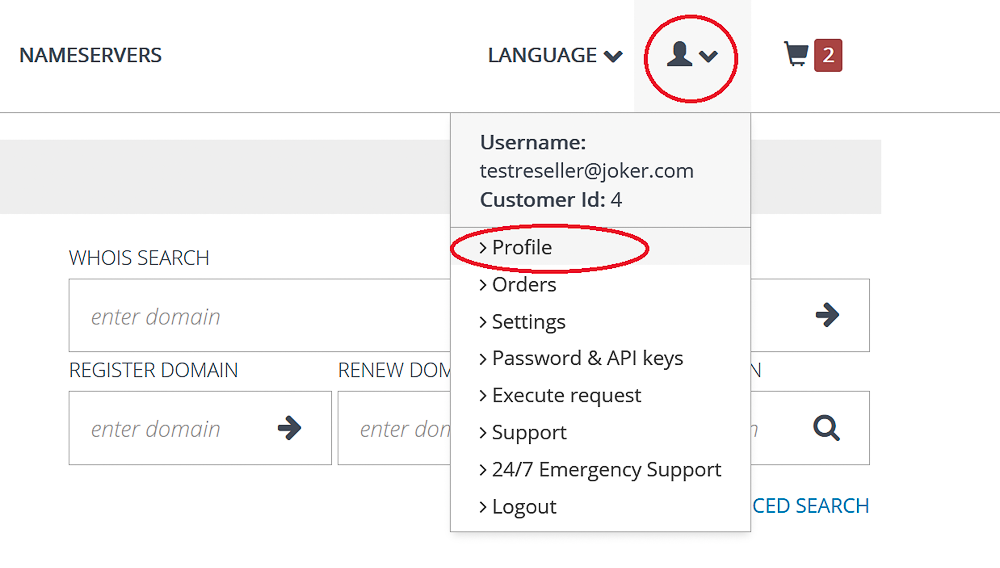
![](https://joker.com/faq/uploads/images/gallery/FAQ_media/New%20stuff/2025-02-1.png)

How can you use it? For example:

- Customize your **WHOIS signature**
- Set up **white label for notification emails**
- Define your **landing page for authorization forms**

**![](https://joker.com/faq/uploads/images/gallery/FAQ_media/New%20stuff/2025-02-2.png)**
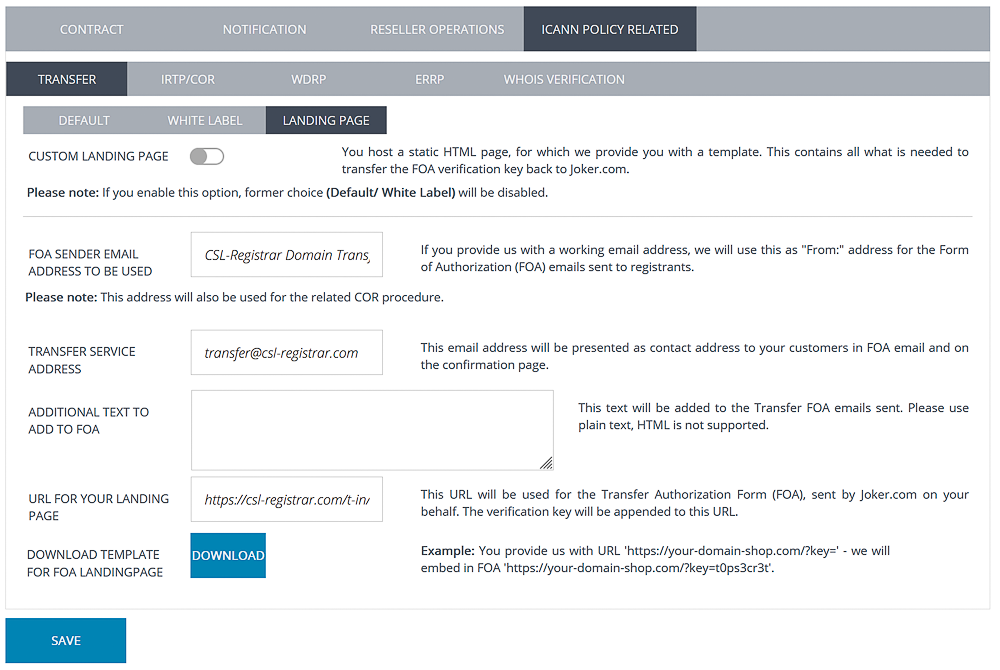
Take full control of your reseller identity and branding - all in one place. Log in to **rpanel.io** and explore the new feature today!

---


##### Smarter Order Management and Export

We’re excited to introduce a new addition to our Reseller's portal, **rpanel.io** that makes managing your orders easier than ever! You can find it under **Orders** in the user menu:
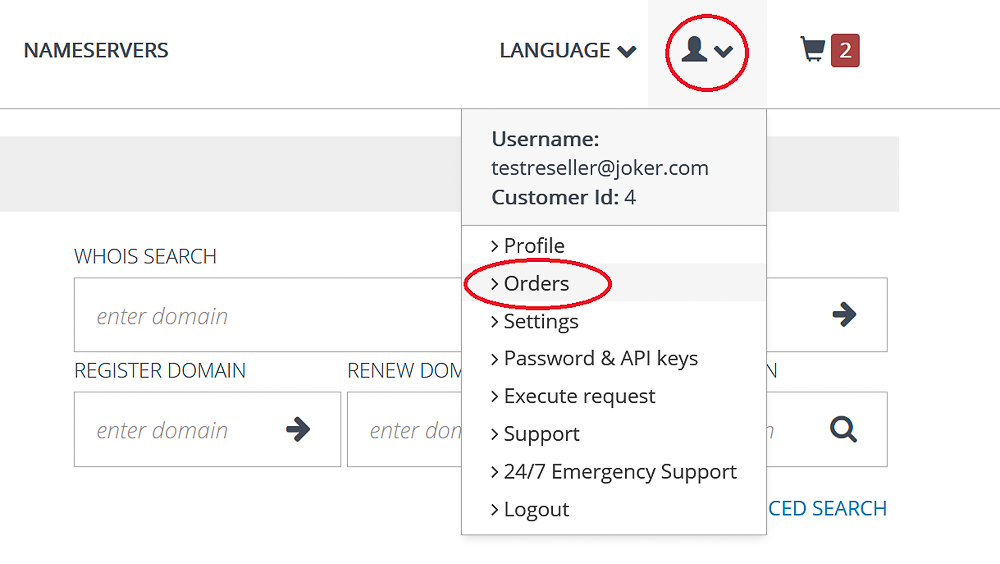
![](https://joker.com/faq/uploads/images/gallery/FAQ_media/New%20stuff/2025-02-3.png)

With this latest update, you can now view your orders **- both paid and payment-free transactions for the last three months** - at a glance. Effortlessly filter them any way you like and **download them as a CSV file** for seamless record-keeping and analysis:
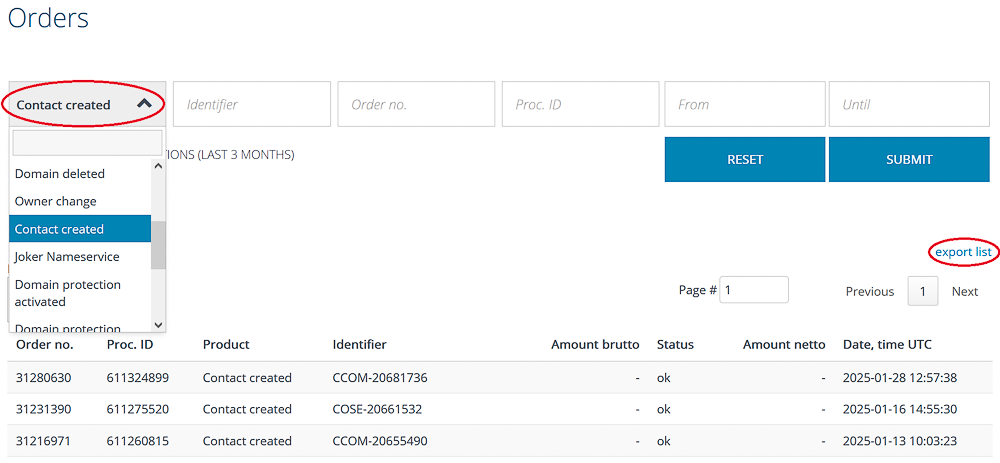
![](https://joker.com/faq/uploads/images/gallery/FAQ_media/New%20stuff/2025-02-4.png)

This enhancement gives you **more control, better visibility, and improved efficiency** in handling transactions. Whether you're tracking payments or organizing order details, rPanel.io now works even harder for you!

---

##### DMAPI Key Management

Managing your **DMAPI keys** just got a whole lot easier! You can access the API keys management section over the user menu:
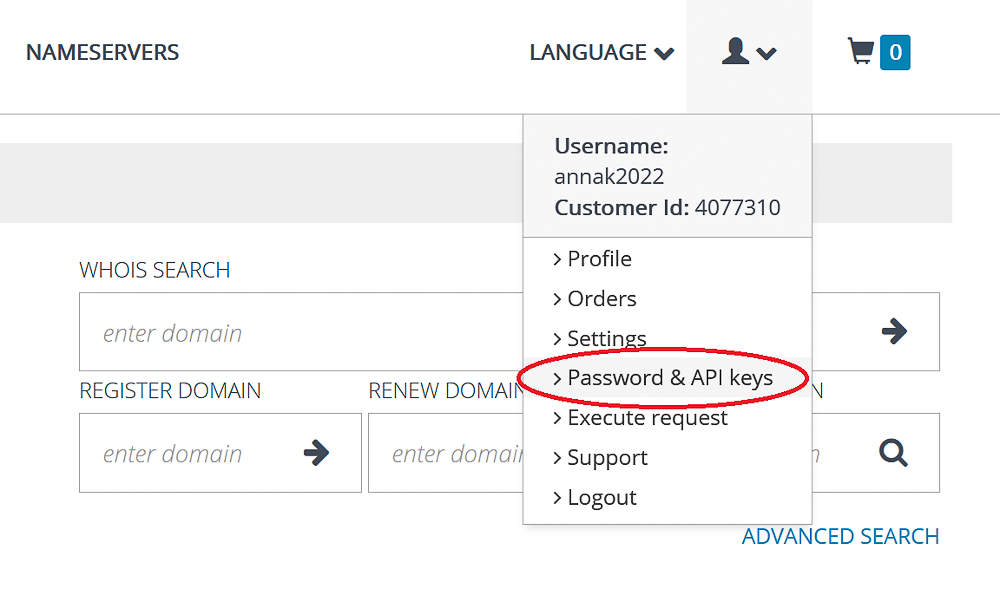
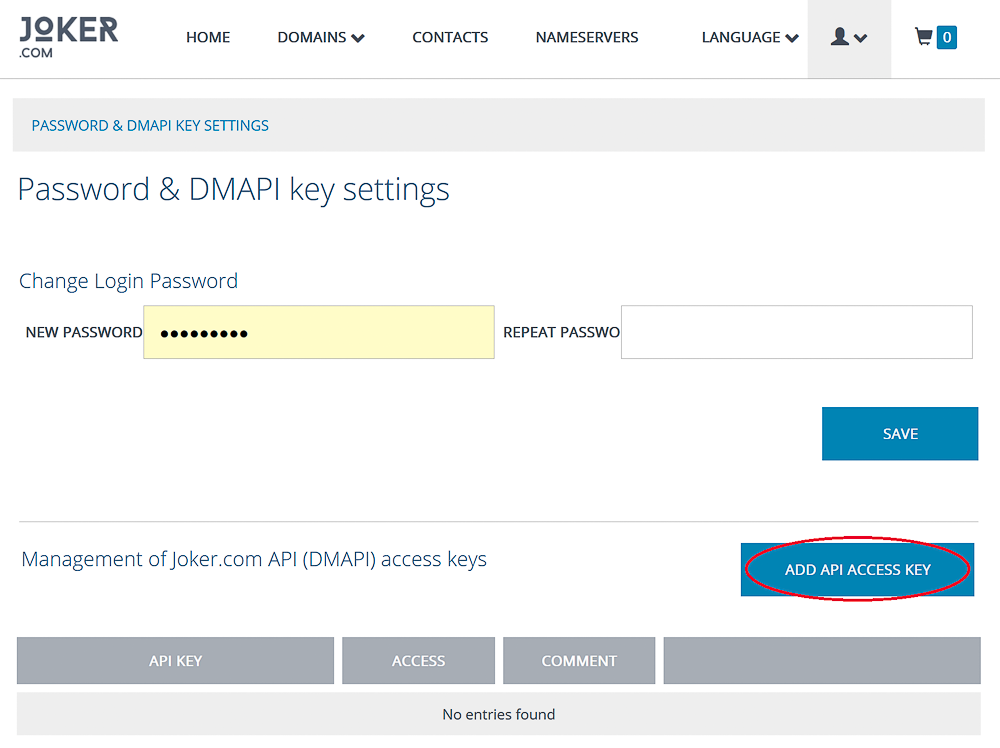
![](https://joker.com/faq/uploads/images/gallery/FAQ_media/New%20stuff/2025-02-5.png)

![](https://joker.com/faq/uploads/images/gallery/FAQ_media/New%20stuff/2025-02-6.png)

With our latest update, you can now **create, delete, and modify API keys** directly in **rpanel.io** - all with customizable access levels.
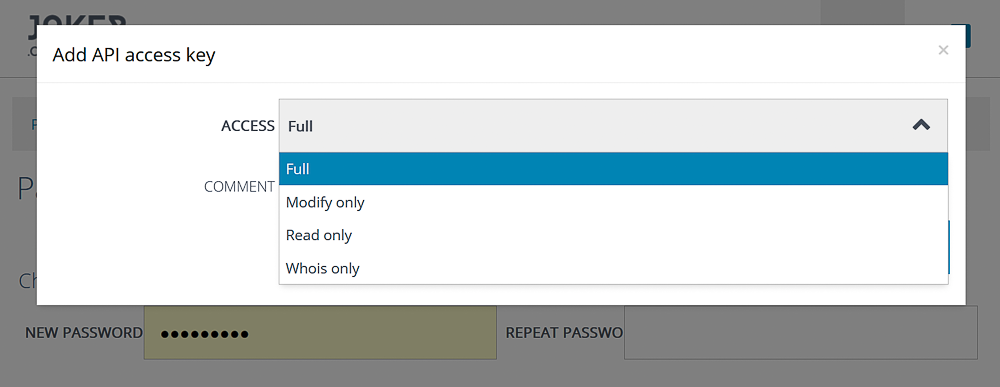
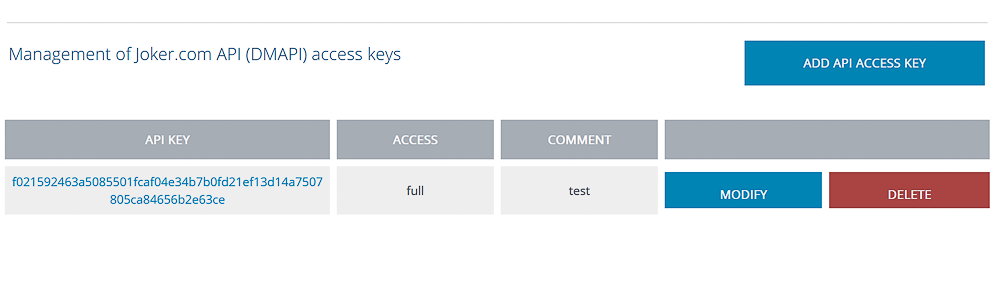
![](https://joker.com/faq/uploads/images/gallery/FAQ_media/New%20stuff/2025-02-7.png)

![](https://joker.com/faq/uploads/images/gallery/FAQ_media/New%20stuff/2025-02-8.png)

Whether you need full control or limited permissions, this new feature gives you the flexibility to manage your API keys securely and efficiently.

# Rpanel.io Update: Enhanced Dashboard Features

We’ve made some exciting improvements to the Rpanel.io dashboard to make the **promotions overview** easier to navigate:
![](https://joker.com/faq/uploads/images/gallery/FAQ_media/New%20stuff/2025-09-1.png)

- **TLD List Upgrade** – Now displays both regular and promotional prices
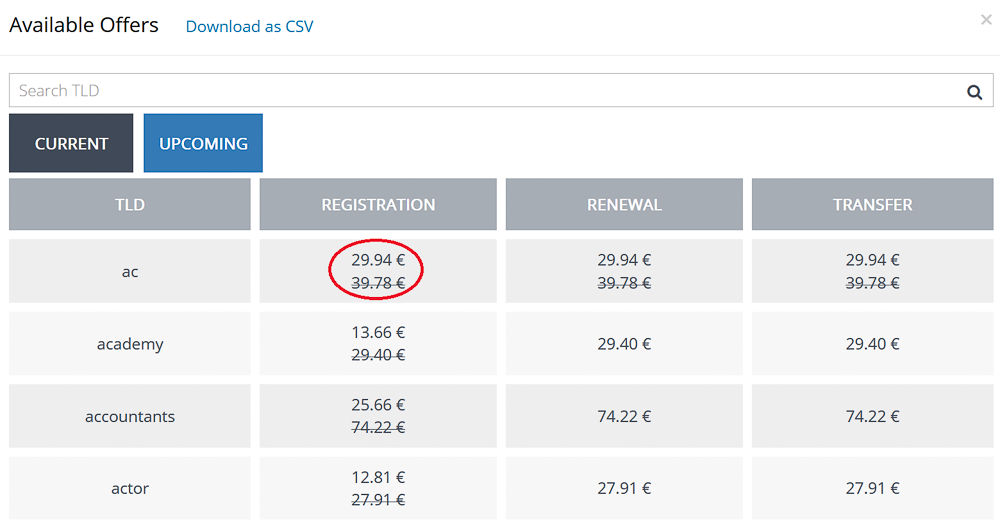
![](https://joker.com/faq/uploads/images/gallery/FAQ_media/New%20stuff/2025-09-2.png)

- **Promos Section Fixes** – Smoother navigation with paging, plus new search and download options.
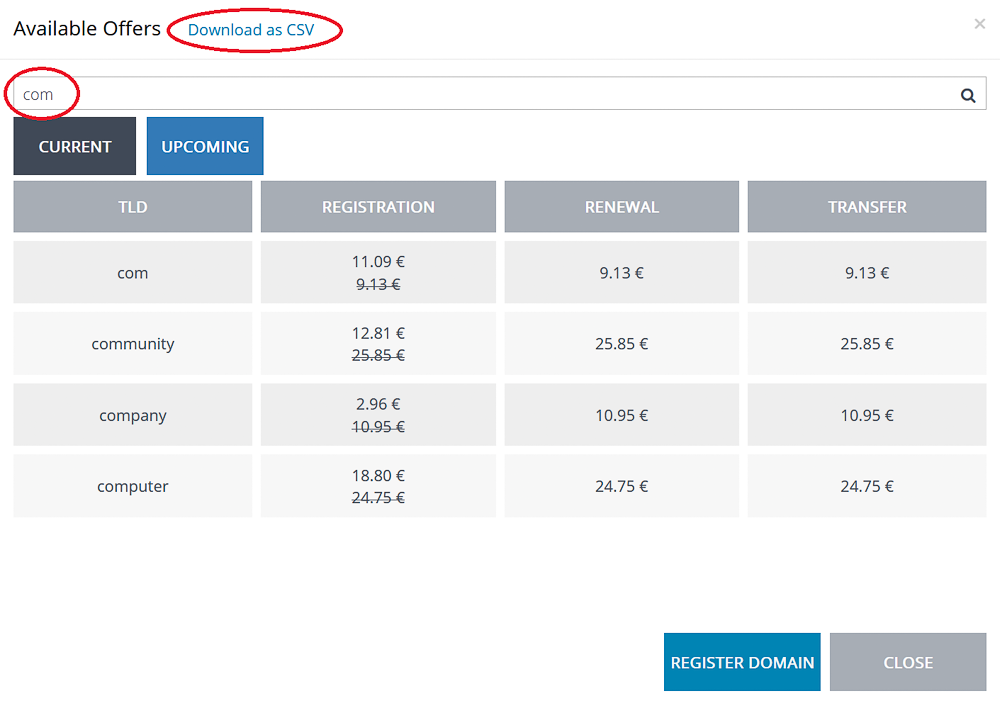
![](https://joker.com/faq/uploads/images/gallery/FAQ_media/New%20stuff/2025-09-3.png)

![](https://joker.com/faq/uploads/images/gallery/FAQ_media/New%20stuff/2025-09-4.png)

- **Upcoming Promos** – Easily filter upcoming promotions and download them in just a click.
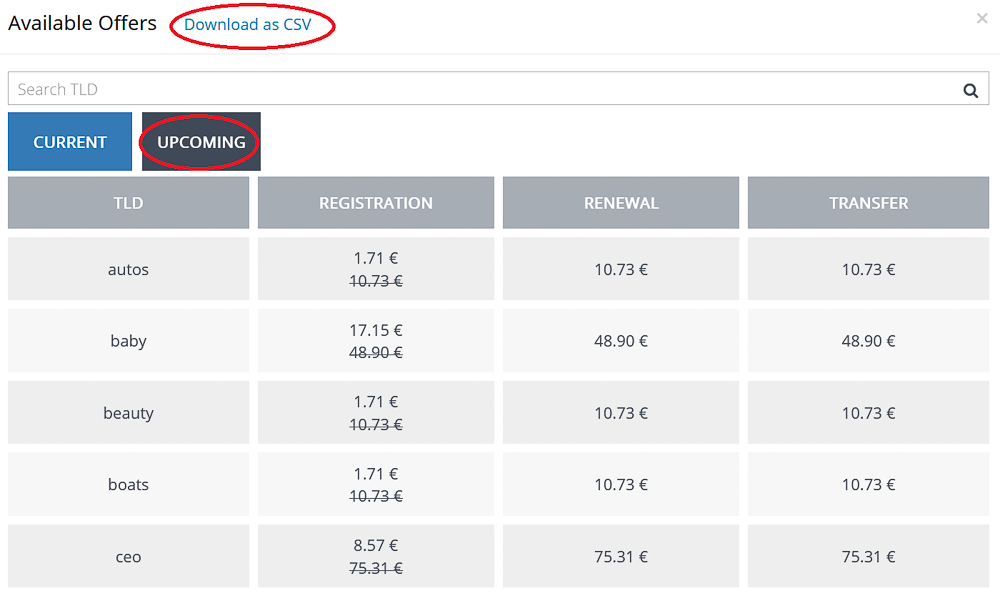
![](https://joker.com/faq/uploads/images/gallery/FAQ_media/New%20stuff/2025-09-5.png)

These updates are designed to give you more transparency, flexibility, and a convenient overview of the current and upcoming promotions.

#### DMAPI Update: Promo Requests

**DMAPI** now supports **retrieving current and upcoming promotions**. For full details on usage, please see our [FAQ](https://joker.com/faq/books/reseller-documentation-en/page/other-requests#bkmrk-query-promos-list)

# Rpanel.io Update: Order List and Transfer Overview

#### Enhanced Order List

We’ve made improvements to the **order list** to make your workflow smoother:

- Filter orders by **status** and/or **cost -** free or paid operations
- Export your **filtered list as CSV** for easy reporting and analysis
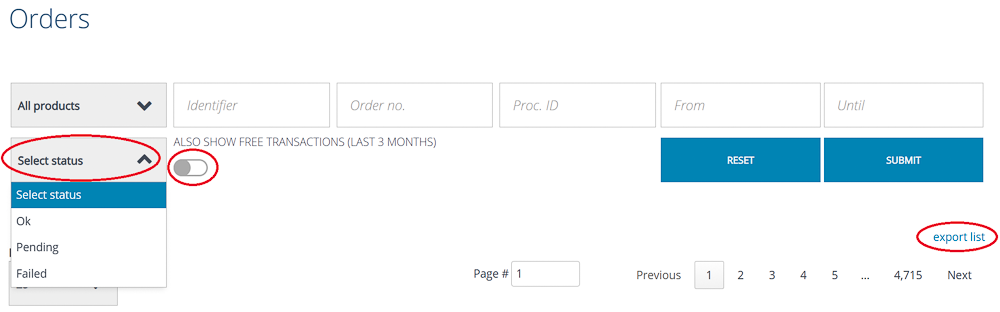
![](https://joker.com/faq/uploads/images/gallery/FAQ_media/New%20stuff/2025-10-1.png)

This may be a small addition, but it brings a big boost to **usability and efficiency**, helping you quickly find what you need and work more effectively.

#### Track Every Move: New Domain Transfer Overview in Rpanel.io

Managing domain transfers just got a whole lot clearer. With the new **enhanced transfer overview**, you can now:

- See **exact dates** for transfers, both in the on-screen list and in CSV exports
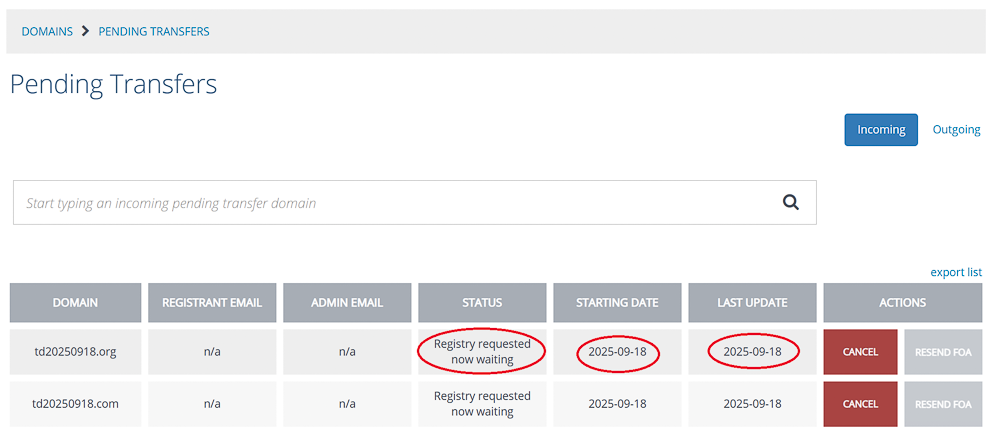
![](https://joker.com/faq/uploads/images/gallery/FAQ_media/New%20stuff/2025-10-2.png)

- Get a full picture with an **overview of outgoing transfers** in addition to incoming ones
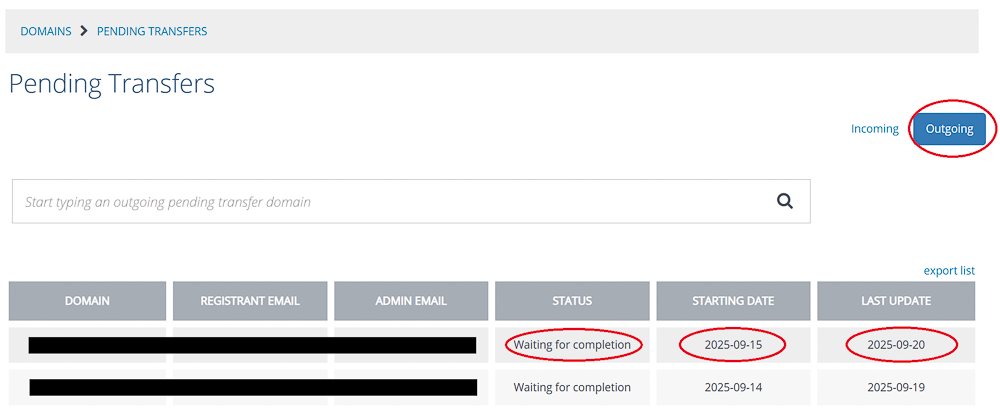
![](https://joker.com/faq/uploads/images/gallery/FAQ_media/New%20stuff/2025-10-3.png)

This upgrade gives you **complete visibility into your transfer activity**, making it easier than ever to track, report, and stay in control of your domains.

# New Feature: Virtual Zones

**Virtual Zones** provide enhanced flexibility and control by allowing you to create and manage DNS zones even if a domain is not yet using Joker.com’s nameservice.

With Virtual Zones, you can:

- **Prepare DNS records in advance** before switching nameservers, ensuring a smooth and uninterrupted transition.
- **Set up DNS while a domain transfer is still in progress**, so the configuration is ready the moment the transfer completes.
- **Activate Joker.com nameservers instantly** once your zone is fully configured - without any downtime.

This feature significantly simplifies and streamlines the process of migrating DNS to Joker.com, making transitions more reliable and secure.


#### Create Virtual Zone at Rpanel.io

In Domain Overview, click "Prepare DNS":
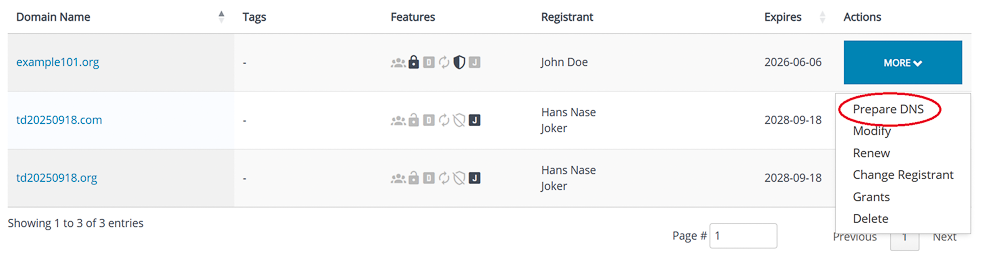
![](https://joker.com/faq/uploads/images/gallery/FAQ_media/New%20stuff/2025-11-4.png)

The DNS editor indicates Virtual Zone mode with an additional header:
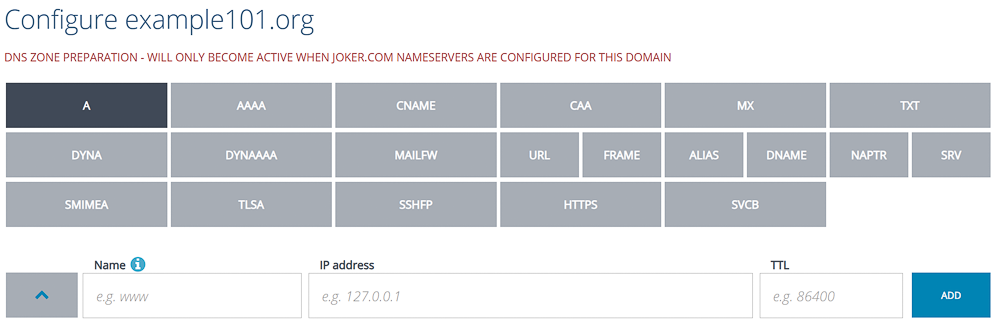
![](https://joker.com/faq/uploads/images/gallery/FAQ_media/New%20stuff/2025-11-5.png)

Add your records, click "Save":

![](https://joker.com/faq/uploads/images/gallery/FAQ_media/New%20stuff/2025-11-6.png)

The zone is now prepared and will automatically become active as soon as you switch to the nameservers of Joker.com.

If you prepared the zone before the transfer, it will remain editable even if the transfer is already in process.

<p class="callout info">Please note: Preparation of zones of domains which do have DNSSEC enabled is **not supported**. DNSSEC has to be temporarily switched off, before a zone can be prepared.</p>

Please find [HERE](https://joker.com/faq/books/jokercom-faq-en/page/new-feature-virtual-zones) how to create virtual zones at Joker.com

# RPanel: New Unified Domain Search

We’ve upgraded RPanel’s search functionality to make finding domains faster and more flexible than ever.
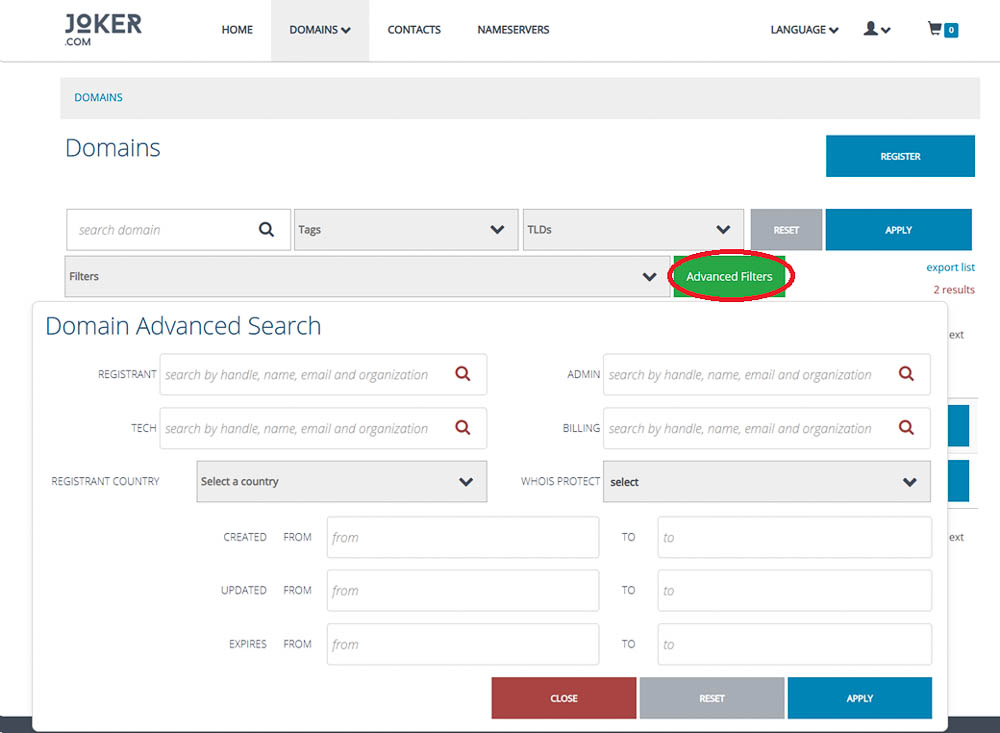
![](https://joker.com/faq/uploads/images/gallery/FAQ_media/New%20stuff/2026-02-1.jpg)

**What’s new:**

- **Unified search:** Standard and advanced search criteria now work together seamlessly, so you can combine multiple filters in a single query.
- **Improved advanced search:** Advanced criteria are now integrated with standard search, clearly showing which filters are active. You’ll also see the number of active filters.
- **Powerful queries:** Easily search for complex conditions, like domains where the registrant contains *‘John’* and the *‘domain problem’* flag is active, for example, suspended domains.
- **Comprehensive contact search:** All contact attributes can now be used in searches, giving you complete control over filtering by registrant, admin, or technical contacts.

**Why it matters:**  
These improvements save time, reduce errors, and facilitate easier management of large portfolios. Whether you’re troubleshooting, analysing domains, or supporting clients, RPanel now gives you the full picture - faster and more efficiently.

# Rpanel.io: Improvements in the Domain Overview

We’ve upgraded the Rpanel.io domain overview to make managing large domain portfolios faster, clearer, and more intuitive. The improved interface now includes a richer set of filters, allowing you to pinpoint exactly the domains you need to review or update.

#### New and Enhanced Filters
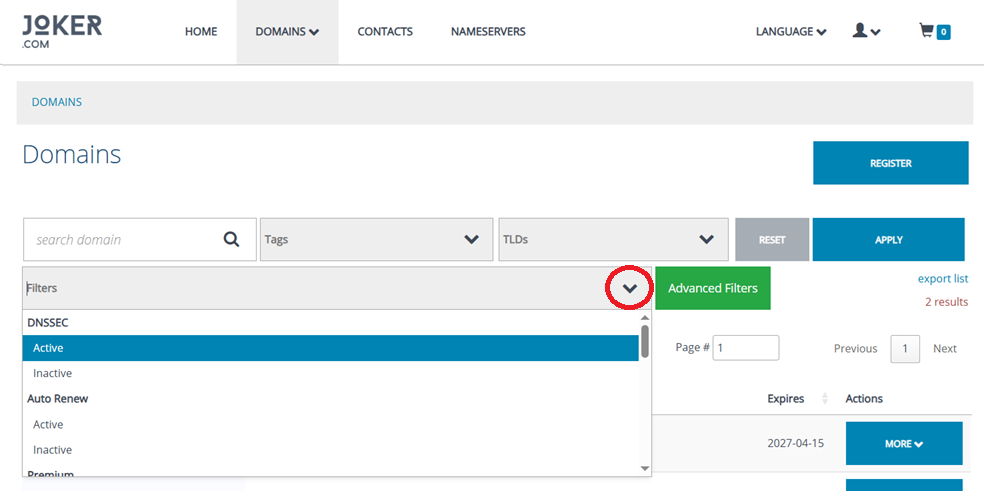
![](https://joker.com/faq/uploads/images/gallery/FAQ_media/New%20stuff/2026-03-1.png)

You can now filter domains by:

- **DNSSEC Status** – See whether DNSSEC is *active* or *inactive* at a glance.
- **Auto-Renew Status** – Quickly find domains with auto-renew turned *on* or *off*.
- **Premium Domain Flag** – Filter *premium* vs. *non-premium* domains easily.
- **Domain Problems** – Identify domains requiring attention, such as *suspended*, *invalid address*, or *unverified* status.
- **Expiration Status** – Instantly view which domains are *expired* or still active.
- **Redemption Grace Period (RGP)** – Check whether domains are currently in *RGP*.
- **Joker Nameservers Usage** – Find domains using or not using *Joker.com default nameservers*.
- **Domain Lock** – Filter by *locked* or *unlocked* domains for easier transfer preparations.
- **Privacy Protection** – Sort domains based on whether *WHOIS privacy* is enabled or disabled.

These additions make it significantly easier to audit your portfolio, generate reports, and take bulk actions with precision.

# RPanel Update: Enhanced Registrant Verification Tools

We’re excited to introduce a new improvement to the **Registrant Verification** section in rpanel.io - designed to make verification management faster, clearer, and more efficient for our resellers.
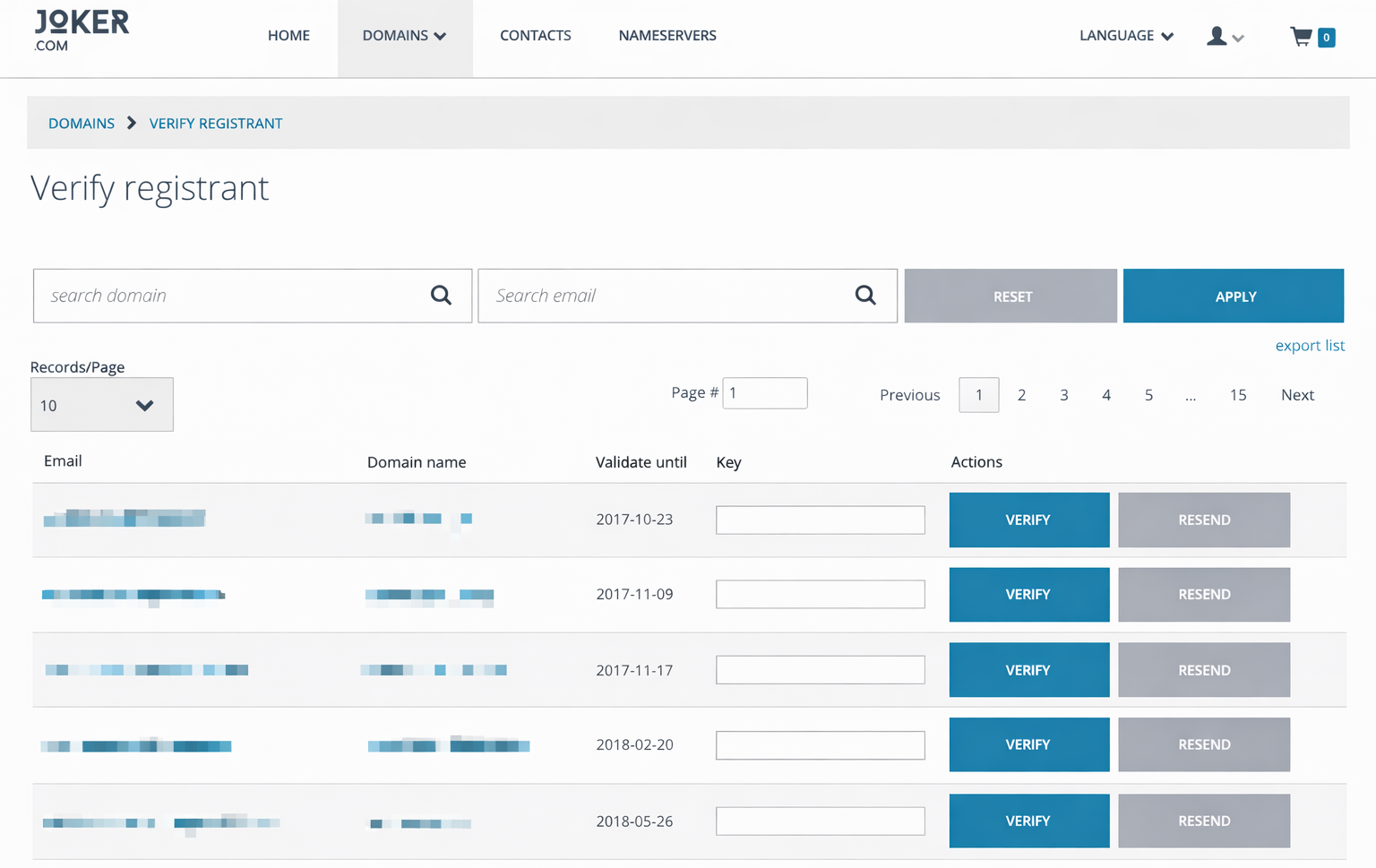
![](https://joker.com/faq/uploads/images/gallery/FAQ_media/New%20stuff/2026-04-1.png)

#### <span role="text">**What’s New?**</span>

You can now **search and filter** verification records directly by:

- Domain name
- Email address

This enhancement makes it significantly easier to identify specific verification tasks, especially for resellers managing a large volume of registrations. No more scrolling through long lists - simply enter the domain or email you’re looking for and get instant results.