**Important:** to access your newly created mailbox, you **have to set a password for it** using the mailbox configurator at Joker.com. The instructions can be found [here.](https://joker.com/faq/books/jokercom-faq-en/page/mailbox-management#bkmrk-changing-password)
--- ### Plugin Overview| **Responses** | [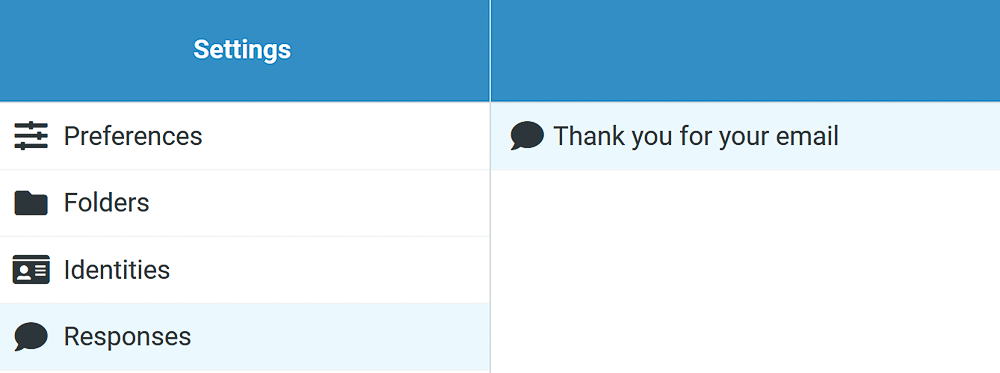](https://joker.com/faq/uploads/images/gallery/FAQ_media/Mailboxes/plugins-1.png) | Allows to save pre-written frequently used responses. |
| **Mailbox Quota** | [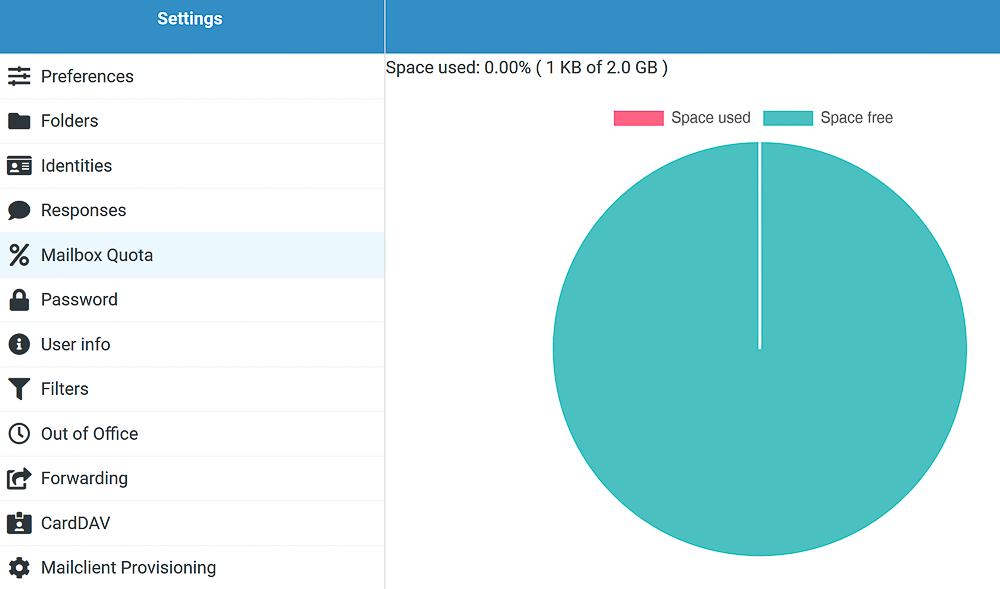](https://joker.com/faq/uploads/images/gallery/FAQ_media/Mailboxes/plugins-2.png) | A quick overview of free and used space according to your [subscription plan.](https://joker.com/faq/books/jokercom-faq-en/page/introduction-to-joker-mailboxes#bkmrk-subscription-plans-a) |
| **Password** | [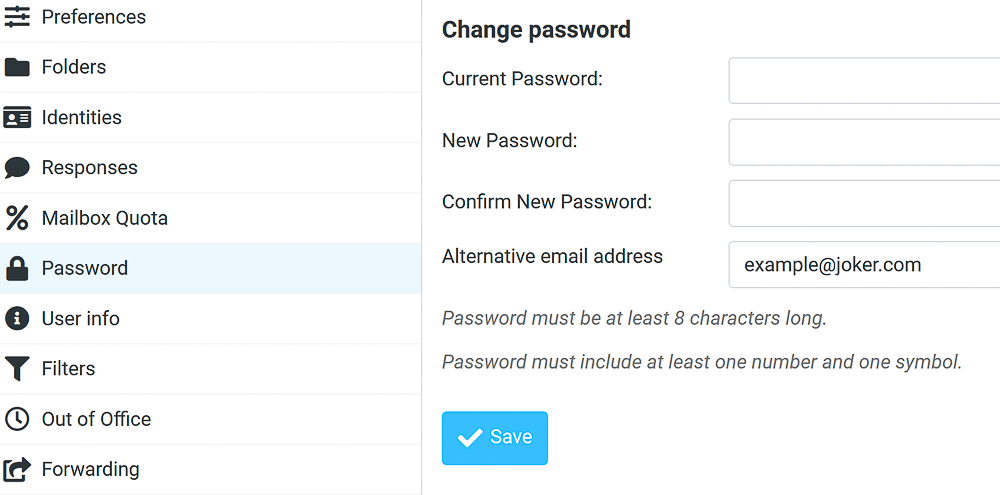](https://joker.com/faq/uploads/images/gallery/FAQ_media/Mailboxes/plugins-3.png) | Allows you to change the password for your mailbox and add an alternative email address. An **alternative email address** is essential for recovering access to your mailbox. To ensure you can always regain access quickly and securely, we highly recommend providing one if possible. |
| **Security** | [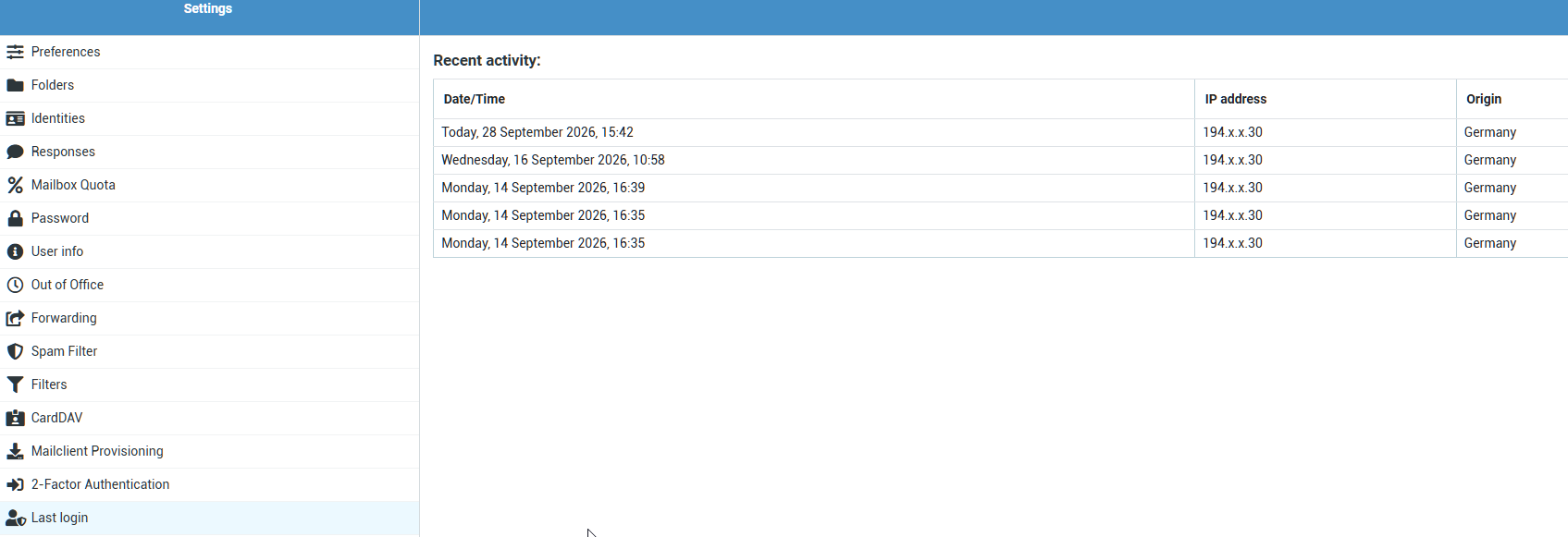](https://joker.com/faq/uploads/images/gallery/2026-09/TCaimage.png) | A list of recent logins to your account, with an approximate location. If you notice any suspicious logins, you should change your password immediately and enable two-factor authentication. |
| **User info** | [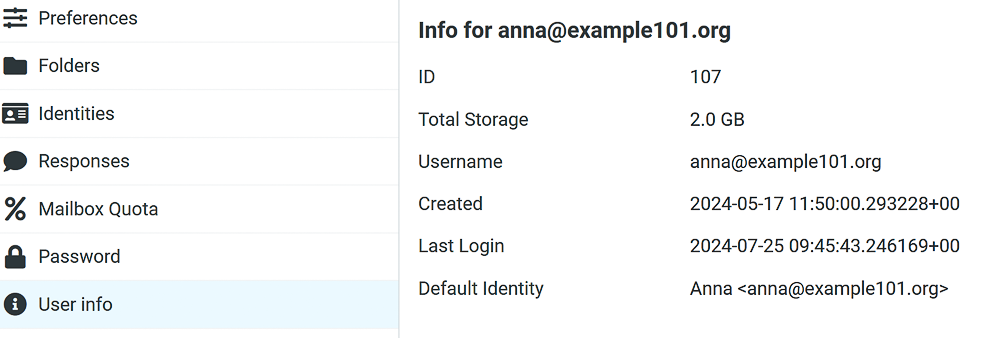](https://joker.com/faq/uploads/images/gallery/FAQ_media/Mailboxes/plugins-4.png) | Overview of user information including the allocated space for your mail according to your [subscription plan.](https://joker.com/faq/books/jokercom-faq-en/page/introduction-to-joker-mailboxes#bkmrk-subscription-plans-a) |
| **Out-of-Office (Vacation)** | [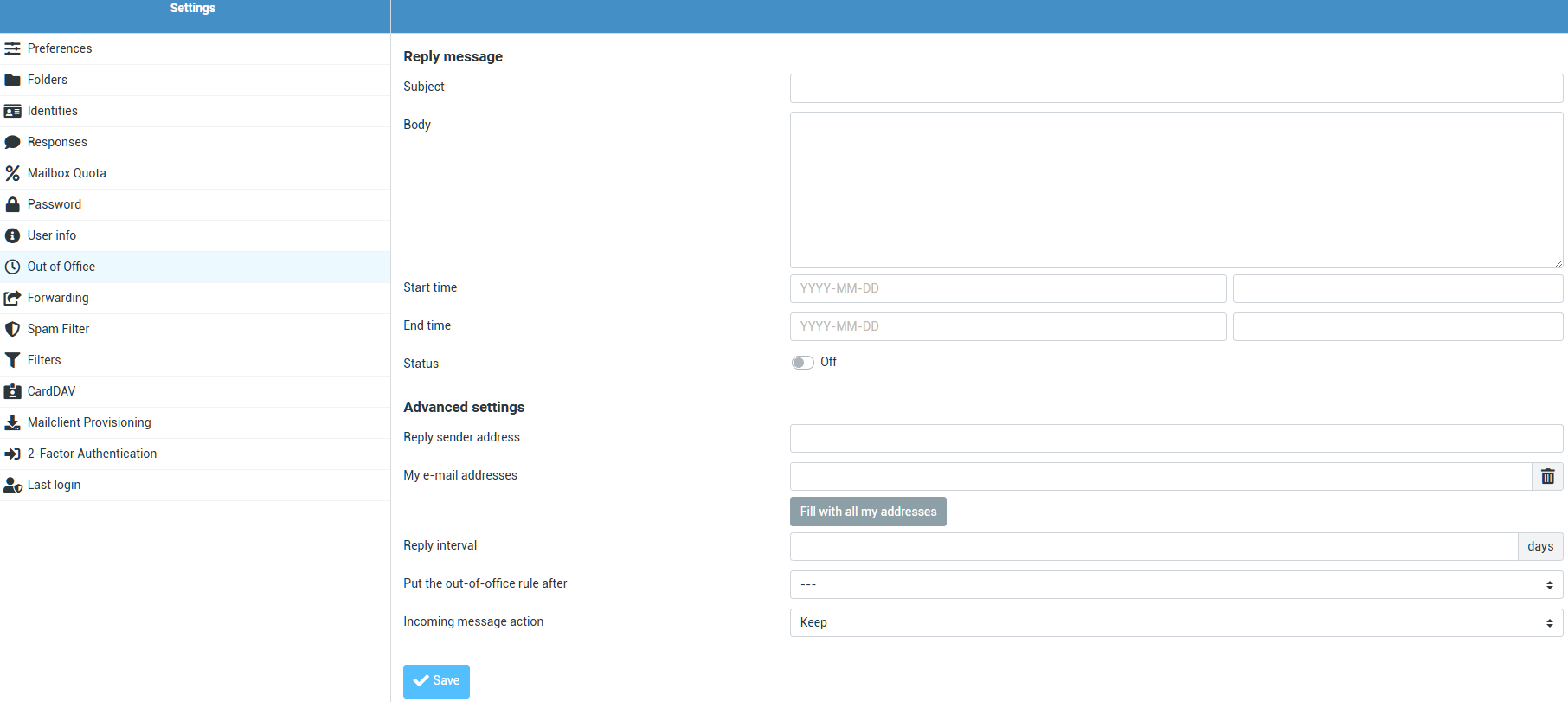](https://joker.com/faq/uploads/images/gallery/2026-08/image.png) | Allows to activate an auto-responder to inform senders about you being absent. |
| **Forwarding** | [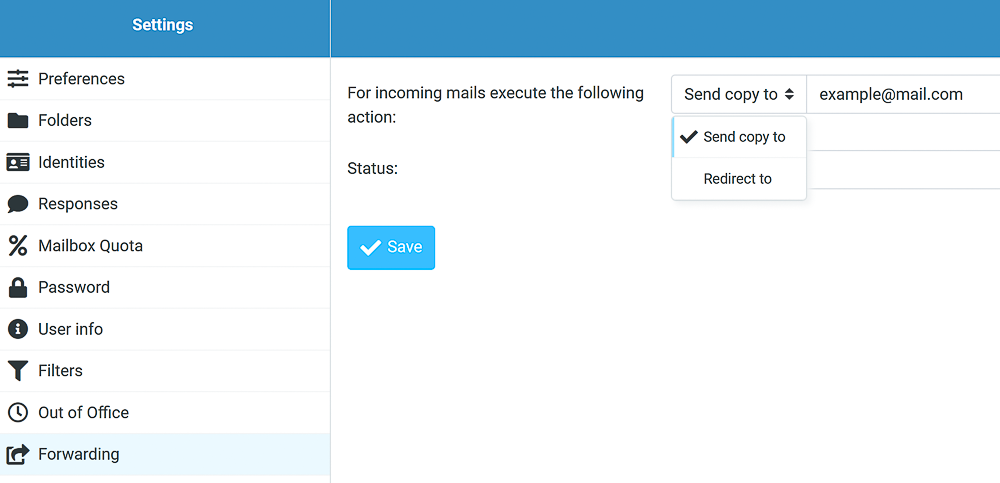](https://joker.com/faq/uploads/images/gallery/FAQ_media/Mailboxes/plugins-5.png) | Allows to send a copy or redirect the incoming emails to desired address. Can be enabled and disabled anytime. |
| **Spamfilter** | [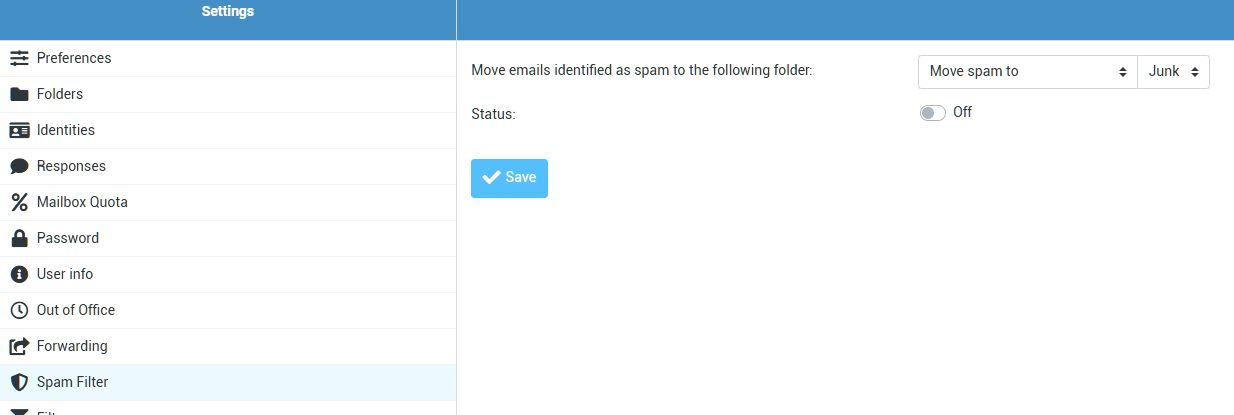](https://joker.com/faq/uploads/images/gallery/2026-08/m57image.png) | Our email systems always scan for spam content and flag emails if any is detected. To make use of this flagging, you can **enable** the filtering here. |
| **Filters** | [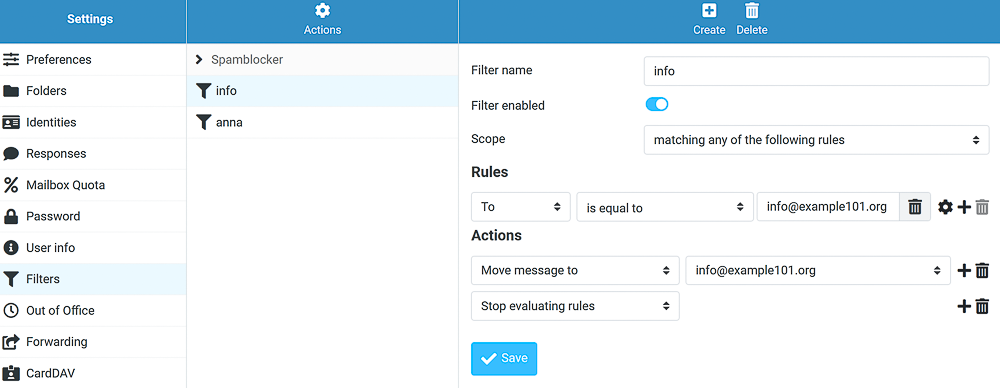](https://joker.com/faq/uploads/images/gallery/FAQ_media/Mailboxes/plugins-6.png) | Allows creating filters, managing rules and sorting incoming emails using **Sieve**. |
| **CardDAV** | [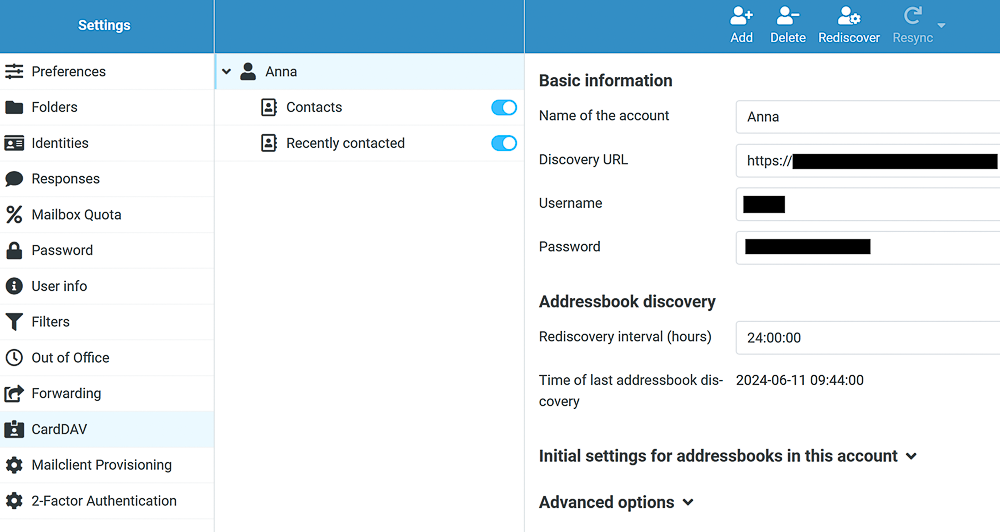](https://joker.com/faq/uploads/images/gallery/FAQ_media/Mailboxes/plugins-7.png) | This plugin allows you to keep your contact list up-to-date and synchronized across your mailboxes. Please find more information [on GitHub](https://github.com/christian-putzke/Roundcube-CardDAV). |
| **Mailclient** **Provisioning** | [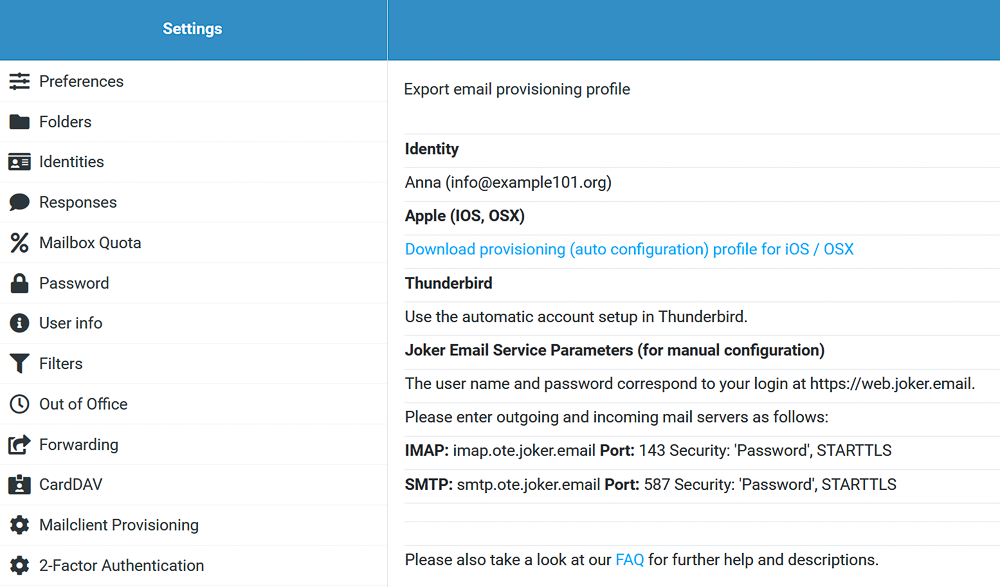](https://joker.com/faq/uploads/images/gallery/FAQ_media/Mailboxes/plugins-10.png) | Provides **automatic** configuration files and **manual** settings for using your Joker mail across different webmail clients like Thunderbird etc: **Username and password:** same as your login at [https://web.joker.email](https://web.joker.email). **IMAP:** imap.joker.email **Port:** 143 **Security:** 'Password', STARTTLS **SMTP:** smtp.joker.email **Port:** 587 **Security:** 'Password', STARTTLS |
| **Two FA** | [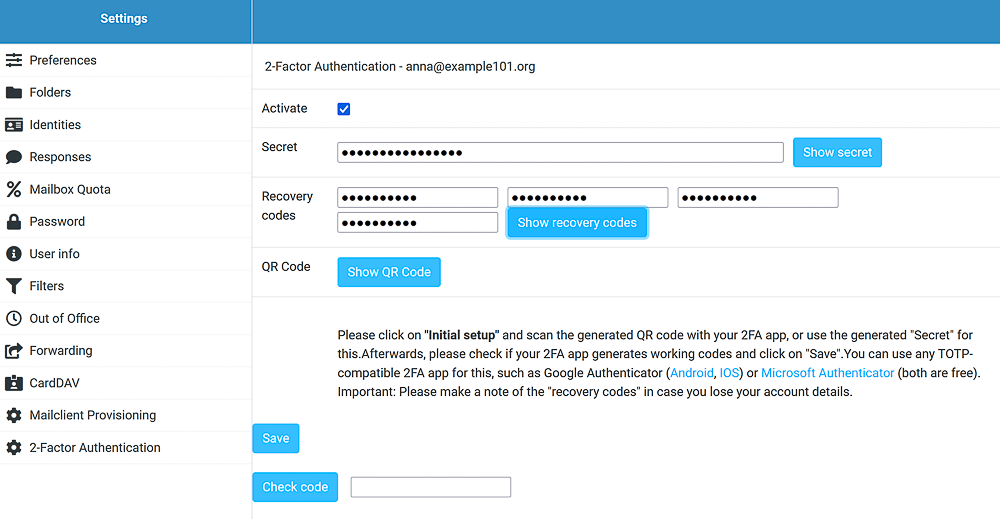](https://joker.com/faq/uploads/images/gallery/FAQ_media/Mailboxes/plugins-8.png) | This feature adds an extra layer of protection by requiring a six-digit security code, in addition to your password, whenever you log in to your mailbox. Here are the recommended apps: - [Google Authenticator ](https://support.google.com/accounts/answer/1066447?hl=en)(Android, iOS, Blackberry) - [Microsoft Authenticator](https://www.microsoft.com/de-de/account/authenticator) (Android, IOS) |
| **Layout** **preferences** | [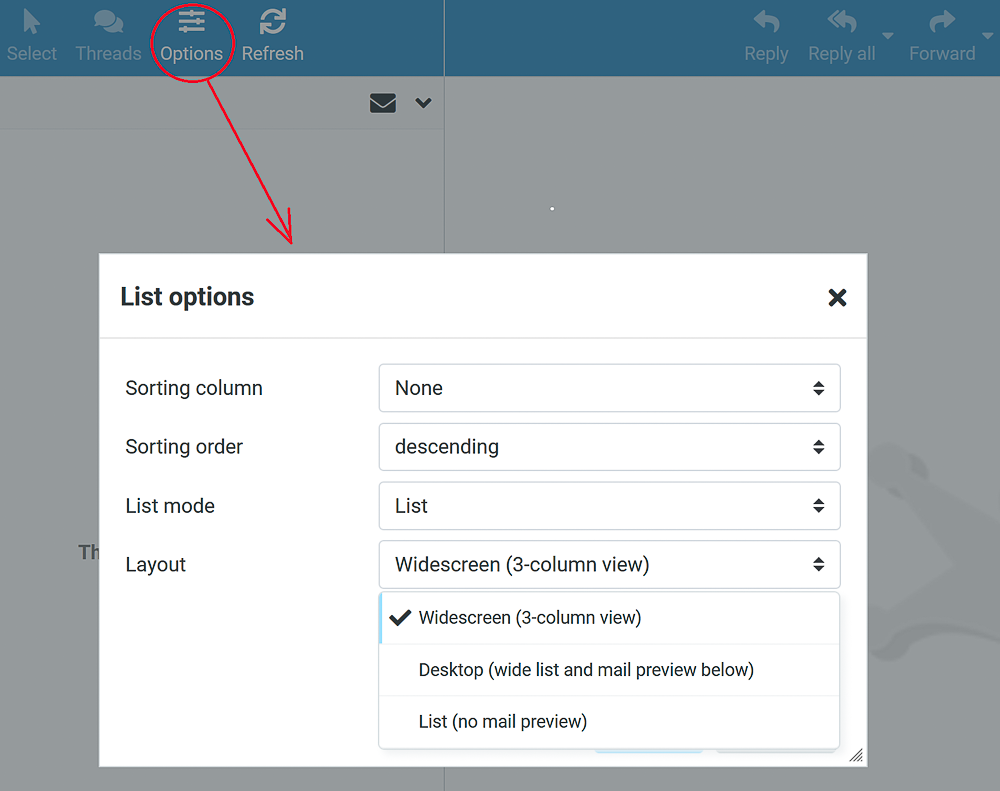](https://joker.com/faq/uploads/images/gallery/FAQ_media/Mailboxes/plugins-9.png) | Allows you to choose the desired appearance of your mailbox. |